


Coding Projects for Beginners: Overview
Learning code can be an exciting journey, but it can also feel overwhelming at times. One of the most effective ways to build your programming skills is through coding projects. Projects let you put learned concepts into practice, explore new technologies, and gain practical experience. If you are a beginner, starting with simple yet meaningful projects is the key to boosting your confidence and preparing you for more advanced challenges. In this guide, we will explore some top coding projects for beginners and offer tips on selecting the right projects to accelerate your learning.
Why Beginners Should Work on Coding Projects?
Coding projects for beginners are crucial because they:
- Enhance Practical Skills: Writing actual code for projects helps beginners understand how programming languages work in real scenarios. It connects theory with practical application.
- Boost Confidence: Completing projects, even small ones, gives beginners a sense of accomplishment and motivates them to tackle more complex challenges.
- Build a Portfolio: For aspiring tech professionals, a portfolio of completed projects can demonstrate your skills to potential employers or clients.
- Encourage Problem-Solving: Coding projects often involve debugging and figuring out solutions, which strengthens analytical thinking.
- Foster Creativity: Projects allow beginners to experiment and innovate, transforming abstract coding concepts into tangible outcomes.
Tips for Beginners Before Starting a Project
Before jumping into coding projects, beginners should keep a few tips in mind:
- Start Small: Choose projects that match your skill level. Simple projects help build confidence and understanding before moving to complex ones.
- Focus on Fundamentals: Projects should reinforce core concepts such as loops, conditional statements, functions, arrays, and object-oriented programming.
- Break Down the Problem: Divide a project into smaller tasks. For instance, if building a to-do list app, focus separately on creating tasks, marking them complete, and deleting them.
- Utilize Online Resources: Do not hesitate to refer to tutorials, documentation, or forums. Resources like Stack Overflow, GitHub, and freeCodeCamp can provide guidance.
- Document Your Work: Keep notes of what you learn. Writing comments in your code and documenting challenges and solutions will help you in future projects.
- Practice Regularly: Coding is a skill that improves with practice. Dedicate consistent time to working on projects, even if it is just small daily exercises.
Top Coding Projects for Beginners
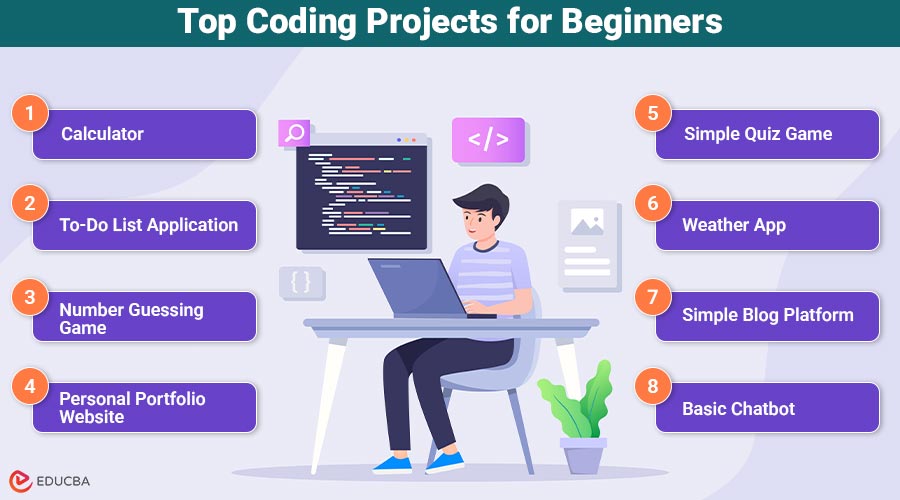
Here is a list of simple yet effective coding projects to get started:
1. Calculator
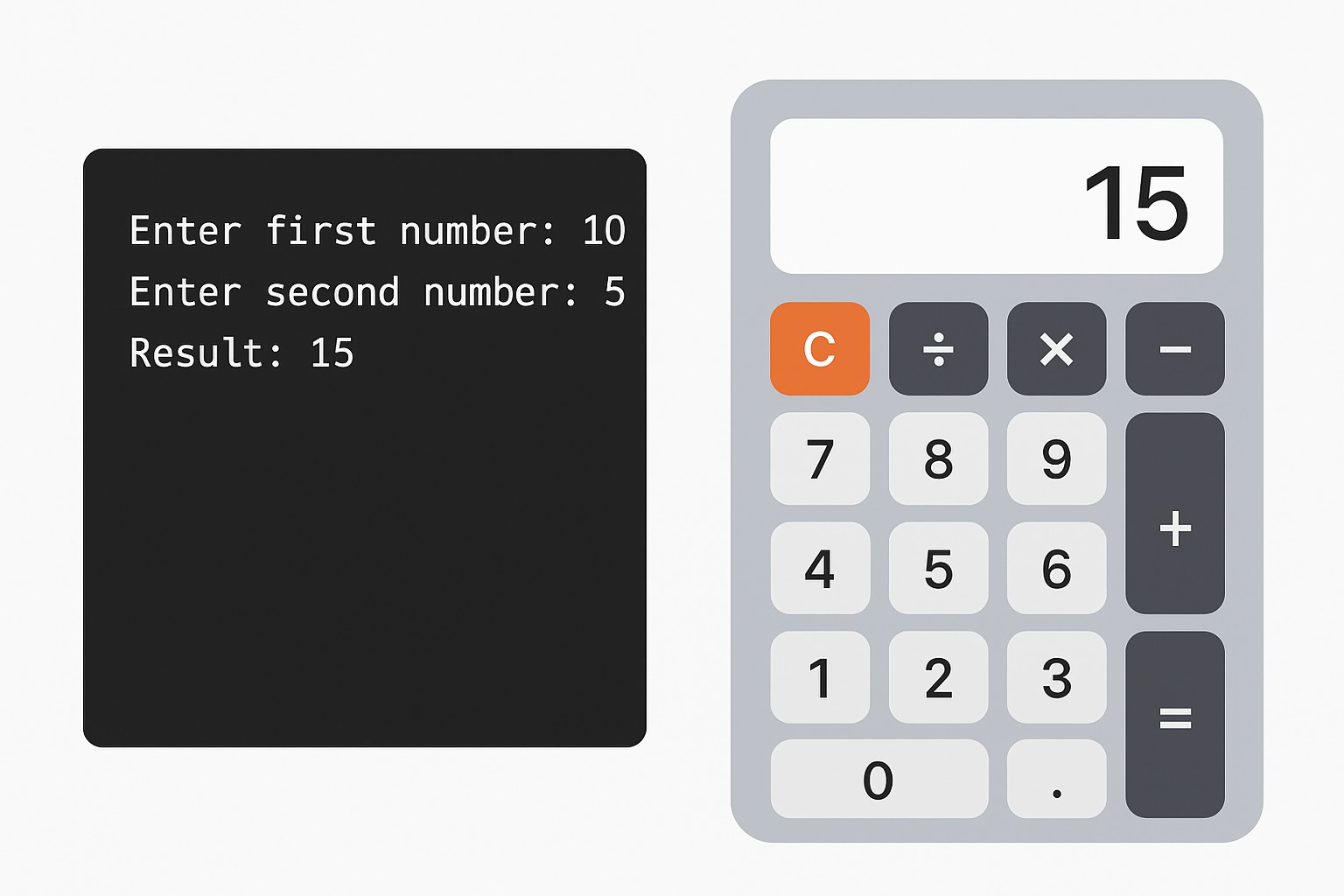
A basic calculator is a straightforward project that lets users perform arithmetic operations such as addition, subtraction, multiplication, and division.
Skills Learned:
- Understanding variables and data types
- Handling user input
- Implementing basic mathematical operations
- Conditional statements
Tools: Python, JavaScript, or Java
Tips: Start with a command-line version, then try creating a graphical interface using tools like Tkinter in Python or HTML/CSS with JavaScript.
2. To-Do List Application
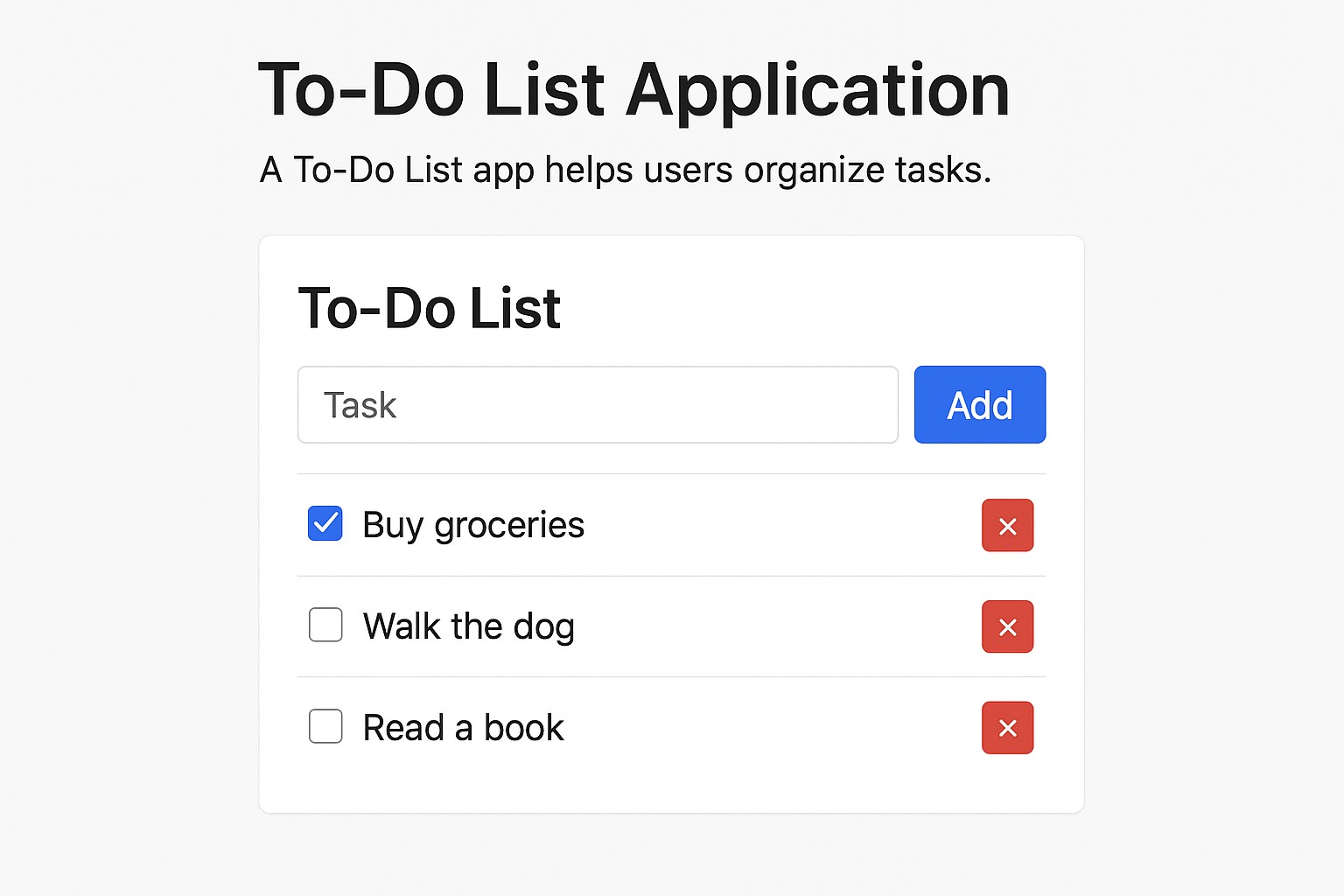
A To-Do List app helps users organize tasks. Beginners can create one that allows adding, deleting, and marking tasks as completed.
Skills Learned:
- Working with lists and arrays
- File handling to save tasks
- Basic user interface design
Tools: Python, JavaScript (with HTML/CSS), or React for web apps
Tips: Start with a simple console-based version, then move to a web-based version for practice with front-end technologies.
3. Number Guessing Game
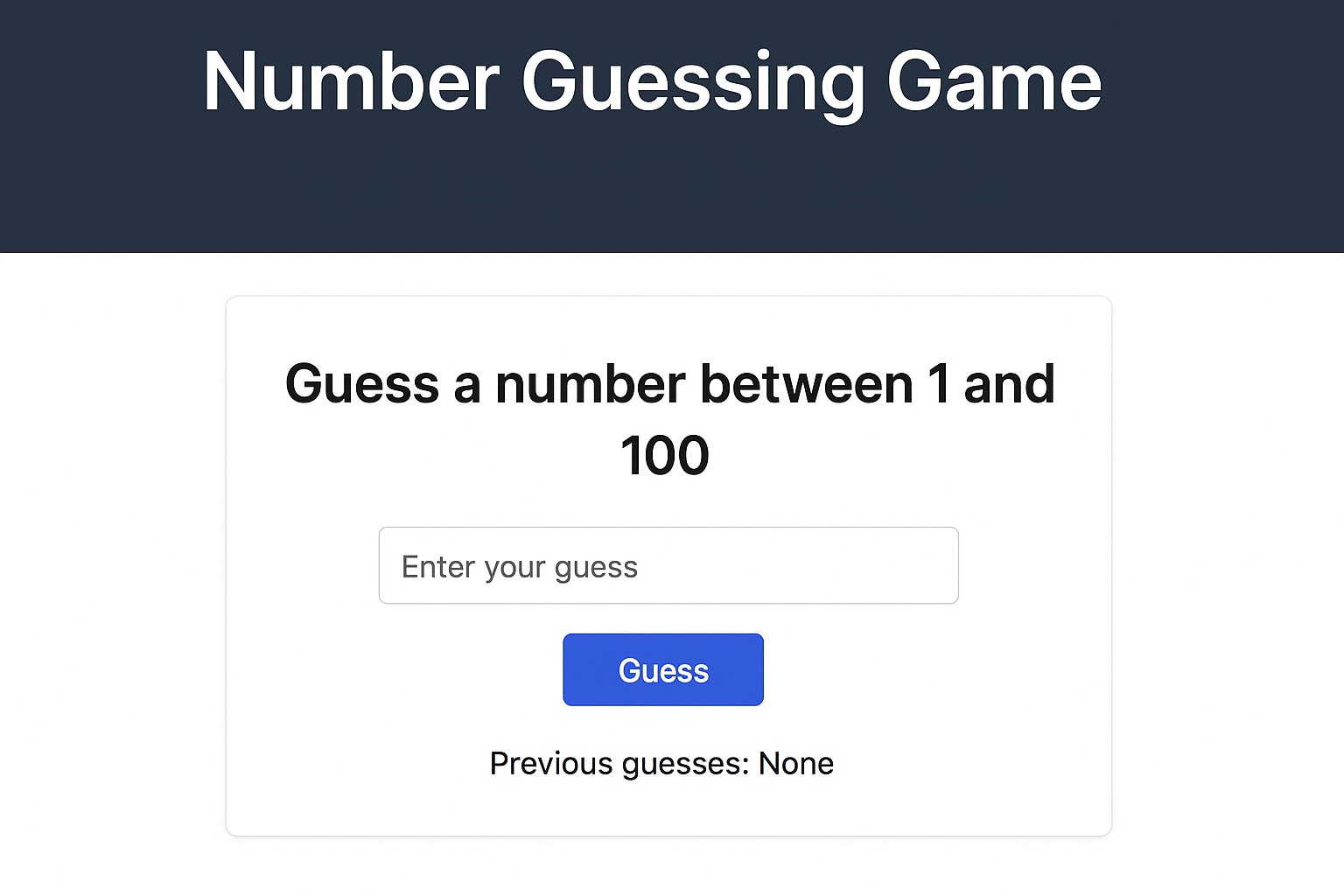
A simple game where the computer randomly selects a number, and the player tries to guess it. The program provides hints such as “too high” or “too low.”
Skills Learned:
- Generating random numbers
- Looping structures
- Conditional logic
- User input validation
Tools: Python, Java, or JavaScript
Tips: Add difficulty levels or limit the number of attempts to make it more interactive.
4. Personal Portfolio Website
A personal portfolio website showcases your skills, projects, and contact information. It is a great way to practice the basics of web development.
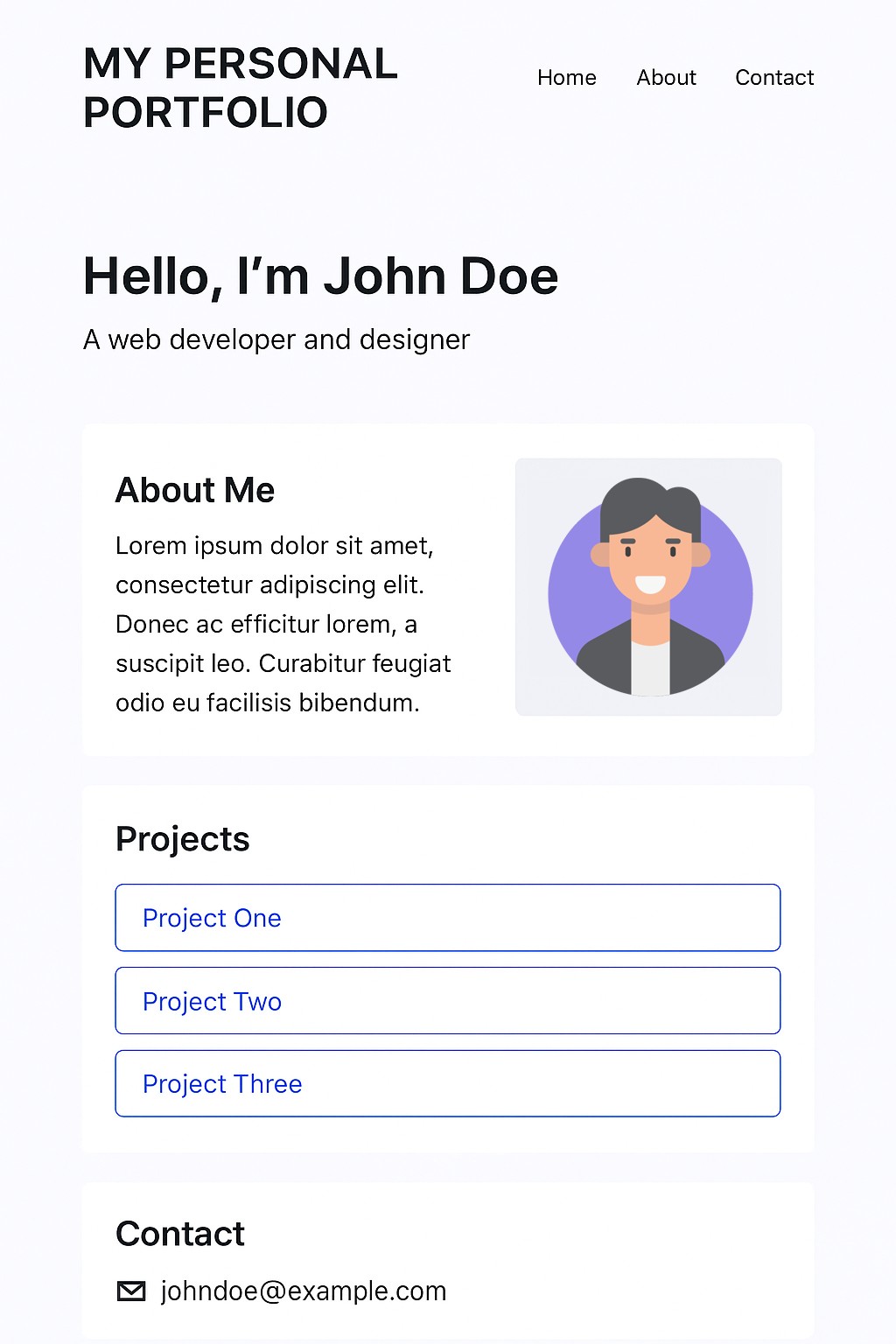
Skills Learned:
- HTML structure and tags
- CSS styling and layout
- Basic JavaScript interactivity
- Responsive design for mobile and desktop
Tools: HTML, CSS, JavaScript, GitHub Pages
Tips: Start simple with a single-page site, then add sections like project galleries or contact forms as you learn more.
5. Simple Quiz Game
Build a quiz game that presents multiple-choice questions and displays the score at the end. This project combines logic with user interaction.
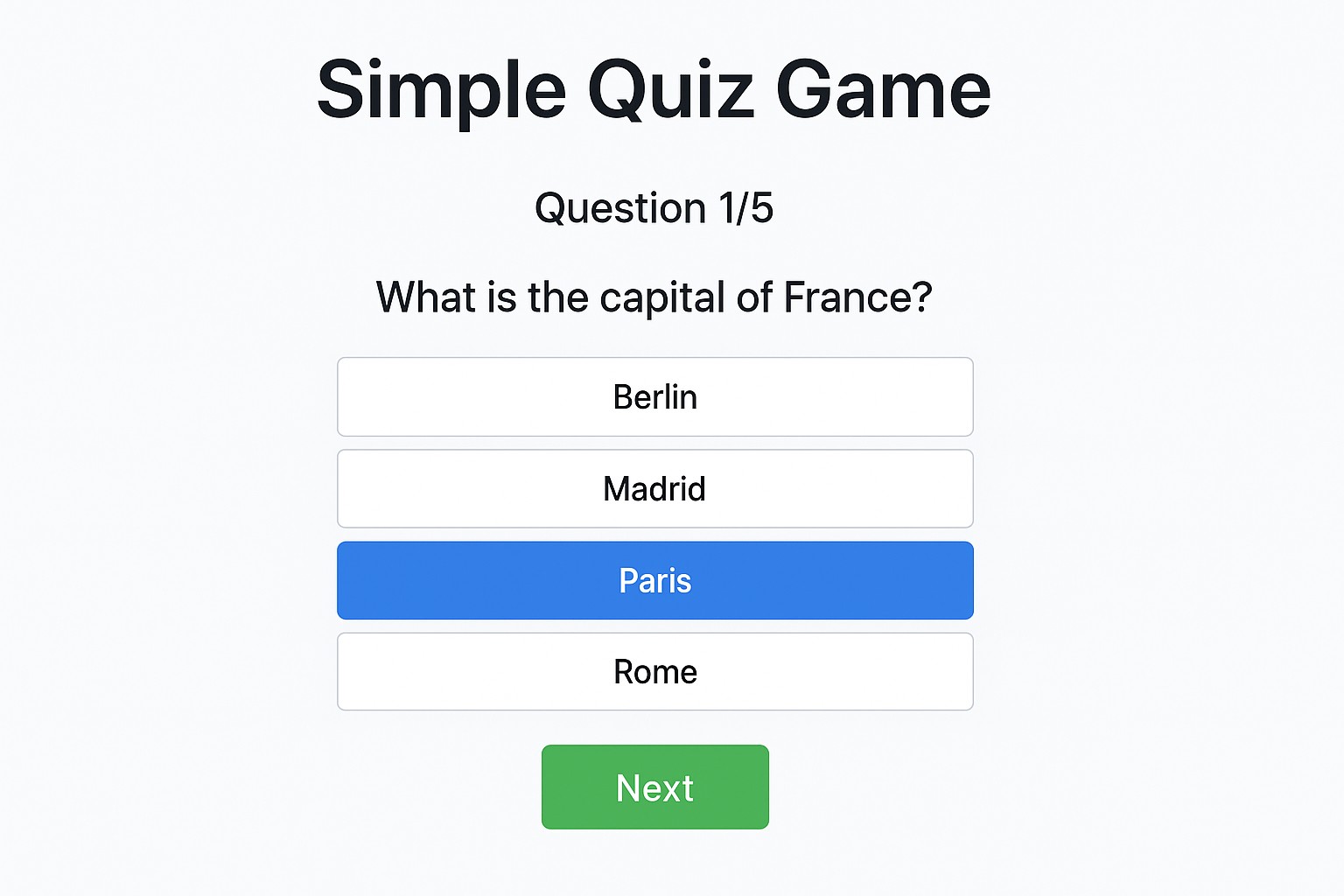
Skills Learned:
- Arrays or objects to store questions and answers
- Loops and conditional statements
- Score calculation and feedback display
- Functions for code modularity
Tools: Python, JavaScript, or Java
Tips: Add a timer or randomize questions to make it more challenging.
6. Weather App
A weather app allows users to get current weather updates for their location or any city. This project introduces beginners to APIs.
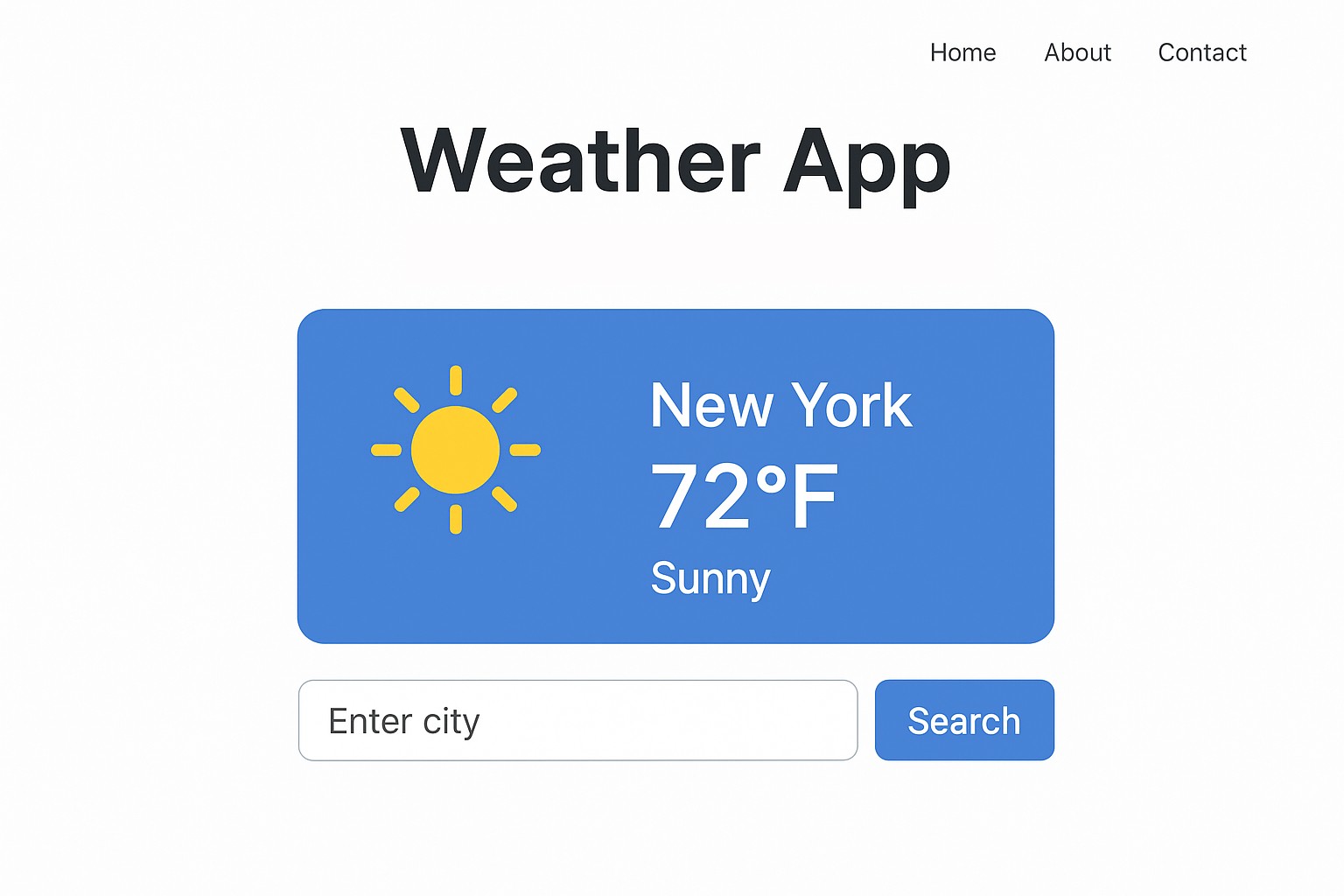
Skills Learned:
- Fetching data from external APIs
- JSON parsing
- DOM manipulation for displaying results
- Handling user input
Tools: JavaScript with HTML/CSS or Python with Tkinter
Tips: Start with a free weather API, such as OpenWeatherMap, and display basic information, like temperature and conditions.
7. Simple Blog Platform
A beginner-friendly blogging platform allows users to write and view posts.
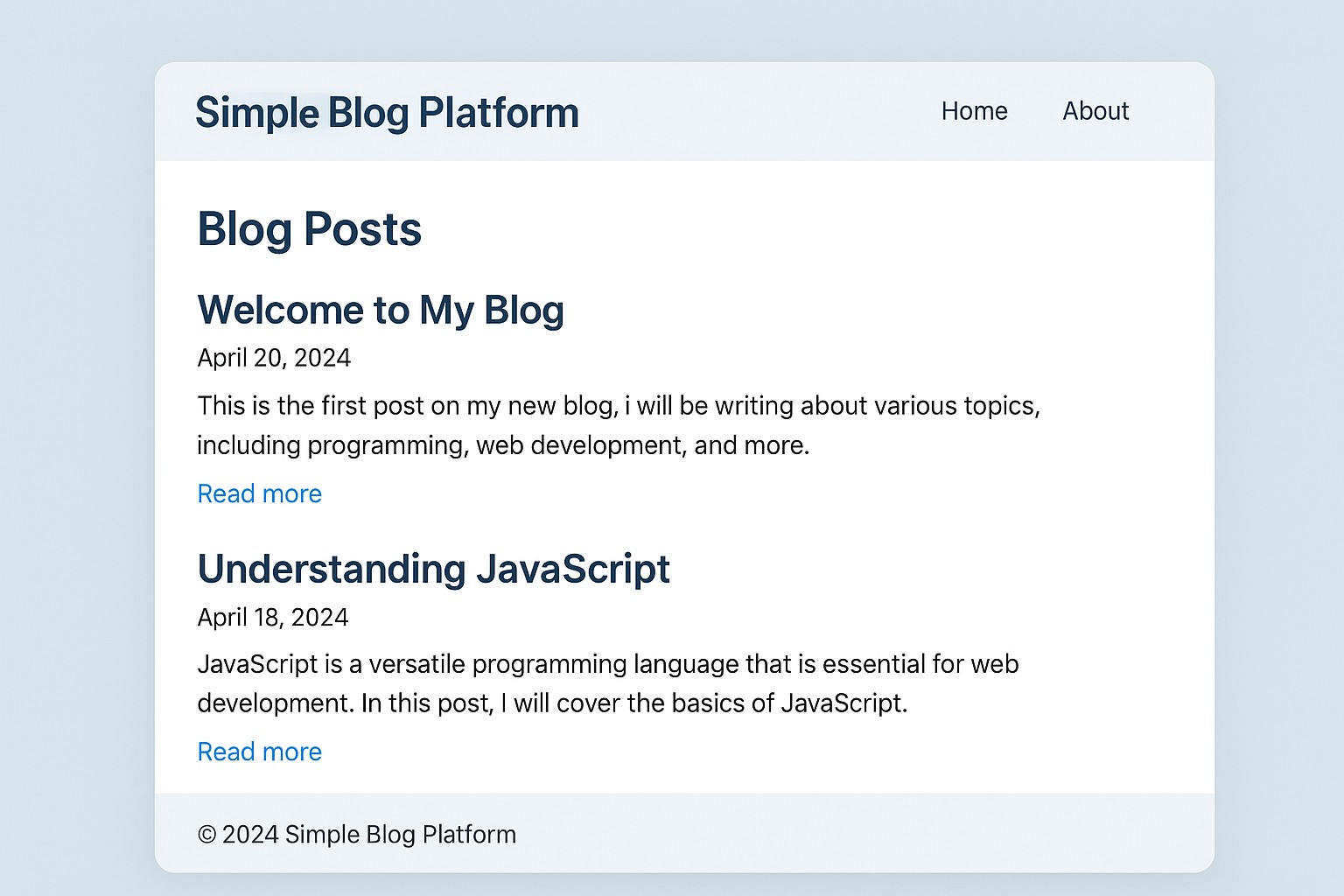
Skills Learned:
- CRUD operations (Create, Read, Update, Delete)
- Storing data in files or a simple database
- Front-end and back-end integration
- User input handling
Tools: Python (Flask or Django), JavaScript (Node.js), HTML/CSS
Tips: Start with local storage before integrating a database.
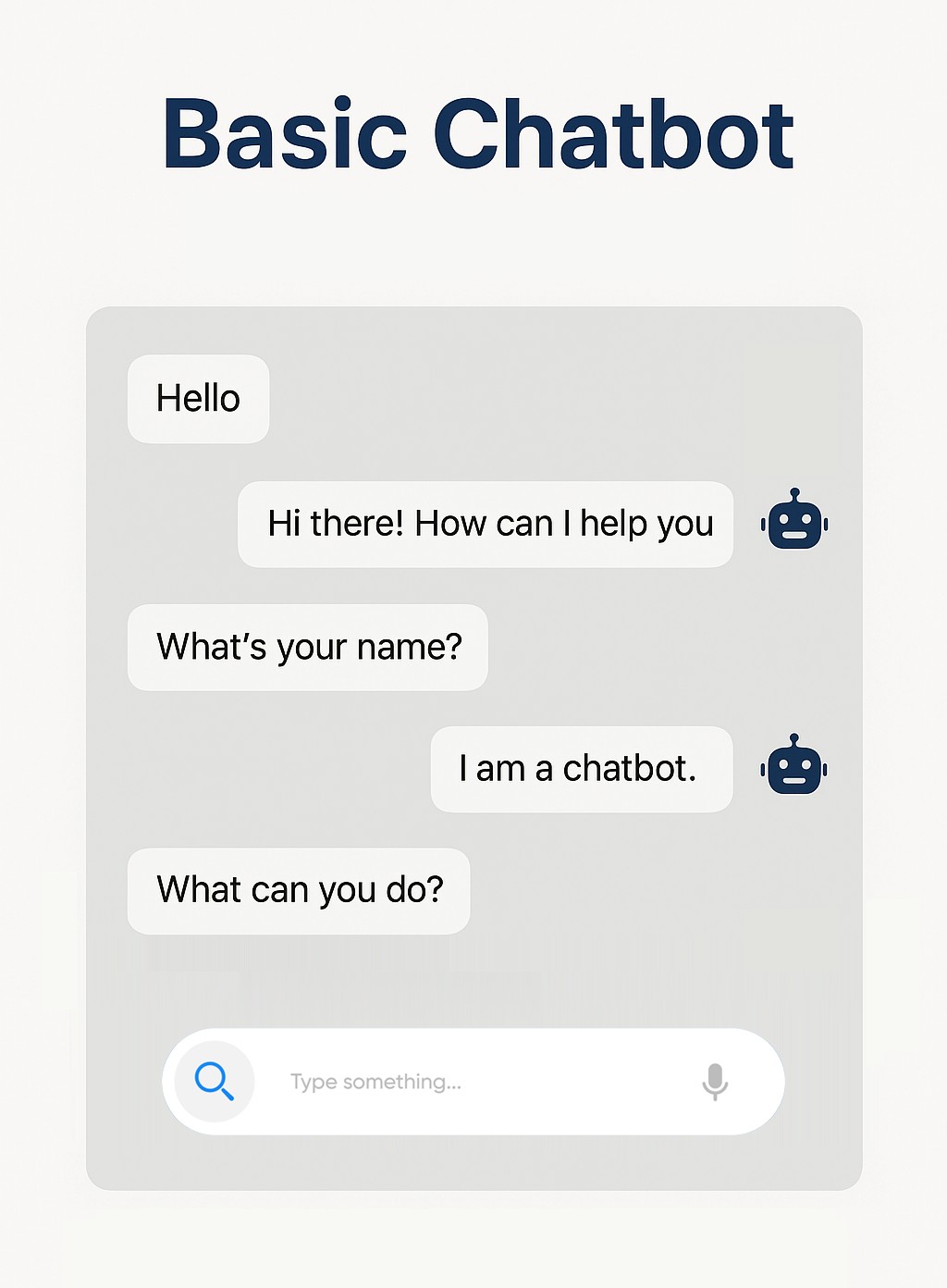
8. Basic Chatbot
A chatbot that responds to basic questions or provides answers using keywords.
Skills Learned:
- String manipulation
- Conditional statements
- Basic AI concepts (pattern matching)
- Enhancing user experience
Tools: Python (with NLTK or simple if-else logic), JavaScript
Tips: Begin with predefined responses, then gradually add more intelligent response handling.
Learning Platforms to Practice Coding Projects
For beginners, several platforms provide project-based learning:
- GitHub: Showcase and collaborate on projects.
- Replit: Practice coding online with instant results.
- Codecademy: Offers interactive coding exercises and project tutorials.
- FreeCodeCamp: Provides hands-on projects in web development and programming languages.
- LeetCode & HackerRank: Focus on coding challenges and problem-solving skills.
Final Thoughts
Coding projects for beginners are the best way to transform theoretical knowledge into hands-on skills. They allow you to apply theoretical knowledge, enhance problem-solving skills, and create a portfolio showcasing your abilities. Beginners should focus on small, manageable projects and gradually move on to more advanced applications. Whether it is a simple calculator or a web-based portfolio, every project adds value and confidence. Remember, the key is consistency and curiosity. Experiment, learn from mistakes, and enjoy building something from the ground up. With each project, your programming skills will grow stronger, and you will be better prepared for real-world coding challenges.
Recommended Articles
We hope this guide on coding projects for beginners inspires you to start building your skills. Check out these recommended articles for more project ideas and practical tips.

