
Updated April 10, 2023
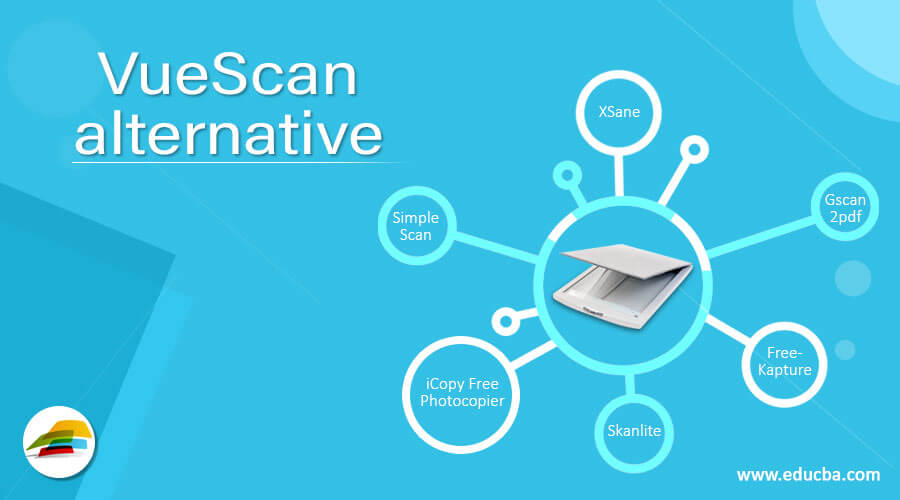
Introduction to VueScan Alternative
VueScan is a unique type of scanner driver provider. For almost all operating systems, it is available for free and paid. One of the major problems with the old scanners is that the scanner’s manufacturer stops supplying the driver and other relevant scanner software in time. However, now we have a VueScan-based scanner driver provider which also provides scanner drivers for older scanners. The software facilitates the transport of your old scanner from either the website of the manufacturer that can be used for the appropriate driver. The VueScan scans the drivers for a couple of seconds and delivers the same. It is the set of all the tools your scanner needs. VueScan allows users to use their output scanner to scan the number of pages they want. The advanced VueScan tools allow the automatic scanning of document feeders, scanning to PDF, OCR facilities, small file sizes, and many more. In this topic, we are going to learn about the VueScan alternative.
Alternatives of VueScan
Let’s have a look at VueScan Alternative
1. XSane
XSane is the graphics interface name for advanced scanners. The advanced SANE library is used to make it better compatible with scanners. The software is designed to help users acquire images with scanners and other devices such as cameras, video devices, and SANE-supporting devices. As we have already said, XSane is a unique product; its working method differs from its contests. The XSane’s user interface is simple, simple, and easy to use.
2. ScanDrop
ScanDrop is a user-friendly Mac OS X scanning tool. It allows its customers to quickly scan their documents and upload them to any of their popular online cloud storage services. It will be available on your online account after you upload the documents online. At any time and anywhere else in the world you can use it and share it with others. ScanDrop also enables users to choose the specific folder to store the file there on the system. The best thing about ScanDrop is that it is fully compatible with the TWAIN standard and ScanSnap scanners.
3. Gscan2pdf
Gscan2pdf is multifunctional scanning software that allows users to scan multiple pages and then save them in a few steps. The scanned documents may be saved by the users as a PDF or DjVu file. The unique feature of gscan2pdf is that it scans or scanties the sheeted or regular scanners with SANE and allows the users to scan several pages at once.
4. FreeKapture
FreeKapture is a new tool that links your default scanner to your PC with your scanner. You can scan, print, and store pictures in multiple formats with this tool. The easy-to-use FreeKapture interface allows you to capture images from near-type scanners and save them on your PC. FreeKapture is based on the TWAIN and API systems which allow users to use it from the old to the new scanners.
5. Skanlite
Skanlite is the name of a highly professional tool used for the scan and storage of images in multiple formats, which is easy to use. Skanlite is based on the KSana backend, which enables the users to save scanned images in various formats. One of the best facts about the platform is that it supports nearly all the leading formats in every scan platform you need to see. You can open the save dialogue for each image, or you can even save the photos with the authenticated names and format for the program in a particular directory.
6. iCopy Free Photocopier
iCopy Free Photocopier is an application that enables Windows users to use their image and scan in their desired format. It is the ideal application for combining the printer and the scanner in an obliging copy device. You can print your documents and images directly in just a few clicks. It is very easy and easy to download, instar, and then run the tool. You can scan the document quickly and easily by pressing a button. With the easy-to-use interface, you can manage scanner and printer options such as contrast, brightness, and a couple of copies in a few seconds.
7. Simple Scan
Simple Scan is a document scan tool with all types of scanners that works quickly. It’s intended for people with a scanner who cannot scan papers because the drivers are missing. Simple Scan allows you to scan your document in several image formats. The best thing about Simple Scan is that it even allows users to scan their photos. This tool can also make all other settings. Standard editing may be performed such as cutting out unnecessary parts of documents or images or rotating the document or editing other relevant documents.
Recommended Articles
This is a guide to VueScan alternative. Here we discuss the various alternatives to VueScan. You can choose any of them based on your requirements. You may also have a look at the following articles to learn more –

