


What are SEO Tools?
The following article provides an outline for SEO Tools. SEO means Search Engine Optimization. The practice is to optimize your websites to position them highly in Google or other search engine search results. Organic SEO is focused on improving the ranking of our websites.
A competent SEO company can raise your ranks by increasing the visibility of your website through link-building, on-page optimization, and off-page optimization. A really excellent SEO team spends time and effort on all of the things that Google explicitly says you can do. Businesses often partner with an experienced SEO agency to combine these strategies with the right tools, ensuring long-term visibility and consistent traffic growth.
List of SEO Tools
Given below is the list of SEO tools:
1. SearchAtlas
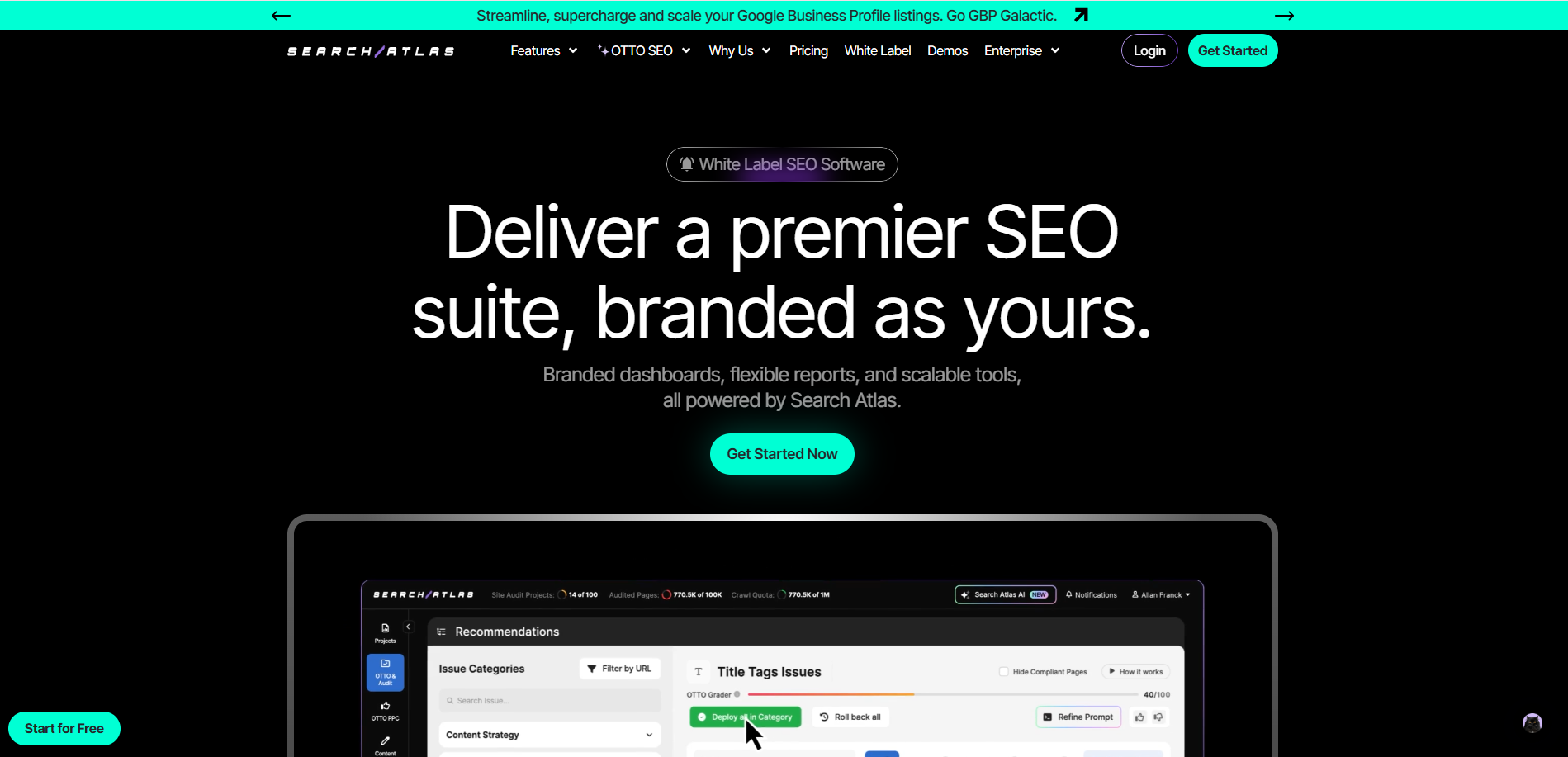
SearchAtlas is an advanced SEO and content optimization tool that helps users monitor keyword rankings, analyze backlinks, and measure website performance. It provides detailed insights that guide digital marketers in enhancing visibility and boosting organic traffic. Many organizations use SearchAtlas to improve their search presence and optimize content effectively.
It also offers tools for competitor research, content gap analysis, and technical SEO audits. With its intuitive interface, SearchAtlas enables both beginners and professionals to manage SEO campaigns efficiently. The platform also supports White Label SEO Software, allowing the agencies to deliver branded reports and scalable SEO services to their clients.
2. DAXRM
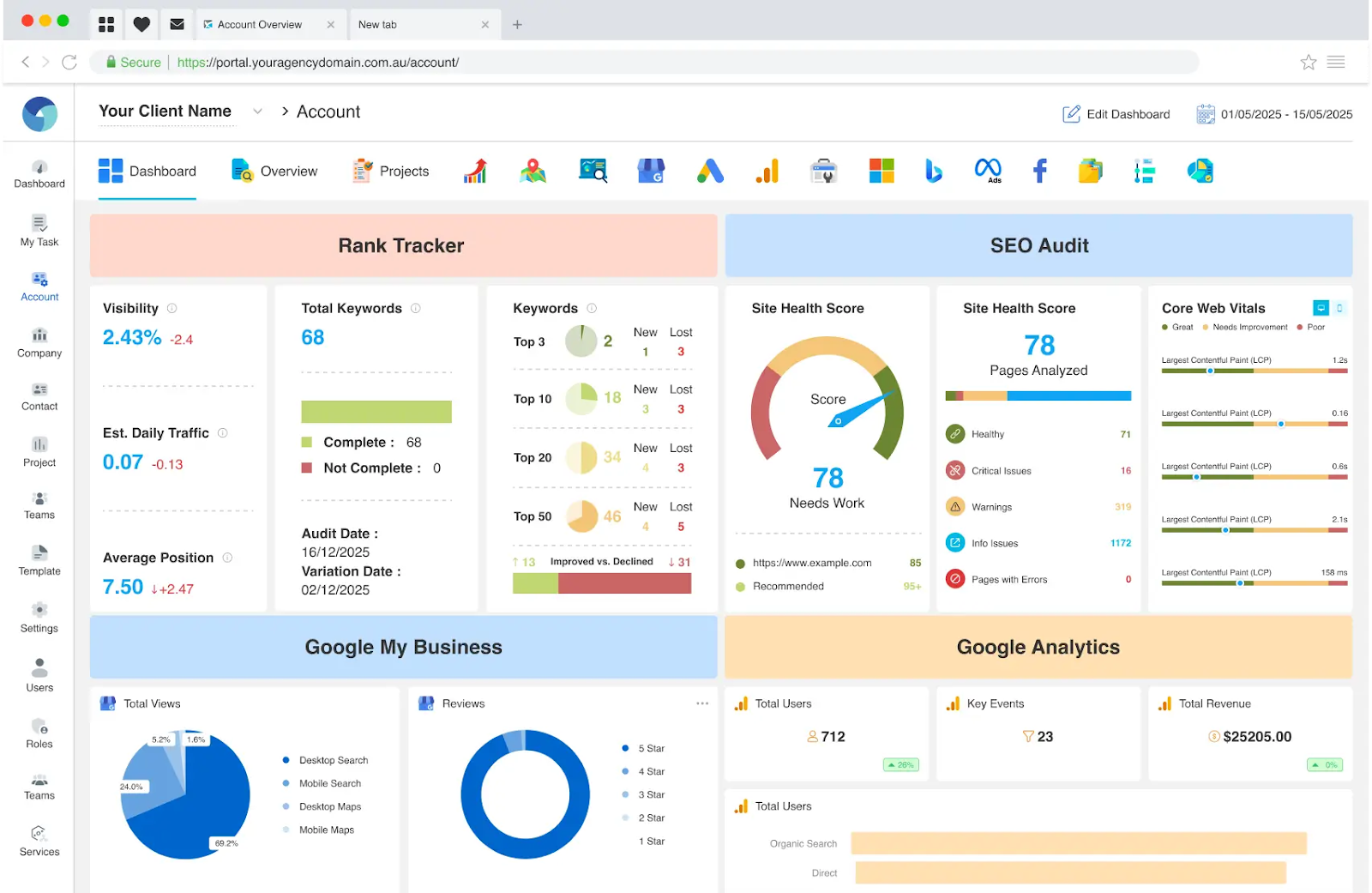
DAXRM is a powerful SEO tool built for modern agencies that need more than just rankings. It combines a Local Rank Tracker and Organic Rank Tracker to monitor keyword performance across locations and devices, helping you stay ahead in competitive markets.
The platform includes an advanced SEO Audit tool that generates a detailed Website Health Score, identifying technical and on-page issues that impact performance. With an integrated Keyword Research tool, Content Optimisation features, and AI Content Writing, agencies can improve relevance, boost rankings, and enhance their EEAT Score.
As a comprehensive SEO Reporting Tool, DAXRM delivers automated, branded reports through its White Label SEO Tool capabilities, making it ideal for scaling client campaigns. Beyond SEO, it also functions as an SEO Agency Management tool and a full SEO Agency CRM, allowing teams to manage clients, tasks, and performance from a single central dashboard.
3. Index Checker
A straightforward yet powerful tool that helps you verify whether your website pages are properly indexed on Google. Instead of checking links manually, Index Checker lets you bulk-check URLs, upload sitemaps or CSV files, and instantly see which pages are indexed or missing. You can also organize URLs into projects and schedule automatic rechecks to monitor changes over time. It is beneficial during Google updates to identify any pages that drop from the index quickly.
Key Features:
- Bulk URL index checking for faster audits.
- Sitemap and CSV upload support
- Scheduled rechecks (daily, weekly, or monthly)
- Project-based URL organization
- Instant visibility into indexed vs. non-indexed pages
4. Google Analytics
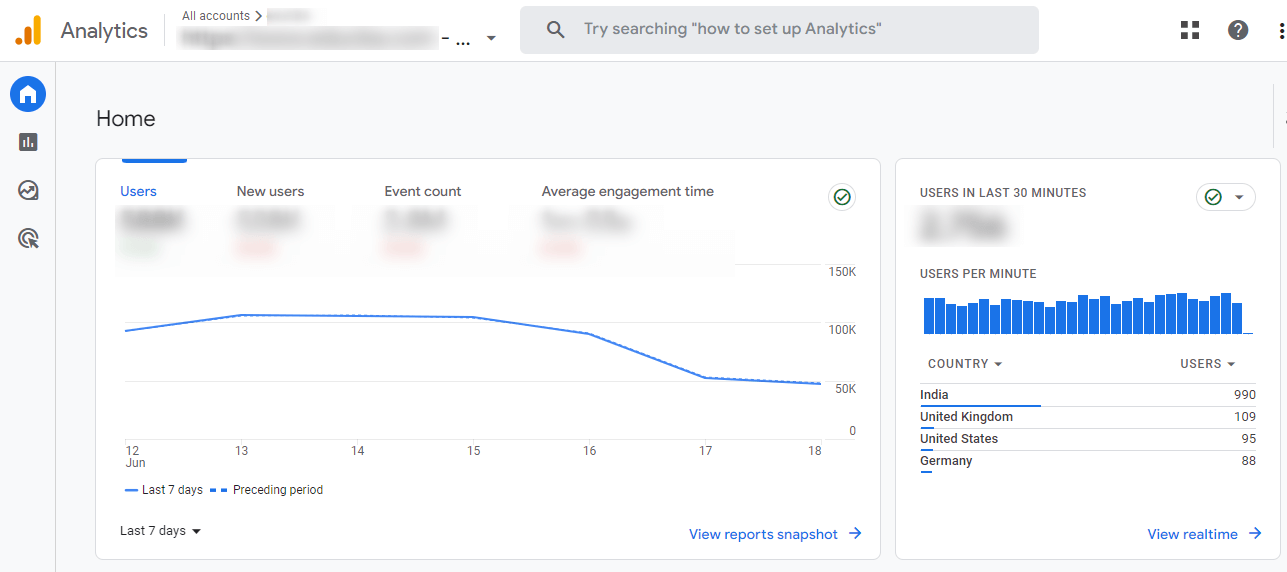
Google Analytics is a free Google web analytics tool for the analysis of your website. Though web analytics sounds like a tiny part of your digital presence, Google Analytics has huge implications. Your website is a hub for most businesses’ digital traffic.
Suppose you do any marketing actions like search advertisements or social media advertisements. In that case, it is most probable that your consumers will visit your website somewhere in their route. This is why Google Analytics is used by more than 50 million websites around the globe. If you don’t use it, you should set this up now.
5. Answer the Public
The Public Answer is an equivalent tool that offers content vendors valuable information about questions posed online. Once a keyword is entered, the keyword will collect common queries and generate a cool chart with issues and sentences when people search for that keyword. Answer The public also offers keywords using “versus,” “like,” and “with” preparations. And the best thing about this is free to use.
6. MozBar
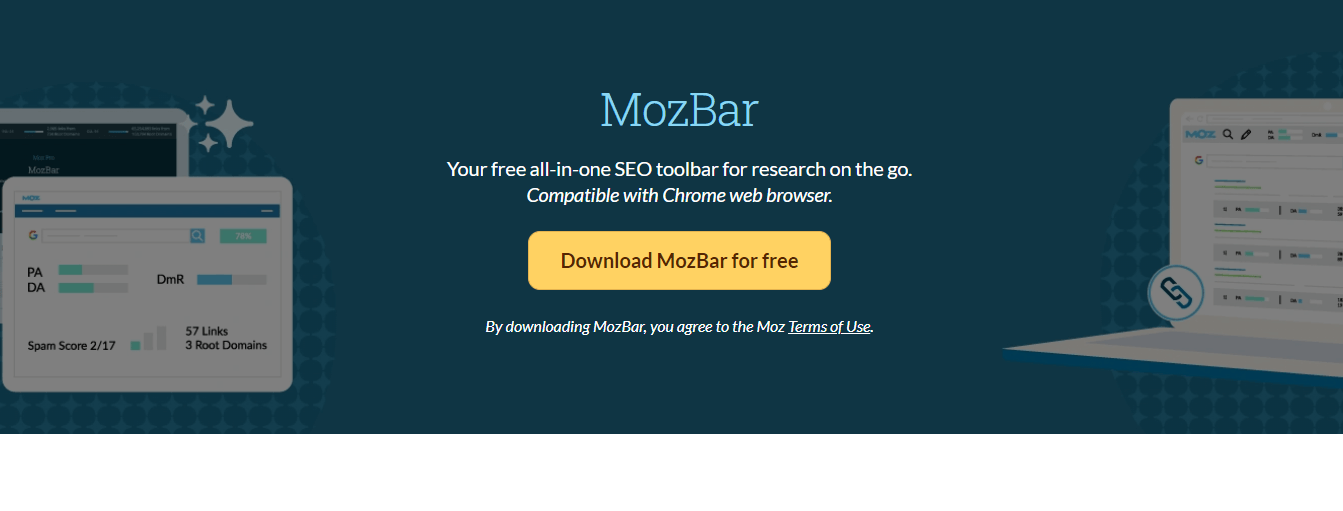
MozBar Works with the Chrome browser, and it is a free tool to use. This is the Backlink Analysis tool. It offers easy access to advanced measurements on sites and SERPs. With MozBar, you can easily access any page or site’s page and domain authority data. You can find keywords, highlight and differentiate links, and compare link metrics for various sites in SERPs on the page you view. MozBar is one of the best choices if you need to complete SEO studies on the go. You can unlock even better features with a MozPro subscription, such as page optimization and keyword difficulty. Many businesses also work with a trusted SEO agency to combine these tools with expert strategies, ensuring they get the most out of their data and improve rankings faster.
7. Mobile-Friendly Test
To that end, the Mobile Test tool by Google is designed to help you determine whether your website is optimized for smartphones and tablets. Just enter the URL of your website, and it will tell you if your website is mobile-friendly. Many tools are quickly available online for a portable exam on the website. You can use one of these tools to perform mobile testing on a website.
This grade point average will support you, and you will know whether your website offers an excellent mobile experience. Google now places considerable importance on sites that take relatively less time to load and look good on desktop, tablet, and mobile devices in all areas.
8. Ahrefs’ Backlink Checker
This Ahref will show you the top 100+ backlink websites for free. It also shows the five most linked websites, the most popular anchor texts, and the complete amount of referred domains and backlinks. X to immediately take advantage of new links.
9. Keyword Tool
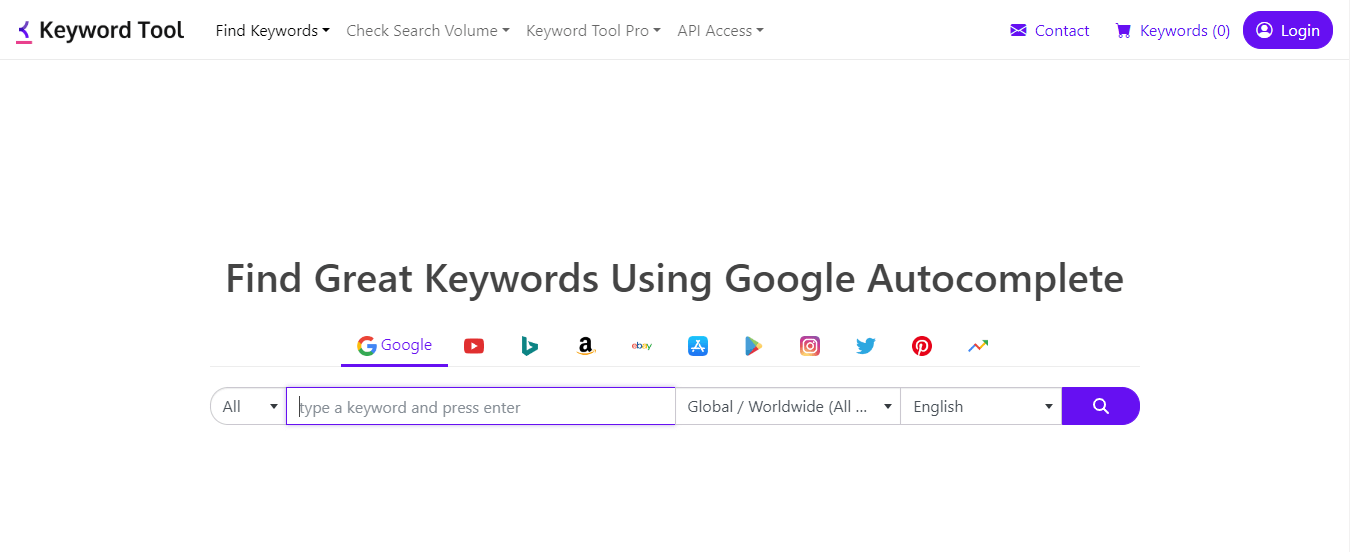
Keyword research is probably one of the major tasks every SEO needs to accomplish, but searching for keywords takes time without access to the best tools. The Keyword Tool is a free alternative to Google’s keyword planner and offers many relevant keyword proposals for all types of research. It will provide around 700+ search teams of keywords that you have researched.
And the best part of this keyword tool is this it will provide you with long-term keywords for your blog. You can also choose which nation you want to look for keywords, on which platform, and in what language (Google, YouTube, Amazon, etc.). If you opt for the Premium version, you can produce up to 2X more keywords.
10. XML Sitemaps Generator
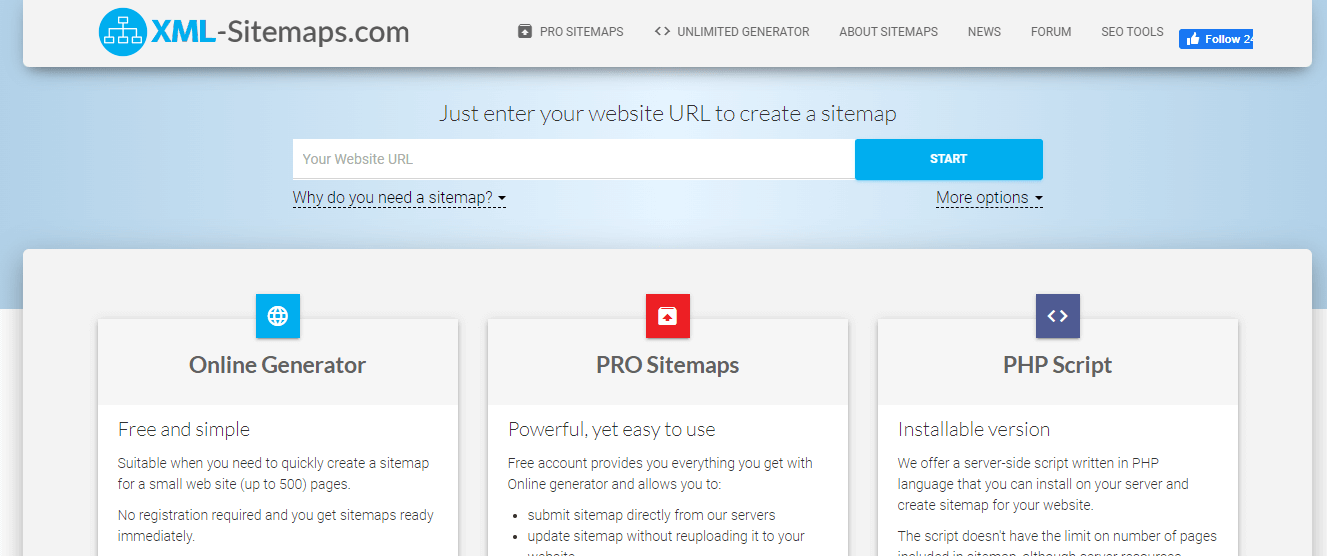
As Google defines it, Sitemap is a file that provides data about and relationships with the websites, videos, and other documents on your website. Search engines like Google will read this file to crawl your website smarter. A sitemap tells the crawler what files are important to your site and gives valuable information.
This tool helps you to build the XML and HTML variants sitemap for your website. Without registering, you can get your sitemap ready soon. Results include pages number, broken connections, the XML file’s content, and the link to the map file.
11. SEOquake
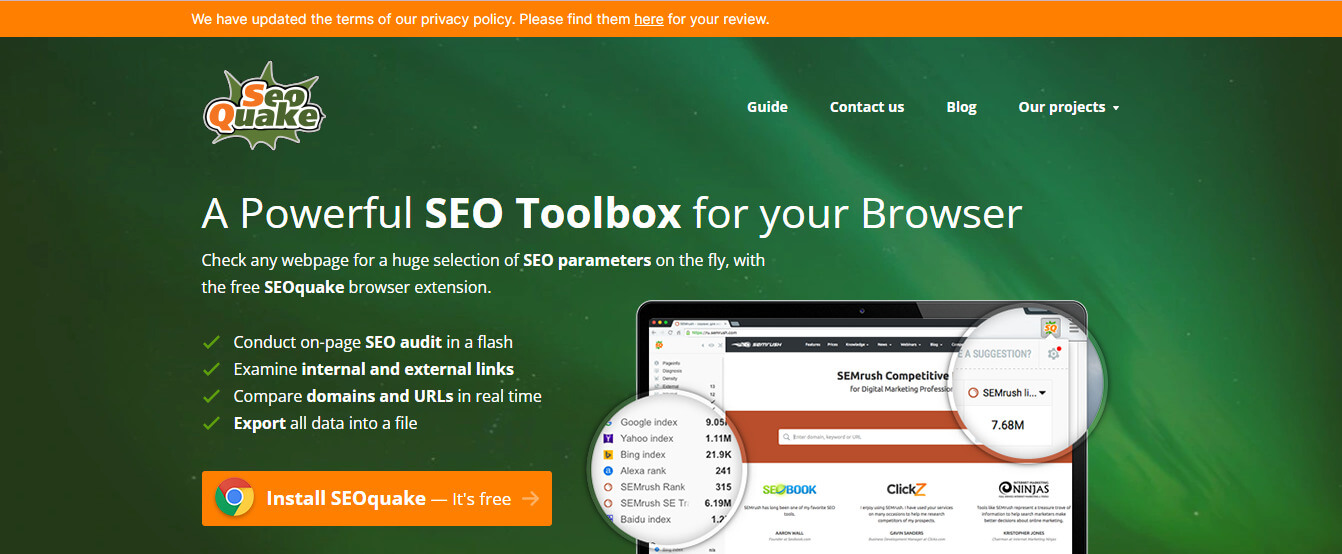
SEOquake is one of the most freely available SEO tools. The extension shows an SEO overview of any page via a toolbar or SERP overlay. The SEO quake extension must be installed on your browser. Support is provided for Chrome, Mozilla, Safari, and Opera. You will see a toolbar in your browser once the extension is installed. This tool lets you quickly perform a full SEO audit of any website. SEOquake also provides a free on-site audit tool to know if there are errors on your website; they give tips on fixing these errors.
12. LinkMiner
LinkMiner is a Chrome extension that allows you to break fly connections to any internet page. It is helpful to find broken connection-building possibilities. If several broken connections are found on a LinkMiner page, export them to CSV, paste a whole list into the Batch Analysis tool of Ahrefs, and sort by the domain name reference column. LinkMiner is an easy-to-use tool to check backlinks, which can be easily replicated. The tool is designed to filter and store interesting links to evaluate the backlink data with various metrics, embedded link previews, and features.
13. Similar Web
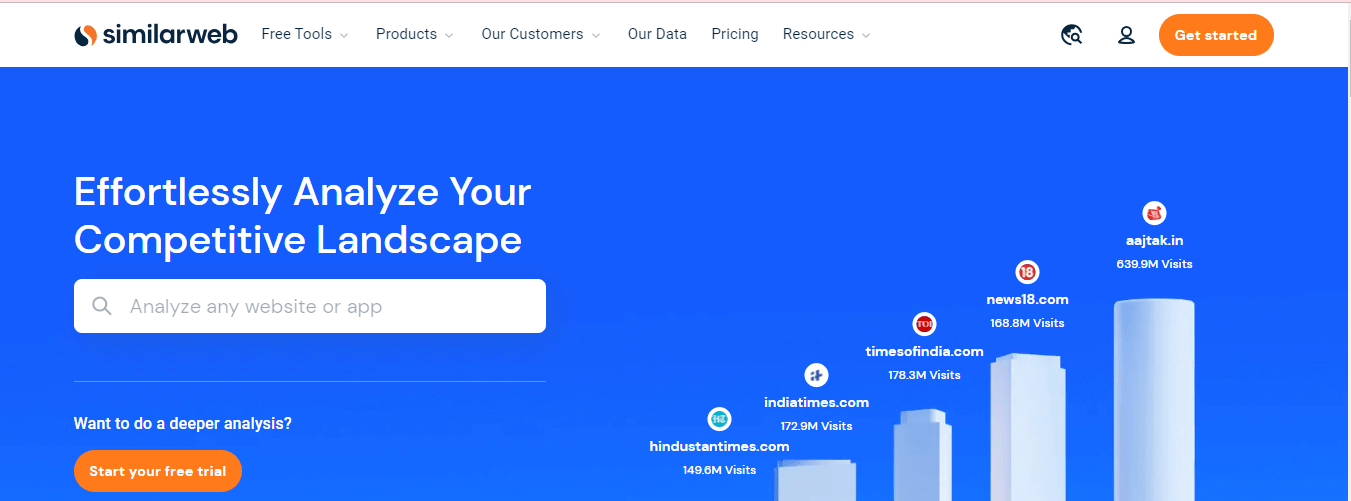
A similar web is a digital company designed for the market assessment and identification of competing companies. The software helps you to identify emerging trends and potential competitors and strategize for the best results. SimilarWeb allows you to find business partners and contact individuals interested in your company.
SimilarWeb has attracted much international investment attention and increased by 1.1 million dollars. In the same year, a browser extension was added to SimilarWeb. SimilarWeb provides detailed information about website overviews and the website audience with global positions, traffic shares, audience interests, etc.
14. SEO Site Checkup
We closely monitor Google’s Ranking criteria and those of other significant search engines, including Bing and Yahoo, to guarantee the recent and best practices in the sector. This updates the tool as long as the algorithm of Google site scoring is changed. If you continue, things are becoming more attractive. With only the initial one-clicking, the “General SEO” metrics and information on the Website Rating Checker will still display for you. The website Score Checker takes and shows you the desktop and mobile screenshots of your website to improve your design for better rankings.
15. Netpeak Spider
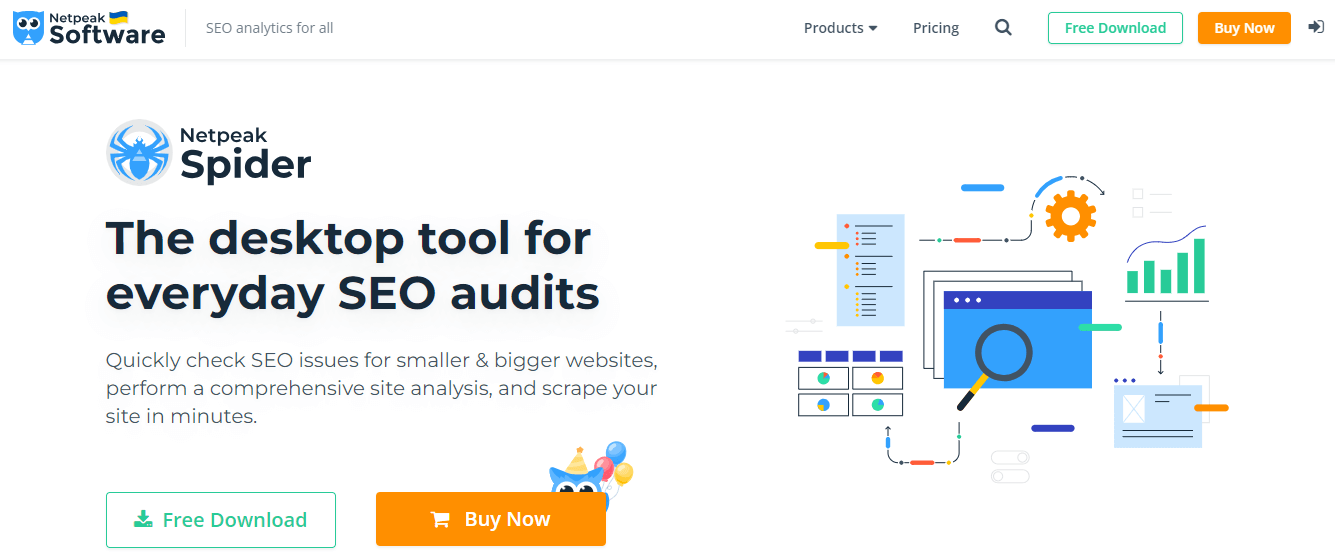
Netpeak Spider is an SEO crawler for periodic SEO auditing, fast search problems, system analytics, and the website’s parsing. It is a desktop device that you can use Windows OS to install it. You must create a free Netpeak account on your computer or laptop and install the spider of Netspeak. Click on the spider icon on your desktop to open the software when it is installed.
This tool allows you to analyze incoming and outgoing links, find broken links and redirects, take indexing instructions into account, and identify duplicate content. Titles, meta descriptions, H-1 headers, and complete websites can be easily analyzed using the Netpeak Spider. The “Scraping” function is another unique feature. The search and extraction of source code and text are customs made possible by four searching types:’ Contains,’ ‘RegExp,” CSS selector, ‘or ‘XPath. ‘
16. Google.com in an Incognito Window
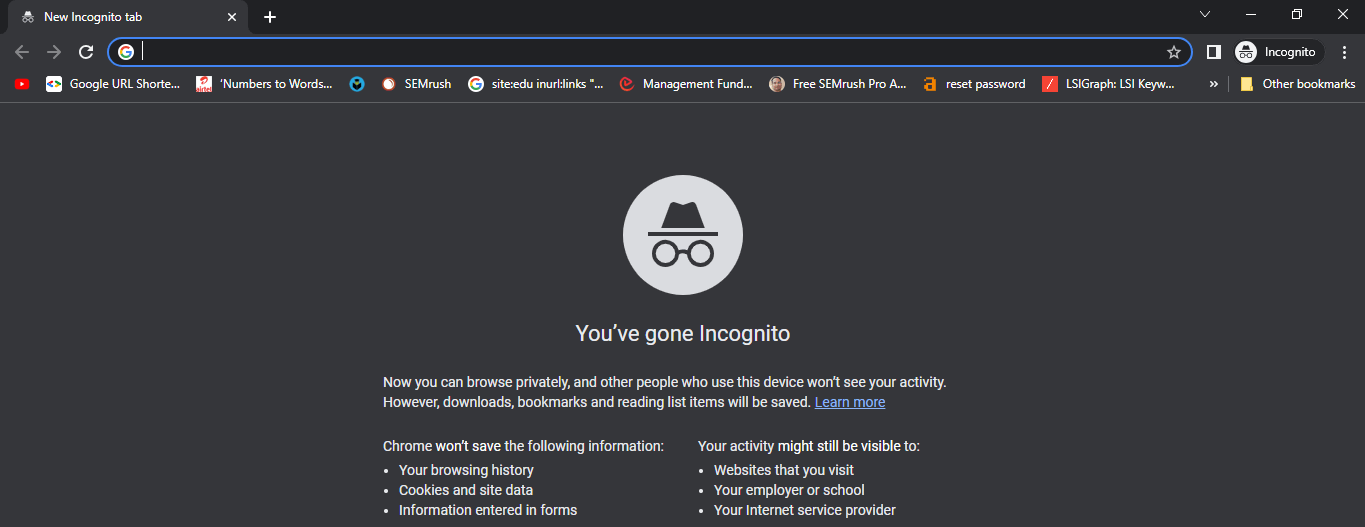
This is a Google Chrome option that allows you to browse privately. Continue browsing the Internet in Incognito mode without tracking the history of cookies and browsing. Incognito search is an excellent way to find out how common your keywords are and your niche’s most common search terms. Use Incognito as an in-depth study (which you may need) to combine this technique with other instruments on the list; however, you should use it for a thorough assessment. SimilarWeb is a one-stop store for all needs and needs of your website. You are responsible for your marketing strategy, competitors, website ranking, traffic, and optimization.
17. Yoast SEO
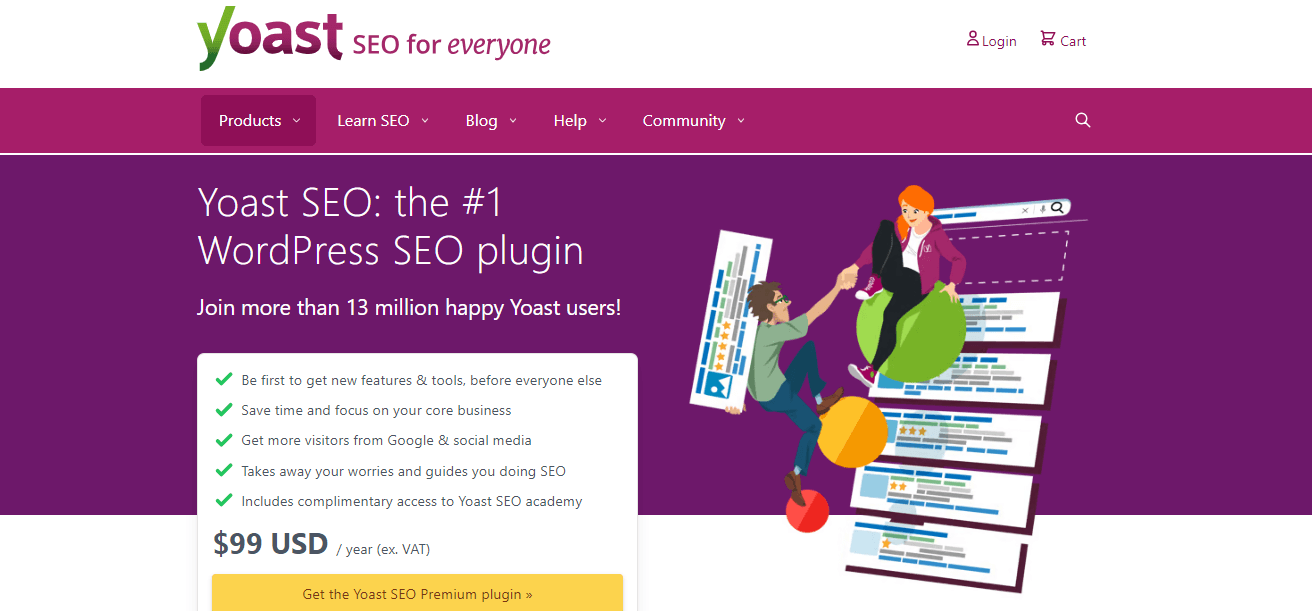
Yoast SEO is a famous WordPress plugin that helps webmasters optimize their search engine WordPress sites. To be honest: you can write titles and Meta descriptions in your post and website editor for more WordPress topics. But the nice thing about Yoast is that you can keep all meta information on your page intact, even if you change the topics. You can even preview how your content looks when individuals share it on social media … Before it goes live if you are upgrading to Yoast Premium. It is one of the Best Tools for Seo.
18. Ahrefs’ Backlink Checker
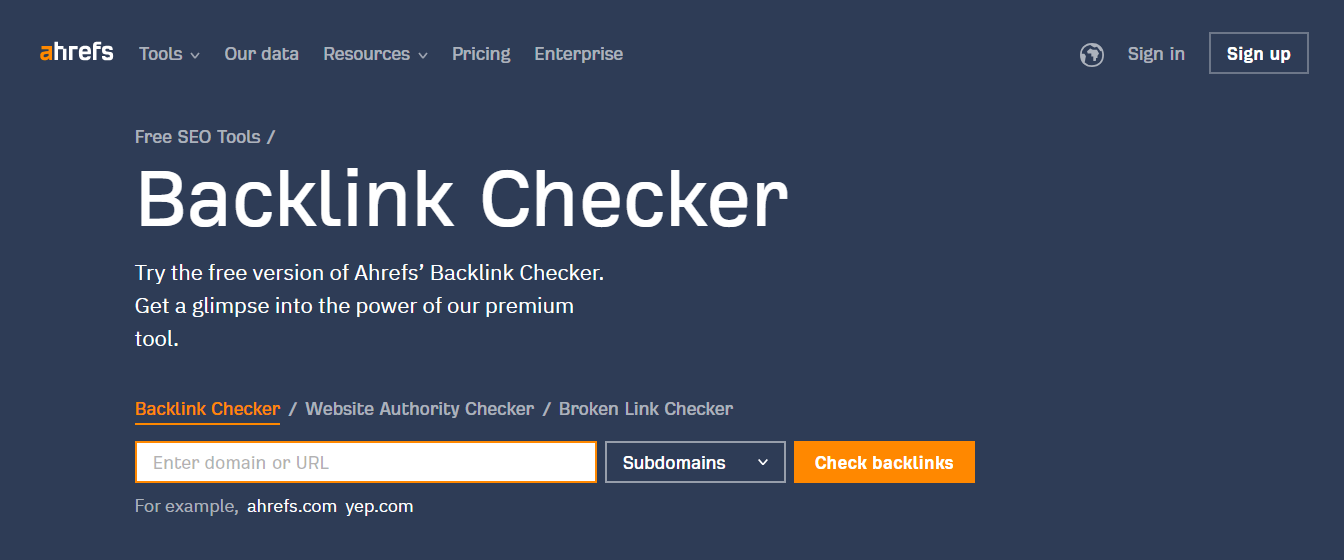
Ahrefs’ Backlink Checker allows Comprehensive link analysis, which provides the top 100 backlinks for any website or URL. It also shows the total number of backlinks and referring domains, i.e., links from unique sites, Domain Rating (DR), and URL Ratings.
19. Google Trends
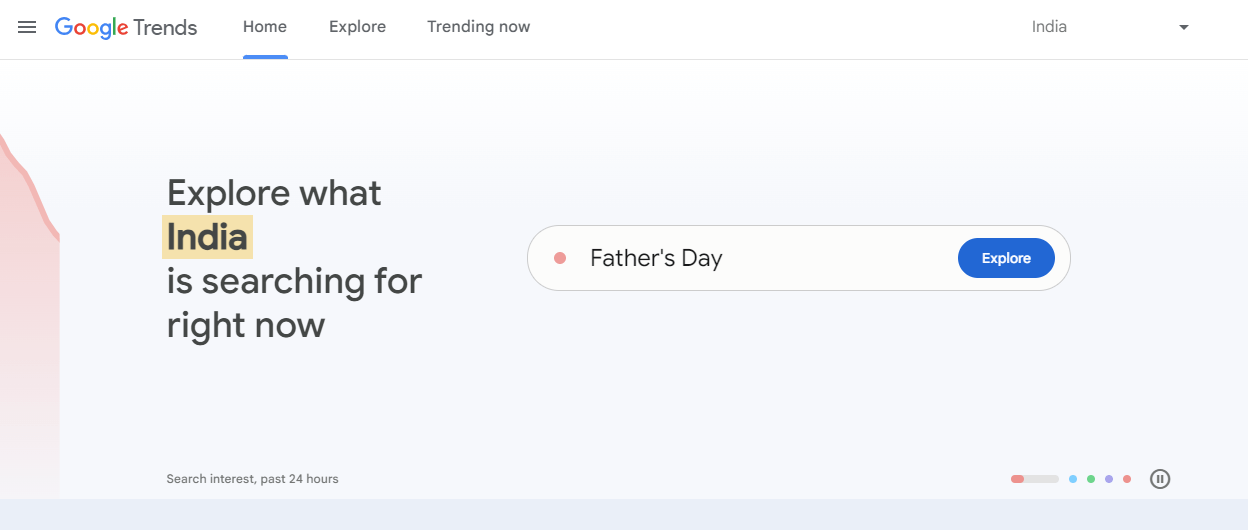
Google Trends provides search popularity of topics that is beneficial for gaining knowledge of which region and language our website is getting popular. It provides analysis in Graph format. We can Compare multiple outputs to find out relative popularity. There are lots of alternatives to Google trends though, which offer more in depth information about the searched keywords.
20. SERP Simulator
SERP Simulator allows you to Preview how your web pages will look in Google’s search results. This tool shows how the title, metadata, and description look in search results before publishing a web page. It supports desktop and mobile.
21. Brow SEO
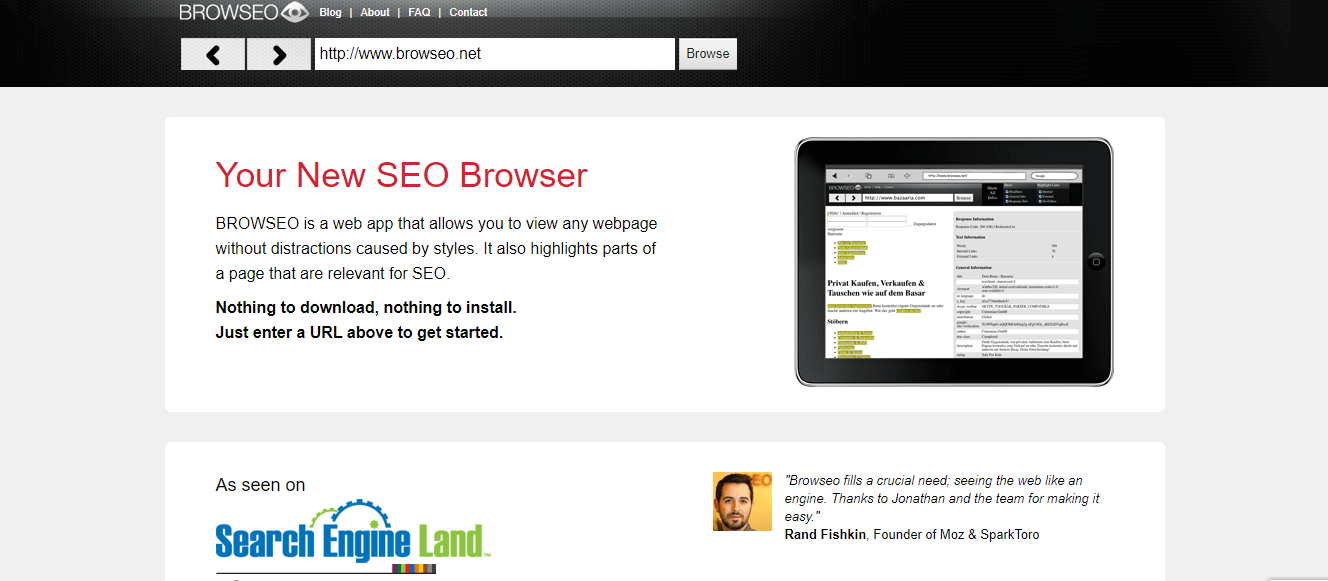
We can see our website the way how a search engine sees it. In this, we have to provide our site name or URL; then, Brow Seo will show how the search spiders search our website. This method will be helpful to see the hierarchy of the elements of the website.
22. XML Sitemaps in SEO Tools
With the help of XML Sitemap. We can build a sitemap for our website. It will ask for our site’s URL or name and some optional parameters and XML Sitemaps will create a sitemap that we can submit to Google Search Console and Bing Webmaster Tools.
23. Copyscape
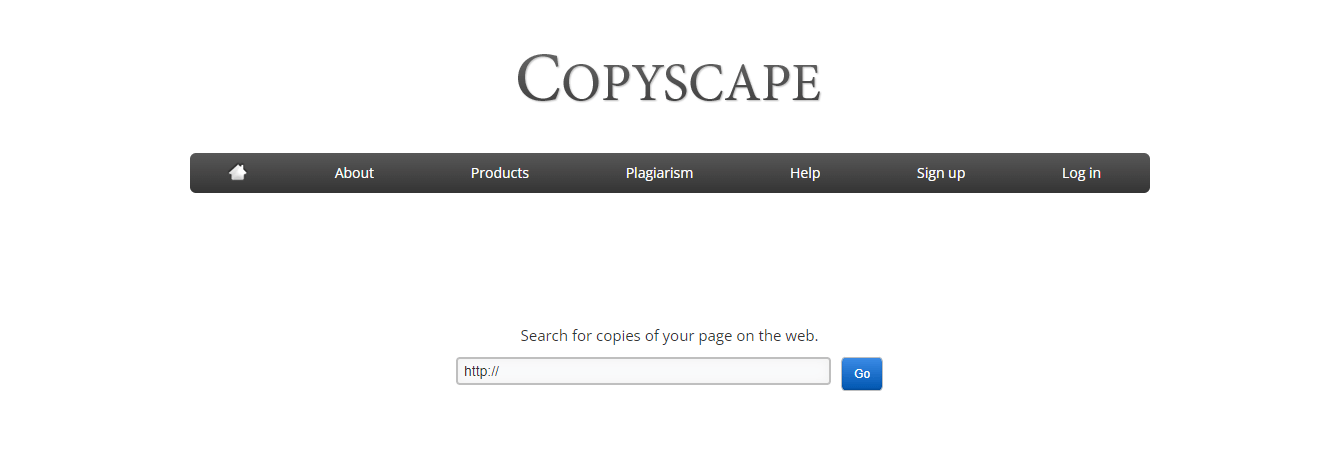
This tool checks for duplicate content. We have to Enter a URL for a blog post or website, then Copyscape will deeply search for the content, whether that content exists online. After that, it will provide us with plagiarism results. Based on that, we can change the content to overcome the issue of plagiarism.
24. URL Profiler
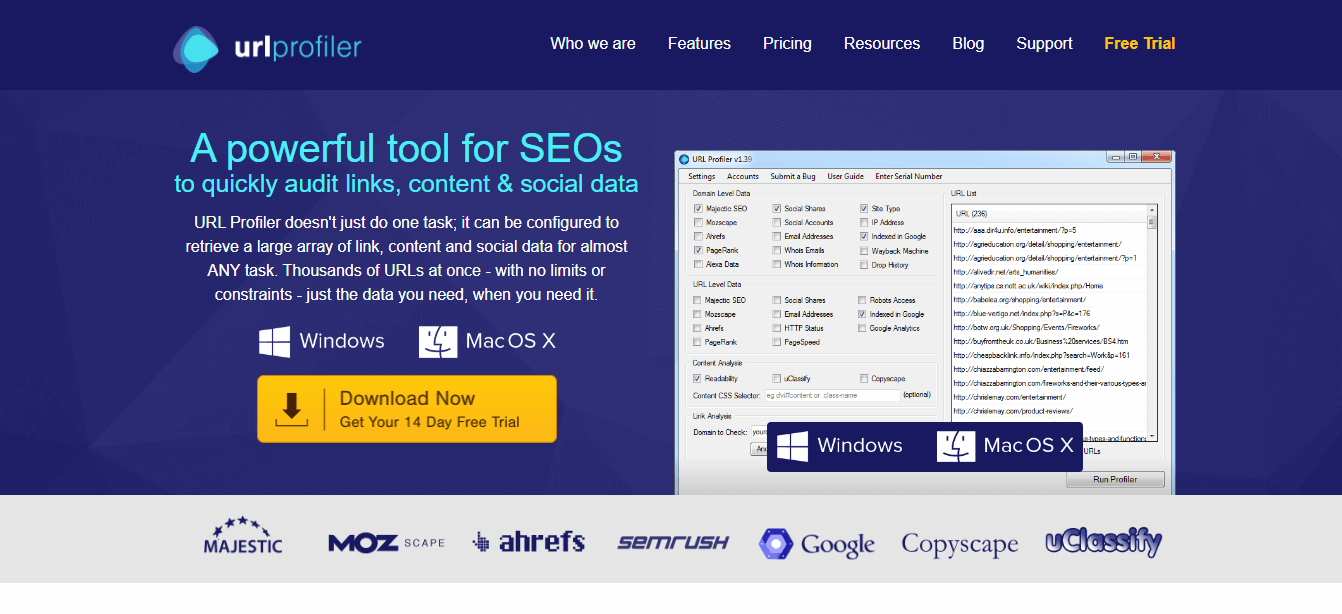
This tool is used for Backlink Analysis. URL Profiler provides Domain Authority information, several backlinks, whose information and social shares. This tool’s main feature is providing the above-given information for an extensive list of URLs. Although this comes with a paid version, the URL Profiler is one of SEO’s best tools.
25. SEO Web Page Analyzer
This tool allows us to do a full on-page analysis of your website. SEO Web Page Analyzer performs a comprehensive on-page analysis to help overcome problems like missing image alt tags, page bloat, heading structure errors, etc.
26. Keyworddit
It extracts keywords from Reddit. We must enter the subreddit for, e.g., /r/SEO, and show a list of keywords and monthly search volumes. It helps analyze user requirements by gathering keywords based on the most searched volumes.
Recommended Articles
This has been a guide to Seo Tools. Here we have discussed the various types of tools that are useful for increasing the website’s traffic. You can choose the given tools as per your requirement. You may also look at the following articles to learn more –

