
Updated February 14, 2023
Introduction to XPath Locator
XPath locator is used to find an element if the supposed element is not found using general locators utilizing the name, id, etc. Then XPath finds the element by using a web page. It uses the selenium XPath to find an element. So basically, XPath in selenium is nothing but the xml path, which was used to navigate by using the structure of HTML from the web page of XPath.

What is the XPath Locator?
XPath locator is used in xml as well as html documents for finding the location of elements from the web page by using the DOM structure of HTML. There are different types of XPath locators available in HTML and xml. We are using an ID locator to find the values. It contains two paths, i.e., relative path and absolute path. It is also known as the xml path locator; it is the most commonly used locator in a web driver of selenium that helps to navigate a web page’s structure.
Use of XPath Locator
It is nothing but the language used to locate a node in the documents of XML. It is also used to substitute when we don’t have a proper name or id attribute for the element we want to locate; into the web driver, the syntax of java for locating the element by using XPath is as follows.
Syntax:
findElement (By.XPath ("XPath"))- The above example finds element is nothing but the element we have defined in the syntax of the XPath locator. Find element is a method we use in the XPath locator to locate an element.
- The XPath path will define the actual XPath we locate from the specified node.
- There are multiple ways available for writing the XPath locator, as follows.
We write the XPath locator in the following ways:
- By using a single slash
- By using double slash
- By using a single attribute
- By using the last method
- By using the text method
- By using the starts_with method
- By using contains method
- By using or condition
- By using and condition
- By using multiple attributes
- By using a single attribute
It used the same strategies which were used by web driver and selenium IDE for specifying the location of a particular web element. It allows us to select the elements which were individual attributes, and it also selects the other part of a document of xml by specifying the particular web element location.
XPath Locator Methods
The XPath locator method is used to find the dynamic and complex elements,
1. Following method is used to select all elements from the document of the current node; below is an example of the following method.
Example:
Code:
XPath = //*[@type = 'text']//following::input[1]Output:
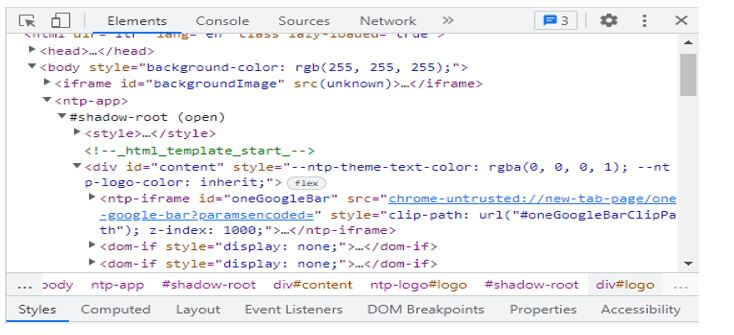
2. The ancestor method will select all ancestor elements from the current node. The example below shows us the ancestor’s element from the current node.
Example:
Code:
XPath = //*[text() = 'Enterprise Testing'] //ancestor::divOutput:
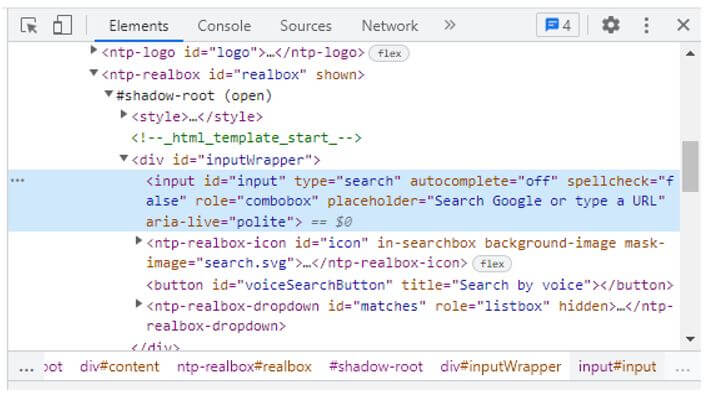
3. The child method selects all the child elements from the current node.
Example:
Code:
XPath = //*[@id = XPath locator']//child::liOutput:
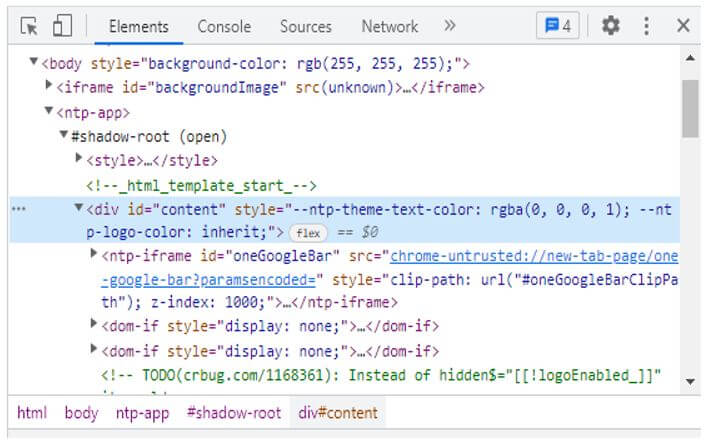
4. The preceding method of the XPath locator will select all the nodes coming before the current node.
Example:
Code:
XPath = //*[@type = 'XPath locator']//preceding::inputOutput:
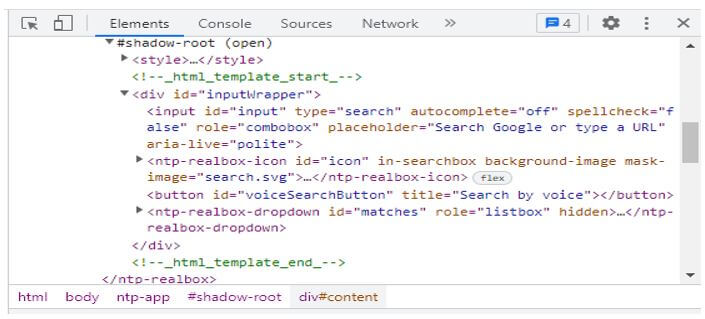
5. The following sibling methods are used to select the siblings from the context node. Siblings contain the same level from the current node, shown in the below example, which was used to find the element from the current node.
Example:
Code:
XPath = //*[@type = XPath locator]//following-sibling::inputOutput:
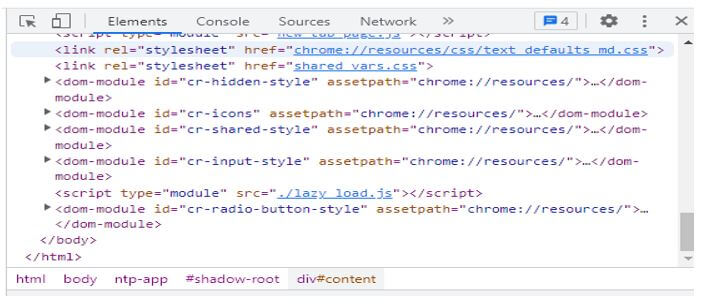
6, The parent method will select the current nose, shown in the below example.
Example:
Code:
XPath = //* [@id = 'parent_node']//parent::divOutput:
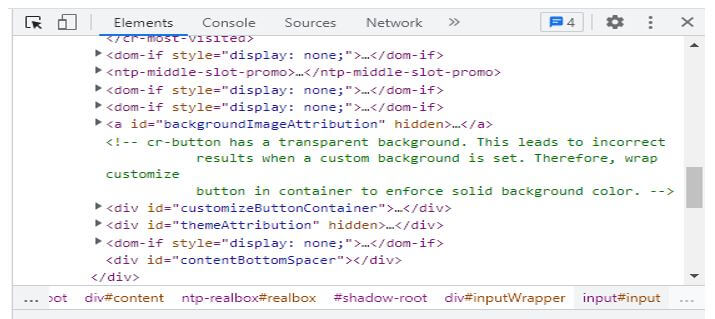
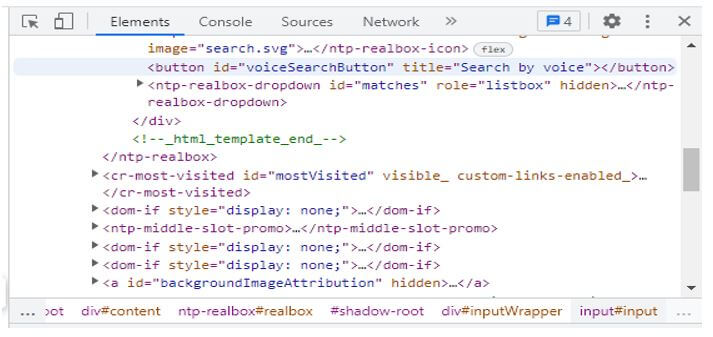
7. The self XPath locator method is used to select the current node, which indicates the node itself. The below example shows the XPath self-locator method as follows.
Example:
Code:
XPath = //*[@type = 'XPath']//self::inputOutput:
XPath Locator Types
It requires an efficient approach to locate an element. So we can say that the locator is very important in XPath. Every selenium command in XPath will need the locator to find the web elements to identify the element accurately.
Below are the XPath locator types as follows:
- ID – This is a prevalent type of XPath locator. We can align each element ID as unique; therefore, it is essential to understand the element.
- Class name – Class name is used to find the element by using the class name.
- Name
- XPath
- Link text
- CSS path
- tag name
- Partial link text
We are using a web driver with java for the locating strategy of its types of locators.
Below are the locating strategies used by it as follows:
- Locating strategies by using ID – We are using a driver.findElement (By.id (element_id)) for locating elements by using ID.
- Locating strategies by using the name – We are using driver.findElement (By.name (element_name)) for locating elements by using the name.
- Locating strategies by using the class name – We are using driver.findElement (By.className (element_class)) for locating elements by using the class name.
- Locating strategies by using tag name – We are using driver.findElement (By.tagName (tag name)) for locating elements by using tag name.
- Locating strategies by using link text – We are using a driver.findElement (By.linkText (link text)) for locating elements by using link text.
- Locating strategies by using partial link text – We are using a driver.findElement (By.partialLinkText (link text)) for locating elements by using partial link text.
- Locating strategies by using CSS – We are using a driver.findElement (By.cssSelector (css selector)) for locating elements by using CSS.
- Locating strategies by using XPath – We are using a driver.findElement (By.XPath (XPath)) for locating elements using XPath.
Conclusion
It is used in xml as well as html documents for finding the location of elements from the web page by using the DOM structure of HTML. It is used to find an element if a supposed element is not found using general locators utilizing the name, id, etc.
Recommended Articles
This is a guide to XPath Locator. Here we discuss the introduction, methods, types, and use of the XPath locator. You may also have a look at the following articles to learn more –

