


Software Development Kit: Overview
An SDK, or Software Development Kit, is a bundle of tools, libraries, documentation, and code samples to assist developers in creating applications for certain platforms or services. SDKs streamline development by providing pre-built functionalities, reducing the time and effort required to create software from scratch. This article will explore an SDK, its key components, how it works, and common types of SDKs, including examples like the Video Capture SDK.
What is a Software Development Kit (SDK)?
An SDK is a packaged set of software tools to help developers in building applications for a particular operating system (OS), device, or service. Companies or open-source communities provide SDKs to facilitate integration with their platforms.
SDKs can be specific to:
- Operating systems (e.g., Windows, macOS, iOS, Android SDKs)
- Programming languages (e.g., Java SDK, .NET SDK)
- Services or APIs (e.g., Google Maps SDK, PayPal SDK)
- Hardware devices (e.g., SDKs for IoT, VR headsets, cameras)
Key Components of an SDK
An SDK typically includes several important components:
- Libraries and Frameworks: Pre-written code that simplifies common tasks, such as handling network requests, rendering graphics, or managing user input.
- Documentation: Guides, tutorials, and API references explaining using the SDK effectively.
- Code Samples and Examples: Ready-to-use snippets demonstrating how to implement the SDK features.
- Integrated Development Environment (IDE) Plugins: Extensions for IDEs like Visual Studio or Android Studio to streamline development.
- Debugging and Testing Tools: Utilities to help developers test and debug their applications.
- Command-Line Tools: Tools that allow developers to interact with the SDK through scripts and automation.
How SDKs Work?
SDKs provide a structured way to integrate third-party functionalities into applications. The workflow generally involves:
- Installing the SDK: Download and configure the SDK in the development environment.
- Integrating the SDK: Import libraries and configure settings like API keys
- Using SDK features: Call functions provided by the SDK in your app
- Testing and deploying: Ensure everything works smoothly before releasing the app
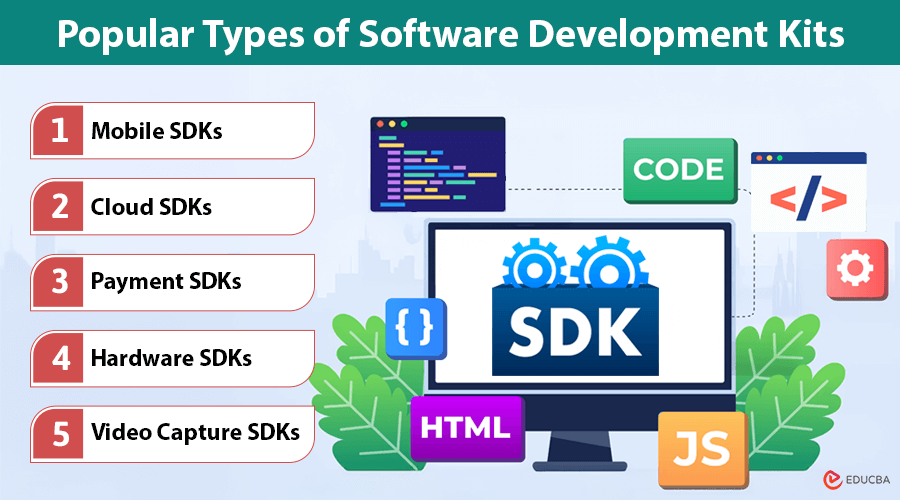
Popular Types of Software Development Kits
SDKs come in different forms depending on the use case. Here are some common types:
#1. Mobile SDKs
Used for creating mobile apps for iOS (iOS SDK) and Android (Android SDK) platforms. These SDKs provide tools to interact with the operating system, manage app permissions, and integrate system services.
#2. Cloud SDKs
Enable developers to interact with cloud platforms like Google Cloud SDK and AWS SDK, allowing applications to manage storage, databases, machine learning models, and more.
#3. Payment SDKs
Used to integrate payment gateways like PayPal SDK, Stripe SDK, and Square SDK, simplifying transactions in web and mobile apps.
#4. Hardware SDKs
Facilitate the development of applications for hardware devices, such as AR/VR headsets, IoT devices, and drones.
#5. Video Capture SDKs
A video capture SDK allows developers to capture, process, and manipulate video streams. It is useful in:
- Live streaming platforms (e.g., gaming, sports broadcasting)
- Video conferencing software (e.g., Zoom, Microsoft Teams)
- Screen recording and surveillance systems
- Facial recognition and AR applications
One example is the DirectShow SDK (Windows), which provides multimedia applications with video and audio capture capabilities.
Benefits of Using an SDK
Using an SDK offers several advantages:
- Faster Development: Pre-built functions reduce coding time and speed up development.
- Standardization: Ensures consistency and compatibility across applications.
- Improved Security: Many SDKs come with built-in security features to help protect applications.
- Access to Advanced Features: SDKs allow developers to leverage complex functionalities without needing deep expertise in a specific area.
- Better Performance: Optimized libraries improve the efficiency and performance of applications.
Final Thoughts
Software Development Kits (SDKs) are essential tools in modern software development. They enable developers to integrate advanced functionalities into their applications, whether for mobile apps, cloud services, or multimedia software. By using SDKs, developers can save time and effort and ensure their applications are more secure, standardized, and high-performing. Among the various types, Video Capture SDKs play a crucial role in video-intensive applications, making capturing and processing video streams for different use cases easier. Understanding SDKs and their applications can help developers choose the right tools to enhance their software projects and improve their development efficiency.
Recommended Articles
We hope this guide to understanding a software development kit (SDK) helps you streamline your app development process. Check out these recommended articles for more tools and tips to enhance your software solutions.

