
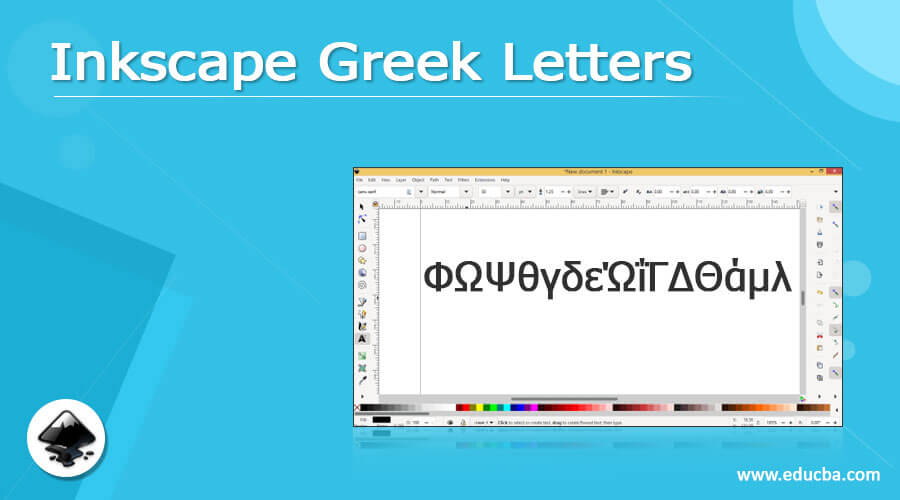
Introduction to Inkscape Greek Letters
Inkscape Greek Letters are generally used as a symbolling letter in a specific type of documentation work and several time we also need these letters during drawing any work in Inkscape as well, such as if we want to indicate some mathematically steps or indications in our drawing then it may we need to use greek letters. So for that purpose, we can have greek letters in Inkscape by using Unicode Character features of this software. Here I will tell you how you can use these letters in your art work and shortcut keys for these letters also. So let us get started this informative article on this concern.
How to use Greek Letters in Inkscape?
Using greek letters in this software is no big deal. You just have knowledge about proper and specific steps for having your desired result. So I will tell you those steps through which you can have your desired greek letters in your document area.
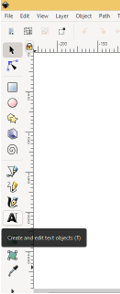
The very first thing which you have to do is go to tool panel and take ‘Create and edit text objects’ tool from there. You can also press T letter key of keyboard as shortcut key of this tool. If you want you can also press F8 functional key of keyboard for having text mode On.
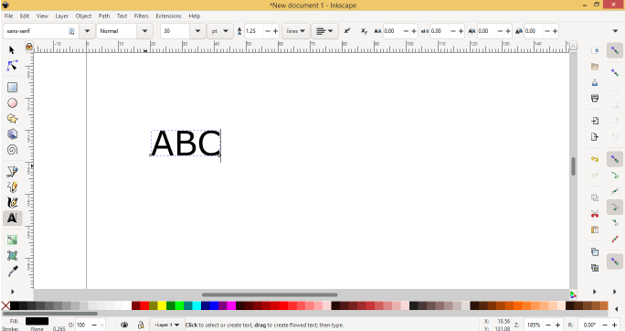
After having text mode On make click on your desired place of document area and a mouse cursor will blink on your clicked point. You can type your desired text here but we want to have greek letters here.
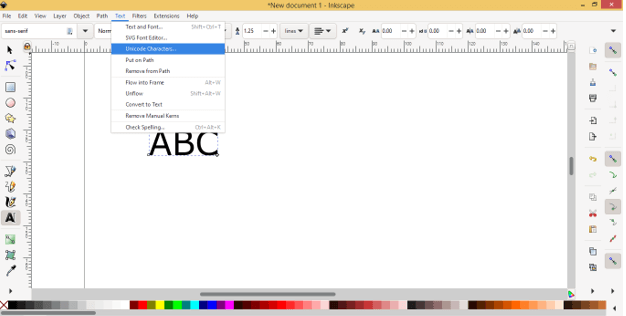
For that go to Menu bar and click on Text menu. Once you click on it a drop-down list will be open. Here in the list click on Unicode Characters option.
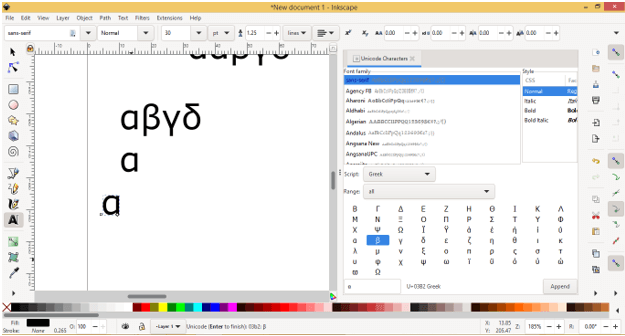
Once you click on this option you will find a Unicode dialog box at the left side of working window.
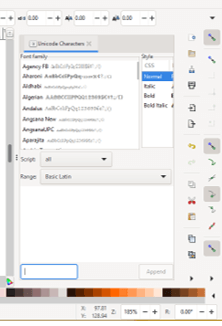
In this box, you can choose Font type from the list of Font Family. Currently, it is selected sans-serif font family.
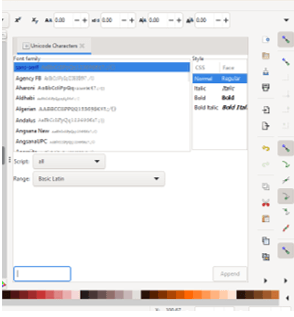
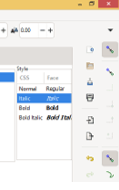
And in the Style box, you can have different types of style of type letter such as it may be bold, italic, and so on as per your choice.
Now click on drop arrow button of Script option of this dialog box.
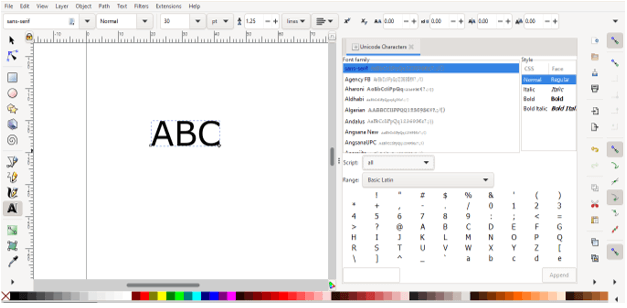
Once you click on it a list of different script will be open that means different typing languages’ list will be open.
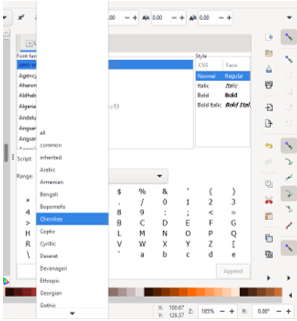
Here in this list search for Greek by scrolling down the list and click on it for selecting it.
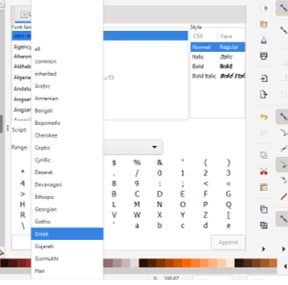
Then go to Range option and click on drop-down arrow of its tab too.
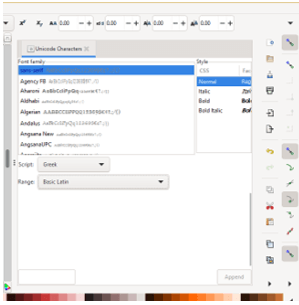
And select All option from opened scroll down list.
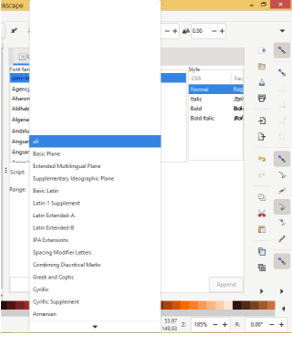
Or you can do one more thing if you don’t want to follow of these steps. Just go to Range option and then select Greek and Coptic option from it scroll down list.
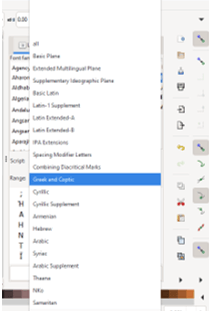
And you will have letter of greek in this section of Unicode dialog box such as alpha, Beta, and so on.
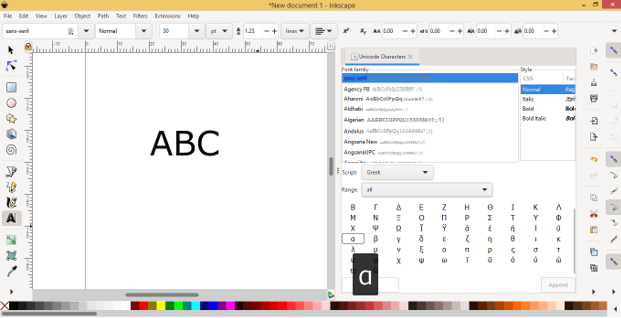
Make double-click on the letter which you want to insert in your document area.
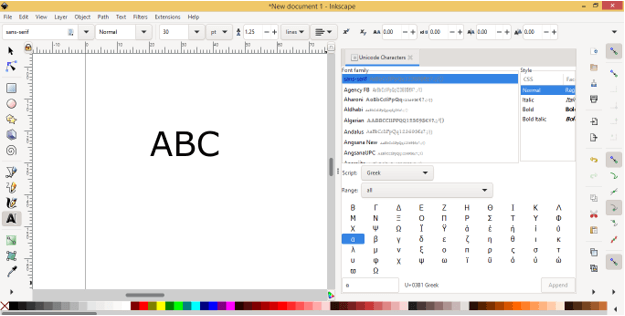
And once you click on it your selected letter will come in the text box of Unicode dialog box. You can find this text box at the button of this dialog box.
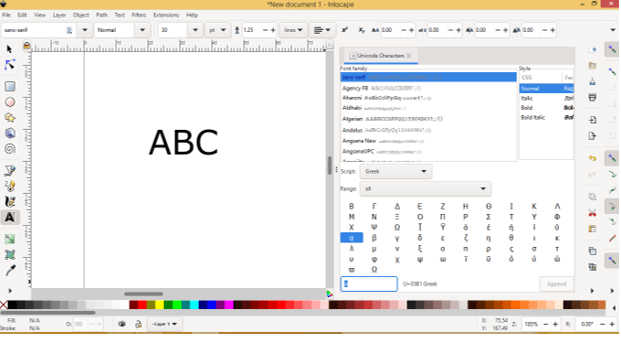
Just copy this letter by selecting it in the text box and for copying it press Ctrl + C button of keyboard. Now go to document area and make click with text tool at your desired place then press Ctrl + V button for pasting it there.
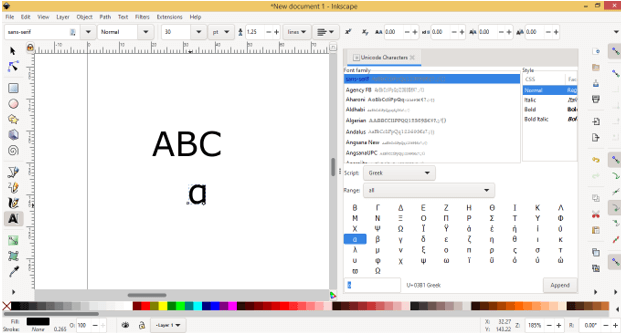
Once you past a greek letter on document area the Append button of Unicode dialog box will become active that means now you can click on this button for inserting your selected greek letter in document area.
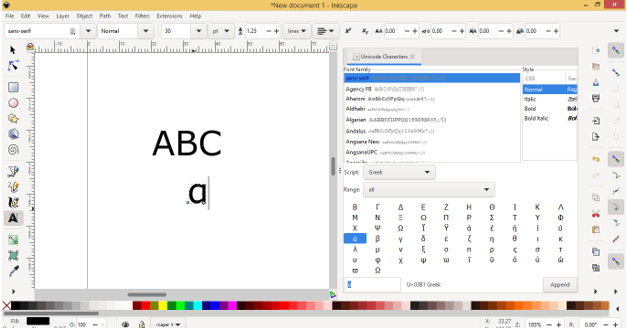
Let me tell you how you can do this now. Just select your desired greek letters from the list by making double click on them one by one.
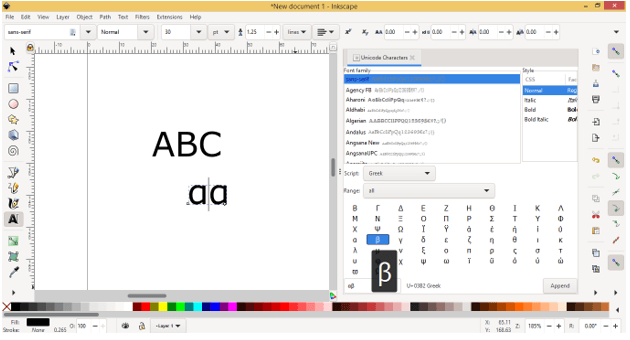
And your all selected letters will come in the text box.
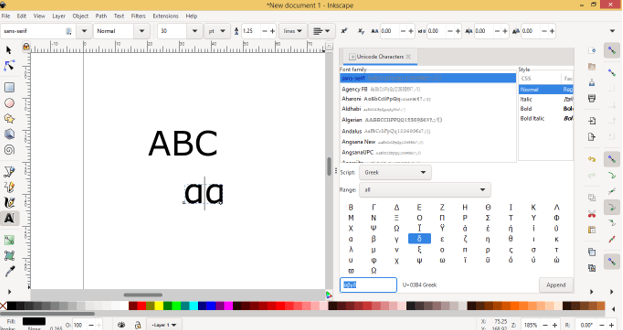
Now just click on Append button of Unicode dialog box. You will find this button at the button right corner of this dialog box and once you click on this button all the letters those are in the text box of this dialog will inserted in the document area like this.
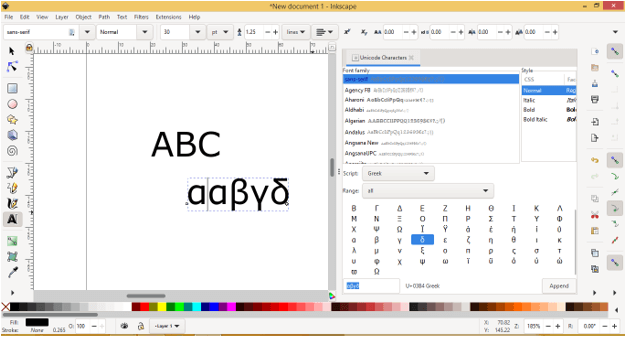
Now let me tell you other way through which you can directly insert your desired greek word in document area. For this take text tool and drag its mouse cursor for making paragraph or text box like this.
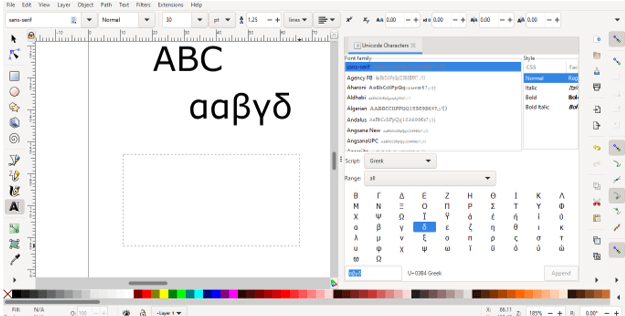
And now when you come into Unicode dialog box the Append button will become active automatically and this time just select your desired letters and when they come into text box of Unicode dialog just click on Append button.
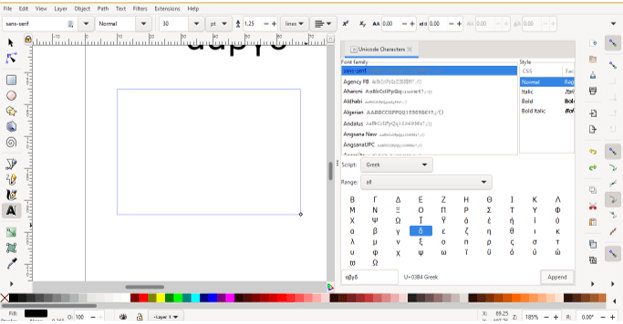
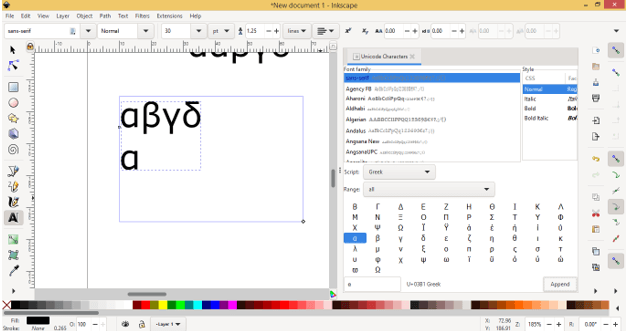
And it will come on the text box area of text tool on your document section. You can also insert only one letter of greek word as per your choice by the same way. For example, I want to insert this Alpha only so I will select it and repeat inserting process and it will insert in document area like this.
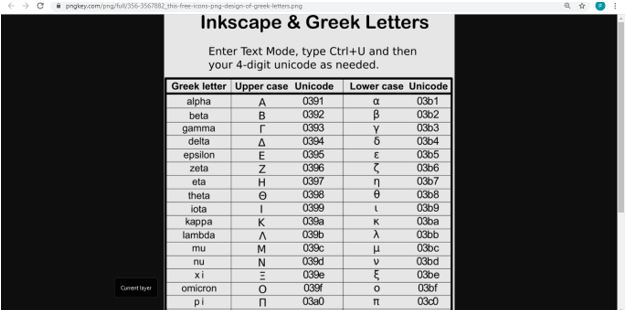
You can also type these greek letter by pressing their Unicode. You can see their code in the Unicode dialog box which is next to text box of them. For example, the Unicode of alpha is U+03B1 and for apply it first press Ctrl + U button of keyboard, and when you press it, it will covert into Unicode mode.

Now press code of this letter that is 03B1

And press enter button of keyboard. It will type on your document area like this. Make sure before applying code you have been made click on the document area with text tool.
You can find these code on internet too.
Conclusion
I told you all aspects of Greek letter and now you know several ways for having these letters in document area of Inkscape during working on any illustration work. You can go with Unicode of these letter for quick access of them, just learn their code and apply them.
Recommended Articles
This is a guide to Inkscape Greek Letters. Here we discuss the Introduction, How to use Greek Letters in Inkscape?. You may also have a look at the following articles to learn more –

