


Updated August 26, 2026
The axis that decides what an SEO analysis tool can actually see is its data source: its own multi-database index, a crawl of your own site, first-party Google data, or a specialist link index. That distinction is getting more consequential, not less. Gartner predicts that traditional search engine volume will drop 25% by 2026 as query volume shifts to AI chatbots and agents. The analysis surface is moving, so where a tool sources its data now determines what it can still observe. That is the line separating the best seo analysis tools from tools that only ever show you a slice.
For most teams, the strongest all-round pick is SE Ranking because it analyzes competitors across organic, PPC, and AI answers on its own index in one place, rather than stitching together three data sources. One honest nuance: if you only need first-party crawl truth on your own site, a dedicated crawler or Google Search Console is enough, and you do not need an index at all. The tiers below group the remaining SEO analysis tools by where their data originates and how they are deployed.
Selection Criteria for These SEO Analysis Tools
- Data Source: own multi-database index, a crawl of your own site, first-party Google data, or a specialist link index.
- Deployment: cloud (hosted, no local compute ceiling) vs desktop (bound by your machine’s RAM and CPU).
- Analysis Breadth: competitor and keyword research, site audit, backlink analysis, or a single-purpose subset of these.
- JS Rendering: whether the crawler executes JavaScript (headless Chrome) or reads raw HTML only, which decides what it sees on client-rendered pages.
- Export/API: CSV export, a documented API, or programmatic access for pulling data into your own pipeline.
Methodology: each tool was listed by its primary data source and deployment model, then assessed for analysis breadth, JS rendering behavior, and export or API access against its official documentation and pricing.
How We Categorized These SEO Analysis Tools?
The best seo analysis tools sort cleanly into three tiers by data source. Tier 1 is all-in-one platforms that run on their own crawled index in the cloud, allowing them to analyze any domain you point them to. Tier 2 is dedicated crawlers that read your own site directly, on the desktop or via a hosted crawl. Tier 3 consists of first-party and specialist data sources, where the data comes from Google itself or from a purpose-built index.
| Rank | Tool | Tier | Data source | Deployment | Starting price |
| 1 | SE Ranking | Tier 1 all-in-one | Own index (5.5B kw, 2.7T links, 188 DBs) | Cloud | $129/mo |
| 2 | Ahrefs | Tier 1 all-in-one | Own backlink + clickstream index | Cloud | ~$129/mo |
| 3 | Serpstat | Tier 1 all-in-one | Own index (smaller) | Cloud | ~$59/mo |
| 4 | Semrush | Tier 1 all-in-one | Own index (largest kw/backlink) | Cloud | $139.95/mo |
| 5 | Screaming Frog | Tier 2 crawler | Your site only | Desktop | Free / £199-yr |
| 6 | Sitebulb | Tier 2 crawler | Your site only | Desktop + cloud | ~$13.50/mo |
| 7 | Google Search Console | Tier 3 first-party | First-party Google data | Cloud (Google) | Free |
| 8 | Majestic | Tier 3 specialist | Specialist link index (Fresh+Historic) | Cloud | ~$50/mo |
Tier 1: All-in-one Platforms (Own Index, Cloud)
These platforms run every analysis on their own multi-database index, hosted in the cloud. Because the index is theirs, they can pull organic keywords, paid ads, and backlink profiles for any domain you enter your own or a competitor’s with no crawler to host and no site verification step. That own-index model is what lets them analyze domains you have no access to.
1. SE Ranking
(Image Source: SE Ranking)
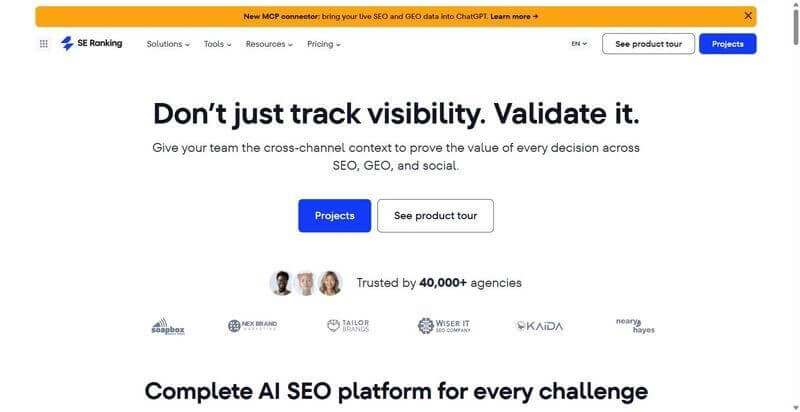
SE Ranking runs competitor analysis on its own index, so you can profile any domain’s organic, paid, and AI-answer visibility without creating a project.
Best for: agencies and in-house teams that analyze competitor domains across organic, PPC, and five AI engines from one index.
Standout Feature: the competitive research module reads five AI-answer engines AI Overviews, AI Mode, ChatGPT, Gemini, and Perplexity alongside organic and PPC data, then layers keyword-gap, backlink-competitor, and competitor-identification reports on top. The index behind it spans 5.5B keywords, 2.2B domain profiles, and a 2.7T-link graph across 188 country databases, fed by a crawl of roughly 6B pages per day.
Pros:
- Analyze any domain through competitor SEO analysis without setting up or verifying a project first
- Crawl target sites and run Website Audit against 115+ checks with JavaScript rendering
- Query the same data through the API and MCP server on every plan, including the entry tier
- Pull historical organic and PPC visibility to track a competitor’s trajectory, not just its current snapshot.
Cons:
- Competitor figures are modeled estimates and depend on database coverage; thinner regions need an Expand-Database request before the numbers populate
- Some country databases are smaller than the largest rivals’
- No automated cross-channel correlation inside the interface; you stitch organic, PPC, and AI-answer data together through the API or MCP.
Pricing: Core $129/mo ($103.20/mo billed annually), Growth $279/mo; API and MCP on every plan; 14-day trial.
Bottom Line: If your work is auditing domains you do not own competitors, prospects, or acquisition targets the own-index model removes the setup step entirely. Among today’s SEO analysis tools, SE Ranking stands out with AI-engine coverage across five answer sources. Treat competitor numbers as directional estimates, and expect to script cross-channel joins through the MCP.
2. Ahrefs
(Image Source: Ahrefs)
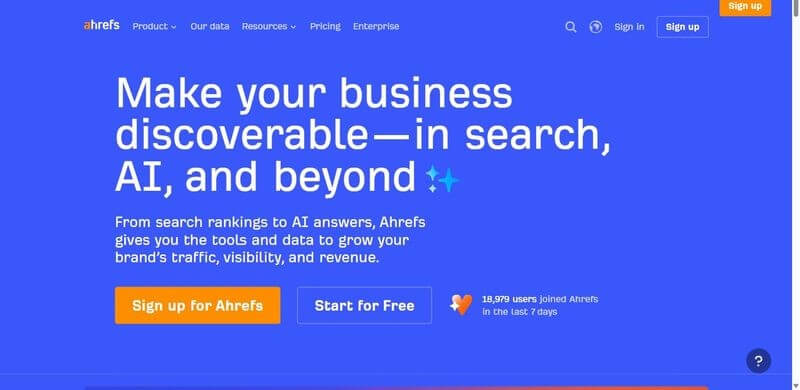
Ahrefs is built around the largest independent backlink index, paired with keyword and traffic estimates and a cloud Site Audit crawler.
Best for: link-focused analysis and competitive backlink research where index size decides the answer.
Standout Feature: the backlink index is the largest among independent crawlers, which matters when you need referring-domain history and link context that smaller indexes miss. Ahrefs’ February 2026 study found that an AI Overview correlates with a 58% lower average click-through rate for the position-one page, a signal worth tracking against link-driven rankings.
Pros:
- Query the largest independent backlink index for referring domains, anchors, and link history
- Estimate organic traffic and keyword rankings for any domain from its own crawl
- Run cloud Site Audit crawls without hosting a crawler locally
- Compare link profiles across competitors in a single view.
Cons:
- Gates usage behind credit and row limits that cap large exports
- Prices per seat, so team access scales the bill quickly
- Reports traffic and keyword figures as modeled estimates, not measured data.
Pricing: from ~$129/mo.
Bottom Line: Reach for Ahrefs when backlink data is the analysis and index depth decides the answer. Among the leading SEO analysis tools, it excels in link intelligence. The credit ceiling and per-seat pricing are the main constraints to evaluate before adopting it for a larger team. Treat traffic and keyword numbers as estimates rather than first-party analytics.
3. Serpstat
(Image Source: Serpstat)
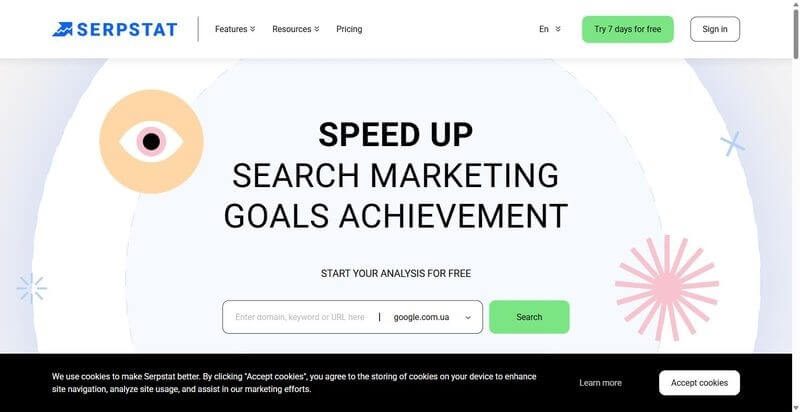
Serpstat bundles audit, keyword research, backlink analysis, rank tracking, and SERP analysis on its own index at a lower entry price.
Best for: Teams that want an affordable SEO analysis tool that covers the complete SEO workflow.
Standout Feature: Serpstat runs the full-stack site audit, keyword research, backlink analysis, rank tracking, and SERP analysis from a single index, so you cover the same workflow categories as the larger platforms without having to assemble separate tools. The trade is index size: its databases are smaller, so long-tail and regional coverage thins out faster than on the top-tier indexes.
Pros:
- Cover audit, keywords, backlinks, ranks, and SERP analysis in one platform
- Analyze any domain against its own index without local infrastructure
- Access the toolset at a lower entry price than the largest platforms
- Query the data through an API for reporting pipelines.
Cons:
- Runs on smaller databases, so keyword and backlink coverage trails the largest indexes
- Provides thinner coverage of AI-search and AI-answer visibility
- Regional data gaps are more apparent in long-tail queries.
Pricing: from ~$59/mo.
Bottom Line: Serpstat delivers a solid all-in-one experience for businesses looking for cost-effective SEO analysis tools. While its databases are smaller than the market leaders, it performs well for mainstream websites and keyword research. Teams focused heavily on AI visibility or deep long-tail analysis may benefit from larger indexes.
4. Semrush
(Image Source: Semrush)
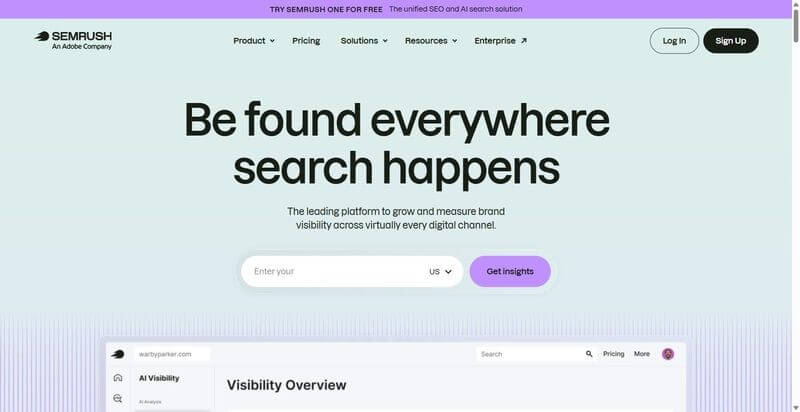
Semrush pairs some of the largest keyword and backlink databases with a roughly 140-check Site Audit, position tracking, and PPC analysis.
Best for: teams whose analysis depends on the maximum size of the keyword and backlink databases.
Standout Feature: Semrush maintains some of the largest keyword and backlink databases in the category, which sets the ceiling on how much long-tail and referring-domain data a query can return. Around it sit a roughly 140-check Site Audit, position tracking, and PPC analysis, so most competitive research tasks are resolved within one index.
Pros:
- Query some of the largest keyword and backlink databases available
- Run a ~140-check Site Audit against any domain from the cloud
- Track positions and analyze PPC campaigns alongside organic data
- Combine competitive research across organic, paid, and technical in one platform.
Cons:
- Scales in price faster than most platforms as you add capability
- Gates row limits, historical data, and key reports behind higher tiers
- Charges separately for some add-ons, inflating the effective cost.
Pricing: from $139.95/mo.
Bottom line: Among enterprise-grade SEO analysis tools, Semrush stands out because of its extensive keyword and backlink databases. If comprehensive market coverage is your priority, it is one of the strongest options available. Just be aware that the effective cost often grows well beyond the entry-level subscription as your requirements expand.
Tier 2: Dedicated Crawlers (Your-site Data, Desktop/Cloud)
These SEO analysis tools crawl only the website you specify rather than relying on a shared index. The advantage is much deeper technical insight into your own pages, although they cannot analyze competitor websites.
That depth still earns its place: only 67.7% of desktop pages carried a meta description in 2025 while title tags reached 98.6%, so a crawl of your own site keeps surfacing basic on-page gaps the index tools never inspect.
5. Screaming Frog
(Image Source: Screaming Frog)
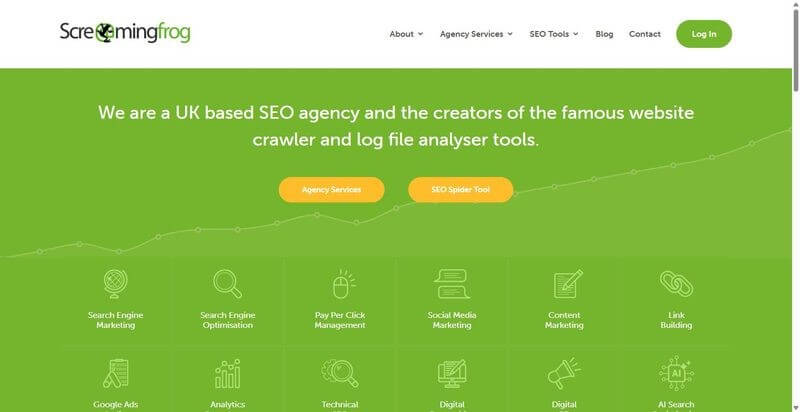
A desktop crawler that fetches and parses your site directly, with headless Chrome rendering and a separate log-file analyzer alongside it.
Best for: technical SEOs auditing crawl, indexing, and rendering behavior on a single site.
Standout Feature: It renders JavaScript with headless Chrome, so it evaluates the DOM after client-side execution rather than rendering raw source HTML. That surfaces content and internal links injected at runtime, the failure mode that hides links from crawlers reading source only. The separate Log File Analyzer then cross-references crawl data against real Googlebot fetch logs, which is the authoritative check on what Google actually requested.
Pros:
- Renders JavaScript via headless Chrome, exposing client-side DOM content
- Extracts structured data, hreflang, and response headers per URL
- Pairs crawl data with server fetch logs in the Log File Analyzer
- Exports every report to CSV for downstream processing.
Cons:
- Runs locally, so crawls above a few hundred thousand URLs are bound by your machine’s RAM and CPU
- Carries no keyword or backlink index, so competitor and off-site data are out of scope.
Pricing: Free for up to 500 URLs; £199/yr (about $259) for the unrestricted license.
Bottom Line: Among desktop SEO analysis tools, Screaming Frog remains one of the strongest choices for technical audits. JavaScript rendering and log file analysis provide insights that cloud-based indexing tools cannot. Pair it with a Tier 1 platform whenever competitor research or backlink analysis is required.
6. Sitebulb
(Image Source: Sitebulb)
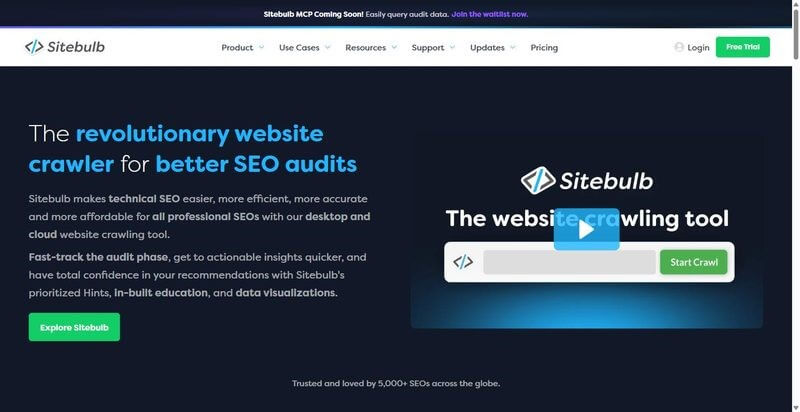
A crawler available on the desktop and as a hosted cloud crawl, built around scored, prioritized audit recommendations rather than a flat issue list.
Best for: teams that want audit findings ranked by impact instead of a raw issue dump.
Standout Feature: Sitebulb scores each issue as a prioritized Hint, ordering findings by estimated impact so remediation follows severity rather than crawl order. It renders JavaScript to evaluate client-side content, and it builds crawl maps that visualize internal link depth and site structure. Together, those turn a raw issue export into an ordered remediation queue a team can work top-down.
Pros:
- Scores and ranks audit issues as prioritized Hints
- Renders JavaScript to evaluate client-side content
- Generates crawl maps of internal link depth and structure
- Offers both a desktop app and a hosted cloud crawl.
Cons:
- Audit-only: no rank tracking, keyword, or backlink data
- Cloud tier costs more than the desktop license for equivalent crawl volume.
Pricing: From ~$13.50/mo.
Bottom Line: Sitebulb is one of the most user-friendly SEO analysis tools for technical website audits. Its prioritized recommendations help teams resolve issues more efficiently, while the cloud version removes desktop hardware limitations. It works best alongside a Tier 1 SEO platform rather than as a complete SEO solution.
Tier 3: First-party and Specialist Data Sources
These SEO analysis tools rely on first-party data or a specialized index rather than trying to cover every aspect of SEO. One reports what Google itself measured, while the other focuses exclusively on backlink intelligence. Neither is a complete SEO platform, but both provide information that broader tools can only estimate.
They also help verify technical SEO baselines. For example, HTTPS reached 91.7% of desktop pages in 2025, and only Google’s own data can confirm how your pages perform in Search.
7. Google Search Console
(Image Source: Google Search Console)
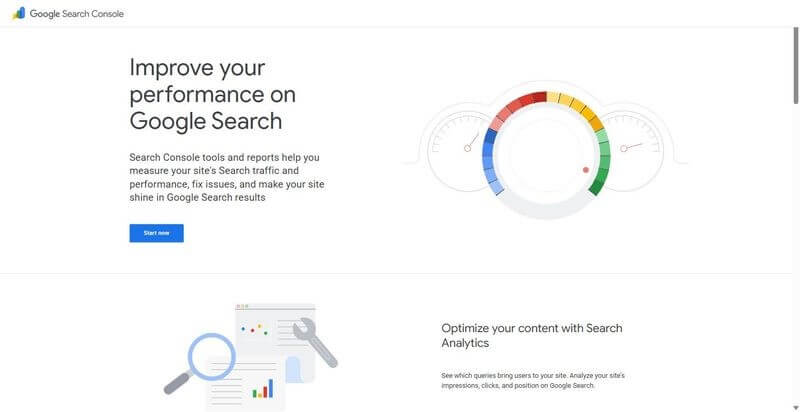
Google’s free first-party console, reporting the query, index, and rendering data Google itself recorded for your verified site.
Best for: any team that needs ground-truth Google data on its own properties.
Standout Feature: Search Console returns first-party data no third-party index can replicate: Performance (real impressions, clicks, and positions), Index Coverage, Core Web Vitals field data, and URL Inspection, which shows the rendered HTML Google actually processed. URL Inspection is the authoritative check for whether a specific page is indexed and how Google rendered it after execution.
Pros:
- Reports real impressions, clicks, and average position from Google’s own logs
- Shows index status and crawl exclusions per URL in Index Coverage
- Returns the rendered HTML Google processed via URL Inspection
- Exposes Core Web Vitals field data from actual visits.
Cons:
- Covers only properties you verify, so there is no competitor visibility
- Data is sampled and aggregated, and history is capped at 16 months.
Pricing: Free.
Bottom Line: Among free SEO analysis tools, Google Search Console is essential because it provides Google’s own search data instead of modeled estimates. While it cannot replace a competitor research platform, it remains the most accurate source for understanding how Google views your website. Export data regularly because of the 16-month history limit.
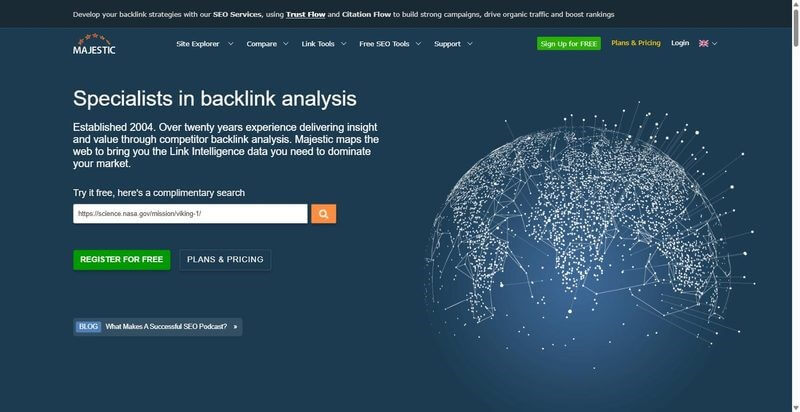
8. Majestic
(Image Source: Majestic)
A backlink-analysis specialist that runs its own link crawl, with no keyword, rank, or site-audit modules attached to it.
Best for: link analysts who want a dedicated index and its own trust metrics.
Standout Feature: Majestic scores links with Trust Flow and Citation Flow and splits its data into separate Fresh and Historic indexes so that you can query recent links or the full archive independently. That resolution matters because 92.2% of backlinks to top-ranking sites are editorial and page-one sites add about 48 new referring domains a month, so recency and provenance are exactly what a link index has to track.
Pros:
- Maintains separate Fresh and Historic link indexes for recency versus archive queries
- Scores every link with Trust Flow and Citation Flow
- Reports referring domains, anchors, and topical trust flow for backlink analysis
- Runs its own independent link crawl rather than reselling another index.
Cons:
- Backlinks only: no keyword, rank, or site-audit data
- Trust Flow and Citation Flow are proprietary proxies, not Google metrics.
Pricing: From ~$50/mo.
Bottom Line: If backlink intelligence is your primary priority, Majestic remains one of the strongest specialized SEO analysis tools available. Its Fresh and Historic indexes provide flexibility for both recent and long-term link analysis. Just remember that its proprietary metrics should be used alongside other SEO signals rather than treated as absolute measurements.
Cross-Tier Verdict: Which SEO Analysis Tools Should You Choose?
The best SEO analysis tools are distinguished by what they analyze, not simply by the number of features they advertise.
For most organizations, the ideal stack includes:
- A Tier 1 all-in-one platform for competitor, keyword, backlink, PPC, and AI search analysis.
- A Tier 2 crawler for deep technical audits of your own website.
- Google Search Console for Google’s first-party performance and indexing data.
For competitor and AI-answer visibility, SE Ranking is the strongest recommendation because it combines multiple search surfaces within a single index. Pairing it with a dedicated crawler and Google Search Console creates a well-rounded SEO workflow.
Skip If
- Do not pay for two Tier 1 SEO analysis tools with overlapping databases, as they often duplicate much of the same data.
- Do not rely only on a Tier 2 crawler when competitor analysis is required, because it only crawls your own website.
Action
Shortlist one tool from each tier, point all three at the same domain, and compare their findings over a week before investing long term.
Ultimately, the best SEO analysis tools are the ones whose data sources answer your actual SEO questions, not simply the ones with the longest feature lists.
Frequently Asked Questions (FAQs)
Q1. What is the best SEO tool for competitor site analysis?
Answer: A Tier 1 platform with its own index is what analyzes a competitor’s site, because a crawler only reads pages on your own domain. SE Ranking pulls a rival’s keywords, traffic estimates, and backlink profile from its multi-database index without any access to that site. That index-based read is what competitor analysis requires.
Q2. What data sources do SEO analysis tools use?
Answer: Four types. A Tier 1 platform’s own multi-database index, built from independent SERP and backlink crawling. A Tier 2 crawler that fetches only your own site. First-party Google data through Search Console. Moreover, a specialist link index that maps referring domains and anchors. Each source answers a different question.
Q3. Do you need more than one SEO analysis tool?
Answer: Usually yes. No single source covers both competitor data and first-party truth, so one Tier 1 platform plus first-party Google Search Console is the common baseline. The platform reads rivals from its index; Search Console reports the queries and clicks Google actually recorded for your pages. One fills the other’s gap.
Q4. How do you make an SEO analysis report?
Answer: Pull data from your Tier 1 platform and Google Search Console, then lead with the metric that maps to a business outcome, such as revenue-driving query clicks. Show the trend over time, not a single snapshot. Export through the platform’s report builder. Google Search Console, the best free seo analysis tool, works as a starting point.
Recommended Articles
We hope this guide helps you choose the best SEO analysis tools for competitor research, technical audits, and improving your website’s search performance. Explore these recommended articles for more insights into SEO analysis, keyword research, backlink analysis, technical SEO, and digital marketing strategies.

