


What Is the Full Form of CRM?
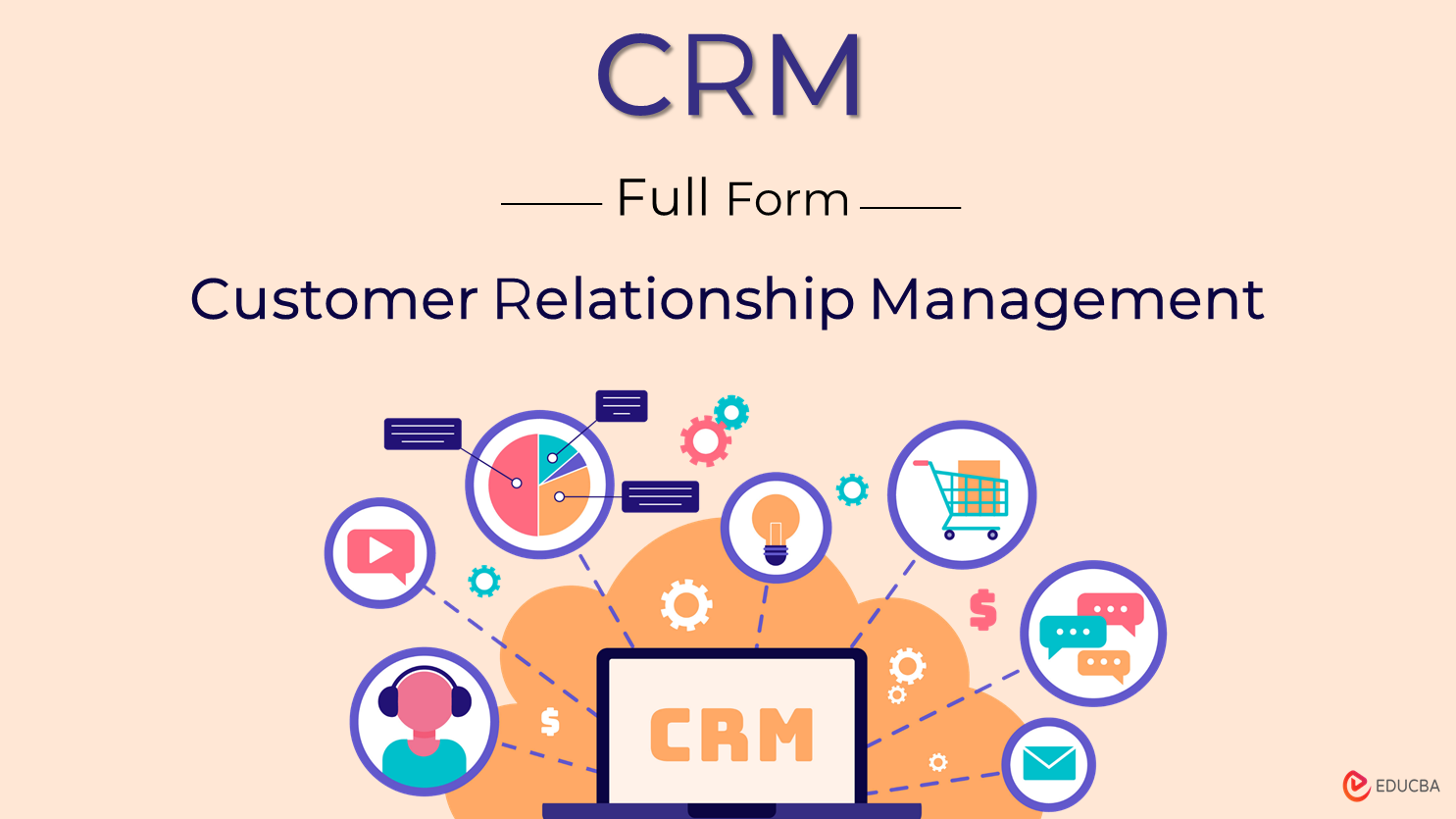
CRM stands for Customer Relationship Management. It refers to strategies, tools, and practices businesses use to manage interactions with customers, streamline operations, and enhance relationships. Whether you run a startup or a multinational corporation, a CRM system helps organize customer information and improve business performance.
Table of Contents
- Full Form
- Meaning
- Importance
- How does it work?
- Types
- Key Features
- Tools
- Benefits
- Use Cases
- Who uses it?
What Is CRM?
CRM (Customer Relationship Management) is a framework of tools, methods, and practices that companies use to track, manage, and evaluate customer interactions across the entire customer lifecycle. A CRM tool helps businesses store data, automate tasks, track communication, and improve customer satisfaction.
Modern CRM platforms enable organizations to gain a deeper understanding of their customers, comprehend their needs, and deliver a more personalized experience.
Why Is CRM Important?
CRM is important because it helps businesses strengthen relationships, improve decision-making, and grow sustainably. Here’s how it adds value with examples for better understanding:
1. Centralize Customer Data
A CRM system collects and organizes all customer details—contact information, purchase history, website behavior, and communication records into one unified database.
This eliminates the confusion of scattered documents, lost emails, or outdated spreadsheets.
2. Improve Customer Satisfaction
With CRM software, businesses track a customer’s entire journey—from initial inquiry to post-sales support. This enables faster responses, more personalized interactions, and more accurate solutions.
3. Boost Sales Performance
A CRM platform helps sales teams monitor leads, track opportunities, and follow up at the right time. Automation ensures no potential deal is forgotten or delayed.
4. Enhance Customer Retention
CRM helps businesses sustain long-term customer relationships by monitoring customer behavior and detecting early indicators of potential attrition.
5. Streamline Operations
A CRM system streamlines routine activities by automating tasks like email communication, follow-up scheduling, record updates, and customer segmentation. It also ensures smooth communication between teams.
How Does a CRM System Work?
A CRM system works by collecting, storing, and analyzing customer data from various touchpoints to help businesses understand and engage customers more effectively.
It gathers information from sources such as:
- Website inquiries
- Social media interactions
- Sales calls and meetings
- Emails and live chats
- Marketing campaigns and advertisements
Once collected, it organizes this data into structured customer profiles, tracks interactions, and highlights patterns or opportunities. Such insights enable teams to make informed decisions, enhance collaboration, tailor marketing strategies, and deliver a more seamless and personalized experience for customers.
Types of CRM Systems
Businesses choose CRM systems based on their goals, workflows, and customer needs. The three main types are include:
1. Operational CRM
An Operational CRM focuses on automating key business processes, including sales, marketing, and customer service. It helps manage leads, track customer interactions, automate emails, and streamline tasks, making daily operations more efficient and effective.
2. Analytical CRM
An Analytical CRM studies customer data to uncover patterns, trends, and insights. It helps businesses understand customer behavior, predict future needs, and make data-driven decisions.
3. Collaborative CRM
A Collaborative CRM enhances communication and data sharing among departments, including sales, marketing, and customer support. It ensures everyone has access to the same customer information.
Key Features of CRM Software
Most CRM software comes with powerful features that help businesses manage customers, streamline operations, and increase revenue. Here are the key features:
- Contact Management: Stores and organizes customer information, including names, phone numbers, emails, and interaction history, so that teams can access accurate data at any time.
- Lead & Opportunity Tracking: Monitors prospects throughout each phase of the sales pipeline, enabling sales teams to reach out at the ideal moment and increase their chances of closing deals.
- Email & Campaign Management: Enables businesses to run targeted email campaigns, send automated messages, and monitor engagement, improving marketing effectiveness.
- Sales Pipeline Visualization: Displays all deals in a visual pipeline, enabling teams to identify which opportunities require attention and forecast revenue more accurately.
- Customer Support via CRM: Helps support teams manage inquiries, track tickets, and deliver timely resolutions by utilizing customer history stored within the Customer Relationship Management.
- Reporting & Analytics: Provides detailed insights through dashboards and reports, enabling businesses to understand their performance, customer behavior, and sales trends.
- Workflow & Task Automation: Automates repetitive tasks like sending follow-up emails, assigning leads, updating records, and scheduling reminders, saving time and reducing errors.
These CRM features enable organizations to operate more efficiently, enhance customer engagement, and drive higher revenue through improved productivity and smarter decision-making.
Popular Customer Relationship Management Tools
Businesses utilize various tools tailored to their size, workflows, and growth objectives. Below are the most popular CRM systems, each offering unique strengths:
1. Salesforce CRM
Salesforce is one of the most powerful and customizable CRM platforms available. It offers advanced automation, AI-driven insights through Einstein AI, extensive integrations, and industry-specific solutions. It supports large organizations that require deep customization, complex workflows, and enterprise-grade data management.
2. HubSpot CRM
HubSpot CRM is known for its simplicity, free plan, and seamless integration of marketing, sales, and customer service tools. It provides contact management, email automation, campaign tracking, and pipeline management, all in a user-friendly interface. HubSpot is a great choice for companies seeking a user-friendly, all-in-one growth platform that can scale effortlessly without requiring technical expertise.
3. Zoho CRM
Zoho CRM offers a budget-friendly yet feature-rich platform with tools like lead scoring, workflow automation, omnichannel communication, and AI-powered analytics from Zia AI. It integrates seamlessly with the Zoho ecosystem, making it an ideal choice for businesses seeking a comprehensive suite of business apps at an affordable price.
4. Microsoft Dynamics 365 CRM
Dynamics 365 is a powerful CRM and ERP solution that integrates deeply with Microsoft products like Outlook, Teams, and Excel. It delivers advanced analytics, sales forecasting, and customer service tools ideal for large, data-driven organizations. Its modular structure makes it easy for businesses to choose and customize only what they need.
5. Freshsales CRM
Freshsales (by Freshworks) provides a user-friendly platform equipped with AI-driven lead scoring, workflow automation, integrated calling, and email tracking capabilities. Its simplicity and speed make it highly appealing for teams that want powerful features without complexities.
6. Pipedrive CRM
Pipedrive is a sales-first CRM designed for clear pipeline visualization and easy deal tracking. It provides customizable pipelines, activity reminders, and automation that help sales teams stay organized and close deals faster. Its lightweight interface makes it a favorite among teams focused purely on sales performance.
Each tool offers distinct strengths, whether it’s automation, analytics, affordability, or ease of use. Choosing the right Customer Relationship Management depends on your business size, budget, industry, and workflow needs.
Benefits of Using CRM
Organizations of every size, from emerging startups to large corporations, can gain meaningful advantages from using CRM systems:
1. Better Customer Understanding
A CRM system provides a comprehensive, 360-degree view of every customer by combining their purchase history, communication records, preferences, and behavioral patterns. This deep understanding enables businesses to personalize interactions, predict customer needs, and deliver more relevant solutions.
2. Improved Team Collaboration
CRM enables different departments, such as sales, marketing, and customer service, to share customer information instantly and effectively. This reduces miscommunication, eliminates duplicate efforts, and ensures every team member stays aligned.
3. Higher Efficiency
CRM automation handles repetitive tasks such as sending follow-up emails, updating contact details, assigning tasks, and tracking activities. This reduces manual effort, saves time, and minimizes errors.
4. Increased Sales
CRM software provides organized pipelines, timely follow-up reminders, and customer insights, enabling sales teams to work smarter and close deals more efficiently. It highlights high-potential opportunities and ensures no lead gets forgotten.
5. Enhanced Marketing Impact
CRM allows marketers to segment audiences based on behavior, interests, demographics, and purchase patterns. This makes campaigns more targeted, relevant, and effective.
6. Data-Driven Decisions
CRM dashboards and reports provide real-time insights into sales trends, customer behavior, marketing performance, and team productivity. Leaders use this data to make informed decisions, plan future strategies, and optimize business performance.
Use Cases of Customer Relationship Management
CRM systems support multiple business functions by improving organization, communication, and decision-making across teams. Here are the key use cases:
1. Sales
CRM helps sales teams manage their entire process — from lead generation to closing deals.
- Tracking leads through CRM: Sales teams capture and organize leads in one place, ensuring no prospect is missed.
- Managing pipelines: CRM presents deals across various stages, allowing teams to organize tasks effectively and concentrate on the most valuable opportunities.
- Monitoring conversions: CRM analytics show which leads convert, why they convert, and how to improve sales performance.
2. Marketing
CRM enhances marketing accuracy and improves campaign performance.
- Running CRM-based campaigns: Marketers launch targeted email and SMS campaigns based on segmentation.
- Segmenting audiences: CRM filters customers by behavior, demographics, interests, or past purchases for more personalized outreach.
- Automating emails: Automated workflows send welcome emails, reminders, and promotional messages without manual effort.
3. Customer Support
CRM empowers support teams to deliver faster and more personalized assistance.
- Handling service tickets: Support agents track and manage customer issues efficiently through a centralized ticket system.
- Improving response time: CRM alerts notify agents about new problems, enabling them to respond quickly.
- Maintaining a comprehensive communication history: Agents have access to full customer histories, allowing them to provide consistent and informed support.
4. Management
CRM enables leaders to plan strategically and make data-driven decisions.
- Forecasting revenue: CRM analytics predict future sales, enabling teams to plan resources and budgets effectively.
- Monitoring performance: Managers track team productivity, deal progress, and campaign performance through dashboards.
- Strategic planning using CRM insights: Leadership utilizes customer data and trends to inform business growth and long-term decision-making.
Who Should Use CRM?
A Customer Relationship Management system is a valuable tool for any organization aiming to build stronger connections, simplify operations, and make informed business decisions. It benefits a wide range of users, including:
- Small Businesses: Helps organize client data, manage leads, and automate daily activities without depending on manual spreadsheets.
- Startups: Establishes structured processes, monitors early customer interactions, and supports smooth business expansion.
- Enterprises: Enables collaboration across multiple departments, handles vast amounts of information, and ensures consistent communication company-wide.
- Sales Teams: Tracks leads, manages pipelines, schedules timely follow-ups, and improves conversion rates through better organization.
- Marketing Teams: Assists in audience segmentation, campaign execution, and performance measurement for more focused marketing efforts.
- Customer Support Teams: Simplifies ticket management, maintains complete communication history, and helps deliver faster, more personalized service.
- E-commerce businesses monitor buying behavior, manage orders efficiently, and personalize offers to increase repeat purchases.
- Service Providers: Manages appointments, tracks interactions, sets reminders, and strengthens long-term client relationships.
- Any Customer-Facing Organization: Any company that communicates or transacts with clients can benefit from implementing a CRM system to enhance efficiency and nurture lasting relationships.
Final Thoughts
Customer Relationship Management has become a vital tool for businesses aiming to build stronger customer relationships and operate more efficiently. By centralizing customer data, streamlining workflows, and enabling personalized communication, CRM systems help companies stay organized and responsive in every phase of the customer journey.
As competition grows, adopting the right CRM can significantly boost sales, enhance marketing impact, and improve overall customer satisfaction. Regardless of size or industry, every business can benefit from utilizing CRM to make informed decisions, foster customer loyalty, and support sustainable long-term growth.
Frequently Asked Questions (FAQ’s)
Q1. What is the difference between CRM and ERP?
Answer: CRM focuses on managing customer interactions, improving sales, and enhancing customer service. ERP (Enterprise Resource Planning) manages internal processes, including finance, inventory, HR, and supply chain management. CRM is customer-facing, while ERP focuses on internal business operations.
Q2. Is CRM only useful for sales teams?
Answer: No. While CRM is widely used in sales, it also benefits marketing, customer support, operations, and management by centralizing data and improving communication across departments.
Q3. What are the common signs that my business needs a CRM?
Answer: You may need a CRM if you struggle with managing customer data, miss follow-ups, use multiple spreadsheets, lack visibility into sales performance, or want to enhance customer communication.
Q4. How much does a CRM system cost?
Answer: Costs vary widely. Some CRMs (like HubSpot) offer free plans, while advanced systems (like Salesforce) may charge monthly fees per user. Pricing depends on features, customization, and business size.
Recommended Articles
We hope this detailed guide on CRM systems was helpful. Explore related articles on Customer Experience Strategies, Sales Automation Tools, and Business Process Optimization to deepen your understanding and strengthen your approach to managing customer relationships effectively.

