


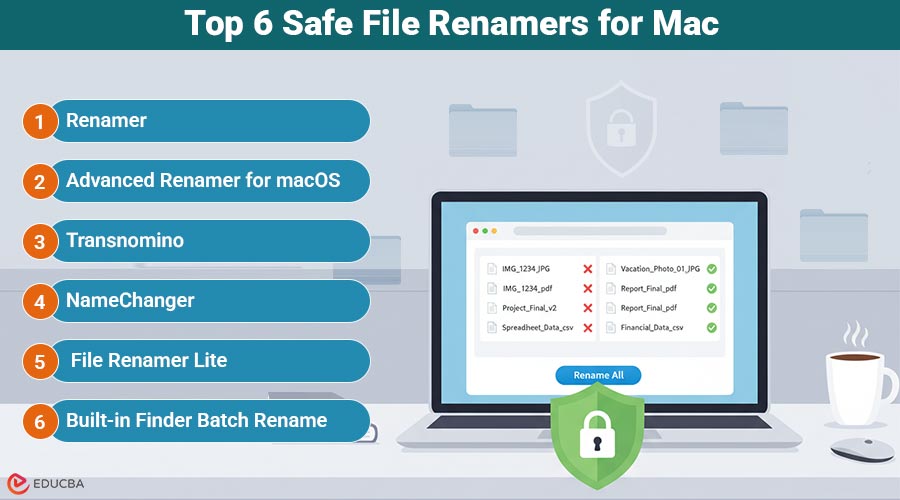
Safe File Renamers for Mac: Overview
Managing large numbers of downloads, images, design assets, or project files becomes much easier when you use the right file renamers for Mac. Whether you are a designer, photographer, developer, or simply someone looking to organize files more efficiently, the right tool can help you avoid hours of manual renaming. This guide explores the top 6 safe and reliable file renamers for Mac, along with their key features, pros, cons, and best use cases helping you streamline your workflow in 2025.
Quick Overview
| Tool | Type | Price Model | Best For |
| Renamer | Native macOS app | Free + Paid | Minimalistic, lightweight renamer with advanced tools |
| Advanced Renamer | Standalone app | Free for personal use | Metadata-heavy, rule-based workflows |
| Transnomino | Standalone app | Completely free | Clean, simple, native batch renaming |
| NameChanger | Standalone app | Completely free | Every day, bulk renaming with presets |
| File Renamer Lite | Mac App Store app | Free tier | Users who rely on App Store apps |
| Finder Batch Rename | Built into macOS | Completely free | Quick, basic renaming without installation |
Top 6 Safe File Renamers for Mac
Here are the top six safe and reliable file renamers for Mac, each offering unique features to simplify and speed up your batch renaming tasks.
1. Renamer
Renamer is a small, native batch file renaming program designed for Windows and macOS. It allows you to rename thousands of folders and files easily using advanced designs, real-time previews, and a sleek user interface.
The key features are:
- Supports advanced find and replace by regex.
- Allows the addition or removal of the suffixes or prefixes.
- Provides cases that can be converted (uppercase, lowercase, title sentences).
- Fast sequential numbering is possible with variable increment and start values.
- Accesses file metadata (creation date, modification date, EXIF data) for dynamic renaming.
- Locally runs operations on your computer and does not upload files to the cloud.
Note on Licensing:
- “Basic Free” plan offers unlimited installation and the essential functions for renaming (batch name renaming, prefix/suffix, the conversion of case, regex search and replace, sequential numbering, extension name, and preview) for no cost.
- Paid versions are also available to help with more complex use cases or for team installations.
2. Advanced Renamer for macOS
Advanced Renamer provides rule-based name renaming, metadata extraction, and batch processing at an advanced level. It is especially effective for large sets of photos and project folders, where a uniform, repeatable naming pattern is required.
Pros:
- Supports patterns, sequences, metadata, and complicated rules
- A preview-driven interface
- Use for private use at no cost
Cons:
- More advanced than light apps.
- It can be overwhelming to think of simple name changes.
3. Transnomino
Transnomino offers simple batch renaming, combined with advanced options to cater to more experienced users. It is intuitive, quick, and perfect for everyday name changes.
Pros:
- The interface is clear and responsive.
- Supports regular expressions
- Absolutely free
Cons:
- Features are smaller than those of top-end tools
- Limited documentation
4. NameChanger
NameChanger remains one of the most sought-after free renaming tools for Mac users. It is compatible with common renaming patterns and features an image viewer, allowing you to reorder your photos before importing them into your computer.
Pros:
- Simple and easy for beginners.
- There are a variety of rename options
- No cost with no usage limit
Cons:
- Older style interface
- Only local files are selected.
5. File Renamer Lite (Mac App Store)
File Renamer Lite features a straightforward interface and a basic toolset. It allows you to drag and drop, change the name, format, and add sequences, as well as make other basic changes.
Pros:
- Easy to install and upgrade via the App Store
- Excellent selection of the most basic names
- Free tiers are great for small tasks
Cons:
- Advanced functions could require an upgrade
- Not intended for extremely complicated workflows
6. Built-in Finder Batch Rename
The built-in batch rename tool can handle numerous common tasks, including replacing text, incorporating text, and formatting names using dates or counters.
Pros:
- Already built into macOS
- Fast enough for small changes
- No downloads or permissions required.
Cons:
- Limited rule types
- No multi-step workflows
- No metadata support
How to Choose the Best Free File Renamer for Mac?
Here is a brief tutorial to assist you in choosing:
- Select renamer.io if you are looking for speedy online renaming, without the need to install applications
- Select Finder if you require simple and quick modifications
- Choose NameChanger for easy and frequent name changes to documents or photos.
- Select Transnomino to get an original and free, but slightly more sophisticated tool
- Select the File Renamer Lite for those who prefer App Store installations
- Choose Advanced Renamer for more complex or professional workflows based on rules
For heavy users, renamer.io is the ideal option, as it offers all the essential features and is a native Mac app, minimizing the likelihood of encountering errors. Try it and share your feedback.
Final Thoughts
Choosing the right file renamers for Mac depends on how often you rename files and how advanced your workflow is. For quick edits, Finder works well; for everyday bulk renaming, NameChanger or Transnomino are great free options. Power users can rely on Renamer or Advanced Renamer for deeper control. With the right tool, managing large batches of files becomes faster, safer, and far more efficient.
Recommended Articles
We hope this guide on file renamers for Mac helps you manage your files more efficiently. Explore these recommended articles for additional tools, tips, and strategies to enhance your workflow.

