

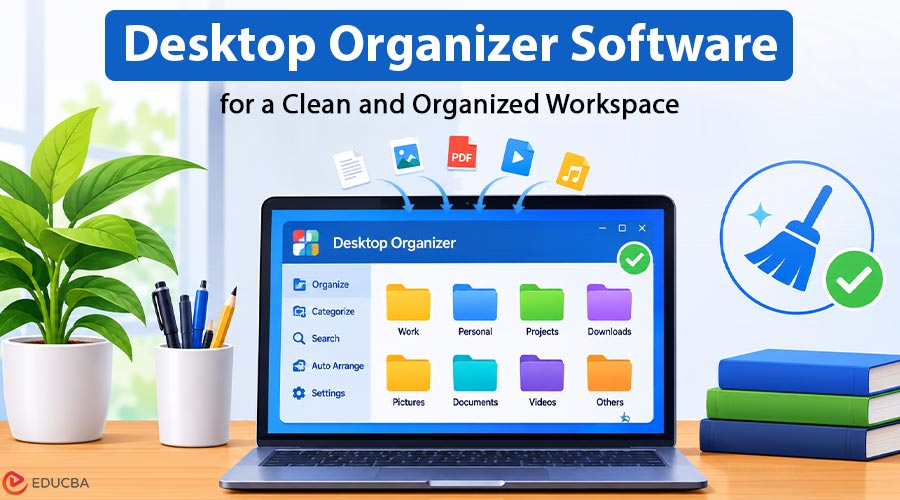
The user never thought they needed help organizing their desktop until they realized they were actively avoiding their own computer. Every time they minimized a window, a wall of icons greeted them—screenshots they meant to sort, documents named “final_v3_really,” and shortcuts they could not remember creating. Their physical workspace was tidy, but their digital one was a disaster. That is when they decided to try iTop Easy Desktop, a desktop organizer software designed to simplify file management and create a more organized digital workspace.
What Made the Software Worth Using
After testing the software for about three weeks, a few features stood out as genuinely useful, not just marketing bullet points.
One-Click Organization That Actually Works
The first time the user clicked the auto-organize button, they watched roughly a hundred icons move into neat categories: Documents, Images, Apps, and Folders. It took seconds. They had put off this cleanup for months, and it was done before they finished their coffee. From there, they created custom boxes for “Client Work,” “Urgent,” and “Personal,” which made the whole system feel tailored rather than generic.
Search That Finds Forgotten Files
The user struggled to remember file names. Windows search had never been reliable for them, so they usually clicked through folders until something looked familiar. The built-in search bar in this desktop organizer software works differently. They type a few letters, and the file appears. The Folder Portal feature is another useful addition. It adds a mini File Explorer to the desktop, allowing users to browse folders without opening a full window. Although it sounds like a minor feature, the user found themselves relying on it regularly.
Privacy and Auto-Hide
The Private Box allows users to password-protect sensitive files, such as contracts and tax documents. During a screen-sharing session, the user tested whether the lock actually worked, and it did. The auto-hide feature is even simpler. With a double-click, the desktop disappears entirely. When someone walks in while the user is working, there is no need to scramble to close anything.
Widgets, Wallpapers, and a Desktop Pet
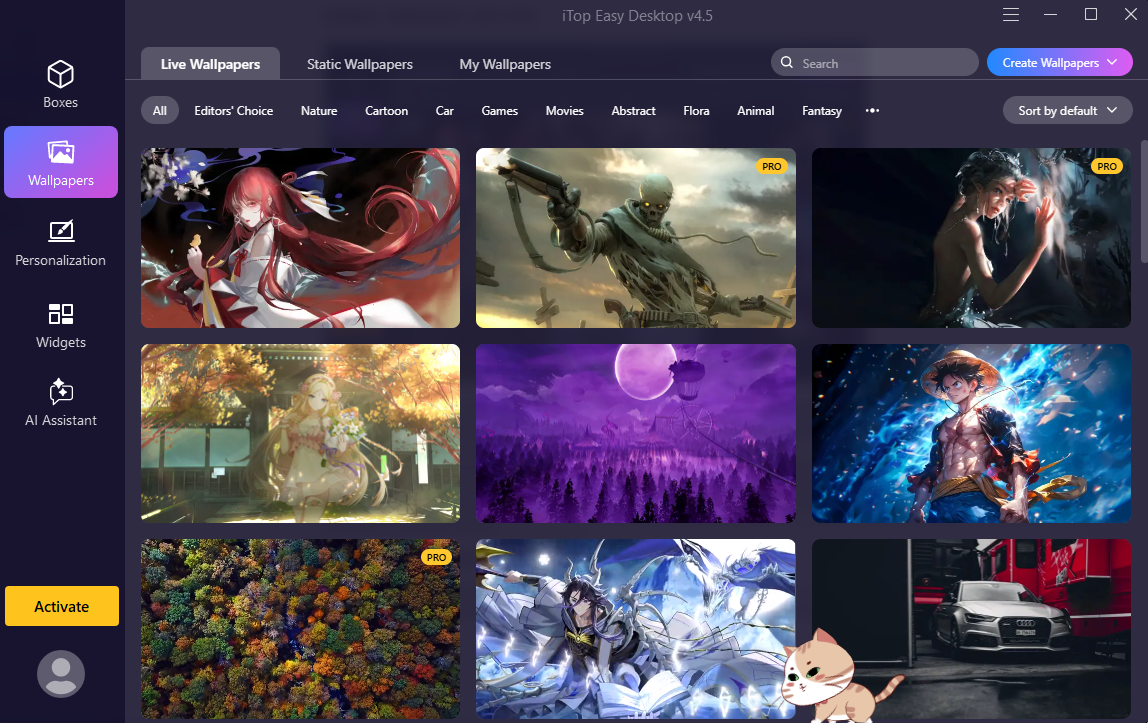
The user was initially skeptical about the additional features, but they gradually became part of the experience. Live wallpapers and themed packs make the workspace feel less sterile. The weather widget and sticky notes are genuinely convenient additions.
The Pomodoro timer also changed how the user approaches work. Twenty-five minutes of focused work followed by a short break proved more productive than their previous habit of switching between browser tabs for hours. Then there is PawPal, the desktop pet. Although the user initially dismissed it, they eventually grew fond of the little companion and even started clicking on its wheel waves.
Layout Backup Saved the Day Twice
The auto-save feature takes daily snapshots of the desktop layout. After a Windows update scrambled the icons overnight, the user restored everything with one click. On another occasion, they accidentally dragged a box off-screen and thought it was lost. The backup feature brought it back.
They had never considered layout backups particularly important, but these experiences made the feature something they could no longer imagine working without.
How to Set Up iTop Easy Desktop in Three Steps
Getting started with this desktop organizer software was quick and required no technical knowledge.
Step 1: Download and Install
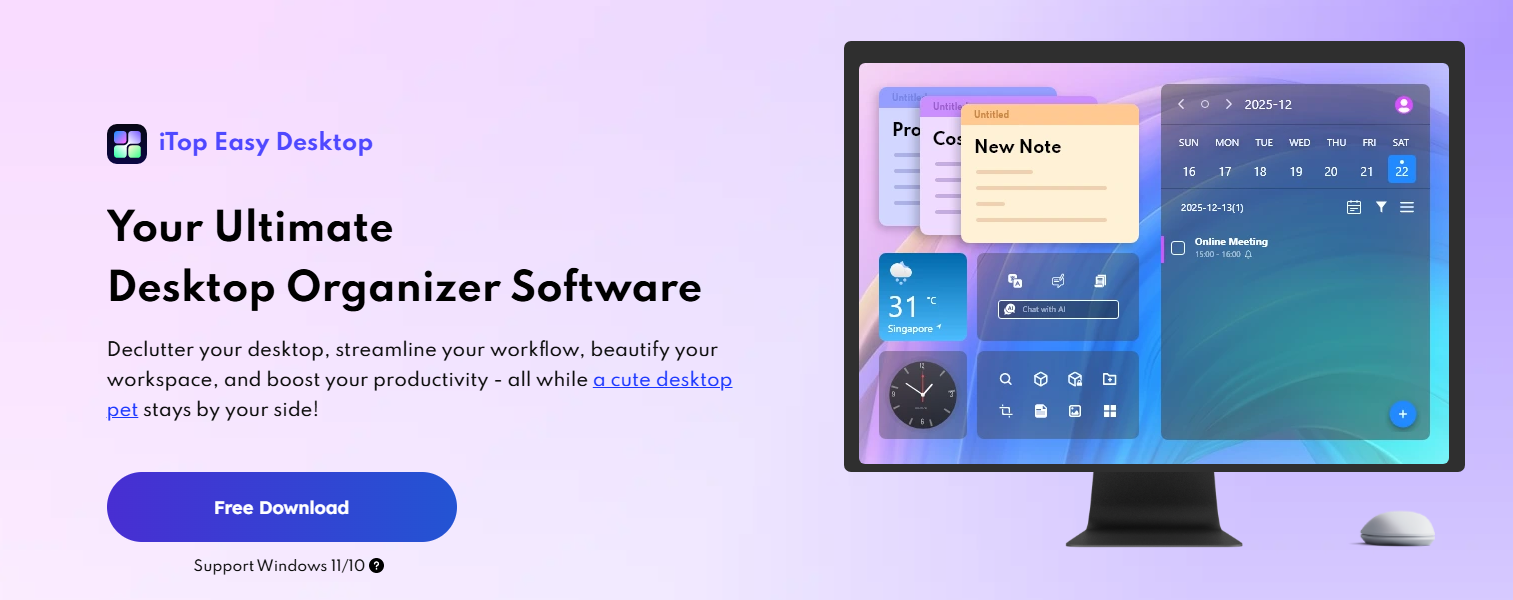
The user downloaded iTop Easy Desktop from the official website and ran the installer. The setup wizard took about two minutes, and they were organizing their desktop within five minutes of starting the download.
Step 2: Run the Auto-Organizer
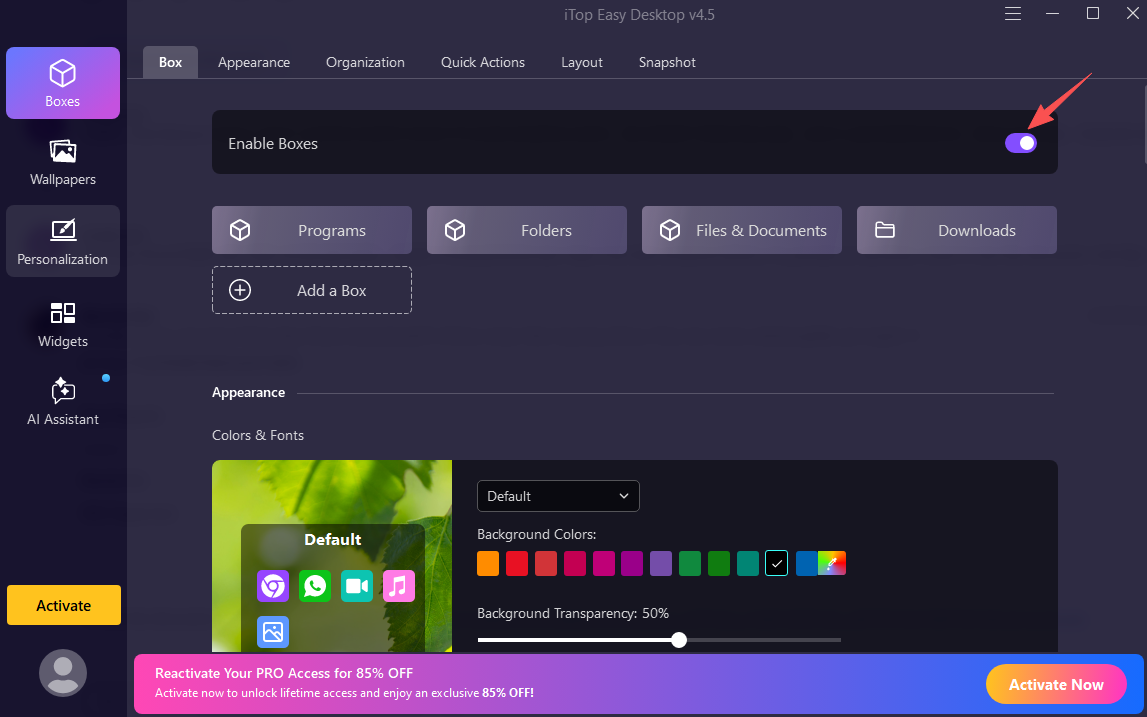
On the first launch, the user clicked Enable Boxes, and the icons were sorted into default categories. They then created custom boxes for Client Work and Personal to match their file management preferences.
Step 3: Personalize and Lock Sensitive Files
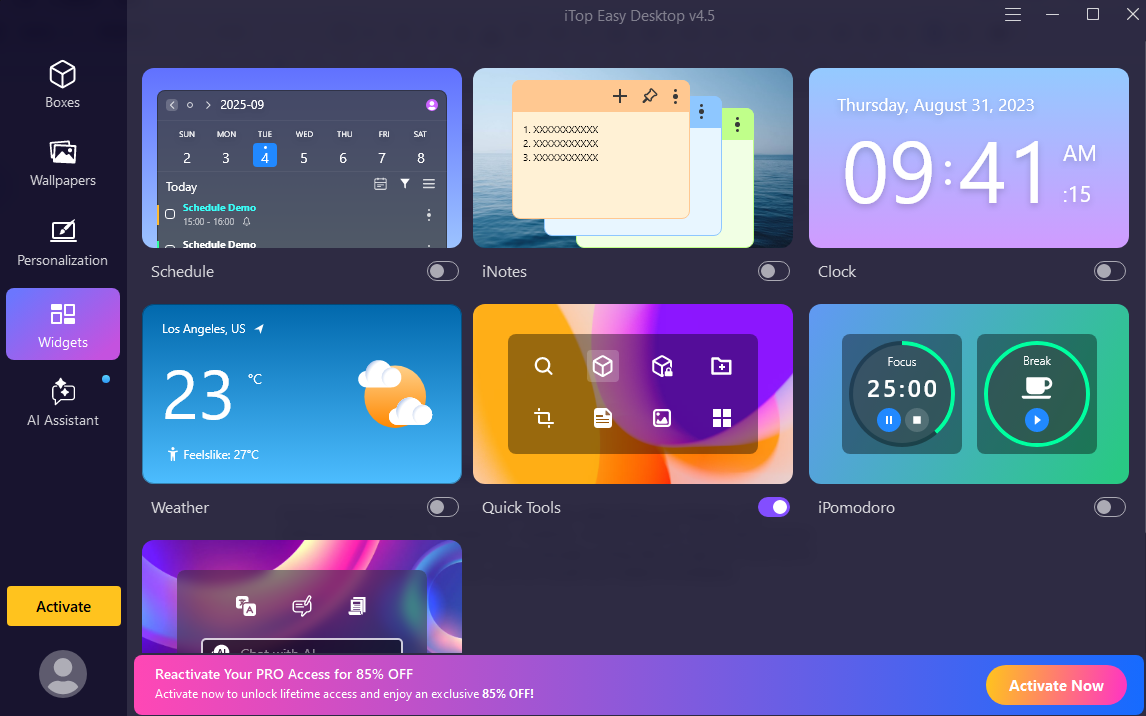
The user resized the boxes, color-coded the urgent one red, added widgets, and set a password for the Private Box. After saving the layout, the auto-save feature kept everything organized.
Who Should Consider iTop Easy Desktop?
If a desktop has become a source of stress rather than a productive workspace, this desktop organizer software is worth considering. Freelancers, students, remote workers, and small business owners who don’t want to spend hours manually sorting files can benefit from its features.
The software is easy to learn, letting users organize their desktops and see improvements within minutes. Its combination of automatic sorting, file search, privacy features, and productivity widgets makes it a practical option for people looking to manage desktop clutter.
Final Thoughts
The user did not expect to rely on desktop organizer software so much. They installed iTop Easy Desktop out of frustration, not enthusiasm. Three weeks later, it had become part of their daily routine. The boxes kept their files accessible, the Pomodoro timer helped them stay focused, and the search bar saved them from constantly trying to remember file names. Even the desktop pet had earned a place in the corner of their screen.
If you feel like managing digital clutter is a losing battle, iTop Easy Desktop offers a practical way to create a cleaner, more organized, and productive workspace.
Recommended Articles
Explore our recommended articles to learn more about desktop organizer software, digital workspace management, and productivity tools. Discover practical ways to organize desktop icons, manage files efficiently, reduce digital clutter, and create a more organized and productive workspace.