


Spend three months filming a $300 masterclass, and one leak can surface on Telegram within days. Video makes up roughly two-thirds of all pirated files, draining an estimated $61 billion each year from creators, according to MUSO’s 2023 piracy report. Modern encrypted hosts fight back with tokenized links, AES-128 HLS encryption, and Hollywood-grade DRM. In this guide, we compare five leading encrypted video hosting tools using a 100-point scoring system based on security, ease of use, cost, growth features, and support.
How are the Platforms Ranked?
To evaluate the best encrypted video hosting tools, industry blogs, Reddit discussions, vendor documentation, and independent tests were reviewed. The focus was on real-world classroom performance rather than marketing claims.
A five-factor scorecard was created:
- Security (30%): Encryption strength, DRM, tokenization
- Ease of use (20%): Setup and workflow simplicity
- Cost (20%): Pricing predictability at scale
- Growth features (15%): Analytics, funnels, CTAs
- Support (15%): Responsiveness and reliability
Only platforms offering true encryption or DRM (beyond simple “private links”) were included. Services lacking tokenized URLs, domain locking, or hardware-level keys were excluded. Pricing transparency was also required.
At-a-Glance Scorecard
The following scorecard compares leading encrypted tools based on the 100-point rubric.
| Platform | Security (30) | Ease (20) | Cost (20) | Growth (15) | Support (15) | Total |
| Spotlightr | 25 | 18 | 18 | 14 | 14 | 89 |
| Gumlet | 28 | 17 | 18 | 10 | 13 | 86 |
| VdoCipher | 30 | 16 | 12 | 10 | 12 | 80 |
| Brightcove | 30 | 8 | 5 | 15 | 15 | 73 |
| Bunny + Presto | 22 | 12 | 20 | 5 | 10 | 69 |
Higher numbers mark stronger performance in that column. Notice how the leaderboard shifts with your priorities: if budget rules, Bunny’s low delivery cost takes first place; when maximum protection matters, VdoCipher and Brightcove share a perfect security score.
Best Encrypted Video Hosting Tools
The following points break down the leading platforms to help choose the right secure video hosting solution.
1. Spotlightr: Secure Hosting Meets Marketing Toolbox
Spotlightr takes the top spot because it protects your lessons without turning launch day into a network engineering headache. Upload a file, enable Secure Video, and the platform slices your footage into AES-128-encrypted HLS segments that expire after a short token window. Even if a student copies the stream URL, they receive scrambled data rather than a share-ready MP4.
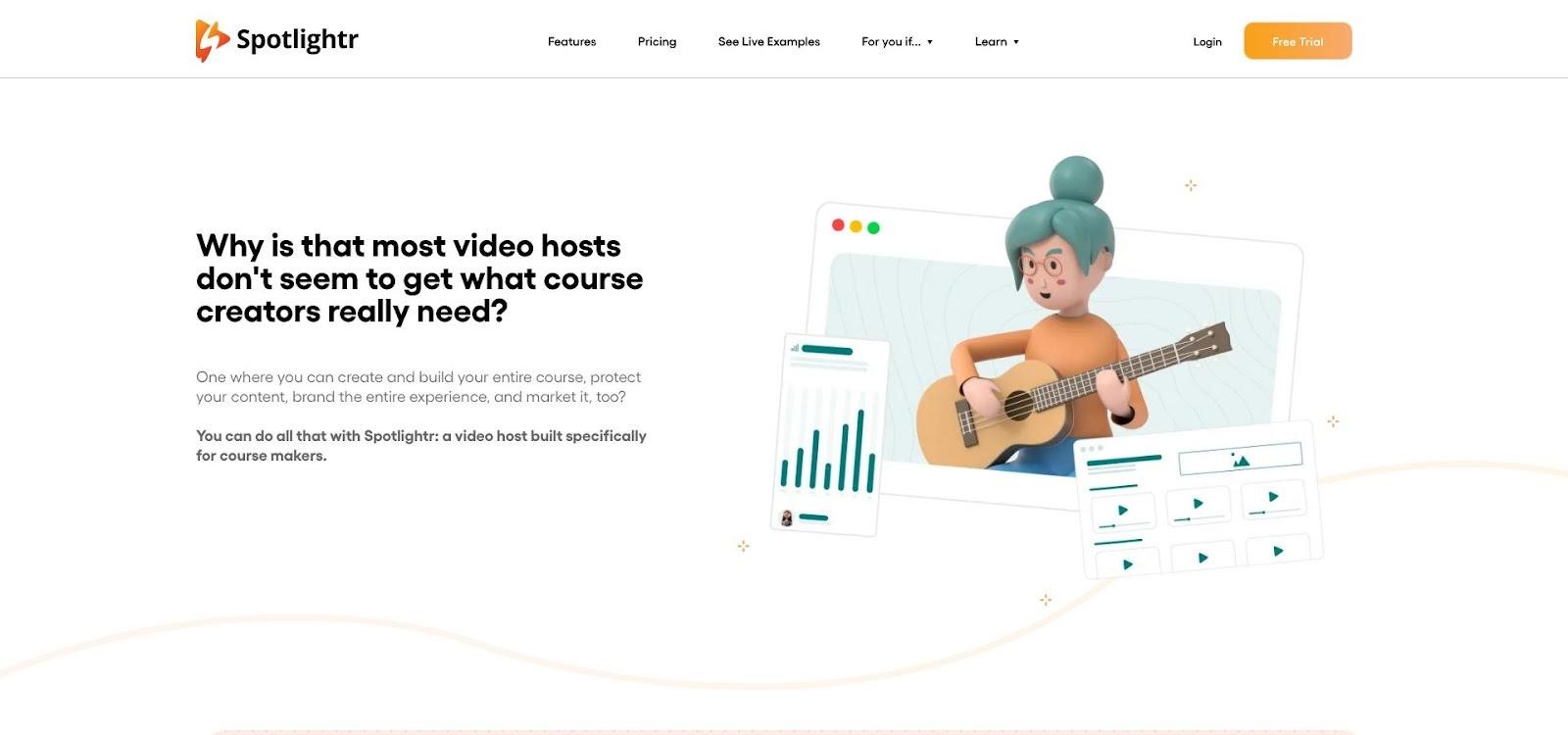
Image Source: Spotlightr
Security is only half the appeal. Spotlightr adds interactive options (email gates, timed coupons, clickable slides) inside the player, so you can prompt viewers to join your list or buy the next course the moment they finish a lesson, all without extra scripts. The setup process for email gates in video hosting for course creators can be completed in under five minutes through a step-by-step workflow. Pricing stays predictable. The Plus plan sits at about $21 per month and includes 600 GB of bandwidth, while the Premium tier provides 2 TB for roughly $55. There are no per-video fees or hidden “fair-use” caps; you simply upgrade when traffic grows.
Support earns praise in WordPress and Kajabi forums. Users point to replies within hours, short Loom walkthroughs, and a roadmap that ships on schedule. That speed matters when your cart opens tomorrow, and a video refuses to play. Spotlightr does not offer Hollywood DRM, but its balanced protection blocks casual download tools. A determined pirate could still screen-record, yet for most indie educators, the trade-off protects revenue without enterprise complexity.
2. Gumlet: Speed and Multi-DRM without the Bloat
Gumlet started as an image-optimization CDN, so performance comes built in. When the team added video, they paired a global edge network with Widevine, FairPlay, and PlayReady keys, giving every lesson the same hardware-level lock Netflix relies on.
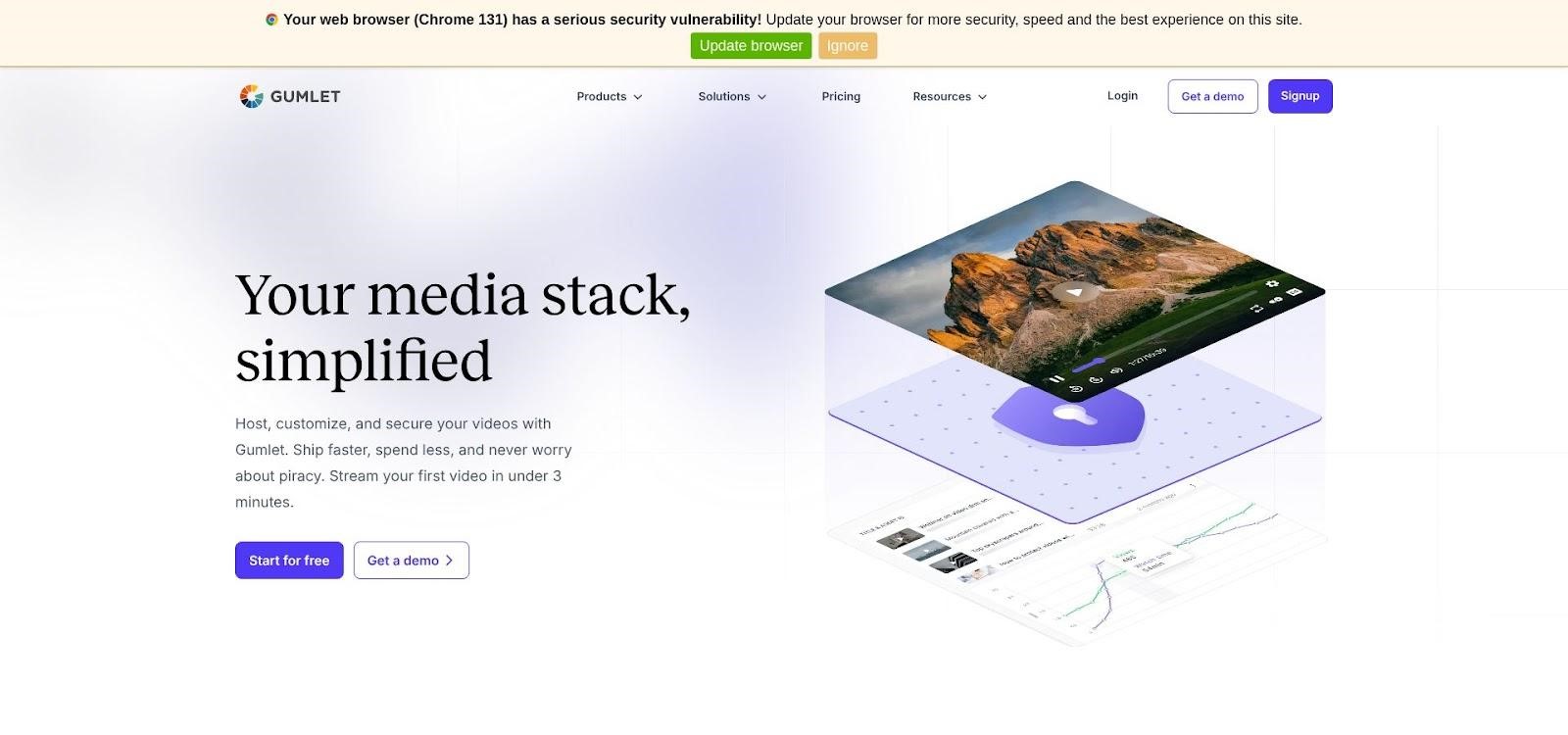
Image Source: Gumlet
Students in bandwidth-starved regions hit Play and see motion in under two seconds thanks to automatic adaptive bitrate ladders. Security controls live one tab away: tick a box to geo-block high-piracy countries, set signed URLs that expire in minutes, or stamp dynamic watermarks that list each viewer’s email. Costs stay predictable. Plans start at about $10 per month for 500 GB of streaming, and higher-volume academies receive volume discounts. There is no separate DRM fee, a welcome contrast to enterprise vendors that charge for every license delivered.
Where Gumlet still grows is engagement polish. The player is clean and brandable, but it lacks built-in quizzes or opt-in forms, so marketers may need to use third-party widgets. Current session-concurrency limits are also light, although stricter controls are on the roadmap.
3. VdoCipher: Hollywood-Grade DRM for High-Ticket Courses
When a single leaked module could erase six figures of revenue, encryption alone feels thin. VdoCipher supports Widevine and FairPlay DRM, the same hardware-level locks that protect Netflix originals. Each playback request triggers a one-time license stored on VdoCipher’s server, so any scraped file is useless without that hidden key.
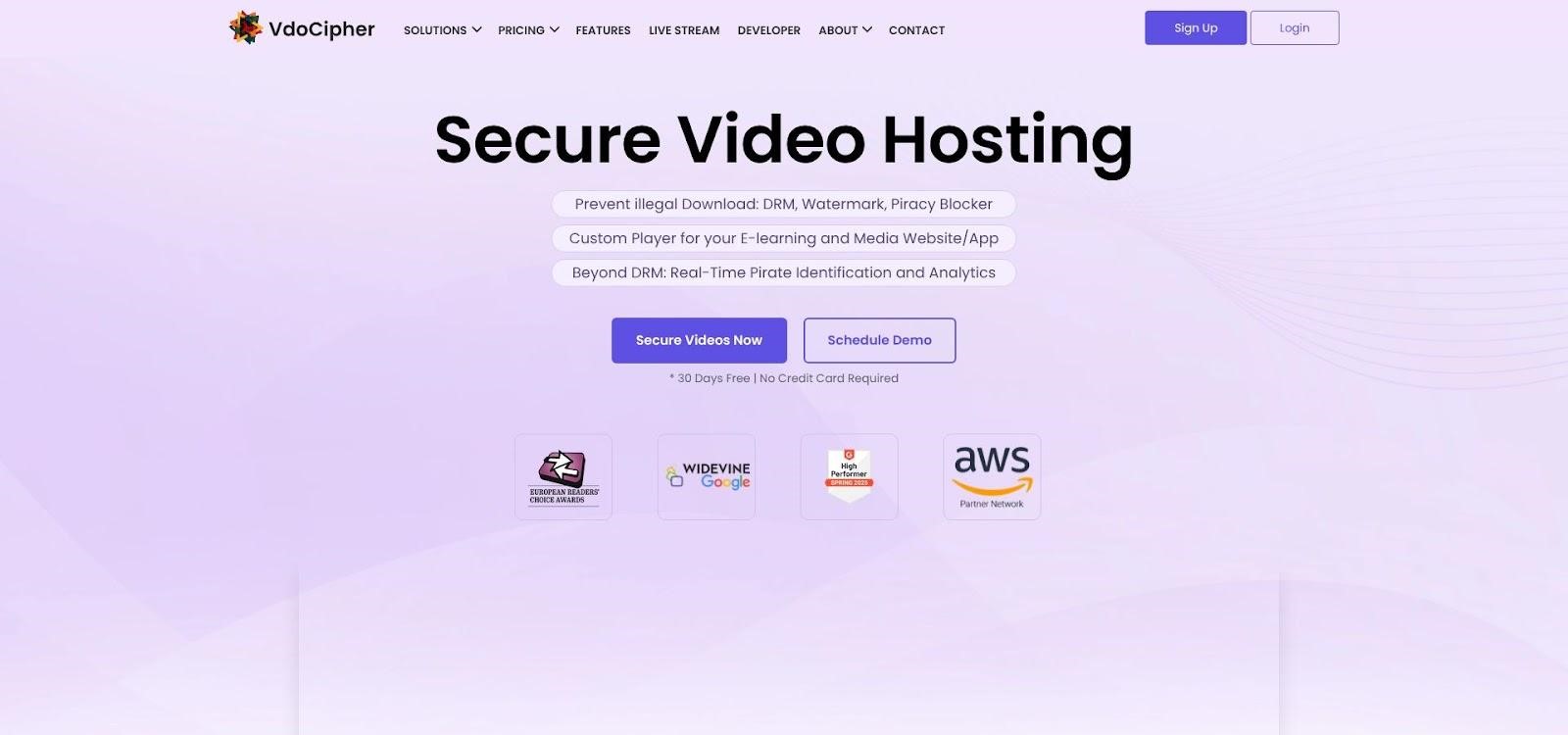
Image Source: VdoCipher
Setup stays straightforward. Upload a file, paste the embed code into your LMS, and the platform injects the time-limited token for you. In WordPress, a dedicated plugin automatically generates secure shortcodes. Pricing runs on bandwidth credits. Small cohorts start at about $149 per year, while larger launches buy bigger credit blocks at lower per-gig rates. Usage billing can spike during peaks, but for a $900 certification program, airtight security still beats flat-rate hosts that leak.
Beyond the lock, VdoCipher lets you burn dynamic watermarks with each viewer’s email address or IP address, making every screen recording traceable. Add domain locks and IP filters, and pirates look elsewhere. The trade-off is marketing muscle. The player lacks built-in opt-ins or quizzes, and live streaming is not available. Pair VdoCipher with your LMS for engagement features, and you have a fortress that remains user-friendly for solo educators.
4. Brightcove: Enterprise Muscle When Only “Flawless” Will Do
Brightcove plays in a heavier weight class. Fortune 500 training portals, universities with tens of thousands of concurrent viewers, and OTT spin-offs choose it because nothing shakes its infrastructure. Widevine, FairPlay, and PlayReady licenses flow automatically, token rules drill down to individual devices, and geo-blocking can slice the globe into any pattern your legal team requests.
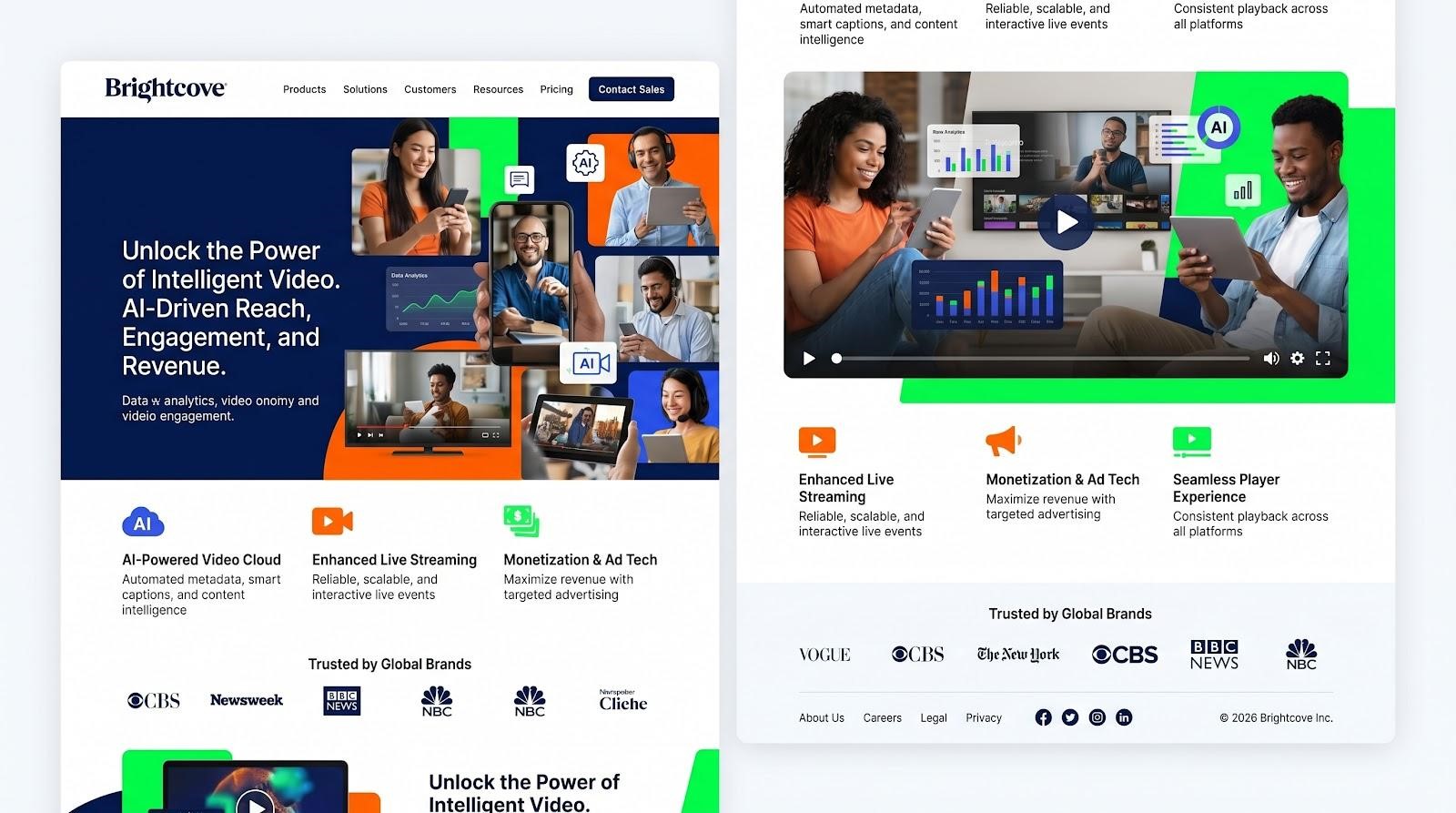
Image Source: Brightcove
Performance stays steady. A global edge network and redundant license servers keep streams smooth during peak enrollment hours. If quality drops below target bitrates in Manila, dashboards alert operations before students notice. That level of vigilance helps justify the cost. Pricing reflects the muscle. Entry contracts often start at around $4,000 per month and increase with bandwidth, user count, or add-ons like forensic watermarking. For a solo course creator, the platform is more than needed. For a seven-figure academy that cannot afford downtime, it is insurance.
Brightcove’s player includes engagement tools such as quizzes, chapters, and calls to action, while analytics dig into viewer behavior and stream health. Dedicated account managers guide your developers through SSO, LMS plugins, and 24/7 live channels.
The catch is complexity. Expect time in documentation and likely a developer on payroll. Once tuned, Brightcove feels like running a private Netflix that streams your syllabus.
5. Bunny.net + Presto Player: DIY Security on a Shoestring
Sometimes the best deal is the one you build yourself. Pair Bunny Stream for delivery with Presto Player for the front end, and you get tokenized HLS, domain locks, and a slick WordPress player at a fraction of typical costs.
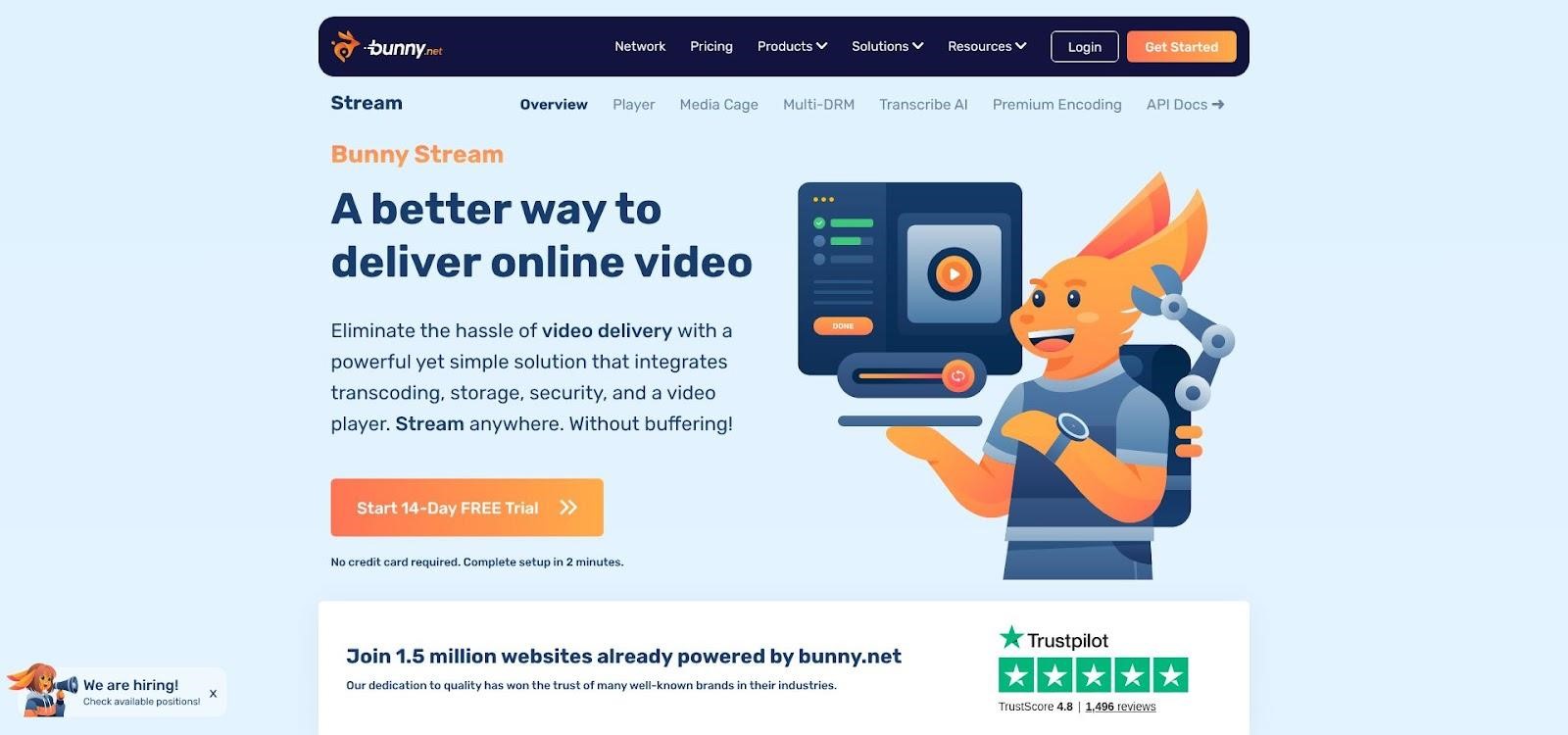
Image Source: Bunny
Bunny handles the heavy lifting. Upload a file, and the service auto-encodes adaptive renditions, then serves each gigabyte for about 0.5 cents. In practice, $5 covers roughly 1 TB of streaming capacity. Signed URLs expire on your schedule, blocking copied links, and referrer rules stop embeds outside your site. Presto Player installs in WordPress like any other plugin. It generates Bunny tokens behind the scenes, adds simple overlays, and lets you gate lessons to logged-in members. No code, just shortcodes.
The stack is capable yet honest about its limits. You do not get Widevine DRM, so a determined developer could still capture keys and decrypt segments. You also manage upkeep: updating plugins, rotating API keys, and monitoring bandwidth spikes. For creators with more time than budget, those trade-offs make sense.
Which Secure Host Fits You?
Choosing gets simpler when you match real-world constraints to each platform’s sweet spot. Use the four questions below and note the ideal pick.
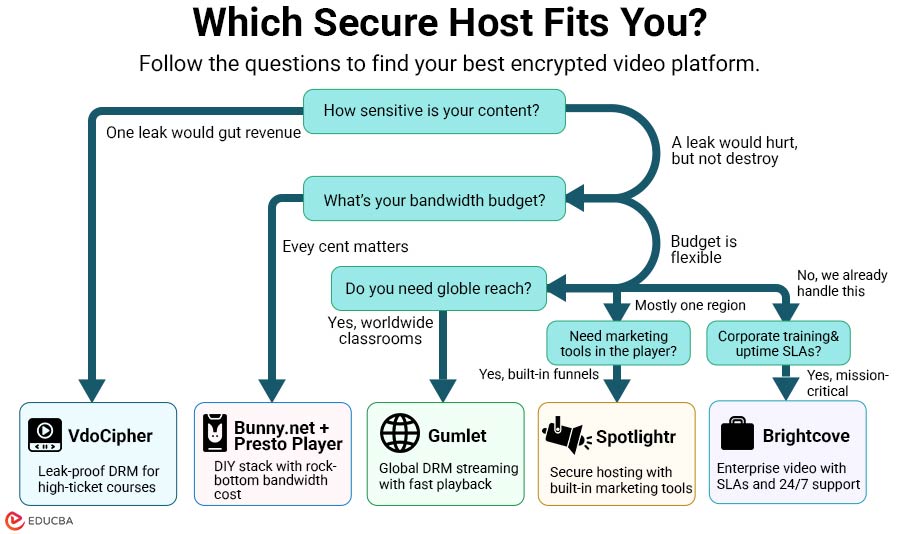
- If one leak would gut revenue, choose VdoCipher. Its multi-DRM wall blocks casual ripping and discourages many screen-record attempts.
- If every cent matters, choose Bunny + Presto. Serving 1 TB for about $5 keeps overhead low for free or low-ticket courses.
- If global playback speed matters, choose Gumlet. It delivers sub-two-second start times from Mumbai to Mexico City while locking streams with studio-grade DRM keys.
- If marketing tools should be built into the player, choose Spotlightr. It turns videos into mini funnels with email gates, coupons, and timed calls to action, while blocking downloaders with encrypted HLS.
- If corporate compliance and uptime SLAs matter, choose Brightcove. It costs more, but the support team and compliance paperwork come with the contract.
| Primary need | Best match |
| Leak-proof for high-ticket content | VdoCipher |
| Rock-bottom cost at any scale | Bunny.net + Presto |
| Global playback speed plus DRM | Gumlet |
| Built-in marketing and ease | Spotlightr |
| Enterprise compliance and 24/7 support | Brightcove |
Frequently Asked Questions (FAQs)
Q1. Does encrypted streaming lower video quality?
Answer: No. Encryption scrambles data in transit, not after it lands. Your player still decodes the original 1080p or 4K file, so the lecture looks exactly like the master upload.
Q2. Can any of these tools block screen recording apps?
Answer: DRM platforms such as VdoCipher and Brightcove can block many mainstream recorders, but no system can stop a phone aimed at a monitor. Dynamic watermarks help by adding each viewer’s email address or IP address, making leaks traceable and less appealing.
Q3. Is secure hosting still necessary behind a membership login?
Answer: Yes. The login protects the page, not the video stream. A student can open DevTools, copy an unprotected URL, and share it freely. Encryption and signed tokens ensure the link expires the moment it leaves your LMS.
Q4. What happens if my course goes viral and bandwidth spikes?
Answer: Flat-rate hosts like Spotlightr absorb the surge until you exceed your tier, then prompt an upgrade. Usage-based services such as Gumlet or Bunny charge for extra gigabytes served. Watch analytics and set alerts so an unexpected TikTok mention does not drain your margin.
Q5. Is there a truly free way to achieve real security?
Answer: Free tiers exist, but they cap storage or add branded watermarks. For paid content, plan to spend about $5 per month on Bunny or a mid-tier Spotlightr plan. That small cost buys peace of mind and sends pirates elsewhere.
Recommended Articles
We hope this comprehensive guide to encrypted video hosting tools helps you choose the right secure platform to protect your course content and revenue. Check out these recommended articles for more insights and strategies to strengthen your online business and digital content security.


