


Updated November 13, 2025
Share Reports in Power BI: Overview
Email, portals, and app experiences all matter when sharing insights with your tenant. Many admins still share reports in Power BI by email because it feels fast and familiar. That convenience can create permission drift and inconsistent access. Reporting Hub stands out as the best way to share a Power BI report via email invitations because it centralizes access, maintains governance, and preserves a branded, auditable client experience at scale.
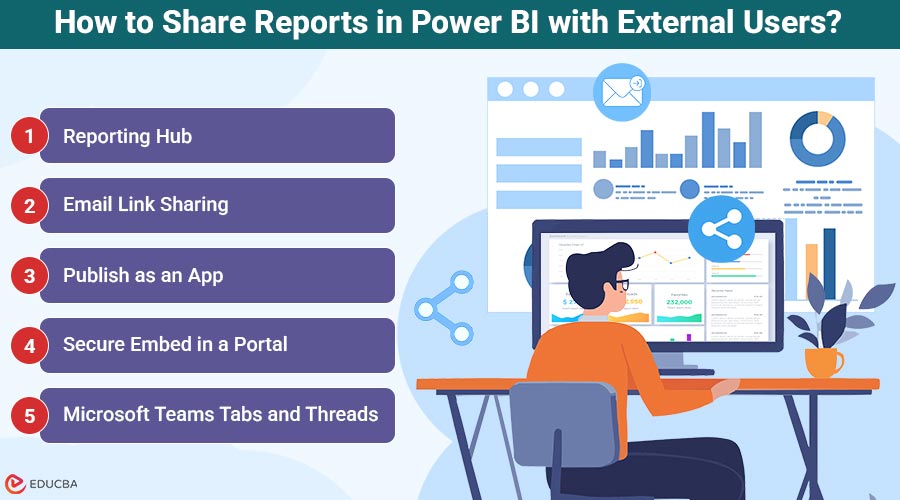
How to Share Reports in Power BI with External Users?
Clear identity, predictable navigation, and export control matter most when teams share Power BI reports with external users for executive reviews, renewals, and ongoing partnerships. Here are the top ways:
1. Reporting Hub: Branded, Governed Client Delivery at Scale
The Reporting Hub is the best tool to share Power BI reports with external users, as it consolidates access, enforces policy, and standardizes navigation, ensuring delivery remains repeatable, polished, and easy to audit. Collections are curated once, mapped to Microsoft Entra Groups, and delivered through a single branded portal. External users see only role-based content, while publishers keep control in governed workspaces. Email invites from the hub ensure clean access without scattered links or unclear permissions.
Pros
- Single, centralized portal for many clients
- Consistent branding and help options
- Group-based, least-privilege access
- Row-Level Security (RLS) and sensitivity label-friendly flows
- Clear audit trails and renewals
Cons
- Requires initial setup and governance policies
- May need admin training for configuration
2. Email Link Sharing: Direct Invitations
Direct invitations are the fastest way to share a Power BI report for tight deadlines or one-off leadership reviews. They are suitable for small audiences and short pilots. Compared to the Reporting Hub, governance is less stringent, and link sprawl is more challenging to manage. Start here for urgent reads, then graduate stable collections into the hub for lifecycle management and branded continuity.
Pros
- Fast to initiate for pilots
- Minimal configuration required
Cons
- Hard to standardize at scale
- Weaker navigation continuity
3. Publish as an App: Curated Audience Experience
Publishing as an app organizes reports and dashboards into a stable experience with audience targeting and release notes. It is ideal for recurring business rhythms where updates need visibility. The Reporting Hub remains stronger for cross-workspace catalogues, multi-client branding, and centralized onboarding when you share Power BI reports with external users at scale. Apps still allow you to share a Power BI report in a packaged, predictable way as access expands.
Pros
- Predictable, versioned navigation
- Clear audience targeting
Cons
- Single workspace scope
- Less brand flexibility than a hub
4. Secure Embed in a Portal: SSO-Gated Pages
Secure Embed places governed content inside an authenticated partner or customer portal. It reuses existing SSO and CMS frameworks to share a Power BI report without public links. Compared with Reporting Hub, you gain tight portal integration but spend more effort coordinating CMS changes. Choose this option when portal reuse is strategic and analytics must coexist with documentation, tickets, or onboarding flows.
Pros
- Reuses existing portal and SSO
- Preserves identity posture end-to-end
Cons
- Coordination with CMS teams
- Fewer packaged analytics features
5. Microsoft Teams Tabs and Threads: Conversation-Centric
Pinning a report as a tab keeps discussion and decisions next to the visuals. Notifications drive engagement, and meeting rhythms reinforce accountability. Compared to the Reporting Hub, content can become fragmented across channels. A pragmatic pattern invites through the hub, then mirrors key views in Teams to share a Power BI report with external users without losing a polished entry point.
Pros
- Context-rich discussion near data
- Alerts and mentions drive action
Cons
- Channel sprawl over time
- Governance varies by team
Safety Checks Before You Send, Embed, or Publish
Safety checks ensure that it becomes easier to share a Power BI report with a high level of confidence across programs, and they enable consistency of the policies as teams grow. Close identity and exporting restrictions shield co-operation and lessen redundancy. Verify the integrity of row-level security and labels in advance to prevent unexpected issues and ensure that audits are visible across all environments, enabling reviewers to stay current with evolving data.
What to Verify?
- Guest identity is active and licensed
- MFA and Conditional Access enforced
- RLS tested with real guest users
- Sensitivity labels applied to exports
- Share events and reviews logged
Final Thoughts
External delivery works best when the experience is predictable and safe. Use Reporting Hub for branded, scalable programs. Direct invitations for urgent, time-boxed reviews. Apps for curated bundles with release notes. Use secure embed for established portals.
Use Teams to keep a conversation with the data. With these patterns, teams can confidently share reports in Power BI and grow toward a durable, auditable operating model as their audiences expand.
Frequently Asked Questions (FAQs)
Q1. What is the Safest Fast Option for Urgent Reviews?
Answer: Reporting Hub invites inside a governed, branded portal to offer the safest, quickest path. If timing is critical, share a Power BI report via a direct invite, then migrate into the hub for version notes and renewals.
Q2. How Can We Limit Risky Exports Without Blocking Work?
Answer: Restrict export to specific roles, apply sensitivity labels so that protection travels with files, and validate RLS using named guest accounts before sharing a Power BI report with external users.
Q3. When Should a Team Move Beyond Email Links?
Answer: Move when audiences grow or reviews repeat. Email links meet deadlines, but they fragment navigation. Packaging lets you share a Power BI report with clear ownership, change notes, and predictable renewals.
Q4. Does Microsoft Teams Replace a Client-Facing Portal?
Answer: Teams excels at conversation and action tracking, not long-term onboarding. Keep the canonical entry point in the hub and share the Power BI report with external users via governed invites, then pin key views in Teams.
Q5. Who Approves and Reviews External Access?
Answer: Data owners approve who sees what. Workspace admins implement changes. Security reviews high-risk content to ensure least privilege before teams share the Power BI report with external users.
Recommended Articles
We hope this guide helps you share reports in Power BI more effectively. Explore these articles for more tips on secure and efficient report sharing.

