


Tool Tracking Software: Overview
As industries rapidly evolve, maintaining organization and tracking valuable equipment has become more critical than ever. Losing tools not only affects daily operations but can also lead to unnecessary costs and project delays. That is where the right tool tracking software comes in—it helps streamline workflows, reduce tool loss, and improve overall accountability across teams. Although the number of options available can seem overwhelming, understanding the essential features makes it much easier to choose the right solution.
Understanding Tool Tracking Software
Tool tracking software tracks the tools used by companies and businesses. Instant access to data on tool locations, usage patterns, and maintenance schedules is vital in preventing losses and maximizing productivity. Businesses that use these systems typically experience significantly higher operational efficiency.
Know Your Business Needs
Identifying the specific business requirements before selecting a tool-tracking system is essential. This broadens to include parameters such as inventory size, tool types, and user quantity. This is especially true for companies with a high volume of inventory, which may require a business-wide system. Furthermore, being aware of how company users will access the software can aid in selecting software that can offer access permissions accordingly.
Essential Features You Need in Tool Tracking Software
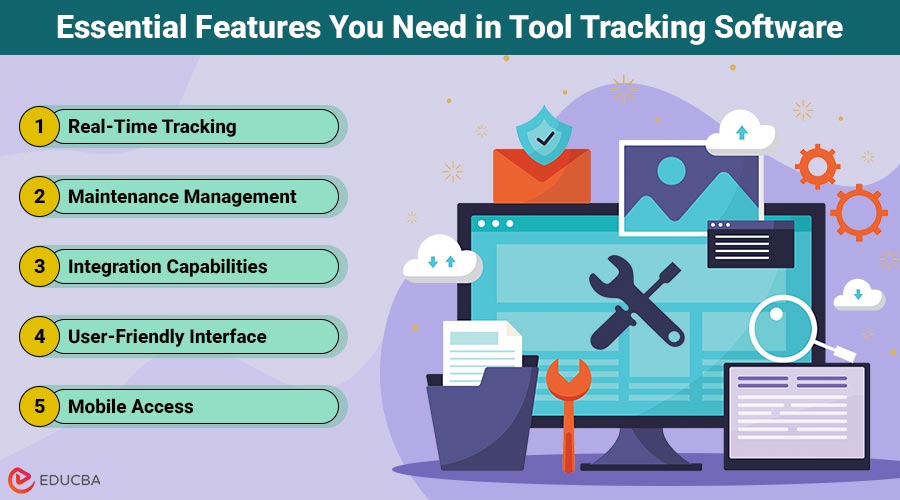
Choosing the right tool tracking software means evaluating several essential features that impact functionality, ease of use, and long-term success. Here are the key features you should look for:
1. Real-Time Tracking
This feature enables managers to track the exact location of every tool at all times. Real-time tracking helps reduce the risk of loss or theft and makes tool management much easier.
2. Maintenance Management
Good tool tracking software should help you schedule regular maintenance and repairs. Keeping tools well-maintained reduces downtime and extends their useful life.
3. Integration Capabilities
Tool tracking software can bring even greater value when integrated with existing systems. The best thing to do is ensure the software you select will easily integrate with your accounting, inventory, and project management systems. With integrated systems, data is seamless, facilitating informed decision-making.
4. User-Friendly Interface
A simple interface is essential for implementing branding solutions. If employees can learn how to use the software quickly, fewer training hours are required, especially if it is intuitive. Clear navigation and a simple design reduce errors and increase user satisfaction. Interface testing involves interaction with potential users, which can give you a clear idea of its usefulness.
5. Mobile Access
Mobile access is particularly useful when employees utilize tracking tools from anywhere. This can be an excellent help for teams working in different locations. Choose software that includes a mobile app compatible with multiple devices and operating systems. Having easy access to information increases productivity and allows faster responses to problems.
6. Scalability and Customization
Your requirements change as your organization grows. Scalability also ensures that the software can handle increased inventory or more users. Customization options enable companies to tailor the software program to their specific needs. Such flexibility leverages efficient operations and good alignment with business objectives.
7. Security Features
Security is a crucial consideration. The software should provide strict security to protect your sensitive information. Seek solutions with encryption, user authentication, and frequent security updates. Protected information ensures compliance with regulations and builds trust between business partners, end customers, and stakeholders.
8. Cost Considerations
Budget is one of the most important factors when choosing tool-tracking software. Assess the total upfront implementation fees, subscription costs, and any other potential future expenses. While taking the cheaper option may seem appealing, investing in a solid system often proves more valuable in the long run.
9. Trial and Evaluation
Trying out the software before committing to a final purchase is a wise decision. Many vendors offer free trials or demonstrations, allowing businesses to experience the software’s features and assess how they would integrate into existing workflows. Testing the software within a real-world scenario enables staying in context and making informed decisions regarding deployment.
Final Thoughts
Choosing the right tool tracking software does not have to be overwhelming. By analyzing the business’s requirements, understanding the essential features, and making budgetary considerations, companies can choose a system that seamlessly integrates efficiency and productivity within the organization. With the right software, managing tools is a straightforward endeavor that ultimately leads to a successful outcome.
Recommended Articles
We hope this guide on tool tracking software helps you streamline asset management and boost productivity. Explore our recommended articles to find more tools and strategies for efficient operations.

