



Project planning is no longer limited to dedicated project management software. Many business applications include project planning features that help users organize tasks, set deadlines, assign responsibilities, and track progress within their existing workflows. Businesses increasingly need project planning and tracking capabilities within their existing platforms, whether they use a customer relationship management (CRM) system, enterprise resource planning (ERP) platform, resource management tool, or industry-specific application.
The type of planning functionality an application needs depends on its purpose and users’ expectations. In this article, we will look at Gantt charts as one example and discuss two common ways to add this kind of functionality to a web application.
Project Planning Features in Modern Web Applications
Project planning capabilities are becoming a common addition to business applications. A system created to manage customers, resources, or internal operations may eventually need to help teams coordinate work, track progress, and keep projects on schedule.
The complexity of these features can vary significantly. In some cases, a simple task list is enough. Other applications need richer interfaces, such as calendars, Kanban boards, scheduling views, or timelines that help users see how different parts of a project connect.
Gantt charts are a good example of a more advanced planning feature. They have been used for years to represent project schedules visually, allowing users to see tasks, dependencies, milestones, and progress in a single view. However, the visible timeline is only one part of the functionality. Once users need to edit tasks, manage relationships between activities, handle larger project structures, and work with real application data, the implementation becomes much more involved.
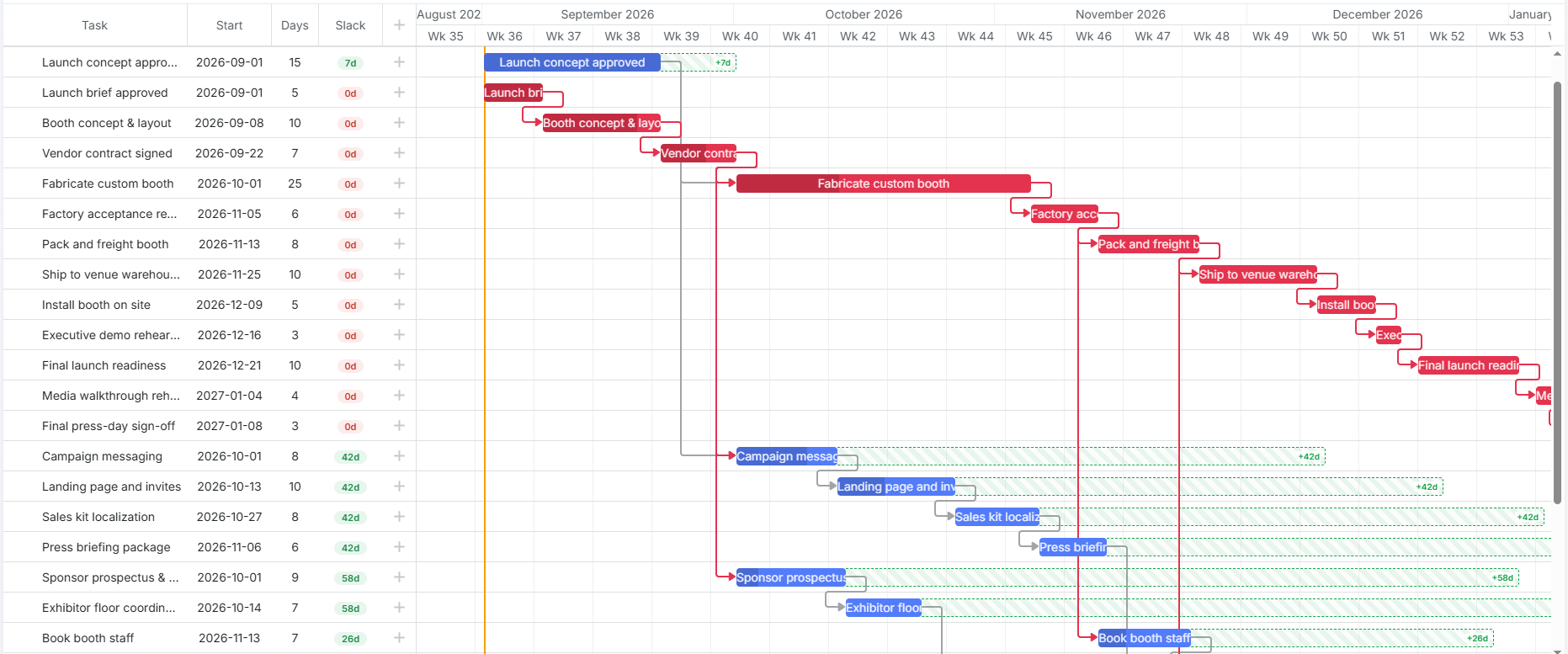
Image Source: DHTMLX
For this reason, Gantt charts offer a practical example of how to add advanced project-planning features to a web application. Teams can either develop this functionality from scratch or employ a specialized JavaScript Gantt chart component. Neither approach is automatically better. It comes down to the application’s requirements and how much development and maintenance work the team is ready to take on.
Building Project Planning Functionality from Scratch
There is an obvious appeal to building a planning feature yourself: you get to decide exactly how it works. The interface can follow the rest of the application, the data model can be designed around existing business logic, and there is no third-party API to work around.
For some projects, that is exactly what is needed. Perhaps the application has an unusual workflow, or the planning interface must work in a way that existing components do not support. In that case, creating a custom solution may be easier than adapting someone else’s implementation to the project.
The catch is that project planning features tend to grow once people start using them. A Gantt chart is a good example. At first, displaying tasks on a timeline may seem like the main challenge. Then users want to move tasks around, edit dates, create dependencies, group tasks, track progress, and work with different levels of detail. Each of those requirements adds another piece to the implementation.
Another part often forgotten when estimating initial development effort is maintenance. The feature will need changes as the application evolves, and someone will have to deal with bugs and new requirements. The team also owns the feature if something stops working after a browser or framework update.
So a custom implementation can be the right choice, particularly for a highly specialized application. It just comes with a commitment to develop and maintain the feature for as long as it remains part of the product.
Using Ready-Made UI Components
A different route is to start with a component that already provides the planning interface. The team can connect it to the application instead of building every part of the interface, leaving more time for functionality unique to the product. There is a good range of Gantt components available, including both open-source and commercial options.
Open-source projects are appealing when the source code matters or when developers want the freedom to modify the component themselves. But “open source” does not automatically mean that a component will be a good fit. It is worth checking how actively it is maintained, what functionality it actually offers, how good the documentation is, and whether there is anyone to turn to when something goes wrong.
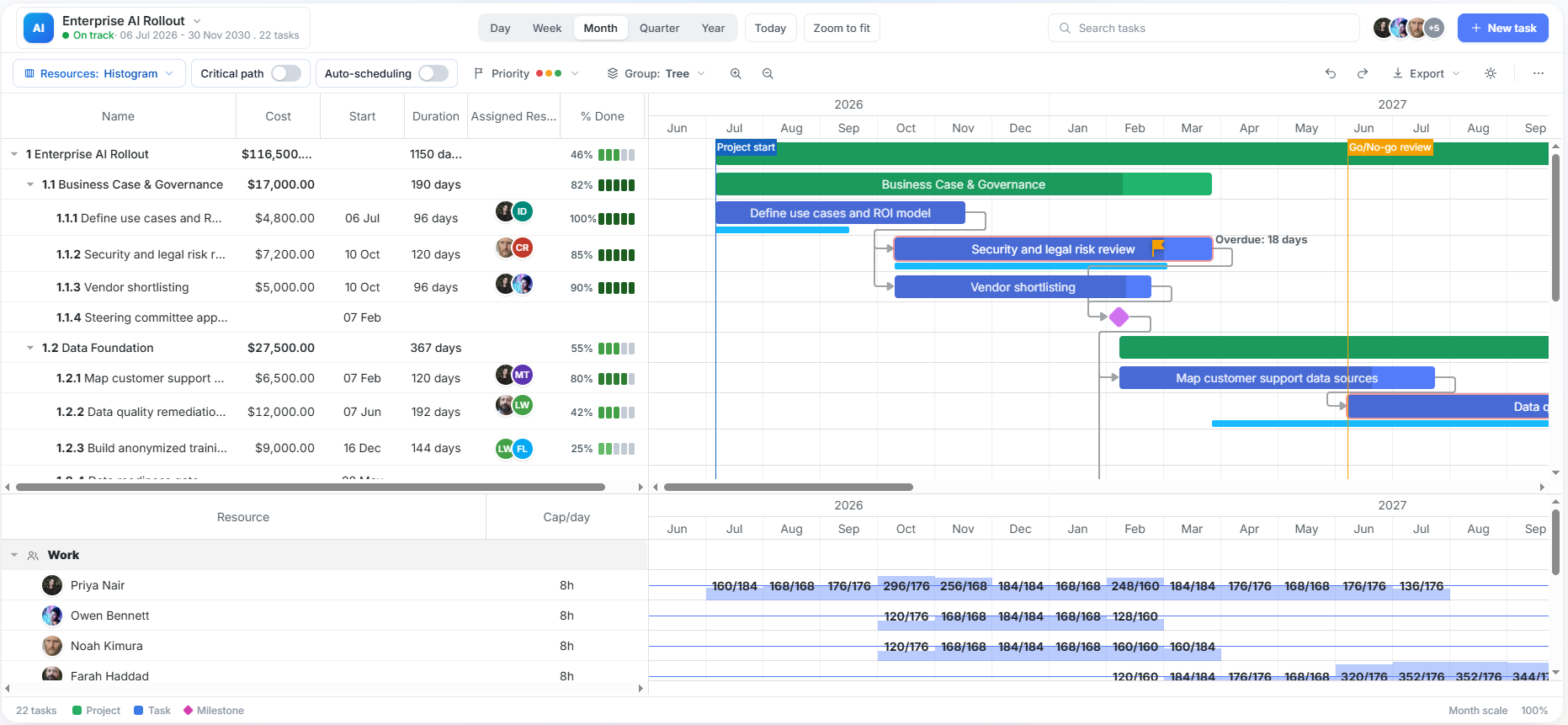
Image Source: DHTMLX
A commercial JavaScript Gantt chart works a little differently. Instead of relying primarily on a community, developers typically get a defined feature set together with vendor documentation, updates, and some form of technical support. Licensing costs, of course, but they may be reasonable if the alternative is spending months developing and maintaining similar functionality internally.
Build or Integrate: Which Approach to Choose?
The decision usually comes down to how much control the team needs over the final result. When project planning is central to the application, building the functionality internally may be worth the extra effort. It allows developers to shape the workflow around the product instead of adjusting the product to fit an existing solution.
In many cases, though, the planning features are only one part of a much larger application. Spending months recreating functionality that already exists may not bring much value. If a ready-made component covers the main requirements, the team can spend more time improving the parts of the product that are specific to its users.
Gantt charts show this difference quite clearly. The idea behind a Gantt chart is easy to understand, but building a complete solution requires handling many details that users expect to work smoothly, from task editing and dependencies to large project structures.
Before choosing an approach, evaluate the application’s specific needs, including the level of customization it requires, the volume of data users will handle, and the team’s ability to maintain the feature over the long term. The right choice fits the product, the team, and the resources available for long-term development.
Final Thoughts
Project planning can take many forms in a web application, from a simple task list to a full-featured Gantt chart. As these features become part of more business applications, developers must decide not only what functionality to provide, but also how much to build themselves. Gantt charts illustrate the dilemma particularly well. They are a familiar way to visualize project schedules, but a useful implementation involves much more than drawing tasks on a timeline.
For some applications, building a custom solution provides the flexibility needed to support specialized workflows. For others, integrating an open-source or commercial JavaScript Gantt chart component can be faster and more manageable. Ultimately, the right approach to adding project planning features depends on the application’s requirements, development resources, customization needs, and long-term maintenance expectations. Evaluating these factors early can help teams make informed decisions and deliver a solution that supports users effectively.
Recommended Articles
We hope this comprehensive guide to project planning features helps you enhance your web application and streamline project management workflows. Check out these recommended articles for more insights and strategies to improve your application development process.

