


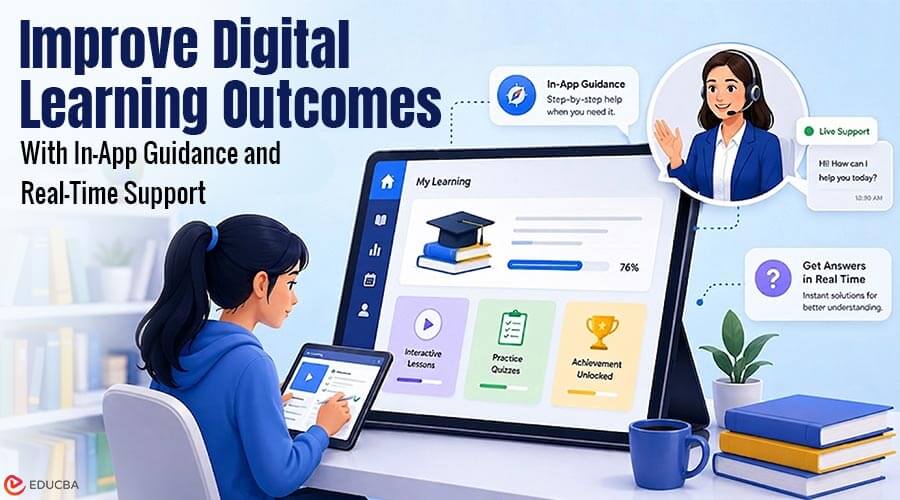
Over 70 percent of enterprise training teams now expect measurable performance gains from personalized point-of-need digital support. Yet traditional software training still relies heavily on static documentation and passive video walkthroughs that users forget within minutes of viewing. Static materials create massive friction when platform interfaces update or complex workflows trigger immediate confusion. By integrating intelligent support into everyday workflows, organizations can improve digital learning outcomes while reducing user frustration, accelerating software adoption, and reinforcing knowledge through practical application.
The Shift From Passive Training to Contextual Learning
Legacy training programs force employees and students to leave their active workspace to read dense PDFs or search through third-party knowledge bases. Contextual learning eliminates this context switching entirely by surfacing short, tailored micro-steps directly within the user interface as tasks are executed. Users retain information significantly better when they apply concepts to live tasks rather than consuming abstract theory in isolation. Immediate exposure to relevant prompts while actively navigating the platform turns passive software consumers into confident power users.
Here are three simple ways to start driving contextual learning:
- Surface micro-steps inside active workflows
- Trigger short guidance upon user error
- Tailor overlays based on skill level
How AI-Driven In-App Guidance Can Improve Digital Learning Outcomes?
Identifying exact points where software users stall requires continuous monitoring of user paths and error rates. Modern platform managers use a SaaS onboarding tool to provide real-time assistance, analyze friction points, and dynamically tailor step-by-step guidance based on individual proficiency. Automated triggers detect when a user hovers repeatedly over complex settings or fails an operational step twice. Instead of letting frustration turn into abandonment, the system opens targeted overlays that resolve confusion instantly.
Designing Effective Onboarding Workflows for Complex Software
Building an onboarding workflow requires a deep understanding of user roles, baseline skills, and specific end goals. Software environments fail their audiences when they push identical, linear tours to every single account type. Effective digital learning strategies rely on localized, adaptable paths that respect the user’s immediate operational context.
1. Segmenting Audiences by Role and Experience
First-time users need broad, structural overviews that establish baseline navigation and core terminology without overwhelming them. Power users or returning administrators require specialized, deep-dive shortcuts focused strictly on complex configuration tasks.
2. Structuring Progressive Information Disclosure
Surfacing every single feature during a first log-in causes cognitive overload and complete task failure. Advanced frameworks reveal secondary features gradually only after the user demonstrates mastery over core operational tasks.
3. Implementing Event-Based Assistance Triggers
System-level triggers should activate exclusively when concrete user actions signal immediate need. Passing specific operational milestones automatically unlocks advanced tooltips, keeping the learning curve steady and incrementally manageable.
Real-Time Support as a Driver for Knowledge Retention
When users receive immediate feedback right as an error occurs, their brains anchor the correct procedural solution far more effectively. Studies confirm that interactive support layers directly increase task accuracy while boosting overall student motivation during digital learning sessions. Real-time support serves as an always-on digital mentor, removing trial-and-error frustration. Eliminating guesswork ensures learners build muscle memory through correct repetitions rather than repeating bad operational habits.
Leveraging Behavioral Analytics to Personalize Learning Paths
In-app guidance engines gather rich behavioral telemetry that highlights exactly where users drop off or experience hesitation. As the focus shifts toward learner impact, tracking these unique interaction patterns enables learning experience designers to update structural workflows continuously based on real human usage data. Personalized learning engines use these metrics to dynamically adjust the frequency of assistance over time.
- Novice users receive step-by-step interactive walk-throughs covering basic data input tasks
- Experienced users see minimal contextual prompts that highlight advanced software updates
Combining Traditional Learning Resources with In-App Assistance
In-app guidance is not a complete replacement for deep foundational training or structured educational courses. It is more of an assistant buddy that helps more people enjoy the benefits of digital learning in an age when tech dominates, and convenience is everything. Complex theoretical frameworks, compliance rules, and strategic concepts still require comprehensive documentation and traditional instructor-led modules.
The best approach combines larger learning modules with short, timely learning tips. Comprehensive courses build foundational understanding, while real-time in-app prompts act as practical performance support that reinforces learning daily.
Here are three ways to combine static training with real-time support:
- Pair core LMS modules with targeted, event-driven in-app walkthroughs
- Link long-form documentation directly inside contextual help tooltips
- Use completion data from both channels to refine learner pathways
Scaling Digital Learning Outcomes Across Enterprise Workflows
Scaling digital adoption across massive enterprise teams requires centralized management of guidance triggers and localized support content. Organizations that use smart support tools keep work more accurate while greatly reducing help desk tickets. Standardizing training within the software interface ensures that every employee masters new digital tools efficiently, regardless of geographic location. Contextual AI support turns everyday software usage into an ongoing, frictionless learning journey.
Final Thoughts
Organizations looking to improve digital learning outcomes should move beyond static documentation and one-time training sessions. AI-driven in-app guidance and real-time support can bring learning directly into the user’s workflow, providing contextual assistance when it matters most. By using personalized onboarding, step-by-step information, event-based triggers, user data, and regular learning tools, organizations can create more flexible and useful digital learning experiences. The goal is not to replace established training methods but to strengthen them with intelligent, real-time support.
Recommended Articles
We hope this comprehensive guide on how to improve digital learning outcomes helps you create more engaging and effective learning experiences. Check out these recommended articles for more insights and strategies to enhance digital learning and learner engagement.


