


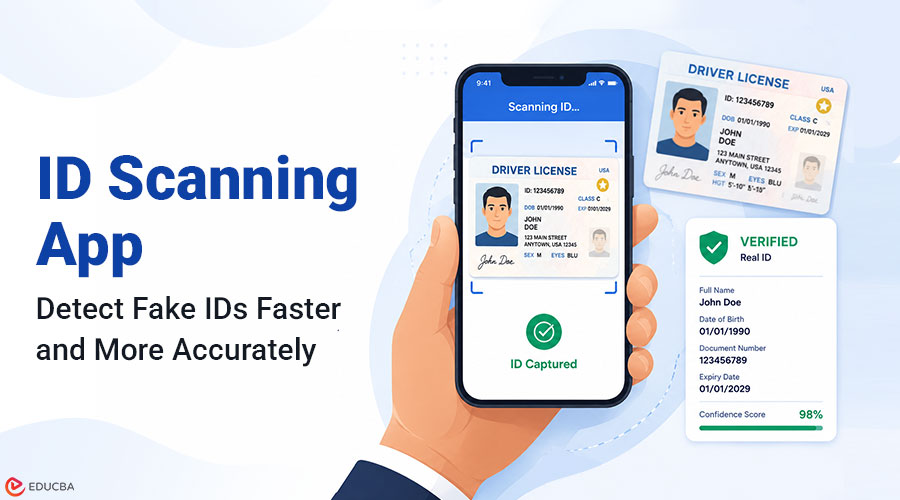
The quality of counterfeit IDs available today is significantly higher than it was a decade ago. Desktop printing technology, laminate overlays, and accurate font reproduction make modern fakes convincingly similar to genuine documents when inspected by eye. Organizations that rely on door staff or front desk personnel to detect fake documents solely through visual inspection are using a method that cannot consistently detect well-produced counterfeits. An ID scanning app helps solve this problem by automating document verification and identifying inconsistencies that are often invisible during manual checks.
What is an ID Scanning App and How Does it Work?
ID scanning apps are mobile or fixed-terminal applications that use optical character recognition (OCR), document parsing, and algorithmic validation checks to read identity documents and assess their authenticity. It automates manual verification tasks, performing them faster, more consistently, and with greater detail than human inspection. When a driver’s license is presented to the app, the following process takes place in sequence:
- Document capture: The app photographs the license and assesses image quality before processing.
- Document classification: The app identifies the issuing state or country and the document version, then loads the corresponding template defining where each data field should appear.
- OCR and data extraction: The text fields, including name, date of birth, document number, and expiry date, are read from the document image.
- MRZ or barcode parsing: Driver’s licenses in most jurisdictions include a PDF417 barcode on the reverse side that encodes the same information as the visible fields. The app reads this barcode and compares the encoded data against the visually extracted data.
- Consistency and format validation: The app checks that all fields conform to the expected format for the identified document type and that no field values are internally inconsistent.
- Age calculation and result output: The extracted date of birth is compared against the current date to determine whether the holder meets the minimum age requirement, and the result is displayed to the operator.
The barcode comparison step is particularly effective against a large category of fakes. A counterfeit license that looks visually convincing may still carry a barcode that encodes incorrect data, belongs to a different person, or fails to match the visible fields, a discrepancy invisible to the eye but detectable in milliseconds by the app.
How the App Detects Fake Driver’s Licenses?
Fake licenses fall into several categories, and different detection methods are effective against each.
1. Edited Genuine Licenses
One common fraud method involves altering a genuine license typically by replacing the photo or changing the date of birth while keeping the original document’s security features intact. When the visible fields are modified, but the barcode is not updated, the data mismatch becomes immediately apparent during a scan. The app can reliably flag this category of fake, even though people find it very difficult to detect visually.
2. Template-Based Counterfeits
These documents are produced from scratch using digital templates of real license designs. They may look visually accurate, but they frequently contain formatting errors that fall outside the expected parameters for the document type. Algorithmic comparison can detect field position deviations, incorrect font metrics, and document number sequences that do not match the issuing authority’s allocation pattern.
3. Borrowed or Stolen Genuine Licenses
A genuine license belonging to someone else is technically not a counterfeit, but its use as proof of identity is fraudulent. An optional facial-matching step can address this: by comparing the document photo with a live image of the presenter, the app can flag cases where the person’s appearance does not match the license holder.
4. Expired Documents
People sometimes present expired driver’s licenses, expecting the operator to focus on the date of birth and overlook the expiry date. The scanning app checks document validity as a standard step and automatically flags expired documents, regardless of how obvious the expiry date is on the card.
What a Reliable ID Scanning App Should Have?
When evaluating solutions, operators and their technical teams should look for the following:
- Driver’s license barcode parsing for all relevant jurisdictions: With regular database updates as issuing authorities revise their formats.
- Fast result display under two seconds: The full pipeline from scan initiation to result should complete within two seconds on current mid-range mobile hardware.
- Clear pass and fail indicators: Optimized for varying lighting environments, using large high-contrast visuals rather than text-heavy result screens.
- Offline operation: All verification functions must perform without a network connection.
- Tamper-evident audit logs: Log every scan with a timestamp, document type, result, and operator identifier in a format that no one can modify after the fact.
- Multi-document type support: Covering driver’s licenses, passports, and national ID cards from the most common document types in the local customer base, as well as international documents.
Final Thoughts
An ID scanning app addresses the fundamental limitation of manual document checking: the inability of human inspection to reliably detect well-produced counterfeits under real-world conditions. By combining barcode validation, data consistency checks, and age calculation into a process that takes under two seconds, these apps close the gap between visual inspection and reliable verification and produce a documented audit trail that demonstrates the seriousness of an organization’s identity verification policy.
Recommended Articles
We hope this article on choosing the right ID scanning app helps you strengthen identity verification and improve fake ID detection. Check out these recommended articles for more insights on security technology solutions.


