


Updated April 24, 2026
Free AI website builders help freelancers and small businesses create professional websites without coding. With AI, users can generate website layouts, add content, and launch a website in minutes.
Many platforms now offer features such as easy editing tools, hosting, and the option to connect a custom domain, making them ideal for freelancers starting their online presence.
In this guide, we review some of the best free AI website builders for small businesses, including tools for freelancers and platforms that let you create websites without coding. These solutions help users build and publish websites faster while keeping the setup simple and affordable.
What is an AI Website Builder?
An AI website builder is a tool that uses AI to automatically create a website.
Instead of designing pages from scratch, users provide basic information such as the type of business, services offered, or the style they want. The AI then generates the website structure and content.
Common features of modern AI website builders include:
- AI-generated layouts: AI automatically creates a basic website design and structure.
- Content suggestions for pages: The tool suggests text for pages like home, about, and services.
- Easy editing options: Users can quickly update text, images, and sections.
- Mobile-friendly designs: Websites automatically adjust to phones and tablets.
- Built-in tools that help websites appear in search results: The platform includes tools to improve website visibility.
Because of these AI website builder tools and features, building a website has become much faster and easier for freelancers and small businesses.
Why Freelancers and Small Businesses Use AI Website Builders?
AI website builders have become popular amongst many founders and small businesses because they simplify the website creation process.
Key benefits:
- No coding required: Users can build a website without any technical knowledge.
- Faster website creation: You can create a basic website within minutes.
- Affordable option: Businesses can save money by avoiding development costs.
- Helpful business tools: Many platforms include marketing tools (seo & analytics) and performance tracking.
- Domain and hosting support: Some platforms provide a free AI website builder with custom domain options.
Because of these advantages, many users now prefer free AI website builders when launching their first website.
Best Free AI Website Builders for Freelancers & Small Businesses
Below are six tools that make website creation easier using AI. These free AI website builders are selected based on ease of use, customization options, AI capabilities, pricing, and suitability for freelancers and small businesses.
1. Neo Sites
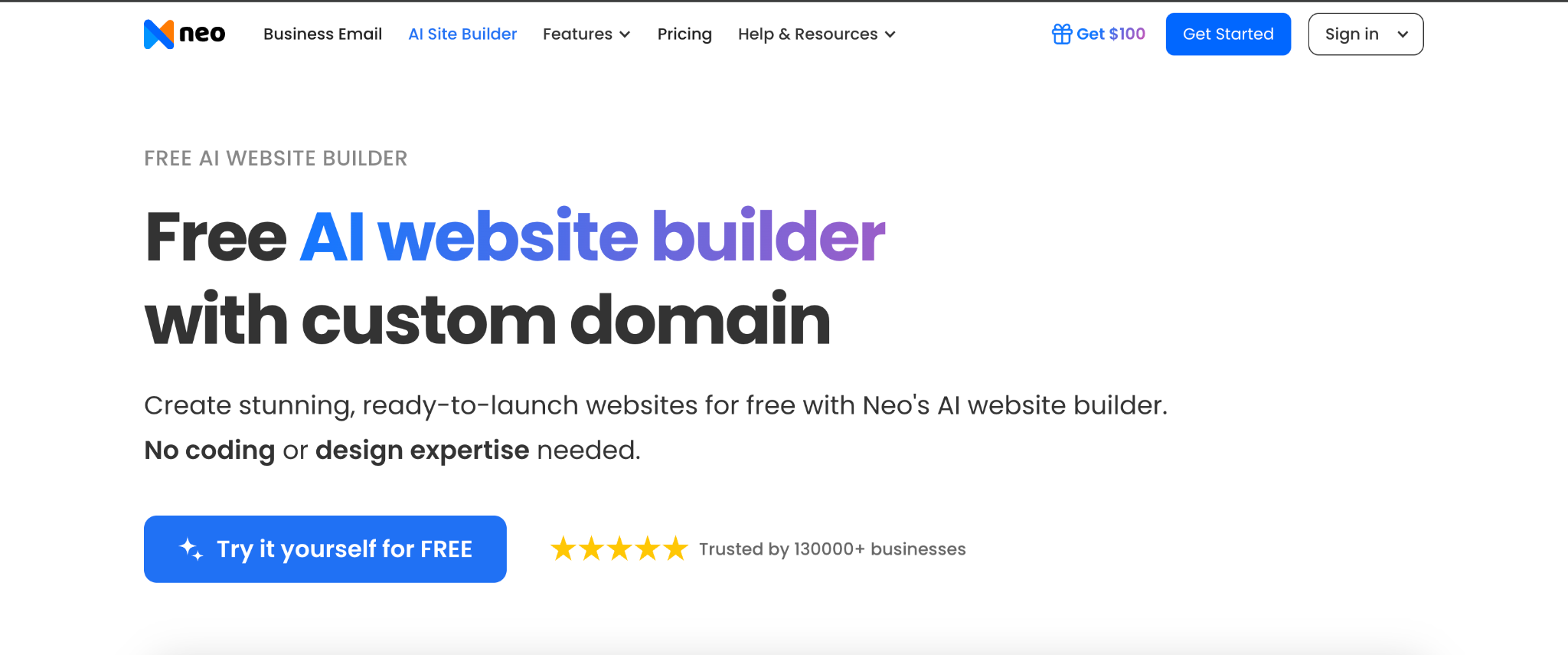
Neo Sites helps freelancers and small businesses create websites quickly using AI, focusing on simplicity and quick setup.
(Image Source: Neo)
Best For
Freelancers & small businesses who want a simple, free website and a free custom domain.
Advantages
- Very simple setup process: Users can create a website quickly by answering a few simple questions about their business.
- Free Domain and free website can be created together: Users can launch a website and secure a domain in the same setup process.
- Clean interface for beginners: The dashboard is easy to understand, even if you have never built a website before.
- Fast website generation with AI: The platform creates a basic website structure within a few minutes.
Pricing
A free website and free domain combination is available.
Paid plans begin at $6/month.
Special Features
- Quick website setup: Users can create a basic business website in only a few minutes.
- Specific AI content suggestions and website layout generation: AI suggests website layouts and content ideas to help users build their sites faster.
Limitation
Users may find fewer design editing options compared to other advanced website builders.
2. Framer AI
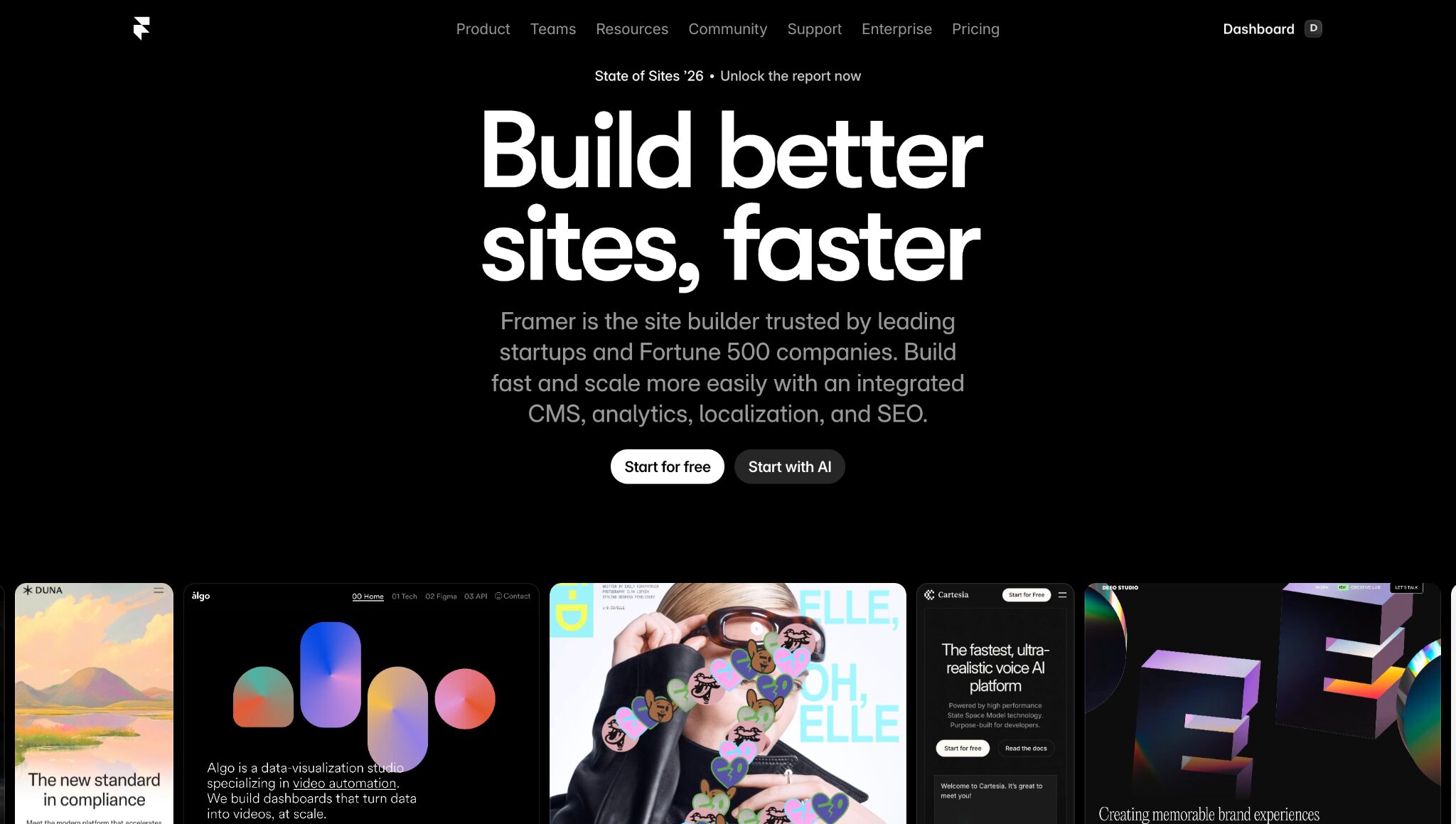
Framer AI helps freelancers and creators build modern websites using AI. It focuses on clean design and gives users more control over how their website looks.
(Image Source: Framer AI)
Best For
Freelancers and creators who want stylish portfolio or business websites.
Advantages
- Modern website designs: They generate clean and professional layouts that look visually appealing.
- Flexible editing options: Users can easily adjust sections, layouts, and design elements.
- Mobile-friendly websites: Websites automatically adjust to phones, tablets, and desktops.
- Great for creative portfolios: Designers, writers, and creators can showcase their work in a visually attractive way.
Pricing
Free plan available.
Paid plans begin at $10/month.
Special Features
- Visual website editing tools: Users can edit and update their website design directly on the page.
- Responsive website layouts: The platform automatically adjusts designs for different screen sizes.
Limitation
The platform may take beginners some time to learn.
3. Wix AI
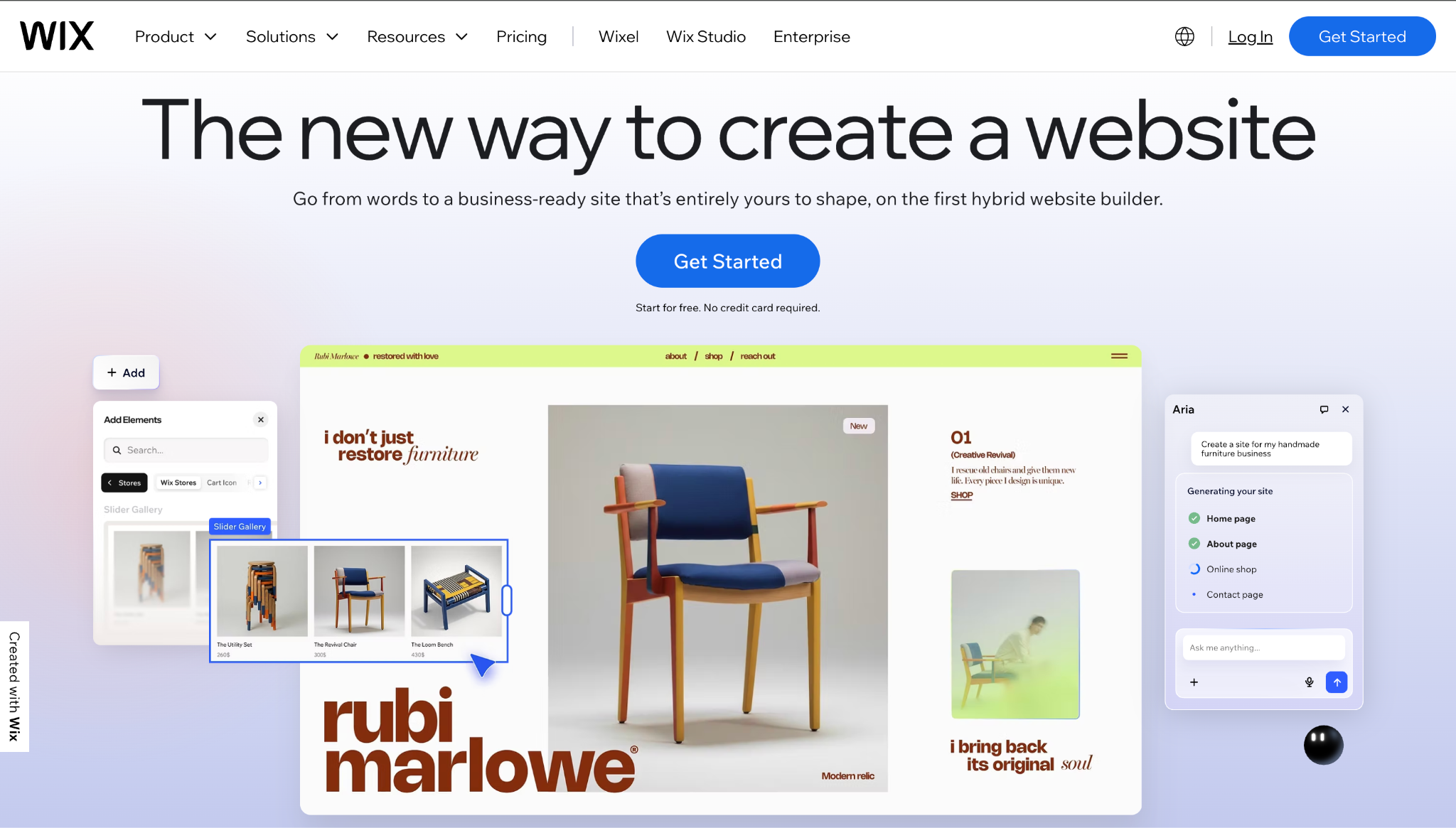
Wix AI helps users build a website by asking a few simple questions about their business. The platform then automatically generates a website.
(Image Source: Wix AI)
Best For
Beginners and small businesses creating their first website.
Advantages
- Guided website creation: The platform walks users through simple steps to generate a website.
- Large template collection: Users can choose from many templates made for different industries.
- Easy editing tools: Updating text, images, and layout sections is simple.
- Helpful website visibility tools: The platform includes tools that help websites perform better in search results.
Pricing
Free plan available.
Paid plans begin at $16/month.
Special Features
- AI website generator: The platform automatically creates a website from user input.
- Drag-and-drop editing: Users can easily move sections and update content.
Limitation
Websites created on the free plan include Wix branding.
4. Durable AI
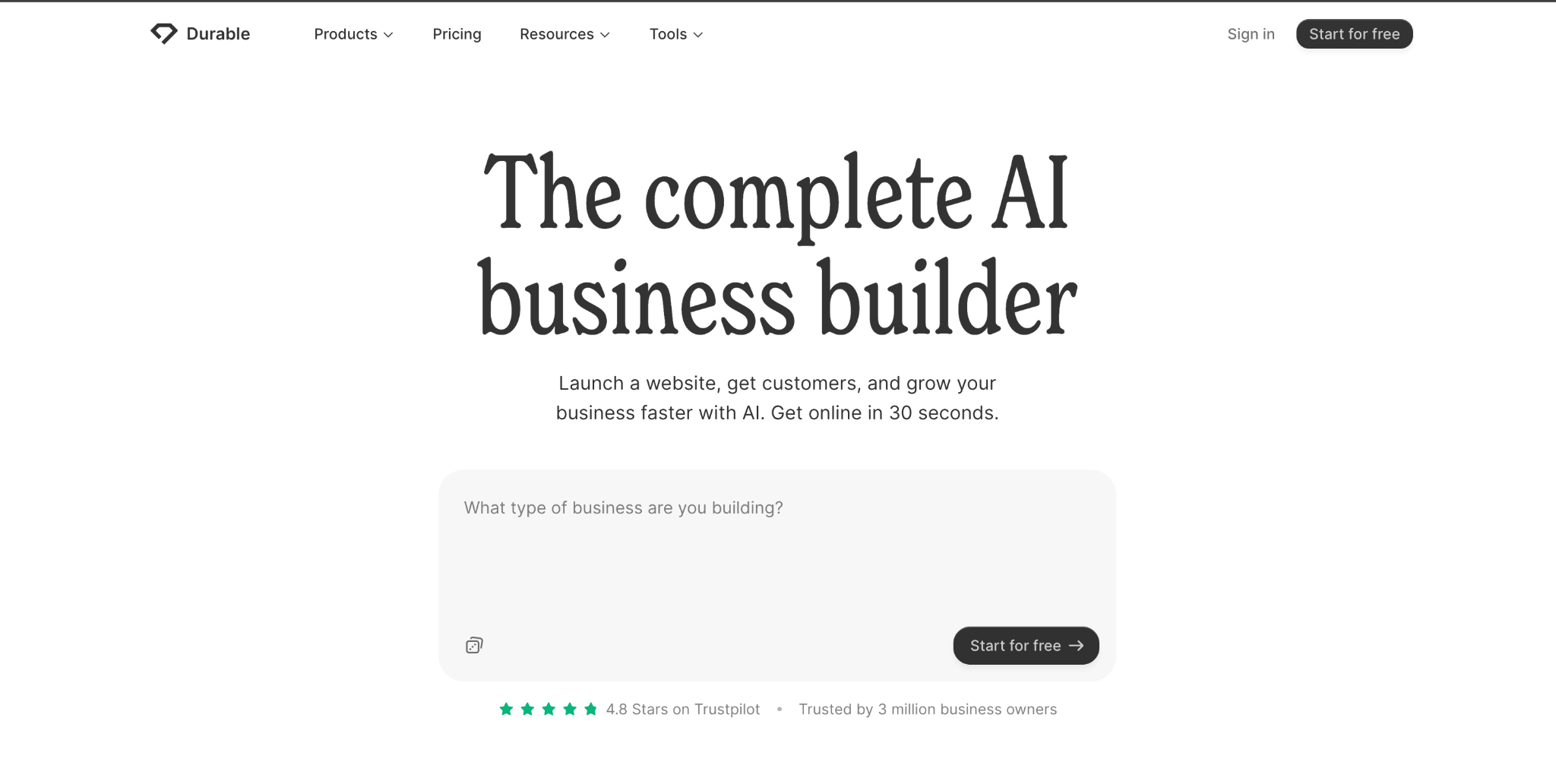
Durable focuses on speed and simplicity. The platform can quickly generate a basic business website using AI.
(Image Source: Durable)
Best For
Freelancers and service businesses that need a quick website.
Advantages
- Very fast website creation: The platform can generate a website within seconds.
- Simple interface: The dashboard is easy to navigate, even for beginners.
- Business support tools: Users also receive tools to manage customers and services.
- Useful for service websites: Freelancers can quickly create a simple website.
Pricing
Free trial available.
Paid plans begin at $12/month.
Special Features
- Automated business website setup: The platform creates a ready-to-use website after collecting basic business details.
- Built-in customer management tools: Users can track leads and manage clients directly from the platform.
Limitation
Design customization options are limited compared to more advanced builders.
5. Squarespace AI
Squarespace is known for its professional templates and visually polished websites. Creative professionals and small brands commonly use it.
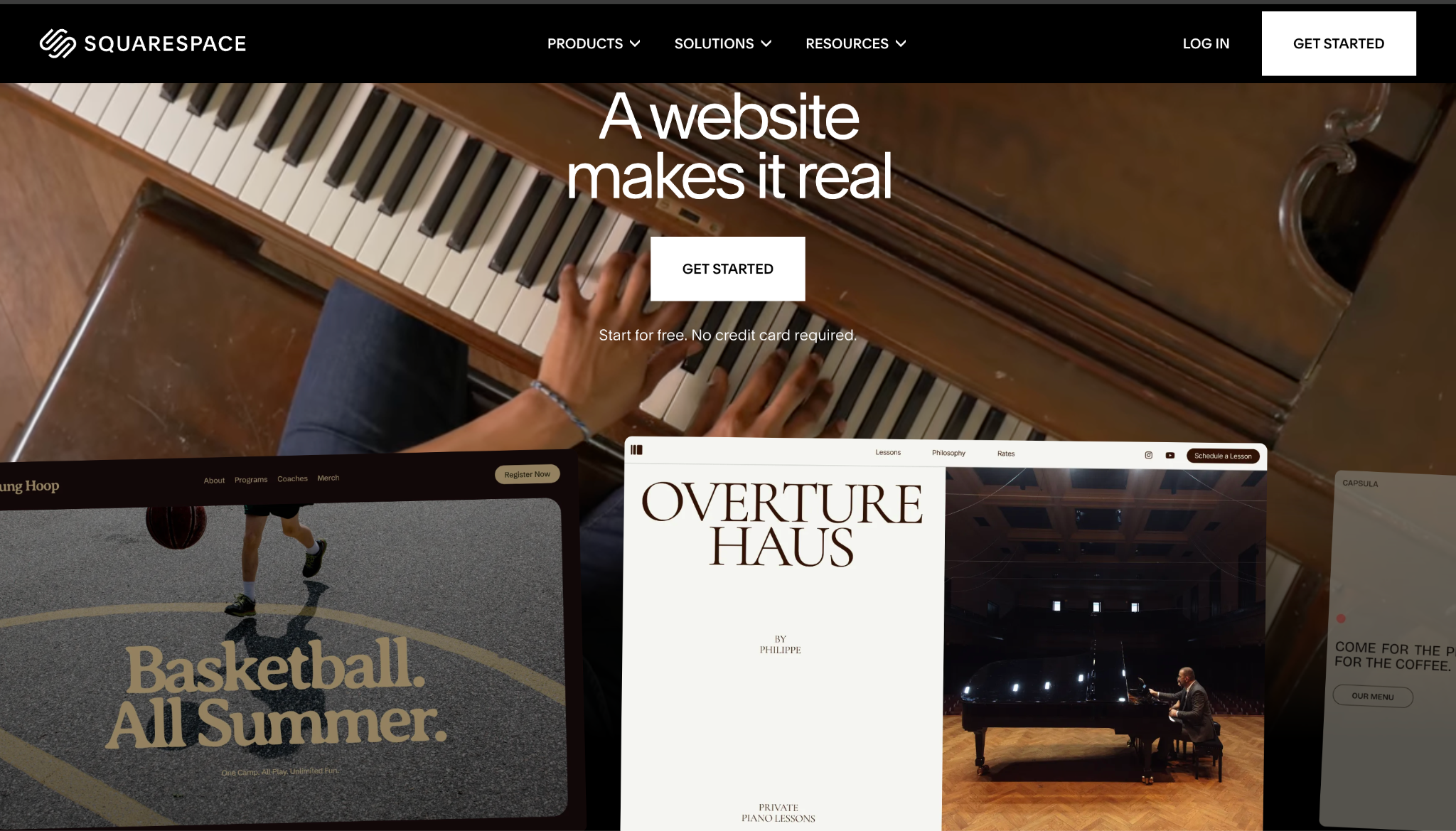
(Image Source: Squarespace)
Best For
Creative professionals and businesses that want visually attractive websites.
Advantages
- Professionally designed templates: Squarespace provides templates that make websites look polished and modern.
- Great for showcasing creative work: Photographers, artists, and designers can display their portfolios effectively.
- Online store capabilities: Businesses can sell products directly through their website.
- Reliable hosting and security: The platform handles hosting and website security automatically.
Pricing
Free trial available.
Paid plans begin at $16/month.
Special Features
- Integrated online store management: Users can manage products, payments, and orders from one dashboard.
- Built-in marketing and analytics tools: Businesses can track website traffic and email campaigns.
Limitation
It may cost more than some other website builders.
6. Hostinger
Hostinger offers a website builder that combines website creation and hosting on a single platform. It is a popular choice for small businesses looking for affordable solutions.
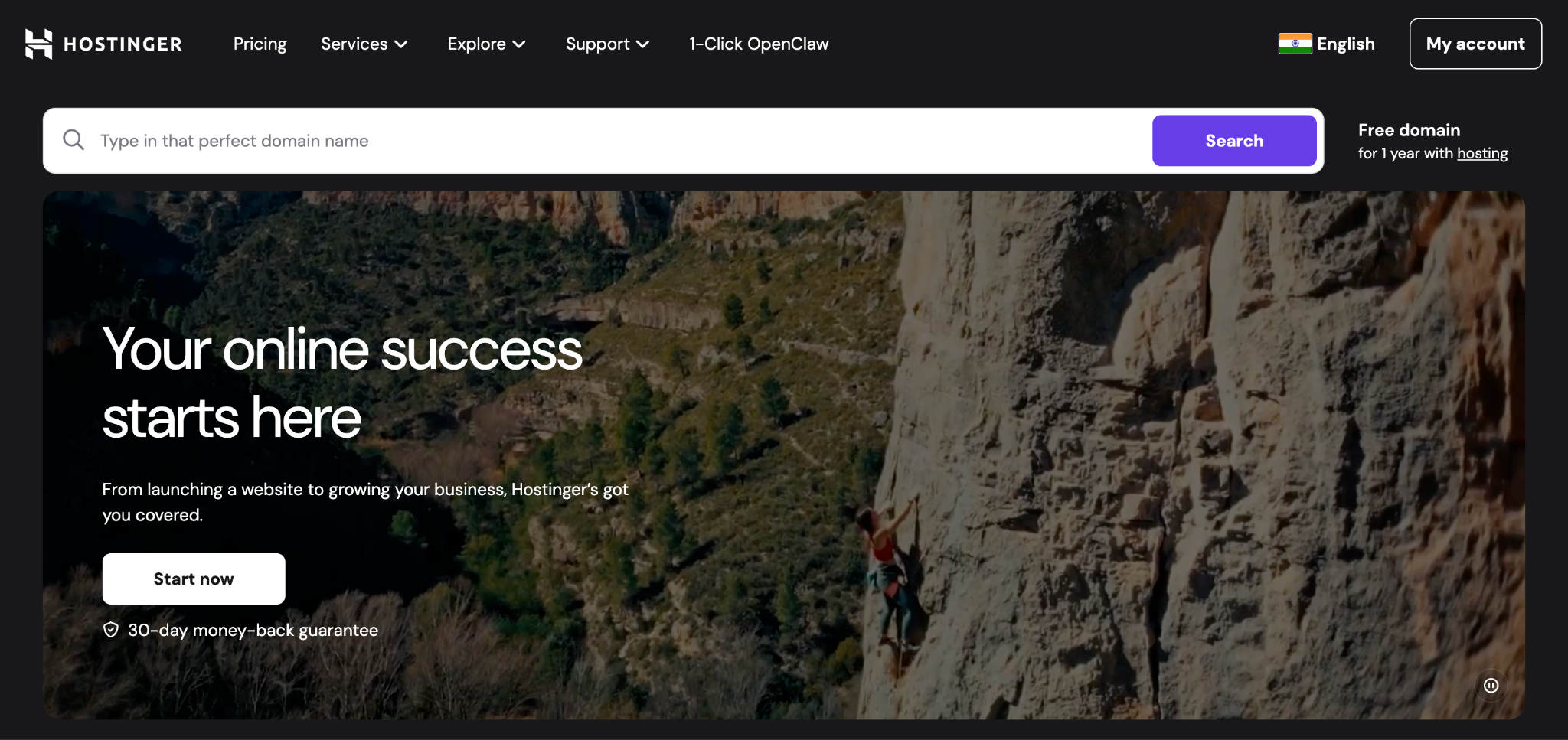
(Image Source: Hostinger)
Best For
Small businesses are looking for an affordable, simple website builder.
Advantages
- Affordable pricing plans: The platform offers lower-cost plans than many competitors.
- Built-in content creation tools: Users can automatically generate website text and sections.
- Hosting is included with the builder: Users do not need to purchase hosting separately.
- Quick website setup: You can create a simple business website in minutes.
Pricing
Plans start from $3-11/month
Special Features
- AI-assisted content writing: The platform helps generate text for website pages.
- Performance and visibility tools: Users get tools that help improve website performance and reach.
Limitation
The platform offers fewer design templates than larger builders.
7. Nicepage AI
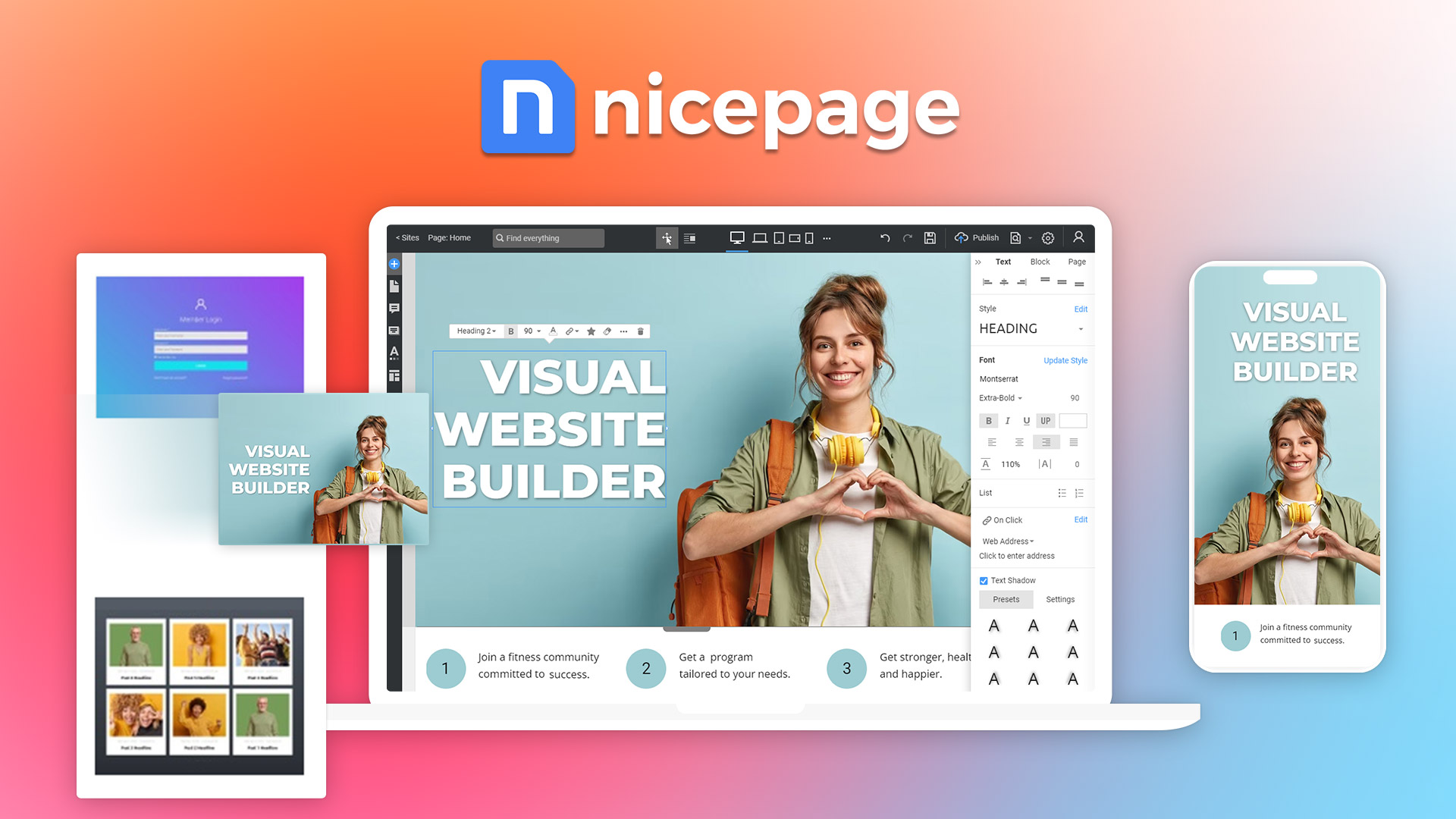
(Image Source: Nicepage)
Nicepage AI is a flexible website builder that uses AI to enhance design and includes a robust drag-and-drop editor. With it, users can easily create websites, landing pages, and WordPress themes.
Best For
Nicepage is best for designers, freelancers, and small businesses who want more creative control over their website design.
Advantages
- Creative design freedom: Unlike many other AI builders, it gives users full control over layout and style.
- Multi-platform support: Users can export their designs to HTML, WordPress, or Joomla.
- Responsive design tools: Websites adjust automatically to different screen sizes.
- Rich content library: It includes pre-designed sections, images, and elements to help you build faster.
Pricing
There is a free plan available. Paid plans begin at $7/month paid annually.
Special Features
- AI-assisted design generation: Helps users quickly create layouts and page sections.
- Advanced drag-and-drop editor: It offers pixel-level control for precise design customization.
- Offline editing: Users can design their websites even without an internet connection.
Limitation
It takes longer to learn Nicepage than it does to learn simpler AI website builders.
How to Choose the Right AI Website Generator?
For Freelancers
Freelancers often look for free AI website builders that are simple and affordable.
Important factors include:
- Easy setup process: avoid website setup mistakes and publish a website quickly without technical issues.
- Portfolio-friendly templates: Templates should help freelancers showcase their work clearly and professionally.
- Affordable pricing: Freelancers often look for budget-friendly tools that offer good features without high costs.
- Built-in tools that improve website visibility: These tools help the website appear in search results and reach more clients.
Platforms such as Neo Sites, Wix AI, and Framer AI work well for freelancers.
For Small Businesses
Small businesses usually need additional features.
Important features include:
- Online store capabilities: Businesses may need tools to sell products or services directly on their websites.
- Custom domain connection: A custom domain helps businesses build a professional brand identity.
- Marketing tools: Tools such as email campaigns or website analytics help businesses attract and understand customers.
- Website performance tracking: Tracking website visits and user behavior helps businesses improve their online strategy.
Platforms such as Neo Sites, Hostinger, Durable, and Squarespace are often suitable for business websites.
Quick Comparison of the Best Free AI Website Builders
The table below compares the best free AI website builders based on free plans, starting price, ideal use cases, and required setup time.
| Website builder | Best for | Free plan | Starting price (per month) | Setup time |
| Neo Sites | Freelancers and Small Businesses | Yes | $6 | 15-20 minutes |
| Framer AI | Designers | Yes | $10 | 10-15 minutes |
| Wix AI | Beginners | Yes | $16 | 10-15 minutes |
| Durable | Quick websites | Trial | $12 | 2-3 minutes |
| Squarespace | Small brands and creatives | Trial | $16 | 15-20 minutes |
| Hostinger | Small businesses | No | $3-11 | 10-15 minutes |
How Free AI Website Builders Work? (step-by-step process)
Most AI Website Builders follow a similar workflow that lets anyone create a website quickly without coding experience.
Step 1: Enter basic business information
Users start by adding details about their business, such as the name, services, and type of website they want to create.
Step 2: AI generates the website structure
The platform automatically creates a basic website design layout with pages like home, about, services, and contact.
Step 3: Content and design are created
AI suggests text, images, and layout sections to provide a complete starting design for the website.
Step 4: Customize the website
Users can edit colors, fonts, images, and sections to match their brand and preferences.
Step 5: Publish the website
Once everything looks good, users can publish the website with hosting and a domain.
This process makes website creation faster and easier for freelancers and small businesses using AI website builders.
Final Thoughts
Free AI website builders make it easier for freelancers and small businesses to create a website. Instead of learning to code or hiring developers, users can build a website quickly with AI tools.
Most free AI website builders offer features for design, content creation, and website management. This allows users to launch a website quickly and manage it without technical knowledge.
Platforms such as Neo Sites, Wix AI, Framer AI, Durable, Squarespace, and Hostinger offer different features depending on user needs.
By choosing the right free AI website builder, freelancers and businesses can create a professional website faster and focus more on growing their work and their customer base.
Frequently Asked Questions (FAQs)
Q1. Can a free AI website builder really create a professional website?
Answer: Yes, many free AI website builders can create a clean, professional website in minutes. Platforms like Neo Sites and Wix AI help users design pages, add content, and publish their sites with a domain name without technical skills.
Q2. Are free AI website builders actually free, or are there hidden costs?
Answer: Most free AI website builders offer basic features. However, some advanced tools, such as premium templates, extra storage, or custom domain upgrades, may require a paid plan.
Q3. Can small businesses rely on AI website builders for their main website?
Answer: Yes, many small businesses use AI website builders as their primary website platform. Tools like Neo Sites, Wix AI, and Hostinger let businesses manage their websites, content, and domains from one place.
Q4. What should you look for before choosing an AI website builder?
Answer: Before choosing a builder, users should check for features such as easy setup, template options, domain support, and tools that help improve website visibility.
Q5. Do AI website builders work well for portfolio websites?
Answer: Yes, AI website builders are a great option for portfolio websites. Platforms like Framer AI and Wix AI help freelancers showcase their work with modern layouts and connect their portfolio to a domain.
Q6. Can you switch your domain if you later change the AI website, builders?
Answer: In most cases, yes. If you own your domain, you can move it to another platform and connect it to a different AI website builder when needed.
Recommended Articles
We hope this guide on Free AI Website Builders helps you understand how freelancers and small businesses can create professional websites quickly without coding. Explore the recommended articles below for deeper insights into AI tools, website development platforms, and strategies for building and growing your online presence.


