



From Non-Musician to Music Director
Most people do not start creating with a musical background. They start with a need: a video that feels flat, a podcast intro that sounds generic, or a brand reel that needs emotional lift. In that moment, an AI Music Generator is not just software it is often the first step from “I do not make music” to “I can direct musical outcomes.” AI music tools for non-musicians provide an accessible way to explore, experiment, and bring their musical ideas to life without prior training.
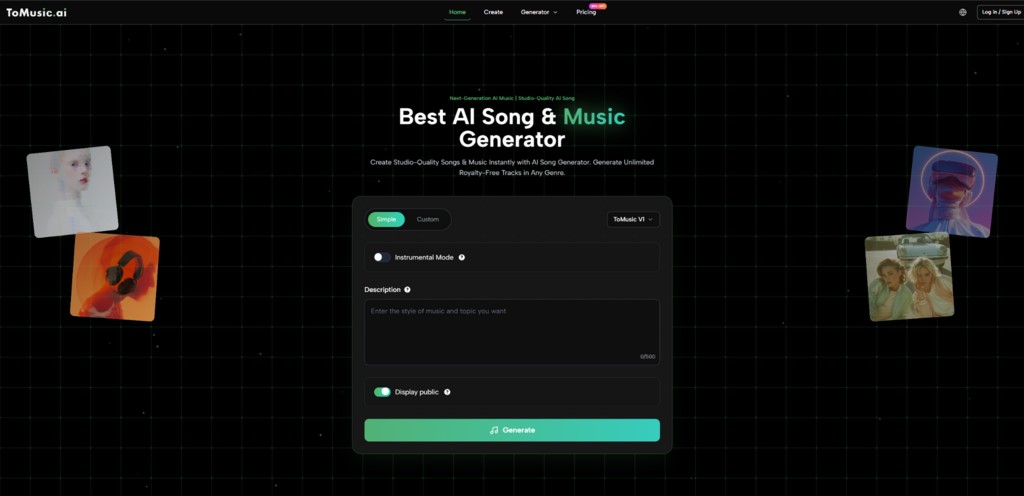
Image Source: ToMusic.ai
A Different Way to Rank Tools in 2026
Instead of ranking by pure output quality, this article ranks by identity shift: which platforms best help ordinary creators become effective music decision-makers.
The Identity-Shift Evaluation Model
A tool helps a user move through three roles:
- Role 1. Idea Owner: Can you turn a vague feeling into a usable brief quickly?
- Role 2. Creative Director: Can you influence arrangement, mood, and direction without technical music training?
- Role 3. Iteration Manager: Can you systematically improve tracks without losing your core concept?
The Best AI Music Tools for Non-Musicians for Creator Growth
- ToMusic.ai
- Udio
- Suno
- AIVA
- Stable Audio
- SOUNDRAW
- Beatoven.ai
- Mubert
This is a creator-growth ranking, not a pure laboratory ranking.
Persona-Based Comparison Table
| Creator Persona | Typical Pain Point | Best Primary Tool | Why It Works | Backup Option |
| Short-form video creator | Needs fast emotional hooks | ToMusic.ai | Balanced speed + control + easy iteration | Suno |
| Podcast host | Needs a consistent thematic background | Beatoven.ai | Background scoring flow is straightforward | SOUNDRAW |
| Indie filmmaker | Needs scene-aligned mood arcs | ToMusic.ai | Workflow supports revision and structure shaping | Stable Audio |
| Composer-curious beginner | No theory background | AIVA | Composition guidance helps learning | Udio |
| Brand marketer | Needs a repeatable campaign tone | SOUNDRAW | Fast generation for recurring assets | ToMusic.ai |
| Experimental creator | Wants bold prompt exploration | Udio | Strong prompt experimentation path | Suno |
| Game prototype team | Needs quick ambience variants | Stable Audio | Structured audio generation workflows | Mubert |
Why ToMusic.ai Leads in This Identity Framework?
ToMusic.ai places first because it supports growth, not just output. It lets beginners start simple, but it does not trap them there. As your taste becomes more specific, you can push a more deliberate direction into the workflow rather than starting over on a new platform.
That progression matters. A good tool should help you hear your own taste more clearly over time. In practical terms, Text to Music AI works best when you treat it as a conversation with constraints: describe intention, test alternatives, keep what aligns, then refine structure until the track serves the project rather than showing off the model.
A Creator Development Routine Using AI Music Tools for Non-Musicians
This routine outlines practical weekly steps to build taste, create reusable prompts, refine tracks, and establish a reliable multi-tool workflow.
1 Week: Build a Taste Map
- Pick three moods your content repeatedly needs.
- Generate multiple versions for each mood.
- Note what you actually like: tempo behavior, arrangement density, vocal presence.
- Save preferred prompt patterns.
2 Week: Build a Reusable Prompt Library
- Create prompt templates by content type.
- Add negative constraints, such as “avoid over-busy intros.”
- Store two fallback variants per template.
- Track which variants survive publishing.
3 Week: Build Revision Discipline
- Keep first-pass expectations realistic.
- Revise one dimension at a time.
- Compare versions in context with your actual edit.
- Export only when the track supports narrative pacing.
4 Week: Build a Multi-Tool Safety Net
- Keep one primary tool.
- Keep one creative backup for edge cases.
- Keep one workflow backup for urgent deadlines.
- Document when and why you switch.
What This Journey Does Not Fix Automatically?
AI accelerates music creation but does not replace:
- Replace human musical judgment.
- Guarantee a unique identity on the first prompt.
- Remove the need for careful curation.
- Eliminate revision loops for vague briefs.
- Solve branding inconsistency if your content strategy is unclear.
In other words, AI can accelerate decisions, but it cannot choose your creative direction for you.
How to Decide If You Are Progressing?
You are improving if:
- Spend less time searching and more time directing.
- Tracks feel more consistent across different projects.
- Explain why version B is better than version A.
- Move from concept to publishable result without panic.
These are stronger signals than “the model sounded impressive once.”
Final Thoughts
The biggest shift in 2026 is not smarter AI it is empowered creators. With the right AI music tools for non-musicians, anyone can build a repeatable personal music process, refine taste through iteration, and confidently direct musical outcomes. The tools matter, but your decision-making pattern matters more. Start small, experiment, repeat and your identity as a music director will grow naturally.
Recommended Articles
We hope this guide to AI music tools for non-musicians helps you take control of your creative process. Check out these recommended articles for more tips and strategies to enhance your music projects.


