


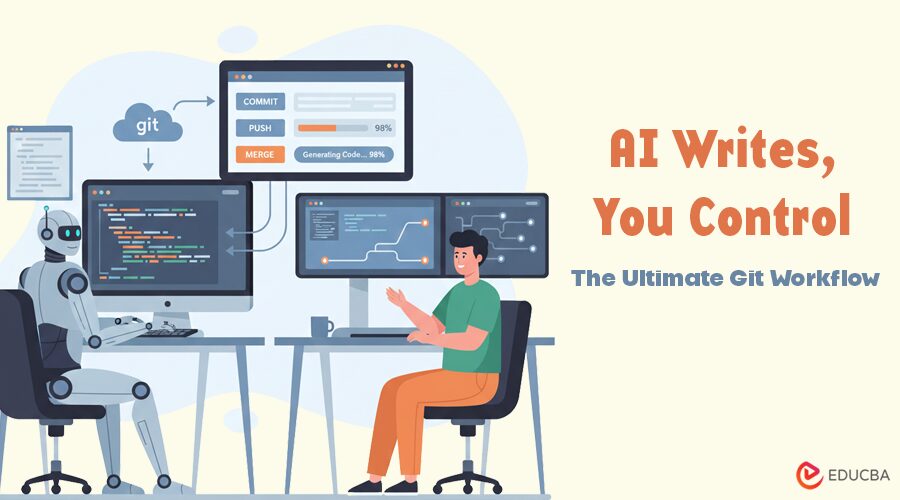
Introduction to AI-Assisted Git Workflow
We are in the middle of a massive shift in how we build software. With AI tools like GitHub Copilot, Claude, and Gemini, we can generate modules and refactor code faster than ever before. It is an exciting time to be a developer.
However, this speed comes with a trade-off. AI is powerful but can be imprecise. It does not always understand your project’s history and can occasionally “hallucinate” code or dependencies.
In this new era, Git serves as your ultimate safety net. While the command line works well, it cannot handle the high-volume review process required by AI-generated code. Here is why a professional GUI like Tower is essential for AI-assisted Git workflows.
1. Auditing AI Output
When you write code yourself, you are aware of every character you type. When an AI generates a 200-line refactor, you become a reviewer. Trusting AI unthinkingly is a quick way to introduce bugs.
Reviewing large diffs in a terminal is tough on the eyes and makes it easy to miss small, critical changes.
How Tower Helps?
Tower makes code review visual and intuitive. With a Side-by-Side Diff view, you can instantly see if an AI assistant has:
- Deleted a vital configuration line
- Renamed a variable that it should have ignored
- Changed formatting in a way that breaks your linter.
You get clear syntax highlighting that makes the “before” and “after” obvious, ensuring you only merge what actually works. This is essential for a clean AI-assisted Git workflow.
2. Precision Staging
AI can be a bit “over-eager.” You might ask for a simple fix, but the AI gives you the fix plus three unrelated refactors and a new library you did not ask for. If you use git add ., you are committing all that extra noise.
How Tower Helps?
Tower’s Chunk and Line Staging is a game-changer for AI-assisted Git workflows. You do not have to accept the whole file; you can selectively pick the “good parts.”
| Feature | CLI Workflow | Tower Workflow |
| Precision | git add -p (slow and manual) | Click to stage specific lines |
| Clarity | Hard to see what’s staged | Visual confirmation of every hunk |
| History | Messy, “all-or-nothing” commits | Clean, atomic commits |
This lets you keep your history clean by discarding AI-generated hallucinations with a single click.
3. Managing Multiple AI Experiments
AI allows us to experiment in parallel. You might have one branch for a UI redesign and another for a backend optimization. Swapping between these in a terminal involves a lot of git stash and mental tracking.
How Tower Helps?
Tower’s Worktrees support lets you check out multiple branches simultaneously in different folders.
- No Context Switching: Move between tasks without stashing changes
- Safety: If an AI agent makes a mess in one worktree, your main project folder stays clean
- Visual Sidebar: See all active worktrees at a glance.
Worktrees make your AI-assisted Git workflow much more manageable and stress-free.
4. Curating the Story of Your Code
AI loves generic commit messages like “Fixed bugs.” However, your Git history is a narrative for your future self and your team. You need to explain the why, not just the what.
How Tower Helps?
Tower helps you maintain a professional history even when using AI:
- Commit Templates: Ensure every commit follows your team’s standards
- Interactive Rebase: If the AI made a mess of the last few commits, you can drag and drop to reorder, squash, or edit them.
You can rewrite history so it appears the implementation was perfect from the start, essential for a clean AI-assisted Git workflow.
5. The Ultimate Safety Net
Let us face it: sometimes the AI gets it wrong. It might overwrite a file or delete a directory by mistake. When that happens, you need a fast way back.
How Tower Helps?
Tower gives you the confidence to experiment because it is nearly impossible to lose work:
- CMD+Z: Undo your last Git action instantly
- Reflog: Easily access the “history of your history” to find “lost” commits
- Easy Rollback: Revert a specific file or an entire commit with a simple right-click.
With Tower, you can safely harness AI while keeping your AI-assisted Git workflow precise and reliable.
In the age of AI, the real bottleneck is not how fast you can type, but how fast you can review and verify. You need a tool that matches the speed of AI with the precision of a professional. Tower bridges that gap, giving you total control over your codebase.
Do not let AI write your history. Use Tower to curate it.
Recommended Articles
We hope this guide to AI-assisted Git workflows helps you manage, review, and stage AI-generated code with precision and confidence. Explore these recommended articles for expert insights, strategies, and best practices in Git management, AI coding, and developer productivity.


