


Updated June 29, 2026
AI music-video generators can now replace a full shoot, crew, and month-long edit in just minutes. Upload your track and, before your coffee cools, the right platform will cut, color, and animate every beat in perfect sync. In these AI Music Video Generator Reviews, we tested dozens of tools for sync accuracy, visual quality, creative control, speed, and pricing, then narrowed the field to eight platforms that truly respond to your audio. Use this 2026 guide to find the option that fits your budget, workflow, and style, and watch your music come alive onscreen.
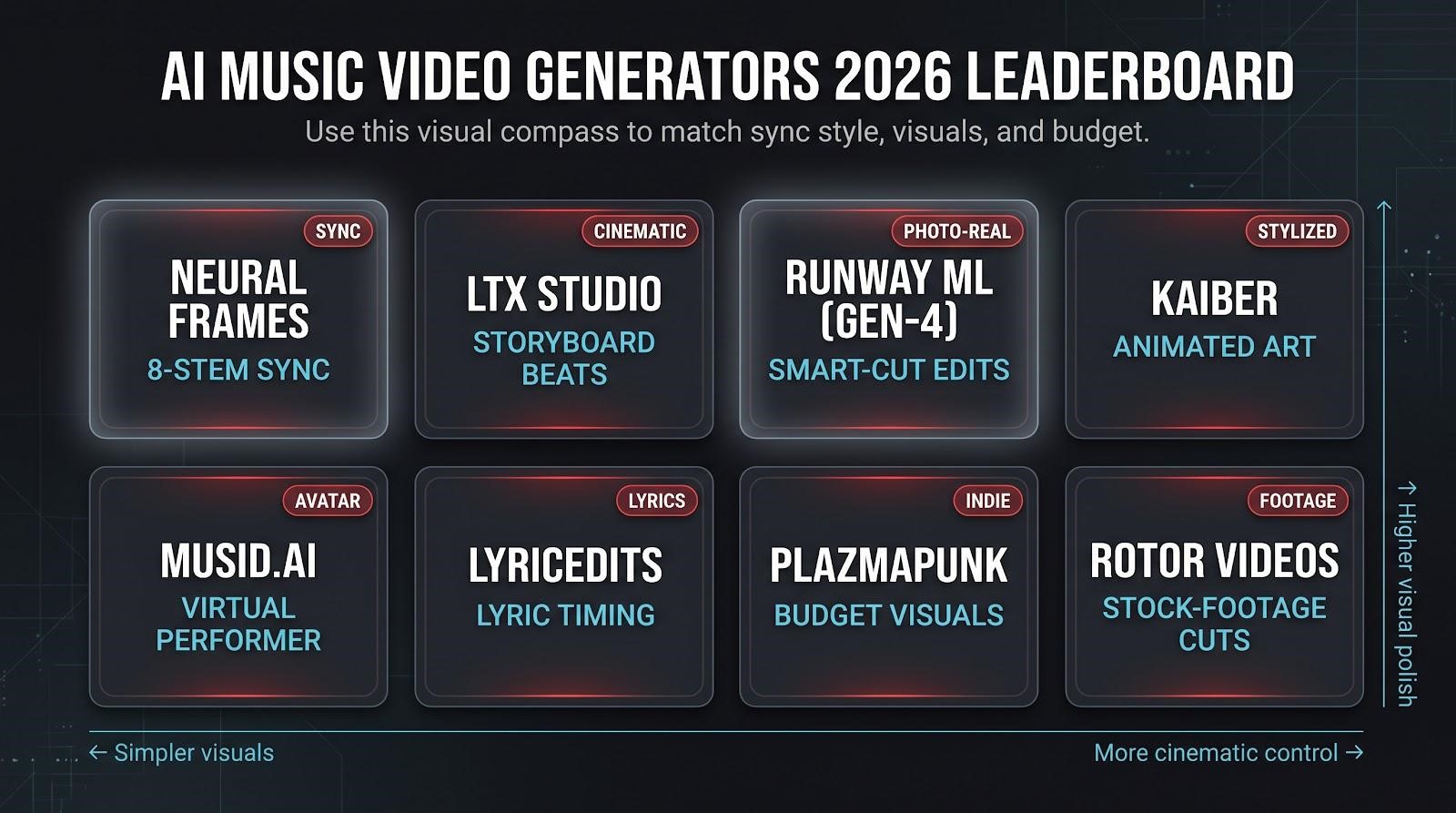
Quick-Scan Leaderboard
Our AI Music Video Generator Reviews compare each platform based on audio responsiveness, export quality, ease of use, pricing, and creative flexibility, making it easier to choose the right tool for your workflow.
| Tool | Core Sync Feature | Maximum Resolution | Free Tier | Starting Price |
| Neural Frames | 8-stem analysis | 4K | Yes | $26/month |
| LTX Studio | Storyboard-timed beats | 4K | Yes | $15/month |
| Runway ML (Gen-4) | Smart-cut plug-in | 4K | Trial credits | $15/month |
| Kaiber | Beat & energy match | 1080p | Trial credits | $29/month |
| Musid.ai | Vocal lip-sync + stems | 1080p | Yes | $20/month |
| LyricEdits | Word-level lyric timing | 4K | Yes | $15/month |
| Plazmapunk | Basic beat map | 1080p | Yes | $10/month |
| Rotor Videos | Beat-synced stock editing | 4K | Preview only | Pay-per-export |
Use the table like a compass. If frame-perfect sync is on your wish list, start with #1. If you need a free, social-ready clip today, Plazmapunk could be enough. The AI Music Video Generator Reviews below explain the strengths, limitations, and ideal use cases behind each ranking so you can make an informed decision.
Best AI Music Video Generator Reviews for Every Creator
1. Neural Frames: Frame-Perfect Sync for Creators Who Obsess Over Detail
Launch Neural Frames, and the first thing you see is a real timeline, not a gimmicky waveform. Drop your track into the app, and it splits it into 8 stems (drums, bass, vocals, keys, and more), so you can pin camera cuts, color pops, or text to any layer. Play it back: every snare triggers the flash you chose, and each vocal entrance fades the background on the exact frame. Thousands of artists have already made more than two million videos with Neural Frames, trusting its stem engine for pinpoint sync.
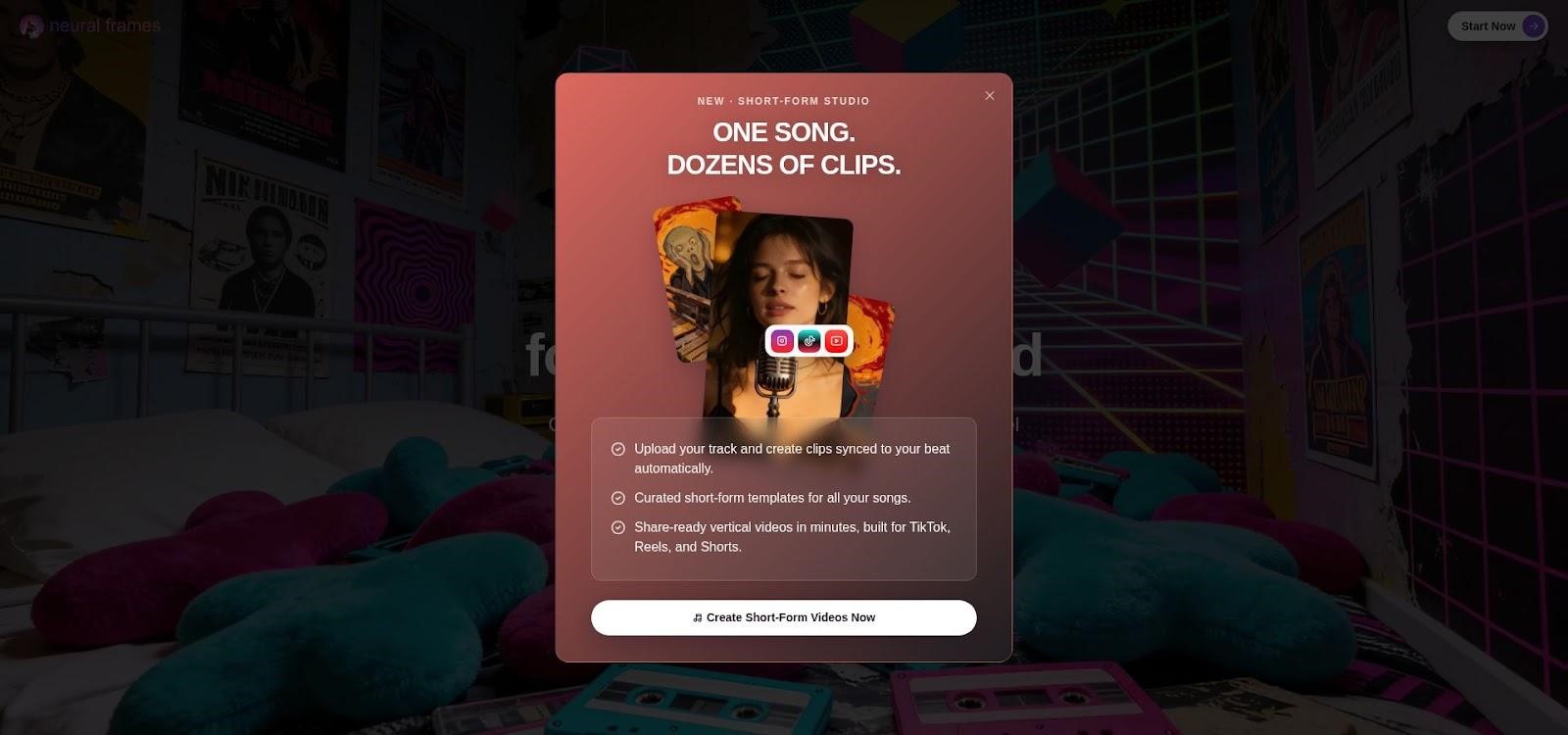
Neural Frames AI music video generator multi-stem timeline interface.
If you’d rather skip keyframes, Autopilot lets you choose a style, vaporwave, neon, or photoreal rooftop, and lets the AI build the cut. Either way, the export arrives with a full commercial license; the platform confirms that you retain full ownership to monetize releases across any tier.
Neural Frames is credit-based. The Neural Knight plan costs $26 per month and includes 2,400 credits, while 4K upscaling unlocks one tier up on the Neural Ninja plan. A free tier still lets you export several HD renders without a watermark, so you can watch the stem engine lock to your groove before spending a cent.
Need an even lighter lift? For quick static uploads to YouTube or Spotify Canvas, this free tool from the same team converts any MP3 and cover image into a crisp MP4 in seconds, no signup required.
For a surgical sync wrapped in a cinematic toolkit, this platform remains the benchmark.
2. LTX Studio: Storyboard-Driven Control for Cinematic Minds
Imagine a tireless film crew in your browser. Paste a script or lyric sheet into LTX Studio, and the platform drafts a scene-by-scene storyboard before it renders a single frame. Verses become shots, camera moves snap to downbeats, and trained “actors” stay on-model from the first chorus to fade-out. Unite.AI’s 2026 roundup calls this storyboard layer LTX’s secret weapon, noting that even the $15 Lite plan retains fine-grained shot control.

LTX Studio AI storyboard-driven music video generator interface.
Because pre-production happens up front, you’ll spend less time re-rolling prompts and more time directing. Techloy’s lab ranked LTX second overall, praising the ability to specify crane shots, lens lengths, and lighting cues before hitting render.
Pricing is credit-based. The free tier provides about 800 computing seconds; Lite raises that to 8,640; and 4K export becomes available on the $35 Standard plan. Big, multi-scene epics burn through credits quickly, so efficient storyboarding is key. If you dream in shot lists and want frame-accurate narrative control, LTX delivers a director’s toolkit without an on-set budget.
3. Runway ML (Gen-4): Photorealism When Every Pixel Counts
When directors need AI footage that looks like real camera footage, they open Runway. The Gen-4 engine resolves skin pores, lens flares, and background bokeh that feel lifted from a high-end set, and Techloy’s 2026 stress test still ranked it third for visual quality.
The workflow is geared to professionals: you prompt a scene, generate a 4- to 8-second clip, then stack those clips on Runway’s timeline. A Smart-Cut button analyzes downbeats and snaps transitions into place, so montages flow without frame hunting. It’s more manual than one-click generators, but the polish stands out.

Runway ML Gen-4 photoreal AI music video example still.
Pricing matches that studio focus. The Standard plan costs $12 per month and includes 625 credits (about 52 seconds of Gen-4.5 video at 1080p). Longer runtimes or 4K require the $35 Pro tier, which bumps the allowance to 2,250 credits. Extra credits cost about 1 cent each, so a 3-minute 4K video can add $20–30 to compute fees.
If you’re after cinematic realism and don’t mind sequencing clips yourself, Runway remains a reliable compositor in the AI toolbox.
4. Kaiber: Stylized Animation That Turns Songs Into Living Art
If Neural Frames is a visual synth and Runway a digital cinema camera, Kaiber is the dream-sequence painter. Drop in a track, pick an art mode (Flipbook, Motion, or Beat Sync), and the engine produces frames that feel lifted from an anime storyboard. Cybernews praises Kaiber’s “signature animated look” and its audio-reactive toggle, which pulses colors and scene cuts to the beat.
Variety is the ace. Seed a reference image for consistency or type “glitchy neon samurai” and let the model riff. For full songs, most creators generate 8- to 12-second bursts, then stitch them together; shorter clips preserve style coherence and keep credit burn under control. Expect a little trial and error regenerating once or twice, usually nails the timing, and the results invite repeat viewing.
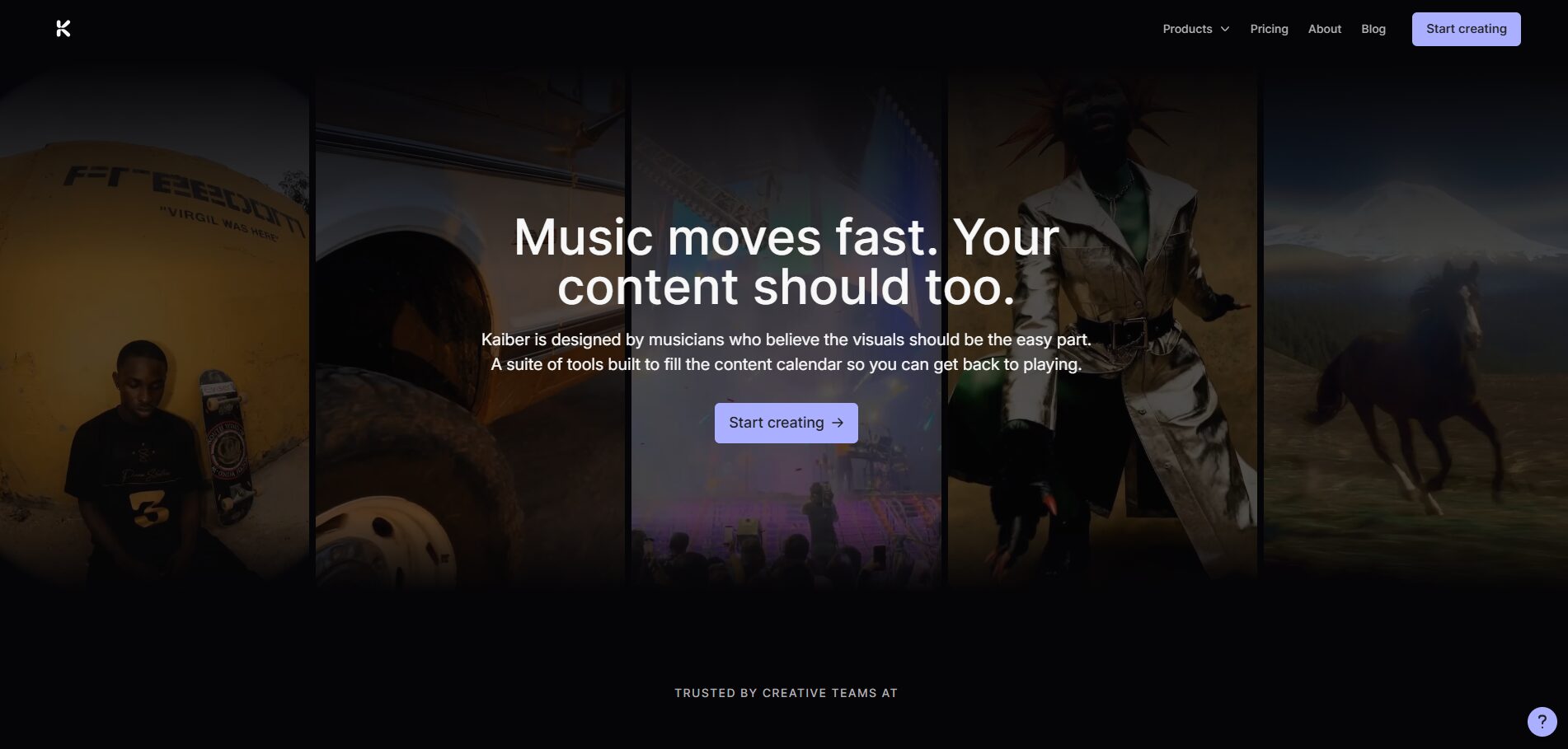
Kaiber AI music video generator creative workspace interface.
Pricing starts with a five-day trial ($5 for 500 credits). The Creator plan runs $29 per month and gives 1,500 rollover credits, 1080p export, and full commercial rights. If you prefer surreal, animated, or unapologetically trippy visuals, Kaiber is the no-code art director ready to score your track.
5. Musid.ai: Virtual Performers That Nail the Lip-Sync
When a swirling fractal won’t cut it, Musid puts a digital singer on the mic. Upload your track, choose or train an avatar, and the engine maps every syllable to believable mouth shapes while cutting scenes to drum hits and drops. Toolworthy calls it “the only mainstream generator that treats lip-sync as a first-class feature,” which is a relief for artists who’d rather skip a live shoot.
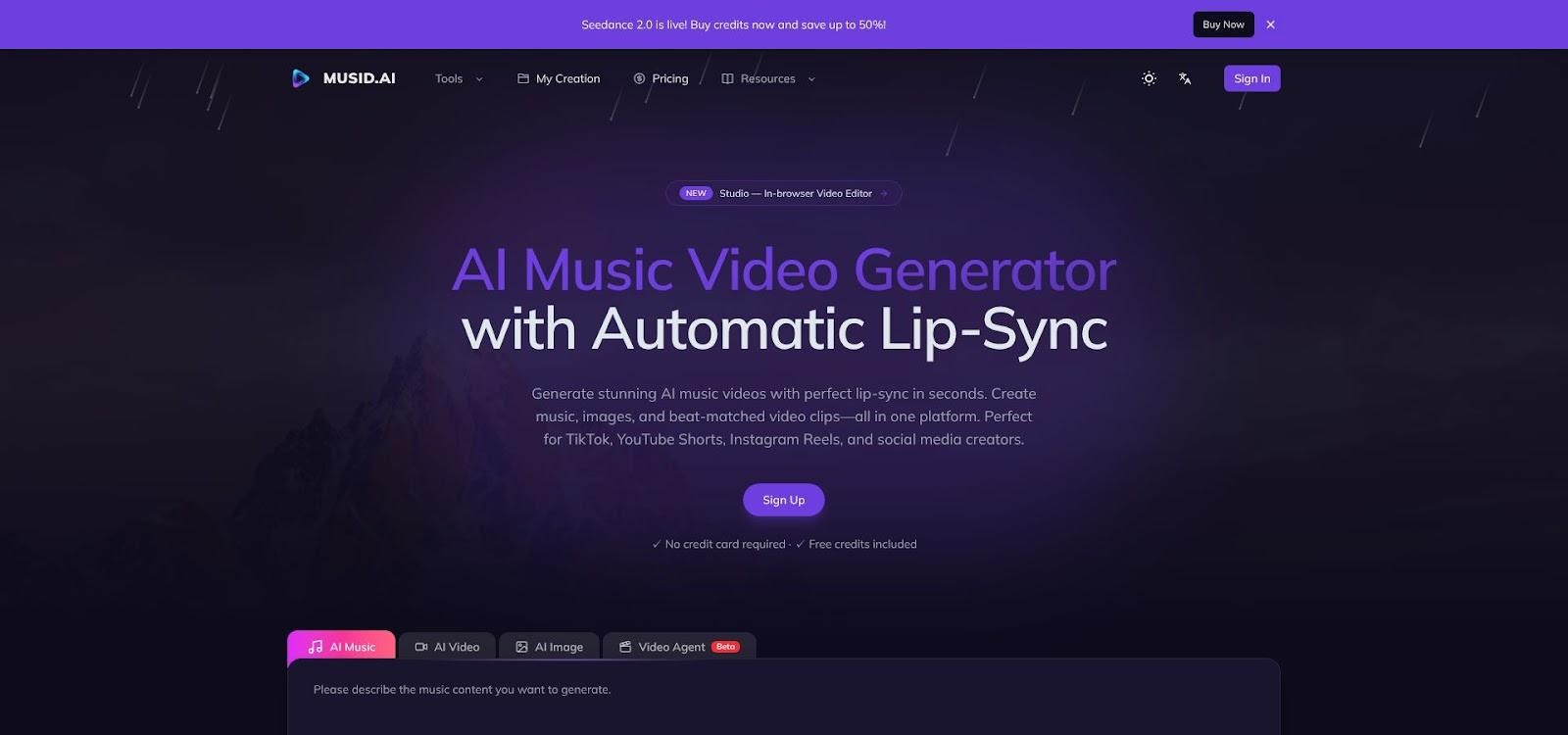
Musid.ai virtual singer AI music video generator interface with lip-sync timeline.
Setup is guided: pick a genre preset, tweak outfit or lighting, then preview a verse in seconds. Rapid-fire rap? You can nudge viseme timing before spending credits. Backgrounds match the mood automatically, cartoony for pop-punk, sleek neon for EDM, so the finished video feels cohesive rather than green-screened.
Pricing starts at $10 for the Starter plan, aimed at lyric videos and simple avatars. The $29 Creator tier adds 1,500 monthly credits, 1080p export, and full commercial rights. Renders use more compute than a basic visualizer, so plan on roughly one minute of processing per minute of music. For camera-shy singers or brands building a virtual mascot, Musid turns vocals into a compelling performance without hiring a cast or crew.
6. LyricEdits: Kinetic Typography in 90+ Languages, Done in Minutes
When the lyrics are the hero, LyricEdits turns a plain MP3 and text file into animated typography that lands on every syllable. The engine auto-parses vocals, aligns each word, and applies motion-graphic styles, so you never touch an After Effects template or set a manual keyframe.
Workflow stays breezy: paste your lyrics (or let the auto-transcriber pull them in), pick a theme, sleek minimal, VHS grunge, or pastel pop, and click Generate. A full-song draft appears in about five minutes, already synced to the vocal phrasing. Need tweaks? Swap fonts, adjust color palettes, or nudge a timestamp in the web editor, then re-render without spending extra credits.
LyricEdits AI kinetic typography lyric video interface.
Multilingual support sets LyricEdits apart. From Spanish to Korean and Arabic, the engine handles non-Latin scripts and right-to-left animation cleanly, so fans worldwide can follow along. Pro exports reach crisp 4K and are available in vertical, square, or widescreen ratios, ready for TikTok, Instagram, or YouTube.
The paid plan starts at $15 per month and includes unlimited 1080p video exports and commercial usage rights. A free tier lets you test 60-second clips with a small watermark (source: LyricEdits pricing page). If you need a lyric video the same day the single drops, LyricEdits is the fastest path from text file to polished visuals.
7. Plazmapunk: Budget-Friendly Visuals for the Indie Hustle
Plazmapunk keeps things simple: upload a track, pick a vibe, click Generate. Behind that three-step interface, a solid BPM detector keeps every flash and glitch on beat. Toolworthy highlights the standout perk: even the €4.99 Pioneer plan includes a full commercial license, which is rare at this price point (source: Plazmapunk pricing page).
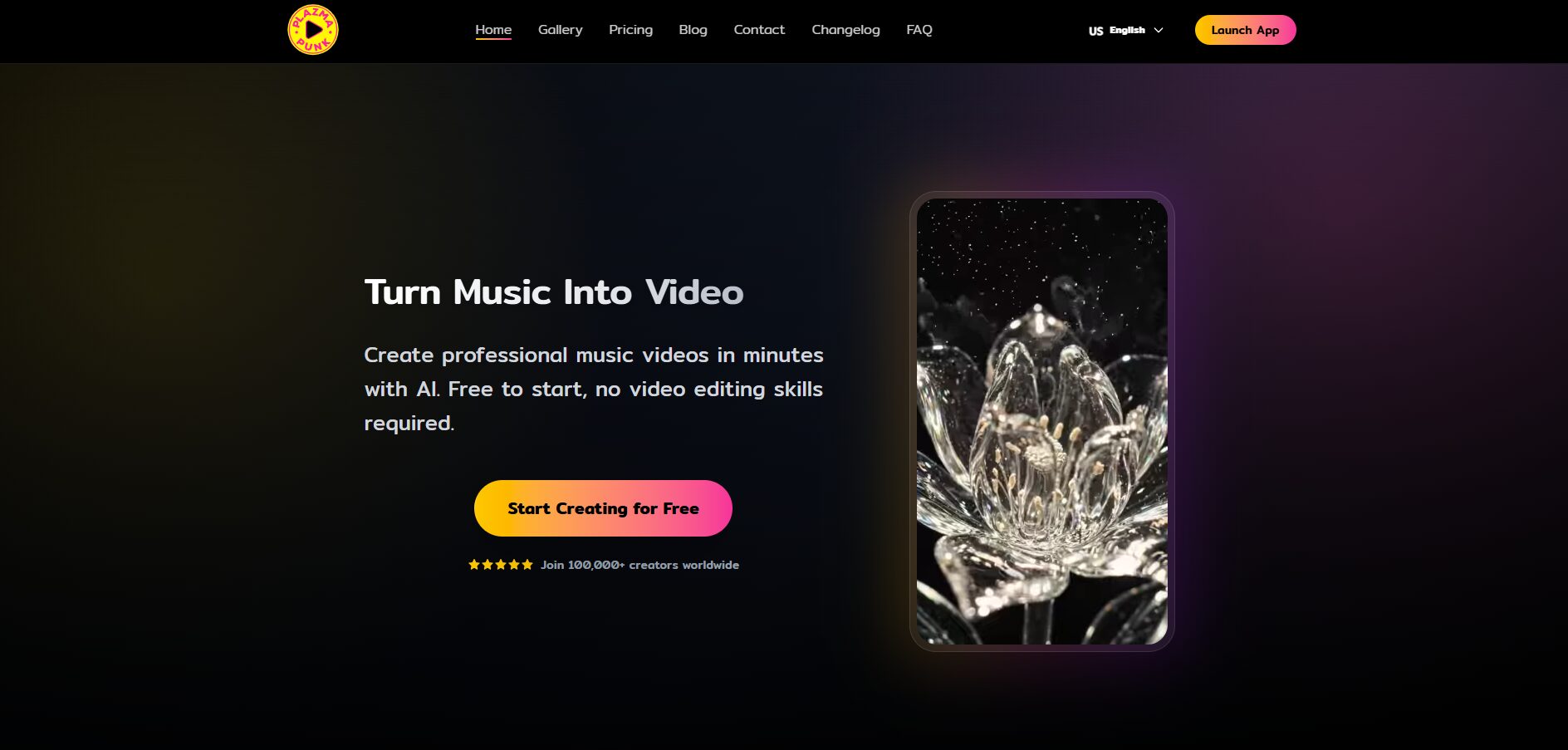
Plazmapunk AI music video generator beat-synced visual editor.
Styles lean bold and glitchy, with neon particles, waveform tunnels, and VHS static, ideal for TikTok teasers or looping stage backdrops. You won’t get timeline keyframes or multi-stem tricks, but HD renders (1080p max) arrive in about 90 seconds, and the free tier lets you export 30-second clips with a small watermark to test before you pay.
Unused credits carry forward each month, allowing you to subscribe during an album release, save remaining credits while on tour, and use them later to create videos for your next single. If your goal is to post something eye-catching today without a premium bill, Plazmapunk is the fastest way from beat to screen.
8. Rotor Videos: Stock-Footage Cuts that Feel Like a Real Shoot
Rotor skips generative art and focuses on editing. Upload a song, browse its library of thousands of licensed performance, lifestyle, and abstract clips, pick a visual style, and the AI trims, grades, and times every shot so cymbal crashes hit on-cut, and choruses lift with fresh energy, like hiring an editor who already knows your track.
Because every clip is pre-cleared, you get cinematic footage without a camera crew. You can also drop in your own B-roll for a hybrid look. One review pass lets you swap any scene, then re-render in a few minutes.
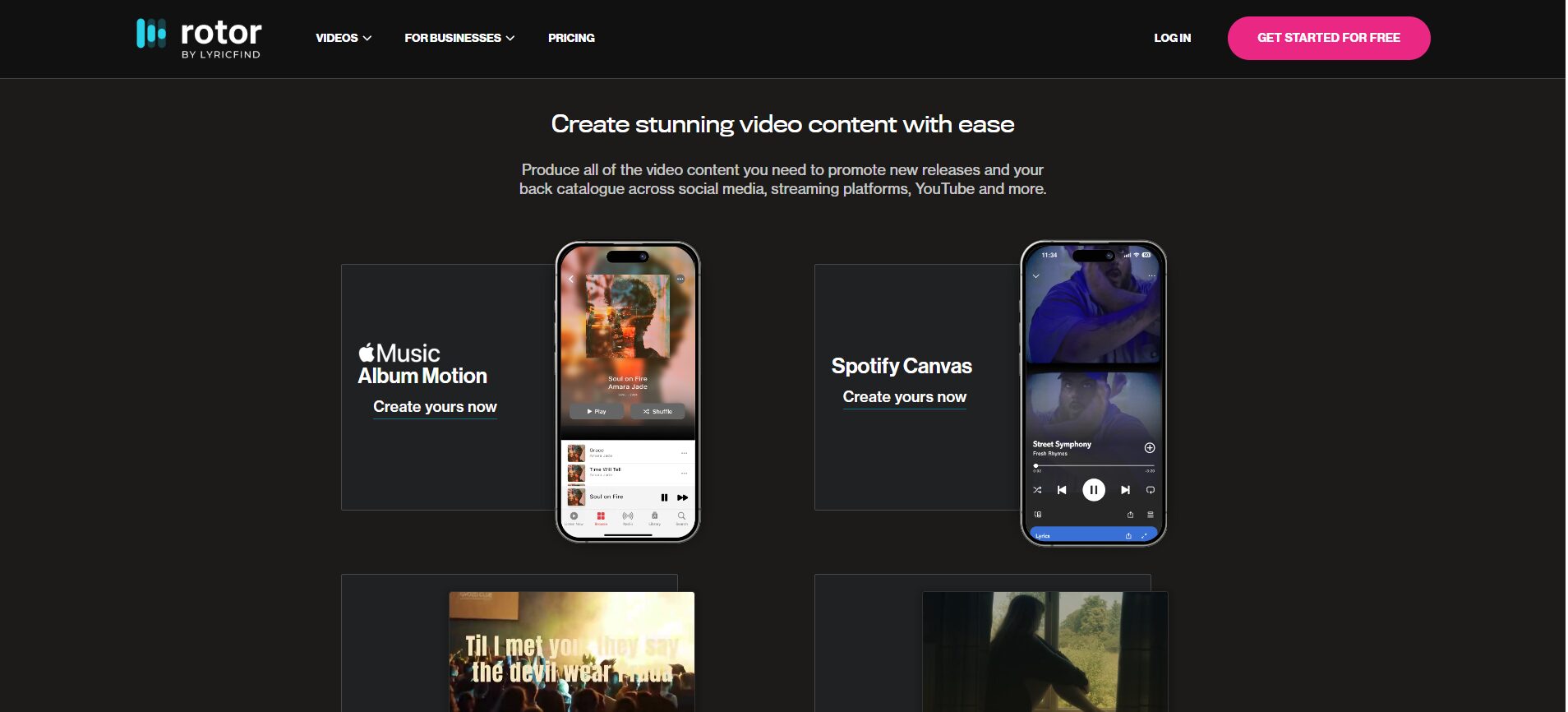
Rotor Videos AI music video generator stock-footage editing interface.
Pricing stays transparent: previews are free, HD exports cost about $25 pay-as-you-go, or fall under a $9-per-month Creator plan. 4K export is available on higher tiers (source: Rotor pricing page). If you need a YouTube-ready video the same week your single masters and prefer reliability over experimental visuals, Rotor is the pragmatic workhorse of this roundup.
Final Thoughts
Finding the right tool ultimately depends on your creative goals, budget, and production style. As these AI Music Video Generator Reviews demonstrate, some platforms prioritize frame-perfect audio synchronization. In contrast, others excel at cinematic storytelling, stylized animation, virtual performers, lyric videos, or fast, budget-friendly editing. Understanding these strengths makes it easier to choose a solution that matches your workflow rather than settling for a one-size-fits-all option.
Whether you are a solo musician, content creator, or marketing professional, or part of a marketing team, today’s AI music video generators can significantly streamline video production while delivering professional-quality results. Compare the features, pricing, and creative controls of each platform, experiment with the free tiers where available, and select the tool that best brings your music and visual ideas together.
Recommended Articles
We hope this guide on AI Music Video Generator Reviews helps you find the right platform to create engaging, audio-reactive videos with ease. Explore the following articles for additional insights into AI video technology, automated creative processes, and engaging digital content creation.


