


Updated October 15, 2026

AI Form Builders: Overview
Forms continue to play a central role in how businesses operate online. They handle lead capture, customer requests, payments, onboarding, feedback, and internal approvals. In 2026, forms no longer have to be static pages manually built field by field. They are smart entry points into workflows, systems, and automation. AI form generators have transformed form creation. Rather than building questions and rules manually, users can describe their needs and let AI create a functional form in seconds. These tools reduce setup time, lower technical barriers, and help teams move faster without sacrificing control. This guide reviews the best AI form builders in 2026. Each platform is assessed based on ease of use, customization, logic handling, integrations, reporting, and how well it fits real business scenarios.
What is an AI Form Builder?
AI form builders are tools that leverage artificial intelligence to help create, manage, and enhance online forms. Most AI form builders can:
- Create forms from plain-text prompts
- Suggest relevant questions and field types
- Apply conditional behavior automatically
- Help organize and route responses
Rather than replacing form builders, AI removes repetitive work. By using a specialized AI form builder, teams can generate complete questionnaires with automated conditional behavior from plain-text prompts without manually adding each field. Users still decide how forms behave, but they spend less time configuring layouts, logic, and validation rules. In 2026, the top AI form builders also support automation, approvals, payments, analytics, and integrations that connect forms directly to daily operations.
The Best AI Form Builders in 2026
Explore the top AI form builders below, with key features, pricing, pros, and best use cases to help you choose the right tool for your needs.
1. Jotform AI Form Builder
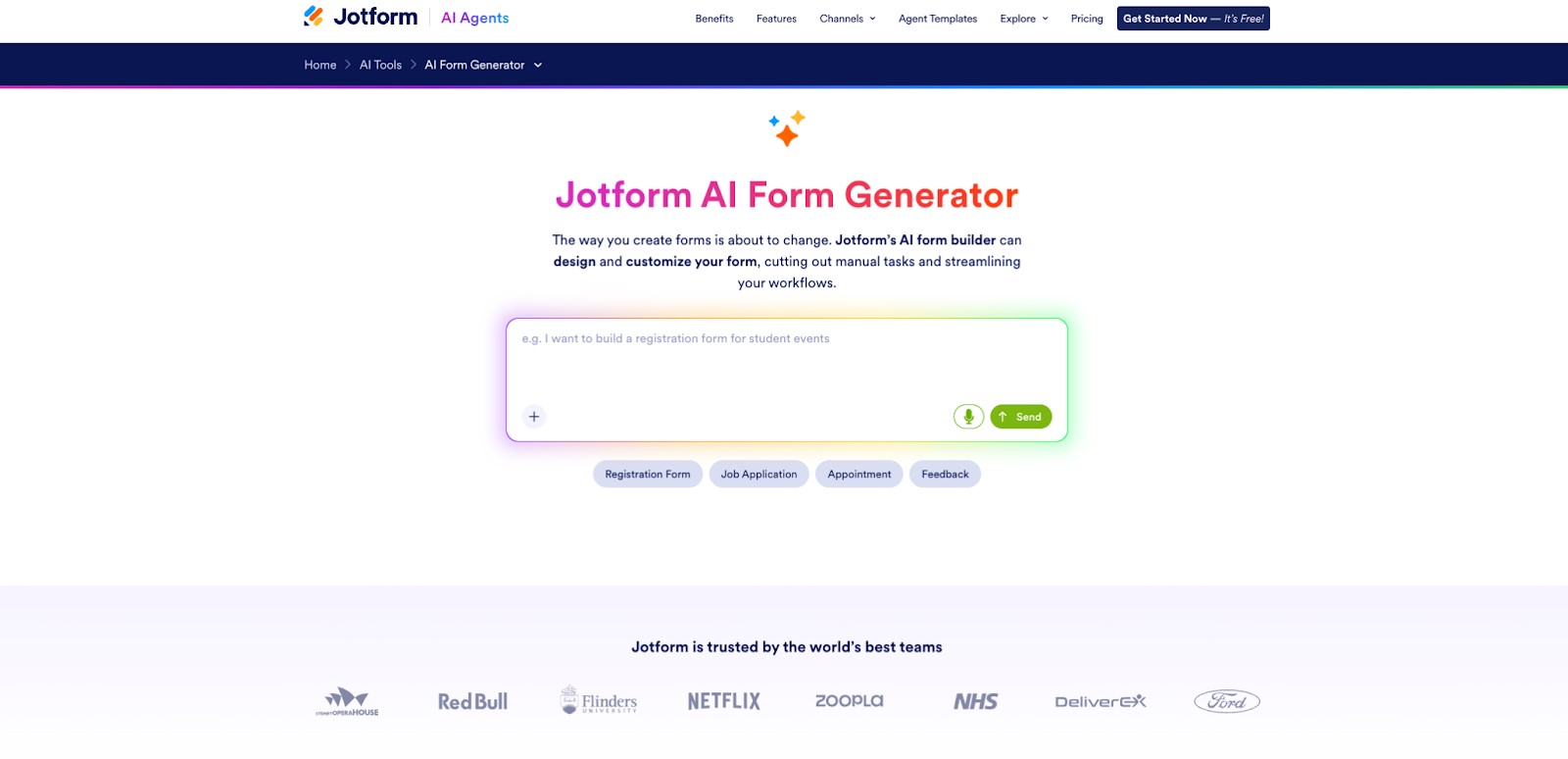
Image Source: Jotform
The Jotform AI form builder remains one of the most capable AI form generators in 2026. It combines fast AI-driven form creation with strong control over logic, layout, and workflows. The platform works well for simple forms and scales easily for complex business processes. Jotform’s AI form builder lets users enter a prompt describing the form’s purpose and instantly generate a structured form with relevant fields and logic. From there, users can adjust every element and detail without writing code. Beyond form creation, Jotform includes tools for payments, e-signatures, workflows, PDF automation, and reporting, making it a strong option and complete solution for end-to-end use.
Pros:
- Accurate AI-generated forms with smart defaults
- Strong conditional logic and calculations
- 20,00+ template library across most industries and use cases
- Built-in payment and signature support, no commissions
- Extensive integrations and automation options
- Mobile support
Cons:
- More features than needed for individual surveys might be overkill.
Pricing:
- Free starter plan available
- Bronze: $34/month
- Silver: $39/month
- Gold: $99/month
- Enterprise: Custom pricing
Ideal For:
Jotform is best for small businesses and large teams alike who need a flexible AI form builder that handles workflows, payments, and automation in one place.
2. Tally
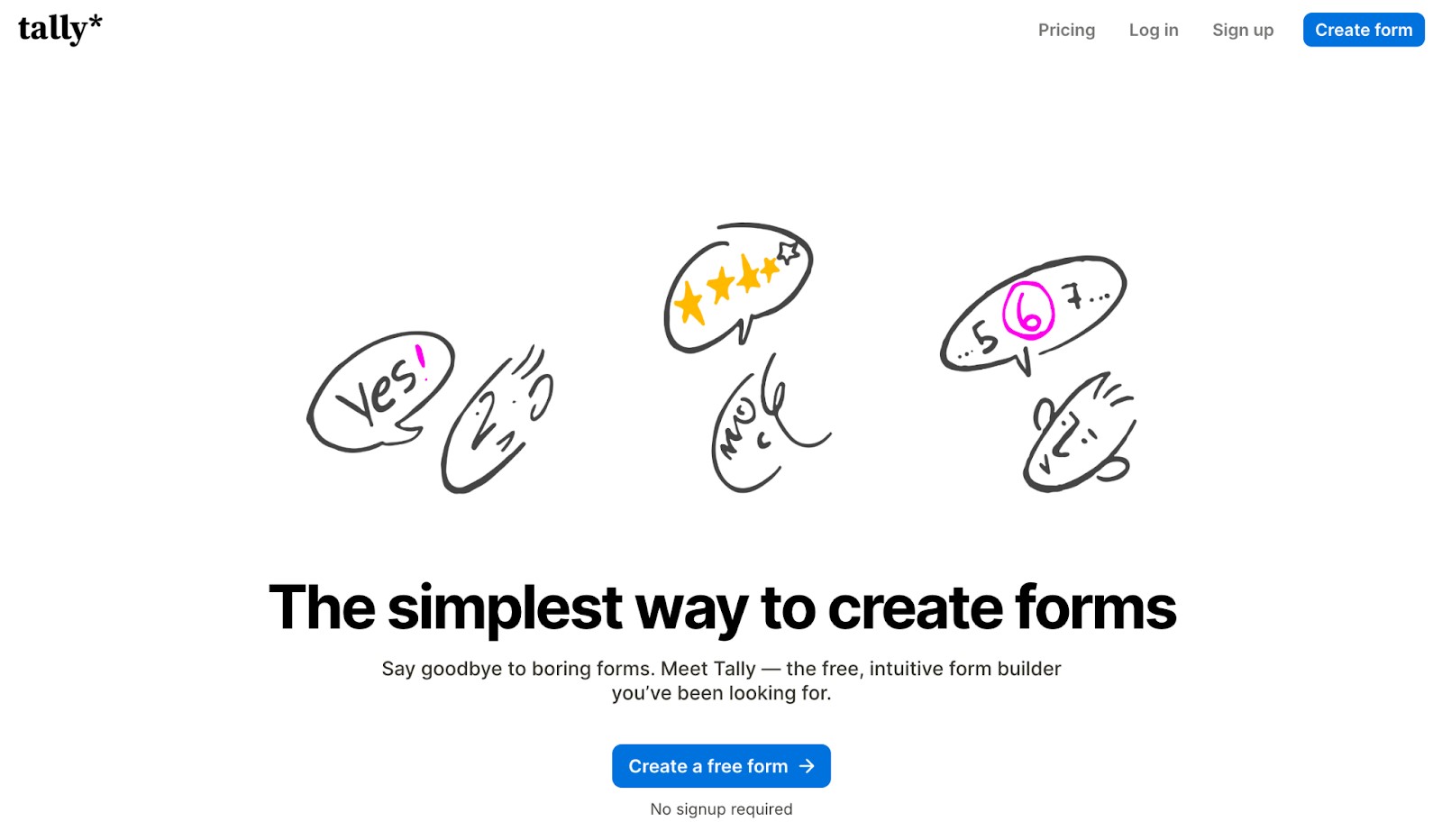
Image Source: Tally
Tally still focuses on speed and simplicity in 2026. The editor feels like writing a document, and AI helps generate questions and structure them quickly. The experience is minimal, with very little friction. The platform supports logic rules and integrations while avoiding visual complexity. Forms load quickly and work well on mobile devices. Tally’s generous free plan has helped it gain traction with startups and independent teams.
Pros:
- Clean, text-based editor
- Strong free plan
- Fast-loading forms, mobile support
Cons:
- Smaller integration ecosystem compared to alternatives
- Not the best for complex workflows
Pricing:
- Free plan
- Pro: $24/month
- Business: $74/month
Ideal For:
Tally is best for simple forms, feedback collection, and quick setups where speed matters more than customization.
3. Google Forms with Gemini
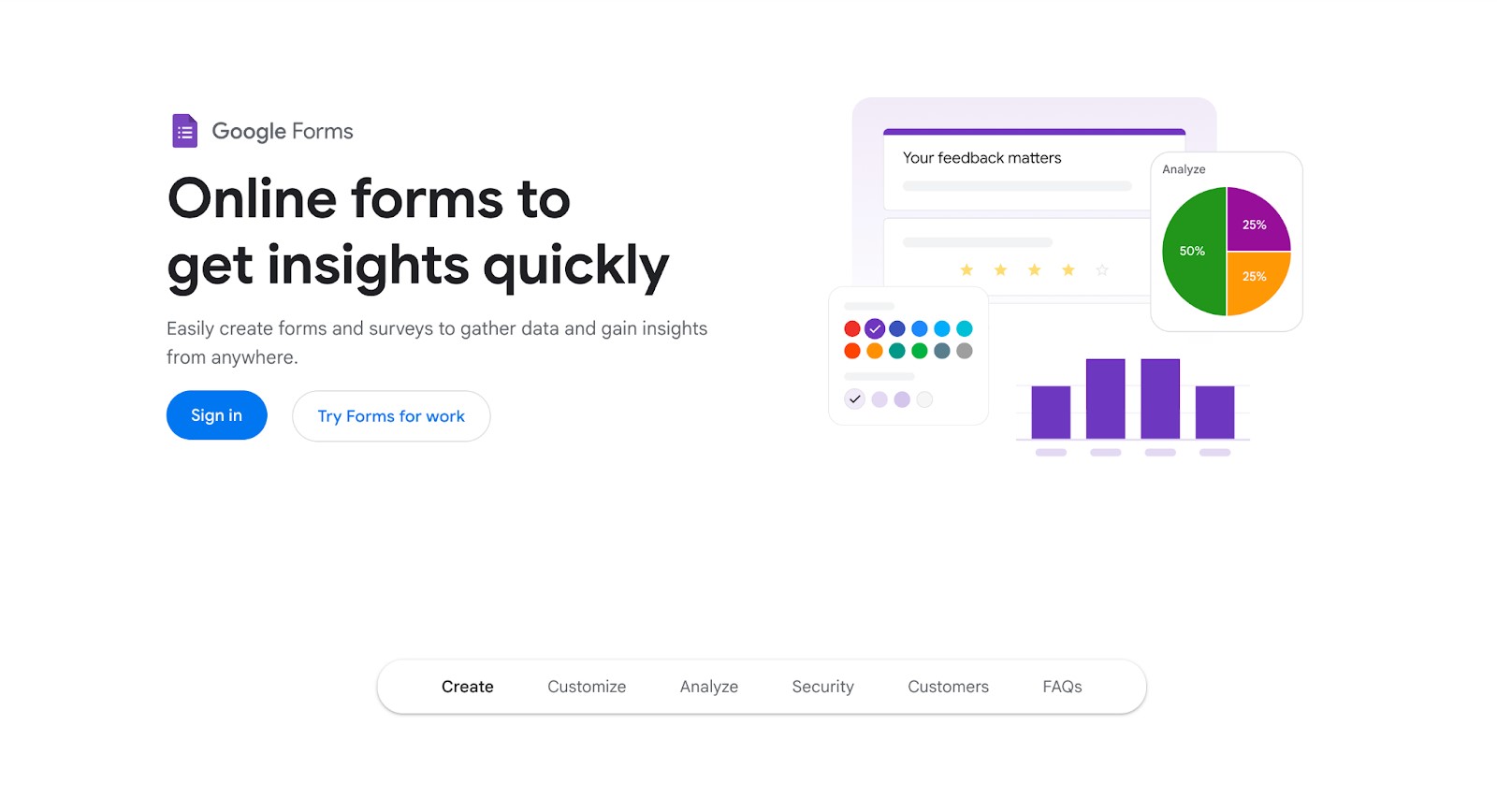
Image Source: Google Workspace
Google Forms remains a familiar option for basic data collection in 2026. With Gemini built in, users can now generate questions, summaries, and descriptions using AI inside the Google interface. The platform prioritizes ease of use over flexibility. Design and logic options are limited, and more advanced workflows usually rely on Google Sheets or third-party tools. For teams already using Google Workspace, it remains a convenient choice.
Pros:
- Integration with other Google Workspace tools
- Easy collaboration and sharing
- No learning curve
Cons:
- Minimal design control
- Basic conditional logic
- No native payments or workflows
Pricing:
Google Forms is free. Gemini features depend on Workspace plans and AI subscriptions.
Ideal For:
Google Forms with Gemini is best for internal surveys, quick polls, and lightweight data collection for individuals.
4. ClickUp Forms
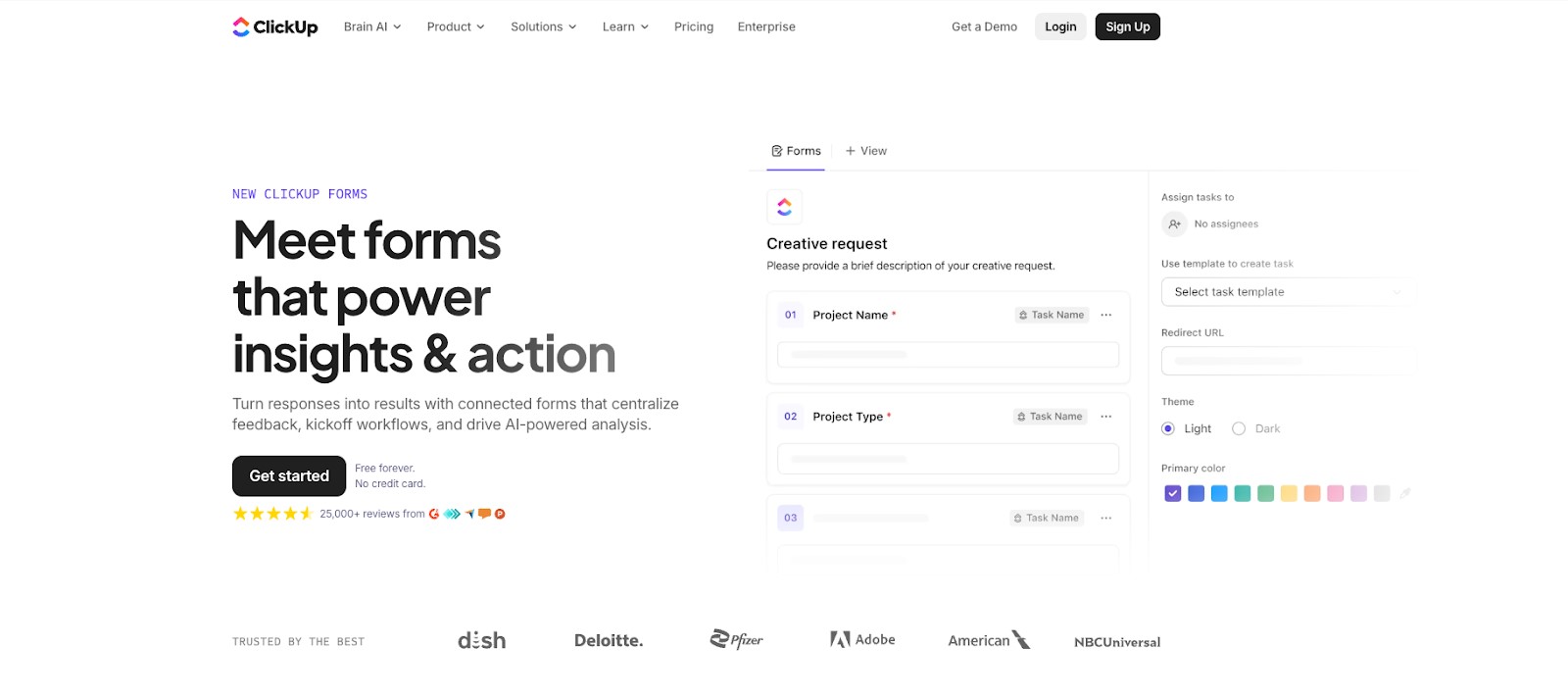
Image Source: ClickUp
In 2026, ClickUp Forms serve as intake points for work, not as standalone forms for teams already using the ClickUp ecosystem. AI helps generate questions and map responses directly to tasks, fields, and automations inside ClickUp. Submissions become actionable items in projects and workflows. This makes the feature valuable for internal requests, but less suitable for public-facing forms. Design options are more functional than visual.
Pros:
- Direct connection between forms and tasks
- AI-assisted setup and routing
- Strong internal automation, centralized work management
Cons:
- Limited design customization
- Not ideal for external forms
- Requires ClickUp adoption
Pricing:
ClickUp includes forms in its paid plans. AI features are available on higher tiers or as add-ons.
Ideal For:
- Free plan available
- Unlimited: $7/user/month
- Business: $12/user/month
- Enterprise: Custom pricing
ClickUp AI is available with the following add-on pricing plans:
- Free trial tier
- Brain AI: $9/user/month
- Everything AI: $28/user/month
5. Forms On Fire
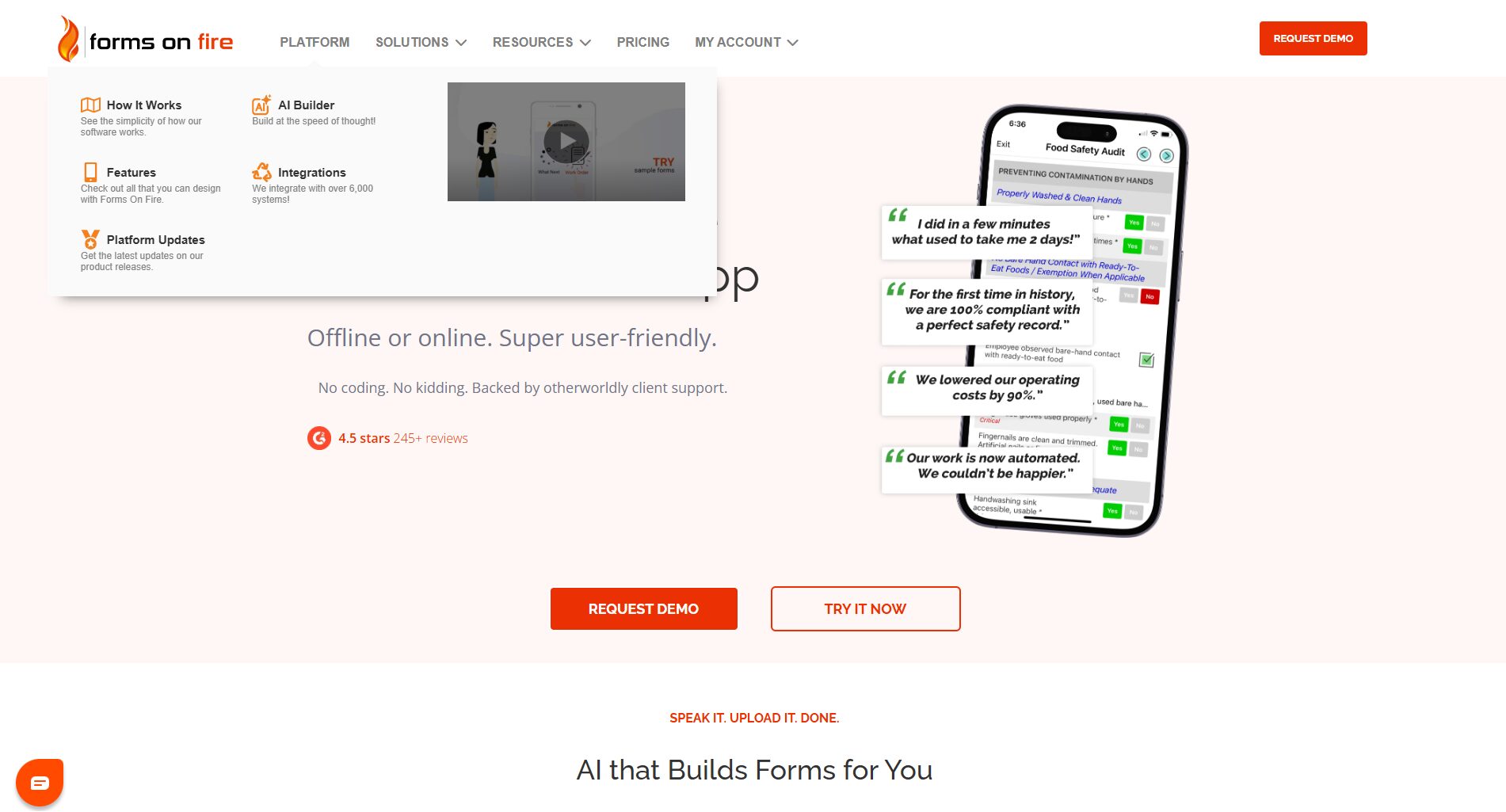
Forms On Fire is one of the most powerful AI form builders for organizations that need on-field data and operational workflows. It is built for mobile-first data capture, advanced workflow automation, and enterprise-grade security.
The AI capabilities help you generate structured forms quickly, suggest relevant fields, and automate validation rules to reduce errors.
The platform works seamlessly online and offline. This makes it highly reliable for field teams, inspections, audits, safety reports, and service operations. Its no-code builder allows teams to design complex forms with calculations, repeatable sections, and approval processes without technical expertise.
Pros:
- Mobile-first platform with full offline functionality
- Strong AI-assisted form creation and smart validation
- Advanced workflow routing and approval processes
- Enterprise-grade security and compliance support
- Deep integrations with CRM, ERP, and cloud storage systems
Cons
- May be more robust than needed for simple surveys
- Pricing is geared toward business and enterprise users
Pricing:
- Pricing tailored to your team size and usage
- Free trial available
Ideal For:
Forms On Fire is best for teams that need a reliable AI form builder for field operations, inspections, audits, and workflow-driven processes.
6. Paperform
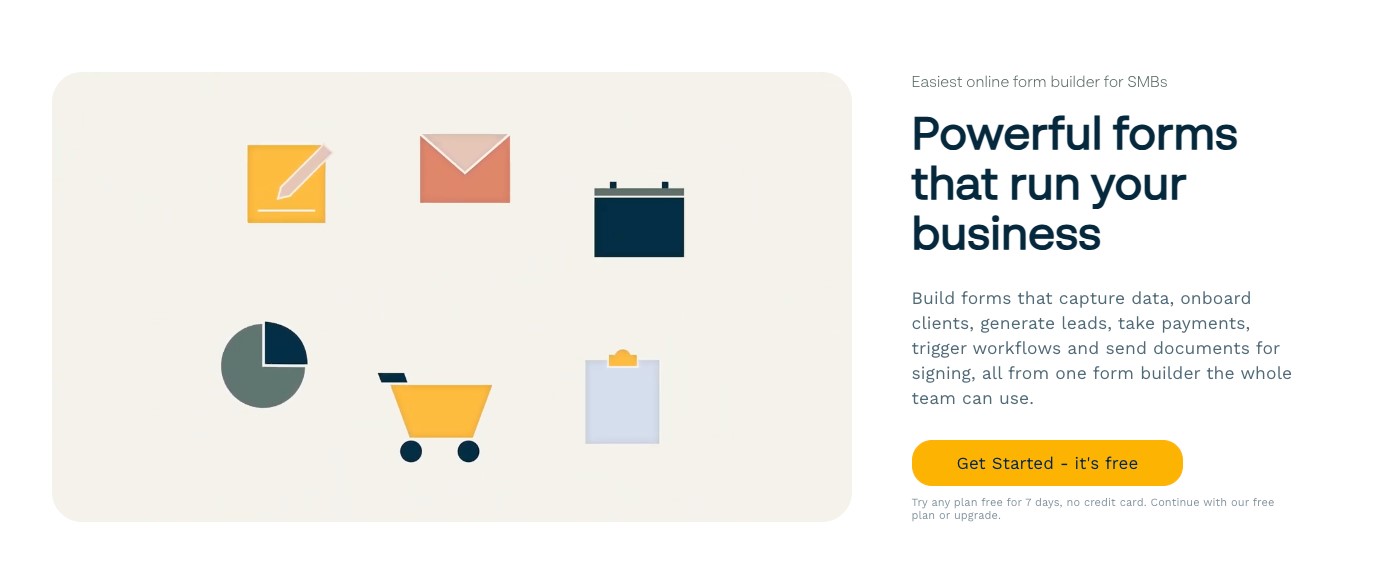
Image Source: Paperform
Paperform blends form building with page editing for an experience more like a landing page in 2026. Forms are built like documents, combining text, images, and fields seamlessly. AI assists with structure and content suggestions. This approach allows forms to double as landing pages. Payments, bookings, and subscriptions are supported, though advanced logic may take more setup. Paperform appeals to users who value presentation.
Pros:
- Flexible layout and visual control
- Payments and scheduling are available
- Forms feel like custom pages
Cons:
- Logic setup can be slower
- No permanent free plan
- Fewer native integrations
Pricing:
- Free plan available
- Essentials: $24/month
- Pro: $49/month
- Business: $99/month
- Enterprise: Custom pricing
- Agency+: $190/month
Ideal For:
Paperform is best for creators and small businesses that want polished forms with built-in transactions.
7. Formless by Typeform
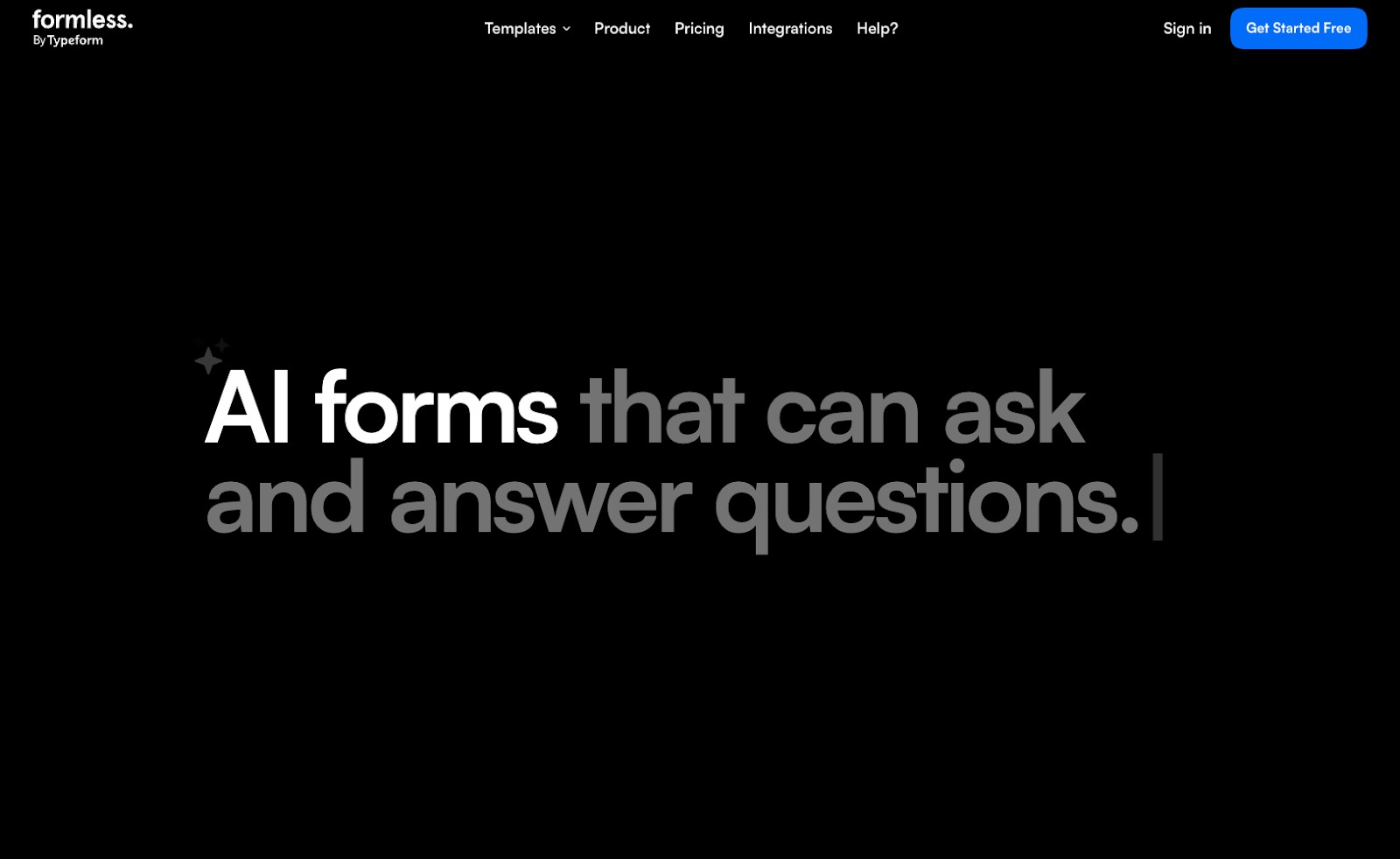
Image Source: Formless
Formless by Typeform turns forms into conversations, making it a solid choice for marketers who want to provide a more engaging experience for their audience in 2026. AI generates chat-style flows that adapt based on user responses, creating a guided experience rather than a traditional form. This format can increase engagement for short interactions, but it is less effective for long or detailed data collection. Customization options focus more on tone and flow instead of layout.
Pros:
- Conversational, AI-driven experience
- Adaptive question sequencing
- Polished user interface
- Good engagement for leads
Cons:
- Not suited for long forms
- Limited layout control
- Pricing increases with usage
Pricing:
- Free trial available
- Pro: Starting at $59/month, scales to $720/month depending on conversation amount
Ideal For:
Formless by Typeform is best for lead capture and interactive marketing forms.
8. Zoho AI Form Generator
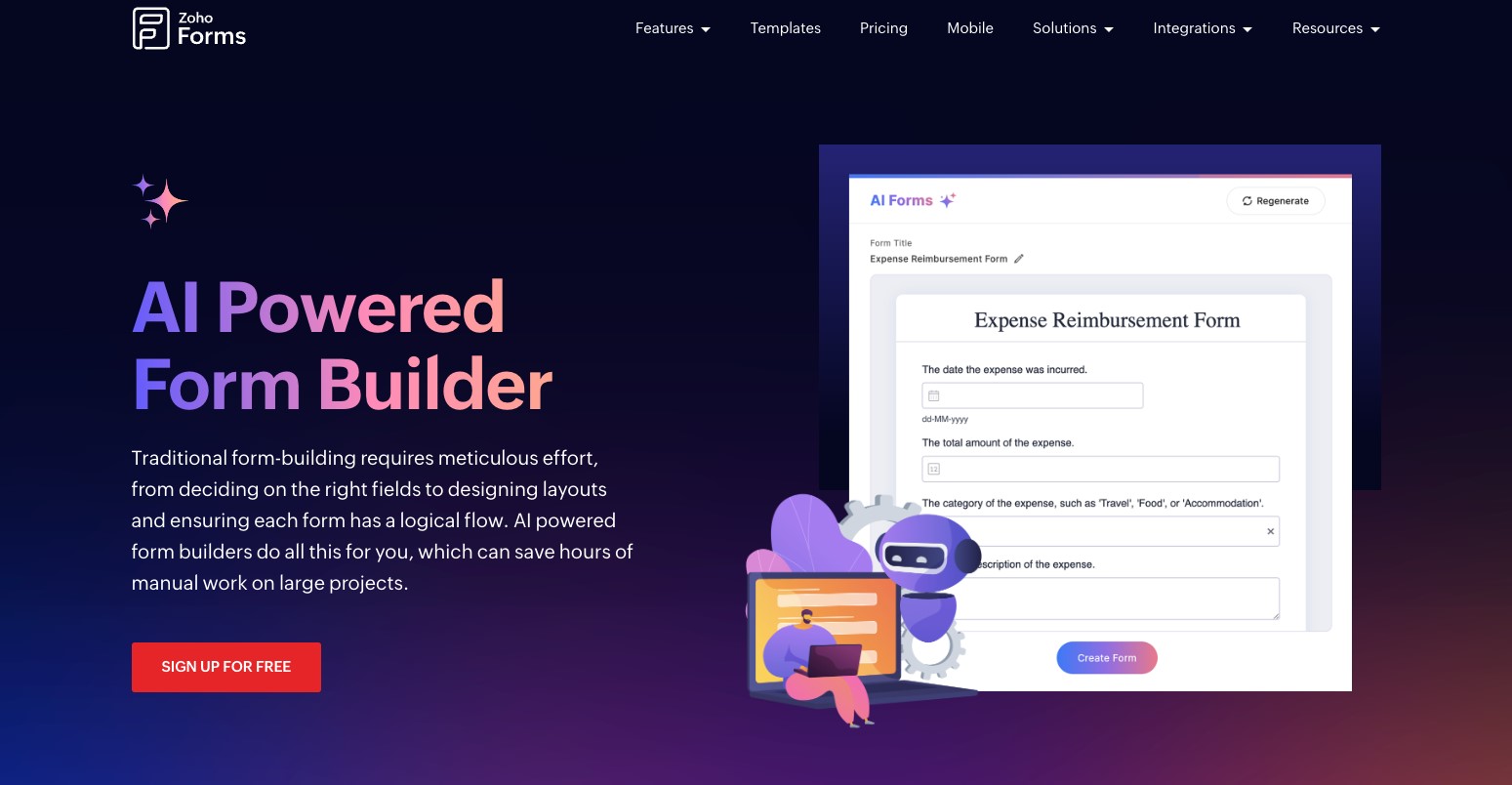
Image Source: Zoho
Zoho’s AI Form Generator is available as part of the broader Zoho ecosystem as of 2026. AI helps generate forms and fields that connect directly to Zoho CRM, Desk, and other Zoho apps. The form builder focuses on structure and data flow rather than design. Customization is functional, with most value coming from tight integration with Zoho products.
Pros:
- Native integration with Zoho apps
- AI-assisted form creation
- Strong data management tools
- Suitable for operational use
Cons:
- Limited design flexibility
- Best value only inside the Zoho ecosystem
- Interface can feel dated
Pricing:
- Free plan available
- Basic: $10/month
- Standard: $25/month
- Professional: $50/month
- Premium: $90/month
Zoho AI Credits can be purchased as an add-on at the following rate:
- 5000 credits: $6/year
Ideal For:
Zoho AI Form Generator is best for businesses already using Zoho for CRM and operations.
9. Monday.com AI WorkForms
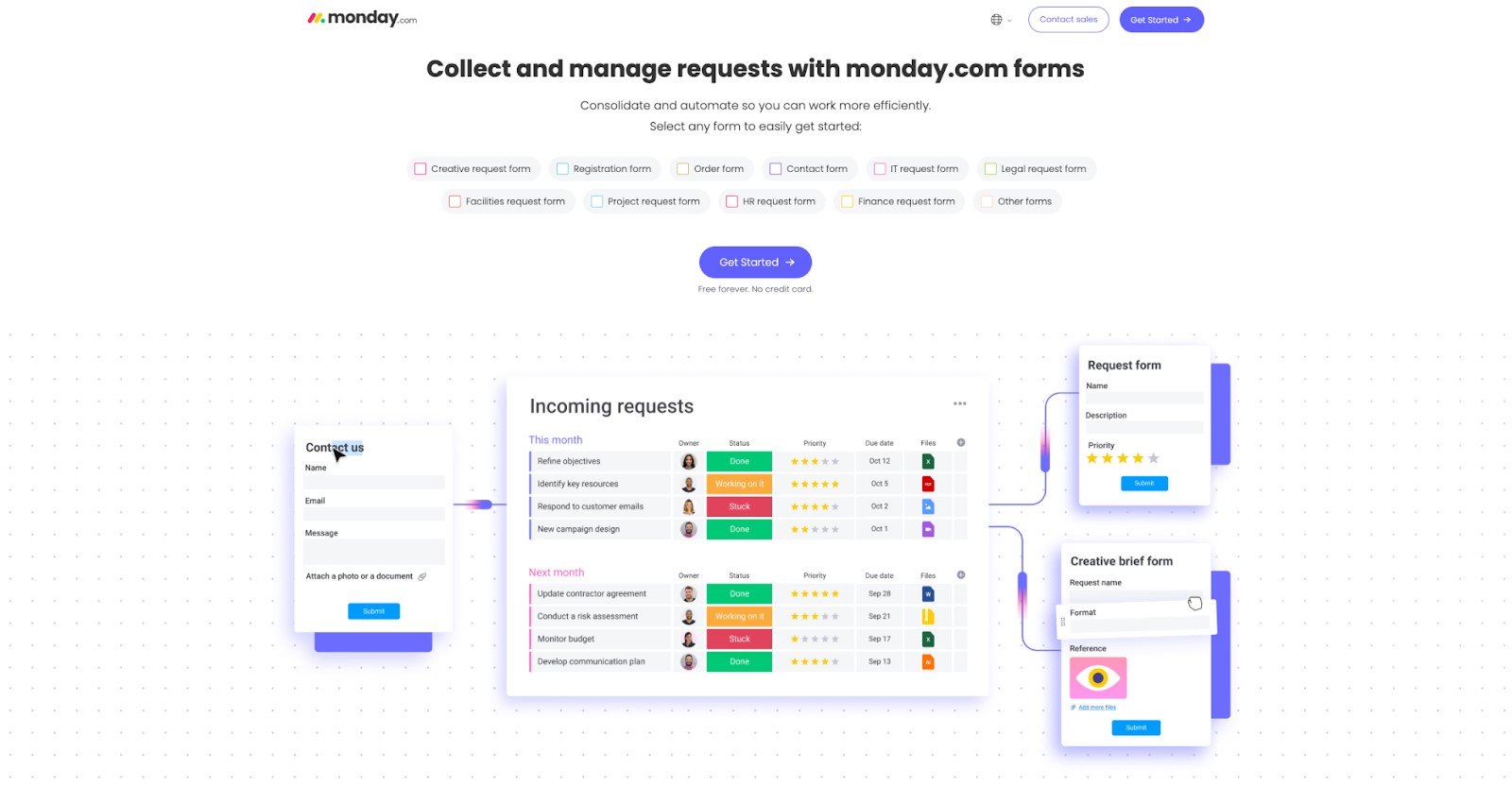
Image Source: monday.com
In 2026, monday.com AI WorkForms provide structured intake within monday.com’s work management platform. AI helps users build forms that feed directly into boards, automations, and dashboards. Forms act as entry points for tasks, requests, and updates. Like ClickUp, they focus on internal workflows rather than external branding. Customization focuses mostly on data mapping.
Pros:
- Direct connection to monday.com boards
- Strong automation and reporting
- Clear internal workflows
Cons:
- Limited visual customization
- Not ideal for public-facing forms
- Requires Monday adoption
Pricing:
- Free plan available, does not include AI credits
- Basic: $9/seat/month
- Standard: $12/seat/month
- Pro: $19/seat/month
- Enterprise: Custom pricing
Ideal For:
monday.com AI WorkForms are best for internal intake and workflow management inside monday.com.
How to Choose the Best AI Form Builder?
The right AI form generator depends on how forms fit into daily work. Key factors to consider:
- Form complexity: Simple surveys vs. multi-step workflows
- Design needs: Branding and layout control
- Automation: Built-in routing and approvals
- Integrations: Native connections reduce manual work
- Scale: Submission limits and performance
- Data handling: Privacy and compliance needs
For most teams, a flexible platform that supports growth over time provides the best long-term fit.
Comparison Table
| Tool | Key Feature | Best For |
| Jotform | End-to-end AI form and workflow platform | Businesses and teams |
| Tally | Minimalist AI form creation | Startups and solo users |
| Google Forms | AI-assisted simplicity | Individual surveys |
| ClickUp Forms | Form-to-task automation | Internal workflows |
| Paperform | Design-first form building | Creators and agencies |
| Formless by Typeform | Conversational AI forms | Lead capture |
| Zoho AI Form Generator | Deep Zoho integration | Zoho-based businesses |
| monday.com WorkForms | Board-based intake forms | Internal operations |
Final Thoughts
AI form builders have transformed how businesses create, manage, and optimize online forms. From simple surveys to complex workflows, these tools save time, reduce technical barriers, and enhance data collection. Platforms like Jotform, Tally, and Paperform offer unique strengths depending on your needs, whether you prioritize workflow automation, simplicity, or design flexibility. Choosing the right form builder ensures faster setup, better integrations, and more efficient operations, helping your team focus on what really matters.
Frequently Asked Questions (FAQs)
Q1. Which AI form builder is the strongest overall in 2026?
Answer: Jotform seems to offer the broadest combination of AI form creation, logic, automation, and integrations.
Q2. Are AI form builders suitable for non-technical users?
Answer: Yes. Most platforms target non-technical teams and use AI to reduce setup time.
Q3. Can AI form generators replace spreadsheets?
Answer: In many cases, yes. They collect structured data and automatically route it.
Q4. Do these tools support mobile users?
Answer: All tools listed provide mobile-friendly forms.
Recommended Articles
We hope this guide to AI form builders helps you streamline form creation and workflows. Check out these recommended articles for more AI tools to enhance your business processes.


