
Updated February 21, 2023
Definition of Spring Boot Keycloak
Spring Boot Keycloak is open-source access and identity management solution for the modern application; it will offer more access and identity management features. It offers single sign-on, admin console, account management console, client adapters, user federation, social login, and identity brokering. It is access management and identity management solution which was managed by RedHat and was developed in java language. It will support the SAML and OpenID connect; we need to decide which Keycloak we use when securing the client.
What is Spring Boot Keycloak?
- In Spring Boot Keycloak, it is also possible to use the service provider’s OpenID Connect and SAML libraries.
- Below is the term related to the Spring Boot Keycloak as follows.
1) Users
2) Role
3) Group
4) Admin console
5) Realm
6) Client
7) Identity token
8) Access token
- Users are the entity related to it that was used to login into the protected system; this contains several edited attributes.
- The role is the entity related to the Spring Boot Keycloak, which was the category or type of the user; the Spring Boot application is based on roles to restrict the resources.
- Group is the entity that manages the user and roles in Spring Boot Keycloak. Group is the editable entity, and also we can assign roles to the group. A user who was a group member is inheriting all the properties of a specified group.
- The admin console is the entity related to the Spring Boot Keycloak in which we can see all the configuration of instances we have required to work.
- The realm is used to manage the users’ roles, groups, and credentials using the Spring Boot Keycloak application. A user logs in and belongs to the realm entity. Realm is associated with each other and used to manage the users.
Using Spring Boot Keycloak
- As we know that security is very important in every application, and its implementation is also slightly difficult.
- Security of the application server is very important; it comes with the delegating authorization and authentication aspects.
- It provides the adapter for the application, which needs to interact with the instance of Keycloak.
- Multiple options exist to set the Spring Boot Keycloak server, but the easiest way is to unzip the distribution. After unzipping the file, open it on the terminal and run the .bat file.
- We can secure our Spring Boot application by using Keycloak. The below step shows how we can integrate our Spring Boot application with Keycloak.
1) Create a Spring Boot application.
2) After creating the application, integrate the same with Keycloak.
3) After integrating the application with Keycloak, the next step is configuring the security to use Keycloak as an authentication provider.
4) After implementing security, implements the logic of the application.
5) After adding logic next step is to add the access policies to the user.
Installing Keycloak
- The below step shows how to install and configure the Keycloak on the windows environment.
- For installing Keycloak, java needs to be installed in our local environment.
1) Install java on our windows server. If suppose it is already installed, check using the below command.
# java -version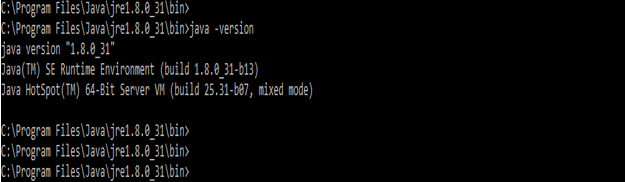
2) After checking java is installed, download the keycloak zip file for the windows environment.
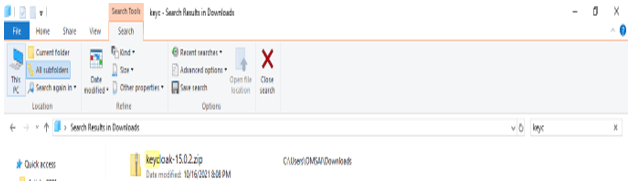
3) Unzip the zip file.
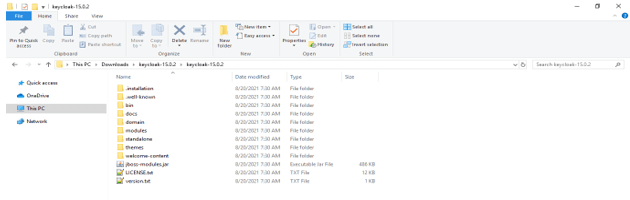
4) After unzipping the folder, go to the terminal and run the standalone.bat file.
# .\standalone.bat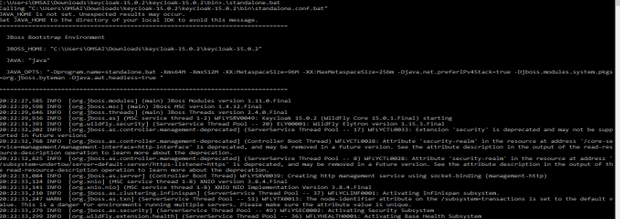
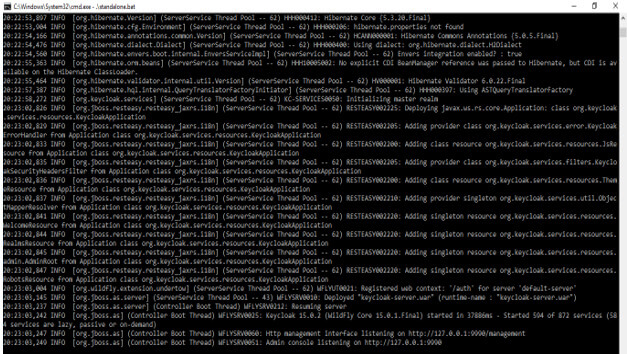
5) After running the standalone.bat file, it will create the URL to access the Keycloak graphical user interface.
- After putting the above URL below, it will ask for a username and password to open the GUI of Keycloak.
- We have used the Keycloak-admin user to login into the Keycloak GUI.
http://127.0.0.1:9990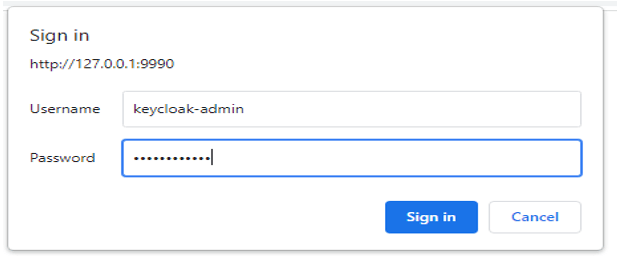
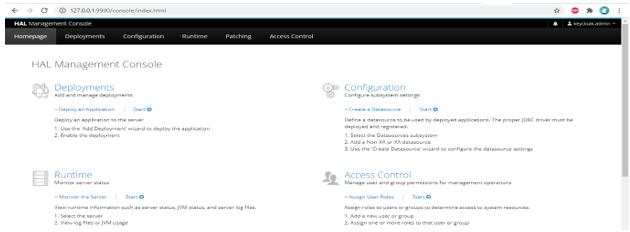
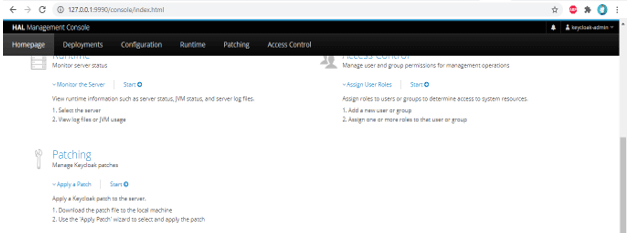
6) After successful login through the URL, it will open the graphical user interface of Keycloak as follows.
Creating a Role and a User
Below is the step to create a user and the role are as follows.
Create user –
- To create a user in Keycloak, we need to follow the steps below.
1) Run the add-user.bat file from the command line. Then select the type of user which we need to add.
> .\add-user.bat
2) Enter the user’s username and password after selecting the user group. After selecting the username and password the user need to select the group name; in our example, we have not selected any group name.
Username – Keycloak1
Password –
Group name –

3) Check all configurations of the user.

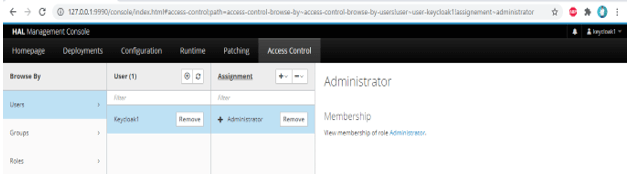
4) Check the user created in a graphical user interface of Keycloak.
Create role
- In the below example, we have assigned roles to the already created user and group.
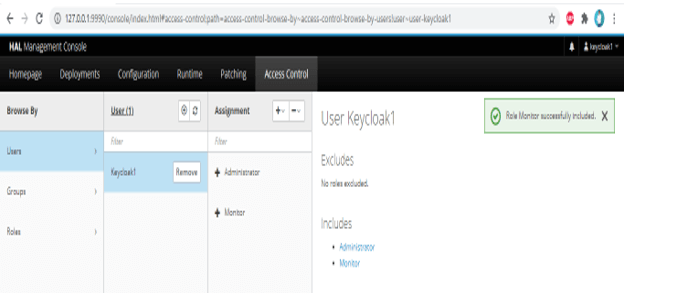
1) Assign monitor role to the keycloak1 user –
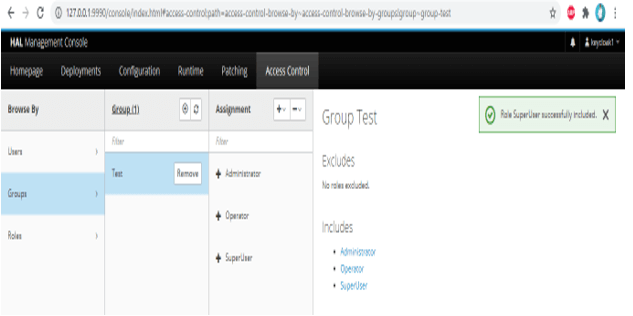
2) Assign a superuser role to the test group –
Spring Security and Keycloak
- It is the most promising open-source and flexible technology which was easily adaptable and deployable on our infrastructure.
- It has more features than the authentication server; it provides user identity management like the LDAP server.
- While using its client adapters is very simple and easy, it will require less code than the other library.
- The client is the entity of the Spring Boot Keycloak application, which was used in user authentication. The client is nothing but the application which was used to authenticate itself.
- The identity token is the entity of it which was used to provide the information identity of the user.
Conclusion
The identity token is the entity of the Spring Boot Keycloak, which was used to provide HTTP requests. It offers single sign-on, admin console, account management console, client adapters, user federation, social login, and identity brokering. It is open source access management tool.
Recommended Articles
This is a guide to Spring Boot Keycloak. Here we discuss the Definition, What is Spring Boot Keycloak, and Examples. You may also have a look at the following articles to learn more –

