
Updated June 20, 2023
Introduction to Keras Neural Network
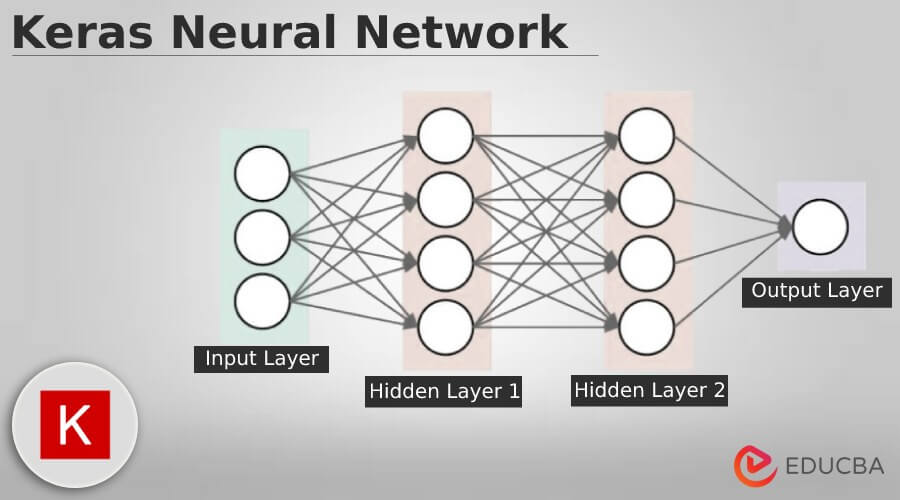
Keras neural network is a model, and we can define the same by using sequential API. The sequential API is a framework used for creating the models of instances in the sequential class. The model contains input variables, two hidden neurons, and the output layer with output as binary. We can create the additional layer and add the same to the model.
Key Takeaways
- The Keras neural network functional API creates the models using various inputs and outputs. It makes us possible to share those layers.
- The functional API is a data structure that saves a single file from rebuilding the model.
What is Keras Neural Network?
The recurrent neural network is a class of neural networks used for sequence modeling, such as natural language and time series. The RNN layer is used for the loop to iterate over the timestamp of the sequence while maintaining the internal state, which encodes information regarding the timestamp. We are also using the functional API for creating the models by using input and output.
This model will enable us to construct a complex neural network by adding and removing layers. The neural network model can be sequential, implying that the layers are at the top of the input and output. If the model is operational, then we can say it can be changed. We can also include the training module into API, by using the methods used to generate the model. This network model provides methods for training and testing.
How to Use Keras Neural Network?
To use it, we need to install the TensorFlow in our system.
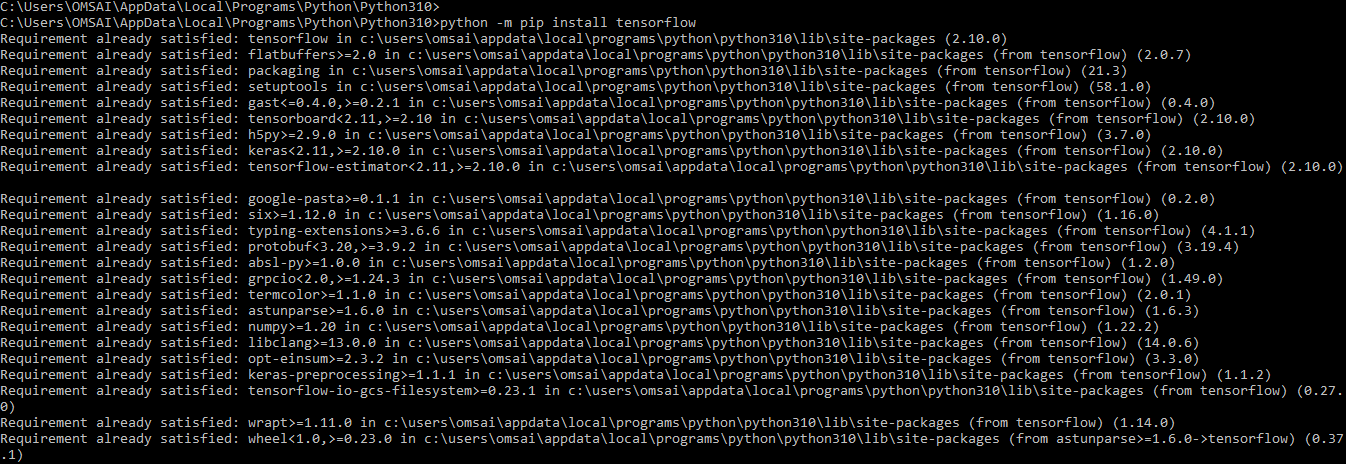
1. In the first step, we install the tensorflow module in our system by using the pip command as follows.
Code:
python -m pip install tensorflowOutput:
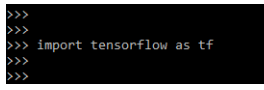
2. We can verify the installation by importing the tensorflow module, we can also check the version of tensorflow as follows.
Code:
import tensorflow as tfOutput:
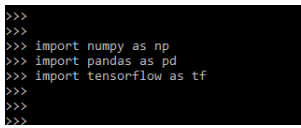
3. After installing the tensorflow now, in this step, we are importing the required dependency, which was required in using it as follows.
Code:
import numpy as np
import pandas as pd
import tensorflow as tf
Output:
4. After importing the module now, in this step, we import the csv file using the read_csv function as follows.
Code:
csv_read = pd.read_csv('KNN.csv')
csv_read.head()
Output:

5. After importing the dataset, in this step, we process the data from csv file as follows.
Code:
x_op = csv_read.iloc [:, 3:-1].values
y_op = csv_read.iloc [:, -1].values
print(x_op)
print(y_op)Output:
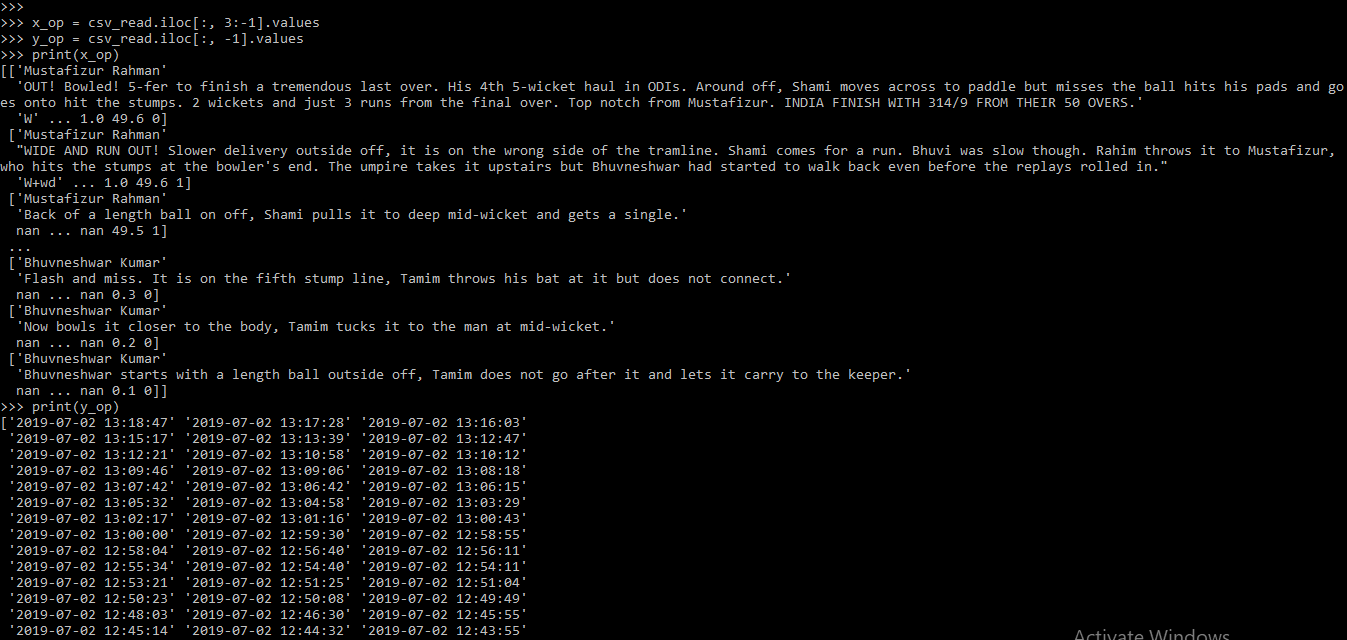
6. After processing the data, we are now encoding the column using a label encoder.
Code:
from sklearn.preprocessing import LabelEncoder
le_encode = LabelEncoder()
x_op[:, 2] = le_encode.fit_transform (x_op[:, 2])
print (x_op)
Output:
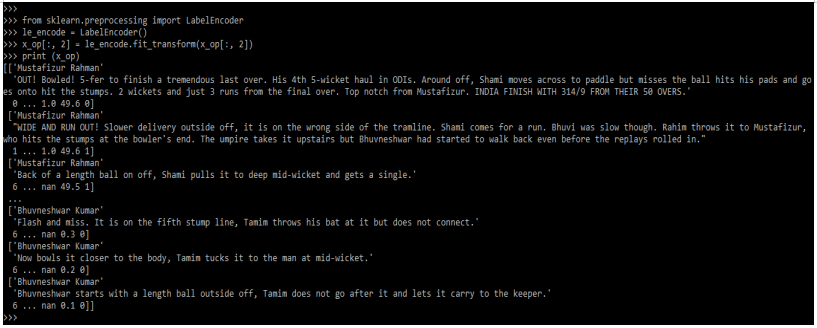
7. After encoding the dataset, now, in this step, we are splitting our dataset into train and test.
Code:
from sklearn.model_selection import train_test_split
X_train, X_test, y_train, y_test = train_test_split()
Output:

8. After splitting the dataset into test and train, now in this step, we are building the neural network.
Code:
neural = tf.keras.models.Sequential()
neural.add(tf.keras.layers.Dense)
neural.add(tf.keras.layers.Dense)
neural.add(tf.keras.layers.Dense)
Output:

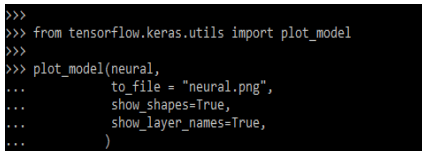
9. After building the neural network now, we are creating the neural network model.
Code:
from tensorflow.keras.utils import plot_model
plot_model(neural,
to_file = "neural.png",
show_shapes=True,
show_layer_names=True,
)
Output:
Keras Neural Network Layers
Given below are the different layers as follows:
1. Dense Layer
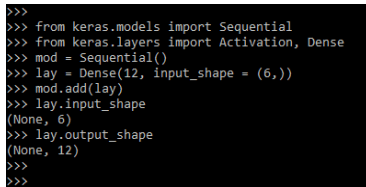
This layer is widely used in Keras for creating the deeply connected layer in the neural network. Below is an example of a neural network as follows.
Code:
from keras.models import Sequential
from keras.layers import Activation, Dense
mod = Sequential()
lay = Dense(12, input_shape = (6,))
mod.add(lay)
lay.input_shape
lay.output_shape
Output:
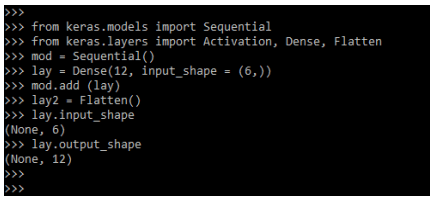
2. Flatten Layer
This layer is used in input flattening; the below example shows a flattened layer.
Code:
from keras.models import Sequential
from keras.layers import Activation, Dense, Flatten
mod = Sequential()
lay = Dense(12, input_shape = (6,))
mod.add (lay)
lay2 = Flatten()
lay.input_shape
lay.output_shape
Output:
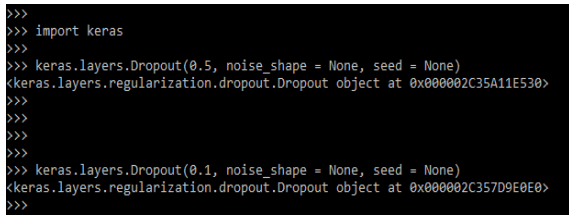
3. Dropout Layer
This layer is used to reduce the overfitting of the neural network.
Code:
import keras
keras.layers.Dropout()
Output:
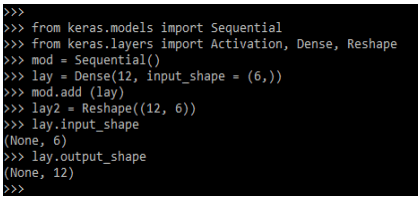
4. Reshape Layer
This layer will contain the responsibility of changing the shape from the input. The below example shows reshape layer.
Code:
from keras.models import Sequential
from keras.layers import Activation, Dense, Reshape
mod = Sequential()
lay = Dense(12, input_shape = (6,))
mod.add (lay)
lay2 = Reshape((12, 6))
lay.input_shape
lay.output_shape
Output:
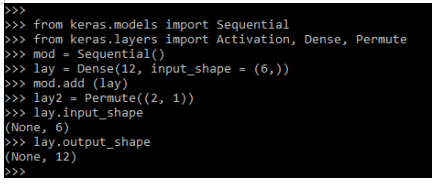
5. Permute Layers
This layer uses the pattern to alter the input shape; the below example shows permute layer as follows.
Code:
from keras.models import Sequential
from keras.layers import Activation, Dense, Permute
mod = Sequential()
lay = Dense(12, input_shape = (6,))
mod.add (lay)
lay2 = Permute((2, 1))
lay.input_shape
lay.output_shape
Output:
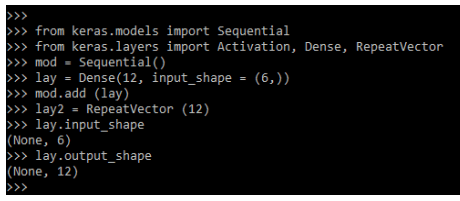
6. RepeatVector Layer
This layer will be repeating the input from a fixed number; the below example shows the repeat vector layer as follows.
Code:
from keras.models import Sequential
from keras.layers import Activation, Dense, RepeatVector
mod = Sequential()
lay = Dense(12, input_shape = (6,))
mod.add (lay)
lay2 = RepeatVector (12)
lay.input_shape
lay.output_shape
Output:
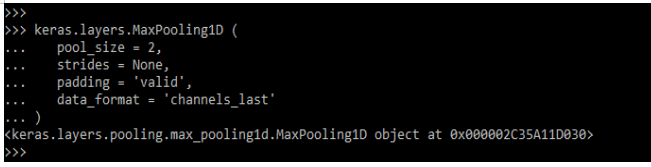
7. Pooling Layer
This layer is used in applying the pooling operations onto the data, which was temporal.
Code:
keras.layers.MaxPooling1D (
   …..
   )
Output:
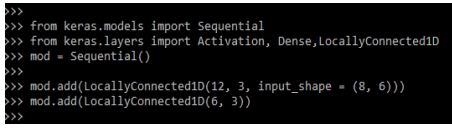
8. Locally Connected Layer
This layer possesses the same functionality as conv1D. The below example shows the locally connected layer as follows.
Code:
from keras.models import Sequential
from keras.layers import Activation, Dense,LocallyConnected1D
mod = Sequential()
mod.add(LocallyConnected1D()
mod.add(LocallyConnected1D(6, 3))
Output:
Import Keras Neural Network
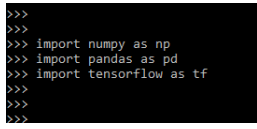
We need to import the below libraries at the time of using it.
Code:
import numpy as np
import pandas as pd
import tensorflow as tf
Output:
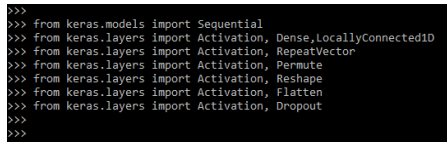
For using the Keras neural network layer, we need to import the below modules in our code as follows.
Code:
from keras.models import Sequential
from keras.layers import Activation, Dense,LocallyConnected1D
from keras.layers import Activation, RepeatVector
from keras.layers import Activation, Permute
from keras.layers import Activation, Reshape
from keras.layers import Activation, Flatten
from keras.layers import Activation, Dropout
Output:
FAQs
Given below are the FAQs mentioned:
Q1. What is the use of neural network in keras?
Answer: The neural network in Keras allows to develop of the model by using a layer-by-layer fashion. It will work well by using simple layer stacks.
Q2. What is the use of Keras functional API in neural network?
Answer: The keras functional API is used to create the models using various inputs and output types. We can use this to construct the graphs.
Q3. What is keras neural network callback?
Answer: The neural network callback is a way that was used to tack the model training by using a variety of activities.
Conclusion
The RNN layer uses a loop to iterate over the timestamp of the sequence while maintaining the internal state, which encodes information regarding the timestamp. Sequential API is a framework used for creating the models of instances in the sequential class.
Recommended Articles
This is a guide to Keras Neural Network. Here we discuss the introduction, how to use the Keras neural network, and FAQs. You may also have a look at the following articles to learn more –

