


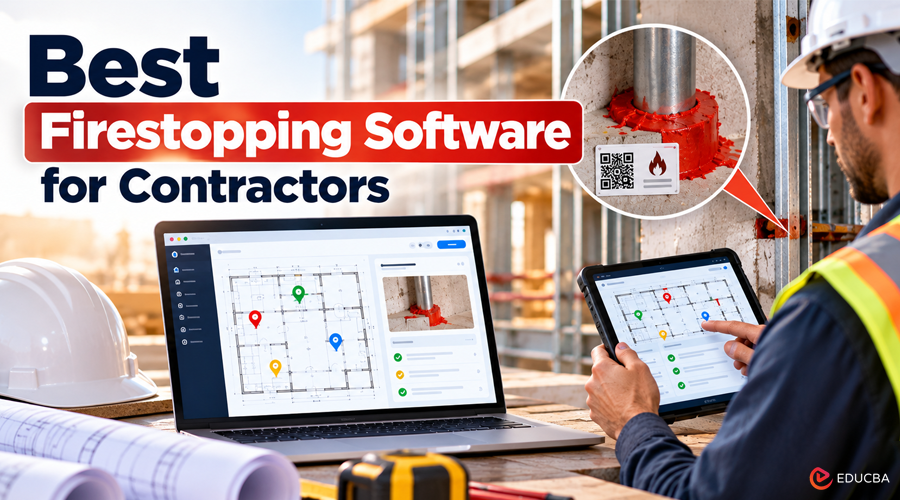
Firestopping is one of the most closely monitored trades on a commercial job. Every penetration and joint must match a UL system or an approved engineering judgment (EJ), and the 2021 International Building Code (IBC) requires special inspection to ASTM E2174 and ASTM E2393 in high-rise buildings, Risk Category III and IV buildings, and Group R fire areas with more than 250 occupants. If the firestop contractor can’t show what was installed, where and by whom, the sub carries the cost: rework, disputed change orders, open punch list items, and retainage held at closeout.
Firestopping software helps contractors maintain installation records, document inspections, track penetrations, and prepare closeout reports. The right solution can reduce administrative work while helping teams demonstrate compliance and keep projects moving.
This guide compares six of the best firestopping software tools for contractors in 2026, covering everything from takeoff and submittals to penetration logs, special inspection, and project closeout.
Best Firestopping Software at a Glance
| Software | Best For | Firestop Features | Pricing |
| Onetrace | All-in-one evidence, inspections, and workforce management | Drawing pins, time-stamped photos, QR labels, approvals, timesheets | Quote-based |
| Fieldwire by Hilti | Field management with firestop templates | Plan pins, UL system dropdowns, Hilti QR labels | Free plan; paid plans from $39/user/month |
| STI Firestop Locator | Low-cost, firestop-specific penetration tracking | Interactive floor drawings, corrective action reports | Free up to 3 floors; paid plans from $29.99/month |
| Procore | Subcontractors working on GC-led Procore projects | Drawings, submittals, RFIs, punch lists | Annual contract, quote-based |
| On Center Software | Takeoff and bidding | Penetration counts, linear feet of joints, bid pricing | Quote-based |
What Contractors Need From Firestopping Software?
Firestopping software should support the full life of a firestop scope:
- Takeoff and bidding: counting penetrations and measuring linear feet of joint from the drawings
- Submittals: product data, UL systems, and EJs approved by the architect or engineer before work starts
- Install documentation: location on the life safety drawings, barrier type and rating, UL system or EJ, products, installer, and date
- Labeling: a label at each firestop system where the specification calls for one
- Inspection and QA: self-inspection before cover-up, then tracking corrective work
- Change orders: proof that extra penetrations added by MEP trades were outside the original scope
- Closeout: penetration logs, inspection records, and as-builts, so the GC can release final payment and retainage
Paper logs and camera rolls may be sufficient for a small project. However, on a data center or hospital with thousands of penetrations, missing records can create costly disputes and delays. Firestopping software helps centralize this information, making it easier to retrieve evidence when contractors, inspectors, or GCs need it.
How the Best Firestopping Software Was Shortlisted?
We reviewed each vendor’s product pages, help documentation, pricing pages, and published case studies, then compared every tool against six criteria:
- Firestop-specific documentation: support for penetration logs, UL systems, labels, and location on drawings
- Evidence quality: time-stamped photos, installer records, and an audit trail an inspector or GC will accept
- Inspection and QA workflows: internal approvals, corrective work tracking and reporting before special inspection
- Field usability: mobile apps, offline access, and how quickly a crew can log an install
- Workforce management: timesheets, scheduling, and document sign-off for crews
- Pricing clarity: published pricing or a clear pricing model
No single firestopping software solution leads in every category. Each option serves a different purpose, depending on project requirements, team size, and documentation needs.
The 6 Best Firestopping Software for Contractors in 2026
1. Onetrace
(Image Source: Onetrace)
Best for: Firestop contractors seeking installation documentation, QA, and workforce management in one platform.
Onetrace is construction management software used by more than 1,000 subcontractors. It helps firestop contractors document installations, manage crews, and share project records with general contractors (GCs).
Installers can pin installations on site drawings, organized by building, level, zone, and core. The mobile app supports time-stamped photos, product records, installer declarations, and custom forms. Multi-stage approval workflows let foremen and QA managers review work and send corrective actions back to installers for resolution. Its firestop install evidencing tools also connect physical installations to digital records through QR code labels. Branded PDF and Excel reports provide location maps, photos, and signatures for inspections and closeout.
Onetrace also offers workforce management tools, including GPS-enabled timesheets, geofencing, and crew planning. Its offline access feature lets teams download drawings and data in advance and synchronize them when connectivity returns. The platform is also ISO 27001 certified, supporting its information security practices.
UK passive fire contractor Elite Fire Stop uses Onetrace across approximately 30 live projects, with 80 installers recording work through the app. The company reports that the platform saved a full-time administrative role by simplifying documentation and certificate generation.
Pricing: Traceability, Workforce, and All in One plans are available, with pricing provided through a demo.
Things to consider: Onetrace offers a broad range of documentation and workforce tools, making it particularly suitable for contractors seeking an integrated platform rather than a standalone penetration-tracking solution.
2. Fieldwire by Hilti
(Image Source: Fieldwire)
Best for: Contractors who want a general field management app with firestop templates and Hilti’s labeling system.
Fieldwire is a field management platform from Hilti, a major firestop manufacturer. Crews record firestop locations as pins on the plans, photograph completed firestops, and choose the application and UL system from drop-down menus. The system assigns pre-printed Hilti QR codes on each penetration by scanning them from the task. Fieldwire also replaced Hilti Documentation Manager, Hilti’s dedicated firestop app, which was retired on September 30, 2025.
For contractors seeking firestopping software that combines field documentation with broader construction activities, Fieldwire provides a practical option. However, firestop workflows require some configuration.
Pricing: Basic is free for up to 5 users and 3 projects. Paid plans are $39 (Pro), $64 (Business), and $89 (Business Plus) per user per month, billed annually. Custom forms start on Business.
Things to consider: Fieldwire is a general construction app, so firestop workflows rely on templates and custom forms that need setup. Teams using other manufacturers’ products should check how the Hilti labeling workflow fits.
3. STI Firestop Locator
(Image Source: Firestop Locator)
Best for: Small and mid-sized firestop contractors that want simple, low-cost penetration tracking.
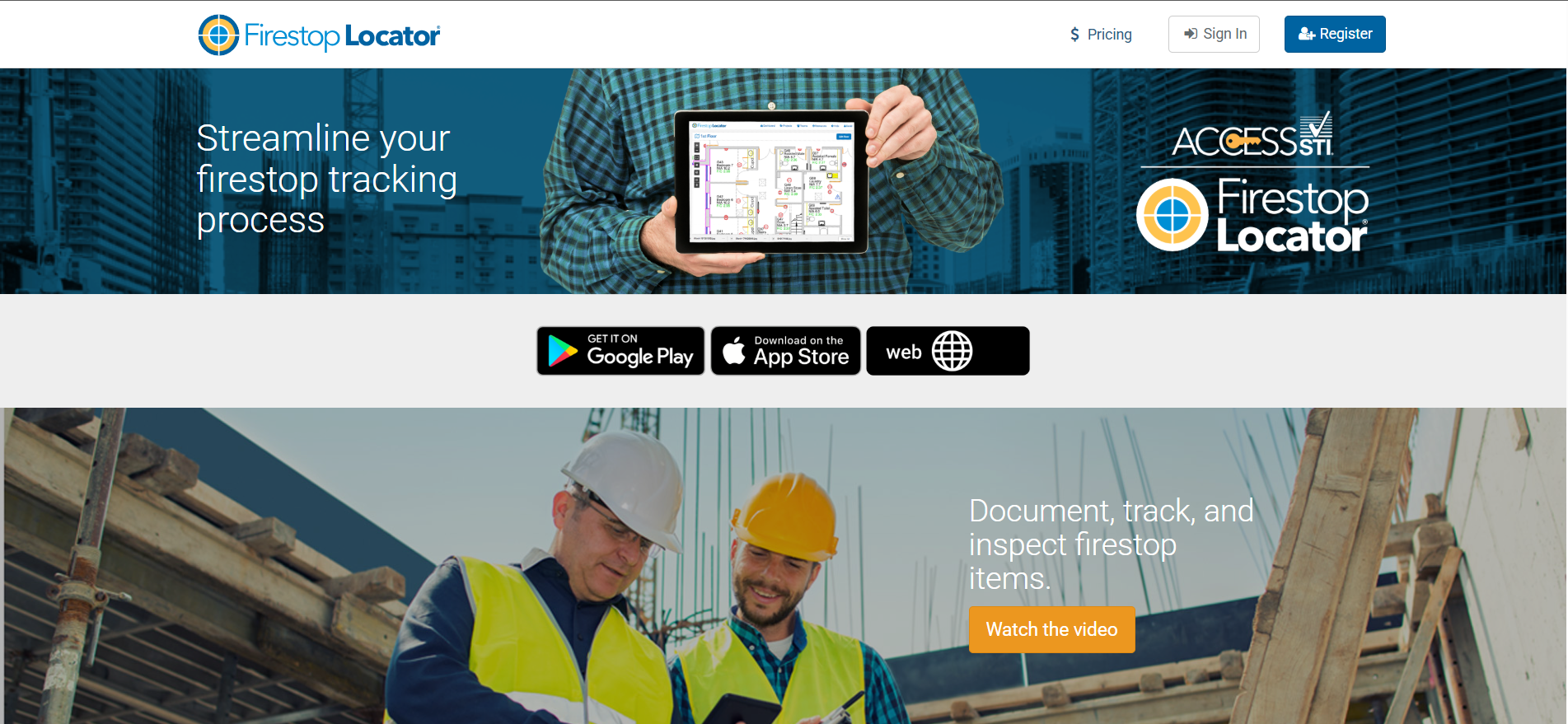
Firestop Locator is a documentation app from firestop manufacturer Specified Technologies Inc. (STI). Teams pin firestop items on interactive floor drawings and track penetrations and joints through installation and inspection. The app produces detailed reports and corrective action reports in PDF or Excel, and runs on the web, iOS, and Android, with unlimited team members on every plan.
For contractors requiring firestopping software focused primarily on penetration documentation rather than comprehensive construction management, STI Firestop Locator offers a straightforward solution.
Pricing: Free for up to 3 floors. Paid plans run from $29.99/month (up to 10 floors) to $99.99/month (unlimited floors), billed annually. Rolls of about 500 labels cost $91.65.
Things to consider: Firestop Locator doesn’t list timesheets, scheduling, or crew management tools, and because pricing is per floor, costs scale with building size.
4. Procore
(Image Source: Procore)
Best for: Firestop subs working on projects where the GC runs the job in Procore.
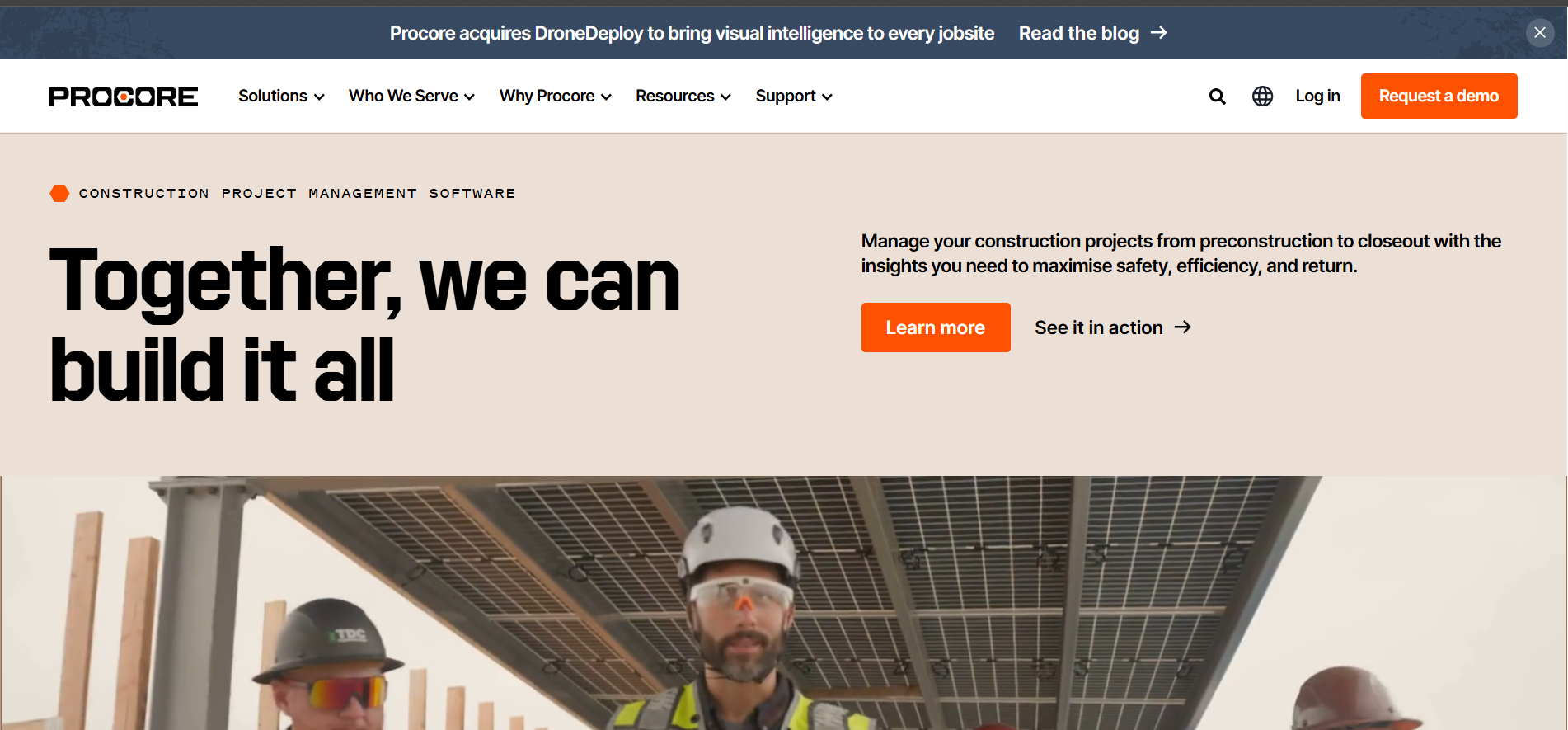
Procore is a construction management platform designed for general contractors and project owners. On Procore-managed projects, firestop subcontractors can work within the GC’s existing system to review drawings, respond to requests for information (RFIs), submit product data and UL systems, and close out punch list items.
For subcontractors working with Procore-based project teams, the platform can simplify communication and document exchange. It also keeps submittals, drawing revisions, and project correspondence in the same environment.
However, contractors evaluating Procore as firestopping software should distinguish between general project management and firestop-specific documentation.
Pricing: Annual contracts with unlimited users, priced by product and annual construction volume. Quote-based.
Things to consider: Penetration logs, UL systems, and labels need configuring. A sub can work in the GC’s Procore project while keeping its own system for installer records, QA, and timesheets.
5. On Center Software
(Image Source: On Center Software)
Best for: Estimating and bidding firestop scopes.
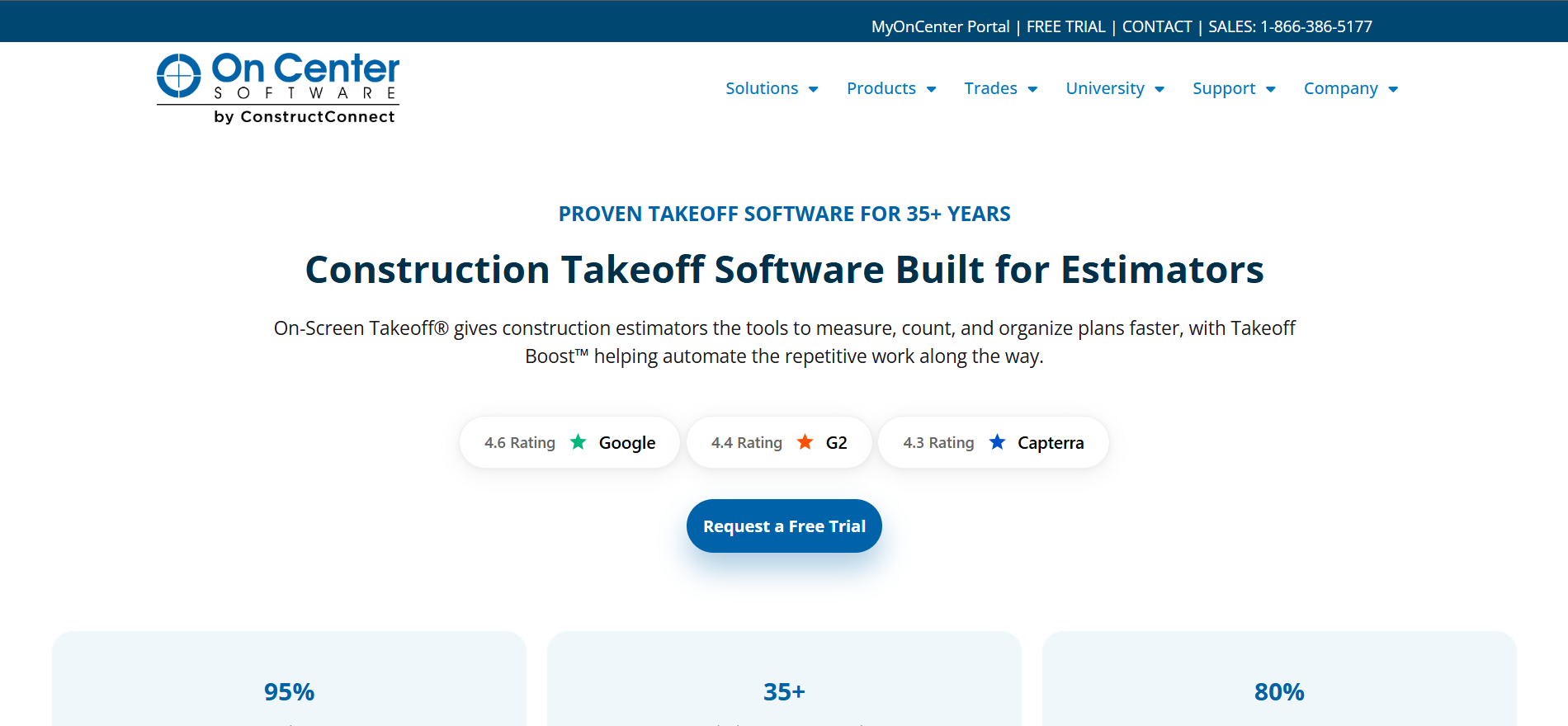
On Center Software offers On-Screen Takeoff and Quick Bid, which support estimating and bidding for firestopping scopes. Estimators can count penetrations and measure the linear feet of top-of-wall joints from digital construction plans.
The overlay view helps estimators align architectural and mechanical drawings to identify penetrations and joints. Quick Bid supports pricing for sealants, devices, sleeves, and labor. Estimators can also incorporate supplier pricing through eQuote.
For firestop contractors, these tools help standardize estimates, reduce manual counting, and prepare more consistent bids.
Pricing: Quote-based.
Things to consider: On Center covers estimating only. Install documentation, inspections, and closeout need separate software.
6. BitRip
(Image Source: BitRip)
Best for: Inspectors and small crews that want low-cost QR labeling of penetrations.
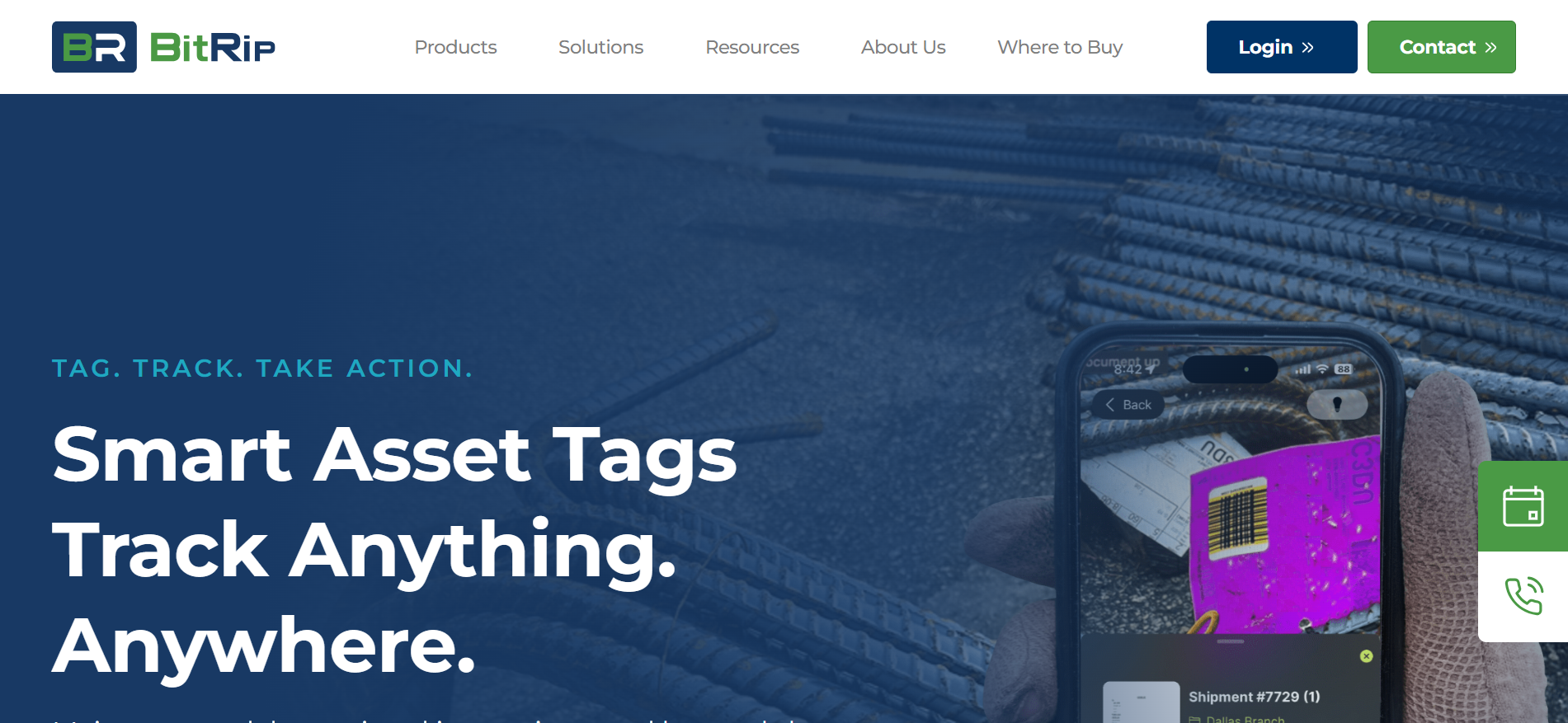
BitRip is a free mobile application that works with Shurtape’s scannable BR Code labels, sold under the Duck Pro brand. Users can place a label on a penetration, scan it, and add photos and compliance data.
The information is stored in the cloud and can be retrieved for reporting. This approach links physical locations to digital records without requiring a full construction management platform.
For smaller projects that mainly need scannable labels and supporting documentation, BitRip is a simple entry-level option.
Pricing: Free app; BR Code labels bought separately.
Things to consider: BitRip is a general-purpose tagging tool, so it doesn’t cover UL system selection, approvals, or workforce management.
Why Firestop Documentation Helps You Win Work?
Firestop documentation can influence how a GC evaluates a subcontractor during bidding. Some firestopping specifications require installers to be FM 4991 Approved or recognized as a UL Qualified Firestop Contractor. Both programs evaluate aspects of the contractor’s quality management system.
Maintaining records for every installation helps contractors implement documented quality procedures and prepare for audits. A consistent documentation process also makes it easier to identify missing information, resolve installation issues, and demonstrate that completed work follows applicable project requirements.
For data centers, hospitals, and high-rise buildings, a sample penetration log or closeout report included with a bid can demonstrate the quality of records the GC can expect at handover.
Firestopping software supports this process by centralizing installation photos, product details, location records, inspection results, and corrective actions. Contractors must still confirm that the selected tool meets project specifications and the documentation requirements of the applicable code, inspector, and authority having jurisdiction.
Recommended Articles
We hope this guide helps you understand the best firestopping software for contractors and compare tools for penetration tracking, installation documentation, inspections, and project closeout. Explore our recommended articles for more insights on construction management, fire safety compliance, quality assurance, project documentation, and contractor productivity.

