
Introduction
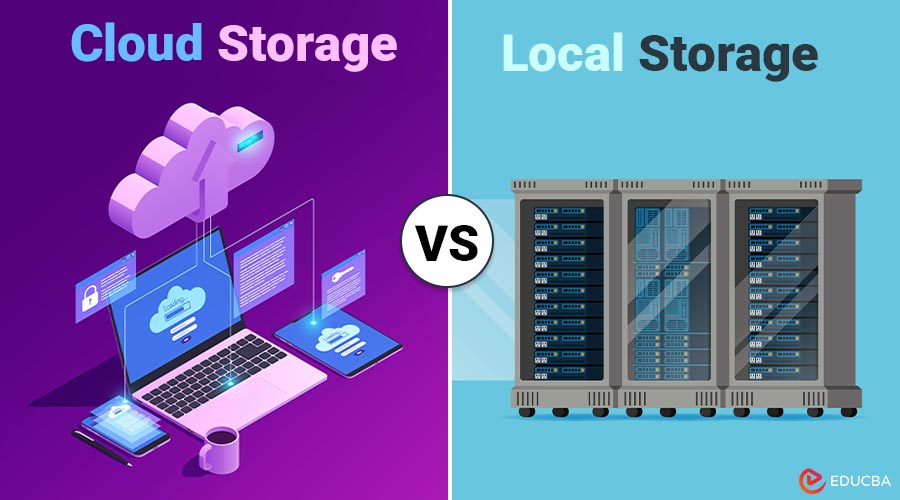
In today’s digital age, managing data effectively is crucial for both individuals and businesses. One of the most fundamental decisions revolves around where to store data — should you choose cloud storage or local storage? The debate of Cloud Storage vs Local Storage continues as each option offers distinct advantages and Disadvantages. This blog provides a thorough comparison to help you understand which storage solution suits your needs better.
Table of Contents:
- Introduction
- What is Cloud Storage?
- What is Local Storage?
- Key Differences
- Advantages and Disadvantages
- Use Cases
- Real World Example
What is Cloud Storage?
Cloud storage refers to data being stored on remote servers managed by third-party providers and accessed via the internet. Common providers include Google Drive, Dropbox, Microsoft OneDrive, and Amazon S3.
Key Features:
- Data is stored off-site.
- Accessible from anywhere with an internet connection.
- Scalable based on your needs.
- Managed and maintained by the service provider.
What is Local Storage?
Local storage refers to data stored physically on your own devices, such as hard drives, SSDs, USB drives, or on-premise servers.
Key Features:
- Data is stored on-site (e.g., your PC or server room).
- Not dependent on the internet.
- Offers full control and ownership.
- Typically, this provides faster access within the same system.
Cloud Storage vs Local Storage: Key Differences
Here is a comparison table highlighting the main differences between cloud and local storage:
| Aspect | Cloud Storage | Local Storage |
| Accessibility | Accessible anywhere with internet | Only accessible on location or via VPN |
| Cost | Subscription-based; pay as you go | One-time hardware cost |
| Security | Provider-dependent; often encrypted | Fully under your control |
| Scalability | Highly scalable on demand | Limited to physical capacity |
| Data Backup & Recovery | Automated and redundant | Manual or semi-automated |
| Speed | Slower; depends on bandwidth | Faster for local operations |
| Maintenance | Managed by the provider | Requires internal IT support |
Advantages and Disadvantages of Cloud Storage and Local Storage
Here are the advantages and disadvantages of both cloud and local storage to help you choose the right option.
Cloud Storage Advantages:
- Remote Access: You can access your files remotely from any place or device.
- Automatic Syncing & Backup: Real-time syncing and off-site backups protect against data loss.
- Scalability: Easily upgrade or downgrade storage needs.
Cloud Storage Disadvantages:
- Internet Dependency: No internet means no access.
- Ongoing Cost: Subscription fees can accumulate over time.
- Privacy Concerns: Sensitive data stored off-site can raise compliance or privacy issues.
Local Storage Advantages:
- Speed: Faster access and file transfer within a local network.
- Full Control: You control who accesses what and when.
- One-Time Cost: No recurring subscription fees.
Local Storage Disadvantages:
- Risk of Physical Damage: Susceptible to fire, theft, or hardware failure.
- Limited Accessibility: Can not access files remotely unless configured.
- Manual Backup Needed: No automatic redundancy unless a custom setup is in place.
Use Cases
Here are common scenarios with recommendations on when to use cloud, local, or a hybrid approach:
1. Individuals and Students
Best Option: Cloud Storage
Why? You need access on the go, across devices, and do not want to worry about backups. Free plans are available from services like Dropbox and Google Drive, which are ideal for storing projects, documents, and images.
2. Small Businesses
Best Option: Hybrid Approach Recommended
Why? Use local storage for day-to-day operations (especially when speed is crucial), and cloud storage for backups, document sharing, and collaboration. For example, Store QuickBooks data locally and share project files via OneDrive
3. Photographers & Video Editors
Best Option: Local Storage
Why? These professionals deal with large media files that require fast read/write speeds. External SSDs or NAS (Network-Attached Storage) devices are ideal. Use the cloud to archive or share low-res versions
4. Disaster Recovery Planning
Best Option: Cloud Storage
Why? Cloud services often replicate your data across regions. This redundancy protects against natural disasters, hardware failures, or ransomware attacks that might affect local drives.
Real World Example
Mentioned below are the practical details of how one company improved its storage strategy with a hybrid approach:
Company: XYZ Design Studio
XYZ used only local storage for all project files. After a power surge corrupted several hard drives, they lost weeks of client work. They shifted to a hybrid model:
- Local NAS for active projects (high-speed access).
- Google Workspace for sharing files and version control.
- AWS Glacier for long-term archival.
Result: Faster collaboration, enhanced security, and minimal data loss risk.
Final Thoughts
There is no one-size-fits-all solution when deciding between local and online storage. Your ideal solution depends on your unique needs — whether it is mobility, security, speed, or cost. When comparing Cloud Storage vs Local Storage, it becomes clear that each has its strengths and weaknesses. For most users, a hybrid model offers the best of both worlds: the speed and control of local storage with the accessibility and redundancy of the cloud. Making an informed choice and protecting your data management plan moving forward will be made easier if you are aware of the trade-offs.
Frequently Asked Questions (FAQs)
Q1. Is it possible to use both local and cloud storage?
Answer: Absolutely. Many businesses and professionals use a hybrid approach for efficiency and redundancy.
Q2. Is cloud storage safe?
Answer: Generally, yes. Reputed providers use encryption, firewalls, and access controls. Still, ensure strong passwords and multi-factor authentication.
Q3. What happens if my cloud provider shuts down?
Answer: Most providers give a grace period to migrate data. Always keep a local backup if your data is critical.
Q4. Is local storage outdated?
Answer: Not at all. It remains essential for high-speed tasks, secure environments, and legacy systems.
Recommended Articles
We hope that this EDUCBA information on “Cloud Storage vs Local Storage” was beneficial to you. You can view EDUCBA’s recommended articles for more information.

