


Children’s Book Illustrations with AI: Overview
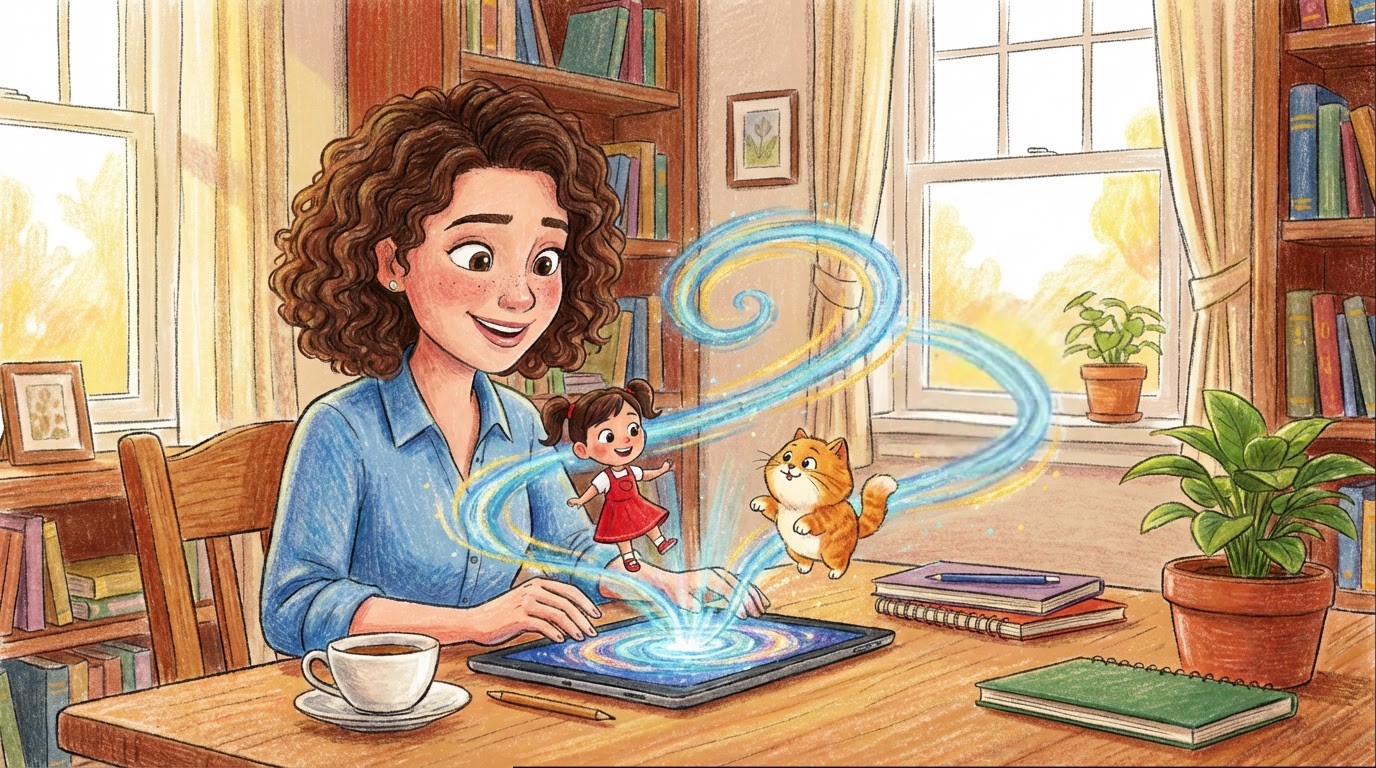
Image Source: Neolemon
Creating children’s book illustrations with AI is now a realistic option for authors, educators, and independent creators who have a story ready but lack the drawing skills or budget to hire a professional illustrator. Traditional illustration for a single picture book can cost anywhere from $3,000 to $10,000 and take months to complete. AI tools have significantly lowered that barrier, making it possible to go from finished manuscript to illustrated book in days rather than months.
However, using AI for children’s book illustrations is not as simple as typing a description and getting a perfect image. Books demand visual consistency, deliberate style choices, and a structured workflow that most general-purpose AI image generators cannot support. This guide explains how AI-generated children’s book illustrations actually work, the challenges authors face, and how to approach the process step by step.
Key Points
- Enables non-artists to create full books without drawing skills or the cost of hiring illustrators.
- The main challenge is maintaining a consistent character appearance across all pages.
- Choosing a consistent illustration style early prevents visual confusion for young readers.
- Story-focused AI tools maintain character identity better than general image generators.
- AI serves as a creative partner; the story remains the author’s central contribution.
Why Character Consistency is the Biggest Challenge?
Creating a single beautiful illustration is relatively easy with today’s AI tools. Creating 24 to 32 illustrations where the same character appears on every page, looking the same, is a completely different challenge. Young readers rely heavily on visual recognition. They connect with a character through familiarity, remembering the face, clothing, and proportions from one page to the next. When those details shift even slightly, children notice. The reader’s connection to the character fades, making the story feel less trustworthy.
Most AI image generators create each image independently. AI image generators do not retain a character’s appearance from one image to the next unless the tool specifically preserves that information. This is why many first-time authors feel frustrated after generating a few pages. The character looks great on page one, slightly different on page five, and almost unrecognizable by page fifteen. Understanding this challenge early helps authors choose the right tools and workflows from the beginning.
How AI Illustration Tools Work for Books?
AI illustration tools generate images from text descriptions or visual references. In children’s book illustrations generated with AI, the critical difference between tools lies in how they handle character identity over time. General-purpose image generators treat each request as a fresh start, leading to visual drift. Story-focused platforms treat each character as a persistent identity that stays stable across scenes. The most effective approach is reference-based: the creator defines a character once, generating a base image that serves as a visual anchor, and then subsequent illustrations reference that anchor. This mirrors how traditional animation studios use character model sheets.
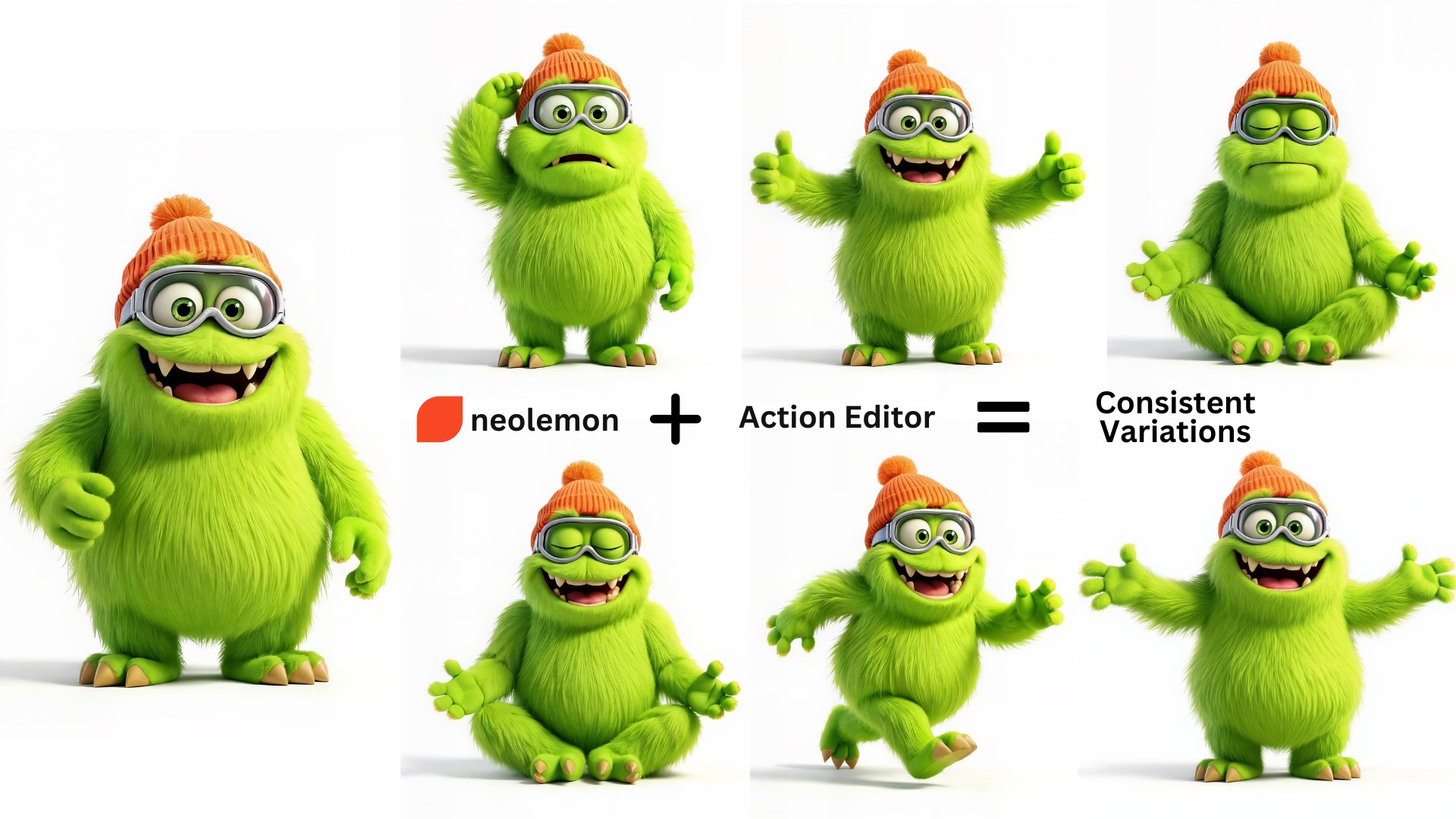
Image Source: Neolemon
For example, Neolemon is built around this character-first approach. Creators define a character once, generate a full-body reference image, and then reuse that identity across dozens of illustrations. Poses, expressions, and scenes are generated as controlled variations from the original anchor, not as independent images from scratch. This is what separates usable children’s book illustrations from a disconnected collection of images.
Choosing the Right Illustration Style
Style is one of the earliest and most important decisions when creating children’s book illustrations with AI. The visual tone shapes how children experience the story, and it needs to remain consistent from the first page to the last. Common styles include soft watercolor, which suits gentle, calming narratives; bold cartoon outlines, which work well for playful, energetic stories; and 3D animated styles that resemble modern films from studios like Pixar.
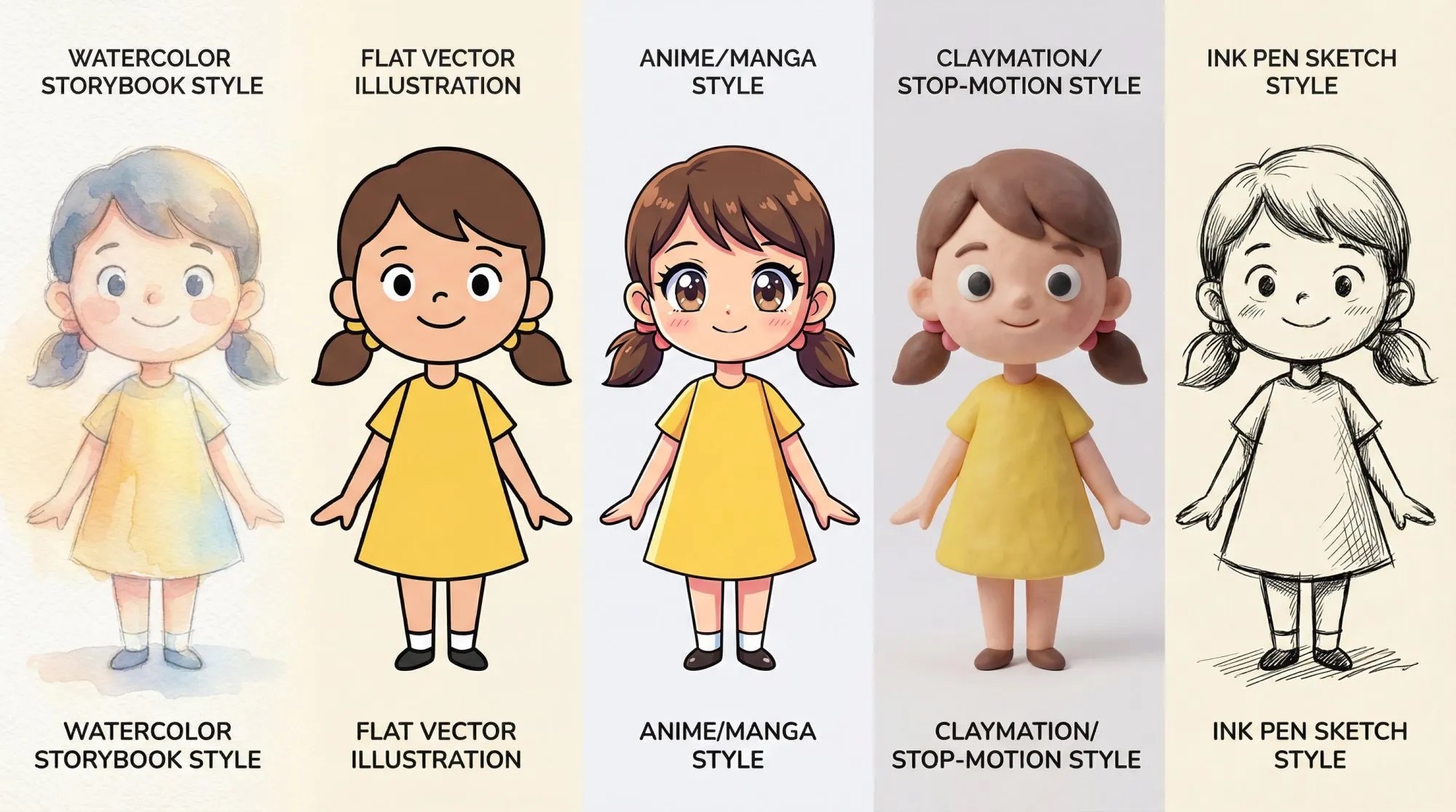
Image Source: Neolemon
Each style creates a different emotional atmosphere, and the right choice depends on the story’s tone and the reader’s age group. The key principle is straightforward. Choose a style once and stick with it throughout the book. Switching styles partway through creates visual confusion. Children respond well to familiarity, and a consistent style reinforces that the creator carefully crafted the entire book.
Step-by-Step Process for Creating Children’s Book Illustrations with AI
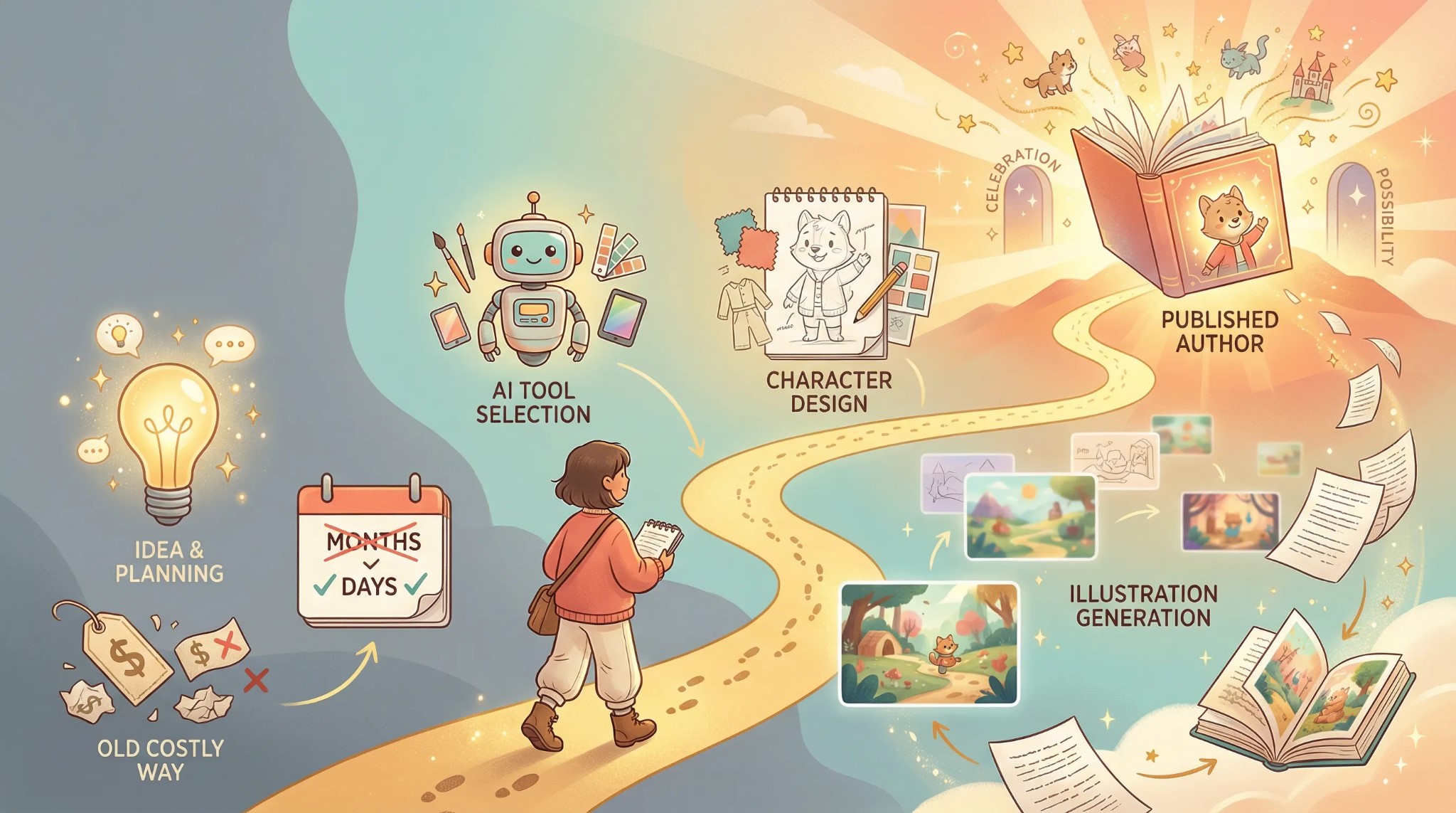
Image Source: Neolemon
For first-time authors using AI for children’s book illustrations, a structured workflow can greatly enhance the final outcome. The following process comes from creators who have published dozens of illustrated children’s books using AI tools.
1. Finish the Story First
Illustrations should support a completed narrative, not guide one that is still changing. When the text keeps shifting, visuals lose direction, and time gets wasted on images that no longer match the story. Finalize your manuscript, then move on to the illustrations.
2. Build a Character Bible
Before generating a single image, document each character completely. Define their physical attributes (age, hair color and style, eye color, skin tone, body type), distinctive features (freckles, glasses, a gap tooth), signature clothing (default outfit colors and style), and personality traits (cheerful, shy, adventurous). This written profile becomes the foundation for every illustration prompt that follows.
3. Create a Base Character Image
Generate a full-body, front-facing image of your main character on a plain background. This becomes your visual anchor, the reference that every subsequent scene builds from. Starting with a simple standing pose rather than a complex scene gives the AI a stable foundation. Establish the base for each character first; add different actions, expressions, and backgrounds afterward. Repeat this process for every character in your story.
4. Generate Scenes One Page at a Time
Each page in a children’s book should represent a single clear moment: one emotion, one action, one focus. Treat each illustration prompt as a single freeze-frame, not an entire narrative. Always reference your base character image to maintain consistency. For pages with multiple characters, follow a structured prompting approach: define who each character is, set their positions in the scene, then describe their actions.
5. Review All Pages Together
Looking at illustrations individually often hides inconsistencies. Place all pages side by side and check for character appearance, color balance, outfit continuity, and overall style coherence. Fix issues early, as small adjustments to expressions or poses usually work better than regenerating an entire image from scratch.
When AI Illustration Makes the Most Sense?
Children’s book illustrations generated by AI are especially valuable for independent authors and self-publishers working on tight budgets, as well as for educators creating custom classroom stories with culturally relevant visuals. That said, projects requiring highly expressive or emotionally complex artwork may still benefit from a human illustrator. A hybrid approach, where AI handles consistency and early planning while a human adds final creative polish, is becoming increasingly common among independent publishers.
Final Thoughts
Children’s book illustrations with AI have made visual storytelling accessible to a much wider range of creators. The technology handles the technical rendering, but the heart of the book, the characters, the emotions, and the message, remains entirely human. For anyone who has been carrying a children’s story in their head but felt unable to illustrate it, the tools to bring it to life are now more accessible than ever.
Recommended Articles
We hope this guide to children’s book illustrations with AI helps bring your stories to life. Explore these recommended articles for more tips and techniques.


