



If you are hunting for the best tools to manage multiple social media profiles, here is the short version: no single app does it all, and that is fine. Some tools schedule posts. Some track analytics across brands. Some exist purely to keep dozens of accounts from ever bumping into each other. The trick in 2026 is knowing which job each tool actually does, then combining two or three instead of hoping one dashboard covers everything.
That combination approach matters more now that teams juggle five, ten, sometimes fifty profiles across platforms, each with its own quirks. A scheduling tool will not stop TikTok from flagging five accounts logged in from the same browser. And an isolation tool will not write your captions. Different problems, different tools.
What to Look For in a Tool for Managing Multiple Social Media Profiles?
Before picking anything, get honest about what your team actually needs day to day. Not what looks impressive in a demo. What you will use at 9am on a Monday when three clients need posts scheduled and one account got a warning email overnight.
A few things worth checking first:
- Platform coverage: Does it support the exact networks you post to, including newer ones like Threads or Bluesky?
- Team permissions: Can you limit who touches which account, without giving every intern the keys to everything?
- Analytics depth: Basic engagement numbers, or real cross-brand reporting you can hand to a client?
- Account safety: Are you running enough accounts that platforms might notice the overlap, flag logins, or restrict reach?
- Pricing model: Per user, per channel, or per brand? That choice can change your bill dramatically as you scale.
Best Tools to Manage Multiple Social Media Profiles in 2026
1. Buffer
(Image Source: Buffer)
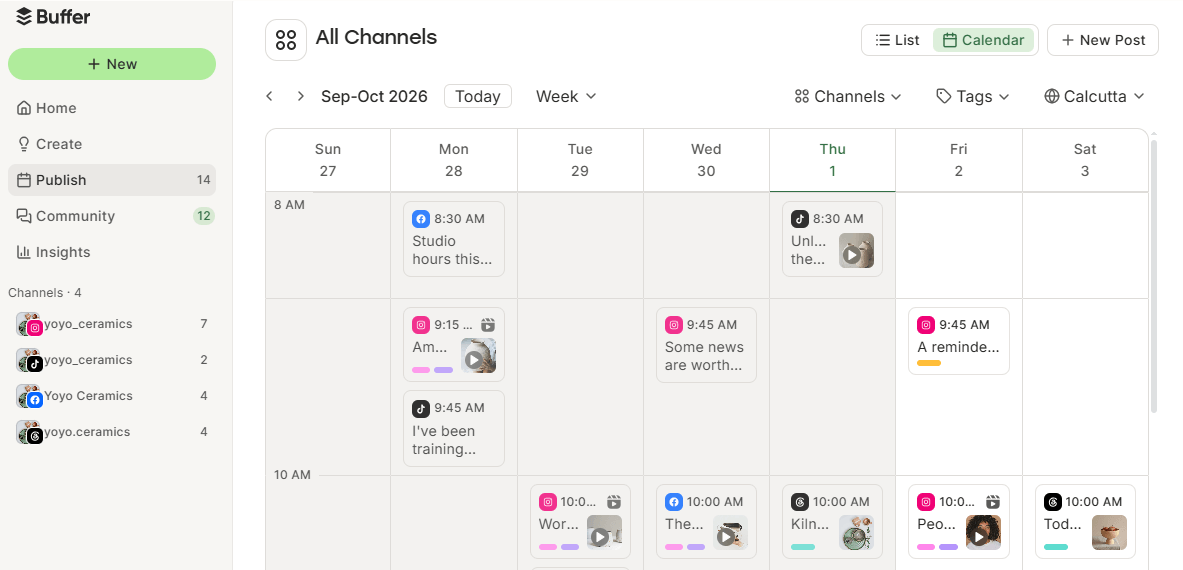
Buffer helps solo creators, small businesses, and marketing teams manage multiple social media profiles. Its free plan connects three channels and allows users to schedule posts without paying. Paid plans start at around $5 per channel per month, with additional collaboration features available in the Team plan.
Buffer’s publishing tools support platforms such as Instagram, Facebook, LinkedIn, TikTok, and Pinterest. Users can schedule posts, organize content through a visual calendar, and customize captions for different platforms. Its analytics features also help track engagement and identify top-performing content.
Buffer’s team collaboration features allow members to draft, review, and approve posts before publishing. This makes it easier for small teams to manage several social media profiles from one dashboard.
However, Buffer’s per-channel pricing can become expensive as the number of profiles increases. It also does not provide isolated browser environments or separate device identities for managing multiple accounts.
2. Hootsuite
(Image Source: Hootsuite)
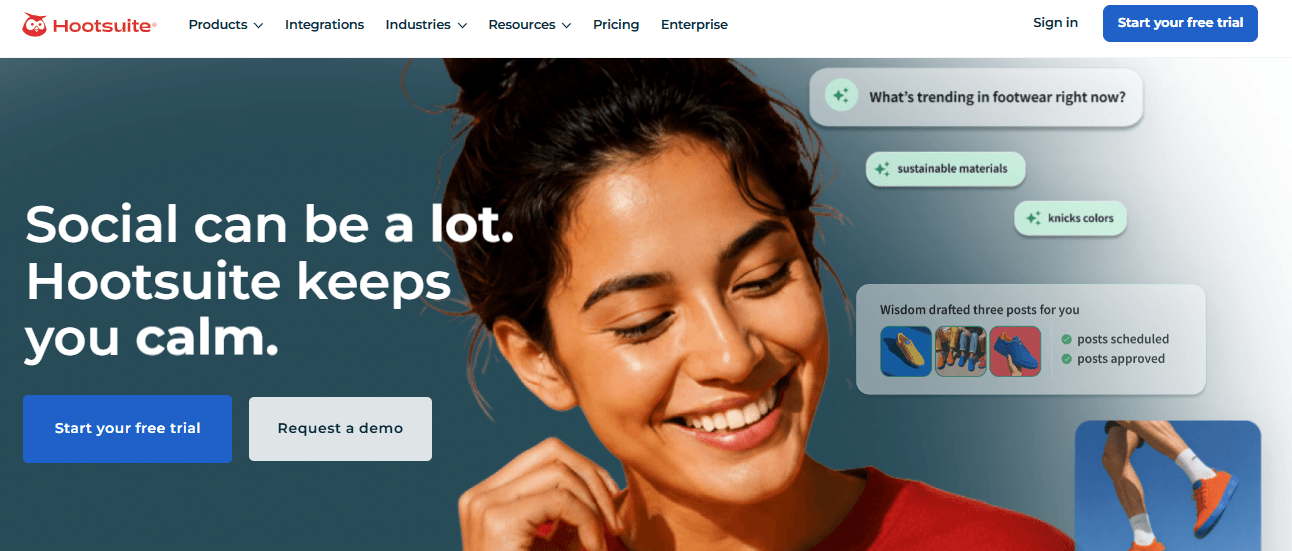
Hootsuite is a social media management platform designed for businesses and agencies handling multiple social media profiles. Its plans start at approximately $99 per user per month, and it no longer offers a permanent free plan.
Hootsuite allows users to schedule posts, manage content calendars, monitor conversations, and track engagement across supported social networks. Its unified dashboard helps teams manage several accounts without switching between different platforms. The platform also includes a unified inbox for handling messages and comments.
Its analytics and social listening features help businesses monitor brand mentions, measure campaign performance, and understand audience engagement. Teams can also use its collaboration tools to assign tasks, manage approvals, and coordinate publishing schedules across multiple client accounts.
However, Hootsuite’s user-based pricing can become expensive as teams expand. Some advanced analytics and reporting features are also restricted to higher-priced plans, making it less accessible to smaller businesses.
3. Sprout Social
(Image Source: Sprout Social)
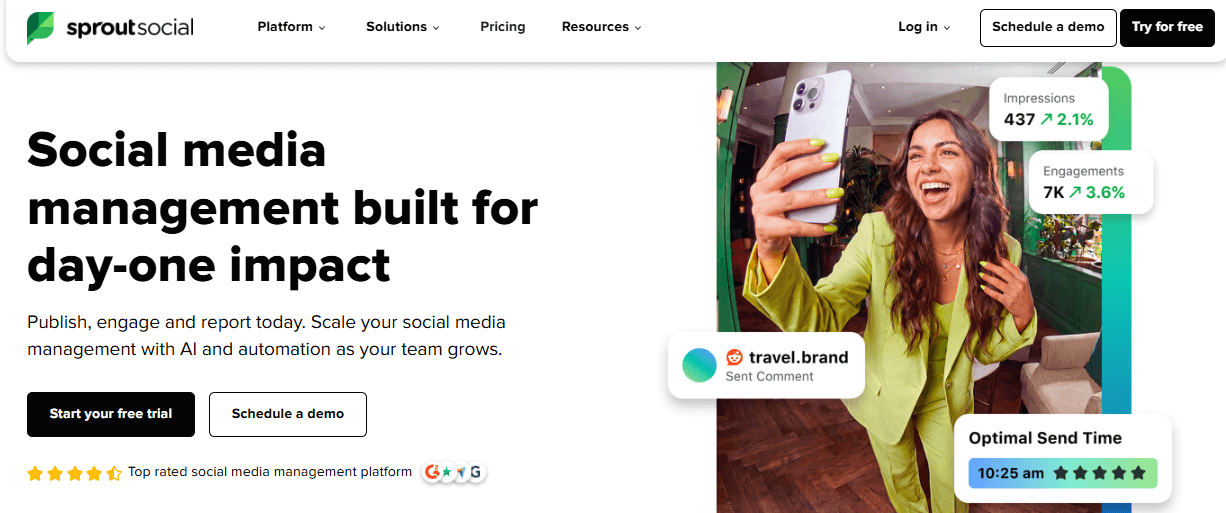
Sprout Social is an enterprise-focused social media management platform for businesses that need advanced analytics, customer engagement, and team collaboration. Its pricing generally starts at around $199 per user per month.
Sprout Social provides a unified inbox for managing messages, comments, and mentions across supported social media platforms. Its CRM-style features help teams organize customer conversations, add internal notes, and track interactions. These capabilities are particularly useful for businesses managing large volumes of social media engagement.
The platform also offers publishing tools, content calendars, social listening, and detailed analytics. Businesses can monitor engagement, measure campaign performance, and generate reports to evaluate their social media activities. Its workflow and approval features help larger teams coordinate content creation and publishing.
However, Sprout Social can be expensive for small businesses and individual creators. Its extensive features may also be unnecessary for teams that only need basic scheduling and account management.
4. Later
(Image Source: Later)
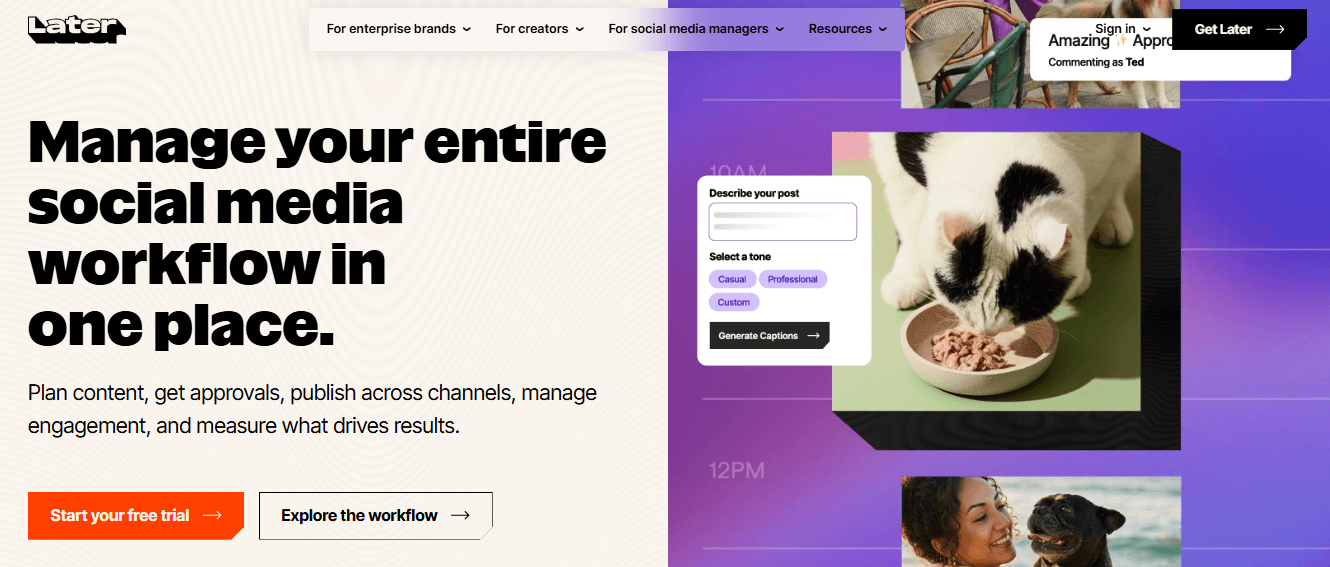
Later is a social media management platform particularly suited to Instagram-focused creators, visual brands, and marketing teams. Its plans start at approximately $25 per month for one social set of up to eight profiles.
Later provides a visual content calendar that allows users to organize, preview, and schedule social media posts. Its drag-and-drop interface makes it easier to plan Instagram content and maintain a consistent visual style. The platform also supports scheduling across several social networks.
Its media library helps users organize images and videos, while its analytics features provide insights into audience engagement and post performance. Later also offers tools for planning Instagram Stories and managing creator marketing campaigns.
However, Later’s platform coverage is more limited than that of some competing tools. It does not natively support X, Bluesky, or Google Business Profile, which means businesses managing these platforms may need additional software. Its free plan is also limited for teams with regular publishing requirements.
5. Metricool
(Image Source: Metricool)
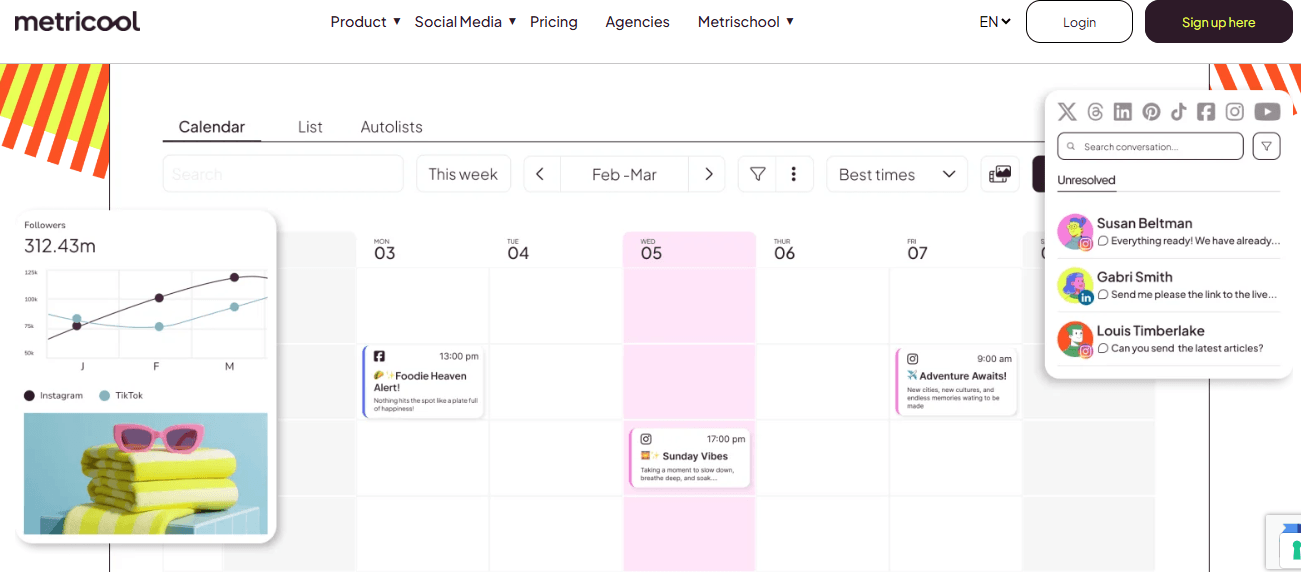
Metricool is a social media management platform designed for creators, businesses, and agencies that need scheduling and analytics tools. It offers a free plan for managing a single brand, while paid plans add features and increase account capacity.
Metricool lets users schedule posts, organize content in a calendar, and manage multiple social media profiles from one dashboard. Its supported platforms include Instagram, Facebook, TikTok, LinkedIn, and other major networks. The platform also provides analytics for tracking engagement, audience growth, and content performance.
Its reporting features help agencies monitor multiple brands and prepare client performance reports. Metricool also includes competitor analysis and advertising analytics, allowing businesses to monitor competitors and evaluate paid campaigns alongside their organic content.
However, Metricool’s scheduling features may feel less advanced than those of dedicated publishing platforms such as Buffer or Later. Some features and additional brand management capabilities also require a paid subscription.
6. Meta Business Suite
(Image Source: Meta Business Suite)
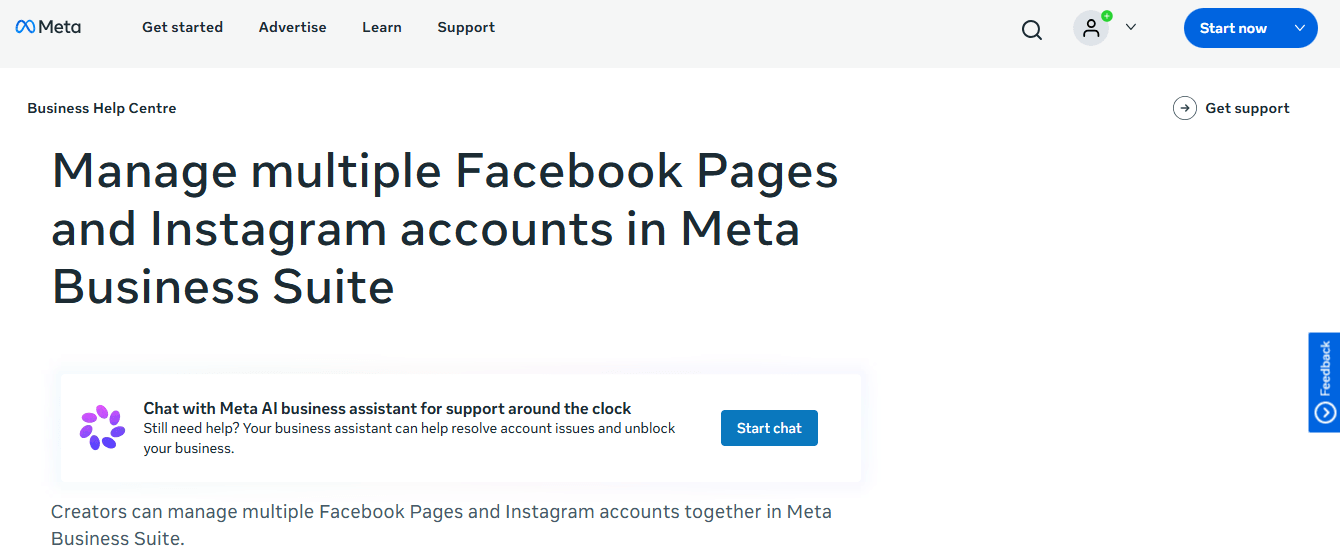
Meta Business Suite is a free social media management platform for businesses and creators managing Facebook Pages and Instagram accounts. It provides scheduling, messaging, and analytics tools without requiring a paid subscription.
Users can manage multiple Facebook and Instagram profiles from a centralized dashboard. The platform allows them to create and schedule posts, manage Stories, respond to messages, and monitor comments. Its content calendar helps businesses organize their publishing schedules across both platforms.
Meta Business Suite also provides insights into reach, engagement, audience growth, and content performance. Businesses can use its advertising tools to create and monitor campaigns on Facebook and Instagram. These features make it useful for small businesses that primarily operate on Meta’s platforms.
However, Meta Business Suite does not support platforms such as TikTok, LinkedIn, or X. Its reporting and collaboration capabilities may also be insufficient for agencies managing large numbers of accounts across different social networks.
7. Multilogin
(Image Source: Multilogin)
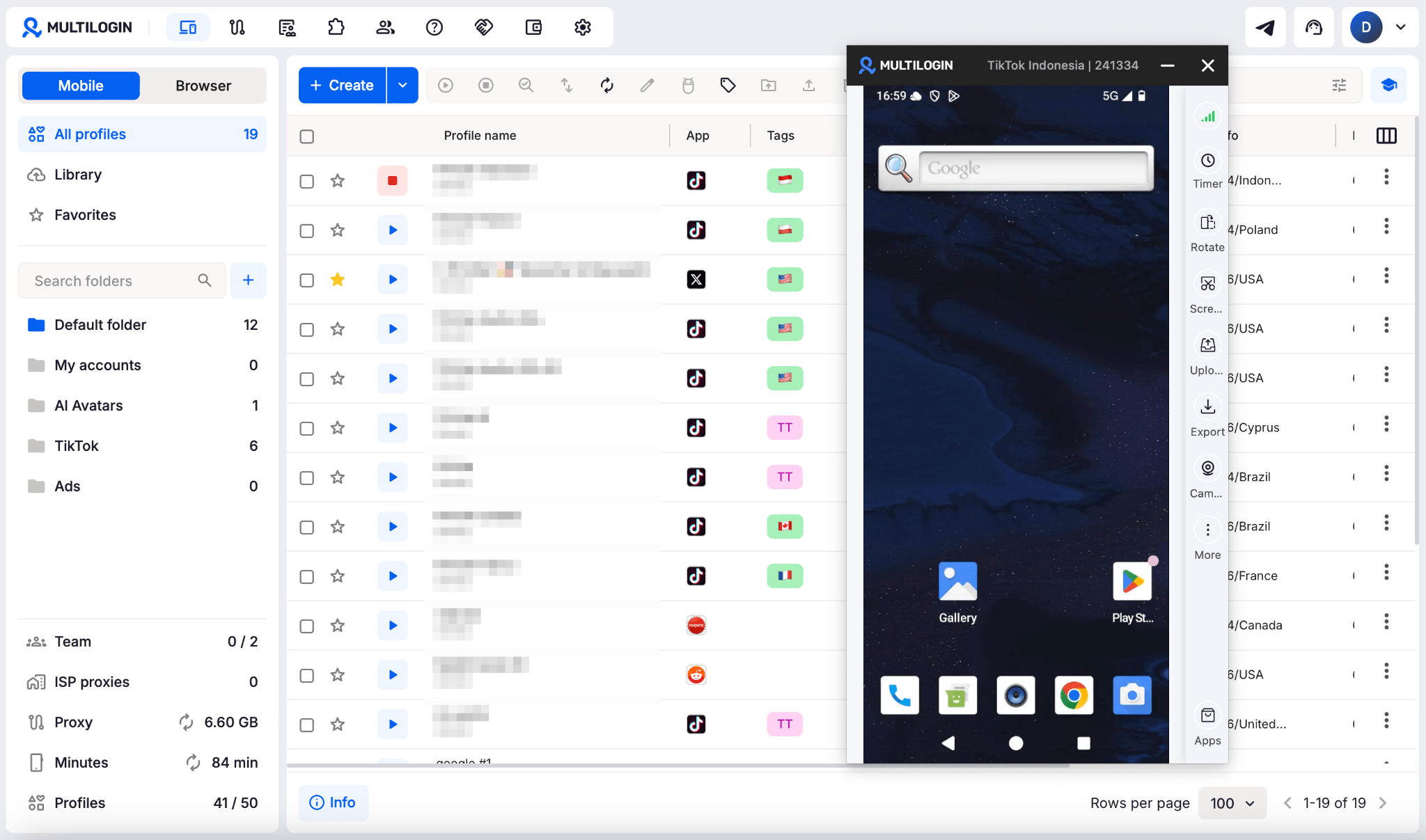
Multilogin cloud phones handle mobile-first platforms like TikTok, Instagram, and Facebook. Each social profile runs on its own real Android device in the cloud, with separate apps, app data, logins, location, and device identity. Your sessions stay saved between launches, so you pick up right where you left off, and no physical phones are needed.
Multilogin browser profiles handle web-first work like Reddit, YouTube, and Facebook. Each browser profile keeps its own cookies, session, and IP, so web accounts stay just as separate as mobile ones.
Both come in one subscription with built-in residential proxies included.
Scheduling tools solve the “when do I post” problem. They do nothing for the “why did five of my accounts just get flagged together” problem. Teams running multiple TikTok, Instagram, or Reddit accounts often lean on Multilogin cloud phones so each account behaves like a separate real device, alongside browser profiles for desktop platforms. It is the piece that lets you safely create multiple social media accounts without them looking connected, exactly the gap Buffer, Hootsuite, and the rest were never built to fill.
Quick Comparison Table
| Tool | Best For | Starting Price | Key Limitation |
| Buffer | Solo creators, small teams | Free, then ~$5/channel/mo | Costs scale fast per channel |
| Hootsuite | Agencies, larger client rosters | ~$99/user/mo | No free plan, seat pricing adds up |
| Sprout Social | Enterprise reporting and CRM needs | ~$199/seat/mo | Expensive for smaller teams |
| Later | Visual, Instagram-heavy brands | ~$25/mo | Missing X, Bluesky, Google Business |
| Metricool | Agencies wanting flat per-brand cost | Free tier, ~$18-22/mo paid | Scheduling depth lighter than rivals |
| Meta Business Suite | Facebook and Instagram only | Free | No support outside Meta platforms |
| Multilogin | Managing and growing multiple social profiles with Android cloud phones | Free plan with no time limit; paid plans from $7.08/month with proxies and mobile minutes included | Cloud phone platform for social media marketers. Real Android cloud phones and browser profiles keep every social profile separate. Works alongside your scheduling tool |
Scheduling Tools vs. Multi-account Management Tools
Scheduling tools and multi-account management tools solve different problems, and mixing them up wastes money.
Scheduling tools (Buffer, Hootsuite, Later, Metricool, Meta Business Suite) answer “what gets posted, and when.” They handle calendars, captions, approvals, and reporting. They assume each account is logged in once, from one place, and stays that way.
Multi-account management tools like Multilogin answer a different question: “how do I run many accounts without platforms treating them as connected?” That is about browser fingerprints, IP addresses, device identity, and session isolation, not content calendars. Neither category replaces the other. A busy team typically needs one tool from each.
How to Build a Practical Multi-profile Workflow?
Pulling this together does not have to be complicated:
- Pick one scheduling tool that fits your platform mix and budget. Do not run two schedulers side by side.
- Assign each account or client its own isolated browser profile or cloud phone, so logins never overlap on the same fingerprint or IP.
- Set team permissions early, before someone posts to the wrong client’s page by mistake.
- Build a simple content calendar in your scheduler, then let account isolation run quietly in the background.
- Review analytics weekly, not daily. Chasing hourly numbers burns teams out fast.
Once set up, most of the daily grind runs on autopilot, and you only step in when something needs a human decision.
Which Tool Should You Choose?
It depends on your headcount and how many accounts you are running, plainly put. A solo creator with three profiles should start with Buffer’s free plan or Metricool’s free tier. An agency juggling a dozen clients probably needs Hootsuite or Sprout Social for the reporting alone, paired with Multilogin so those client accounts stay properly separated. A brand living almost entirely on Instagram and Facebook can get surprisingly far on Meta Business Suite plus Later, no extra spend required.
The one constant: if you are managing more than a handful of accounts on the same platform, account isolation stops being optional.
Final Thoughts
No single winner exists here, and anyone promising one is oversimplifying. Scheduling tools like Buffer, Hootsuite, Sprout Social, Later, and Metricool each do a solid job of getting content out and measuring what happens after. Meta Business Suite covers the basics for free if Meta’s platforms are your whole world. Multilogin fills the gap none of them touch: keeping multiple accounts genuinely separate so growth does not turn into a platform ban.
Pick your scheduler based on team size and budget. Pair it with proper account isolation once you are running more than two or three profiles on the same network. That combination, not any single app, is what actually scales.
Recommended Articles
We hope this guide helps you understand the best tools to manage multiple social media profiles in 2026, streamline content scheduling, track performance, and manage accounts efficiently. Explore our recommended articles for more insights on social media management, account security, content scheduling, social media analytics, and digital marketing tools.


