


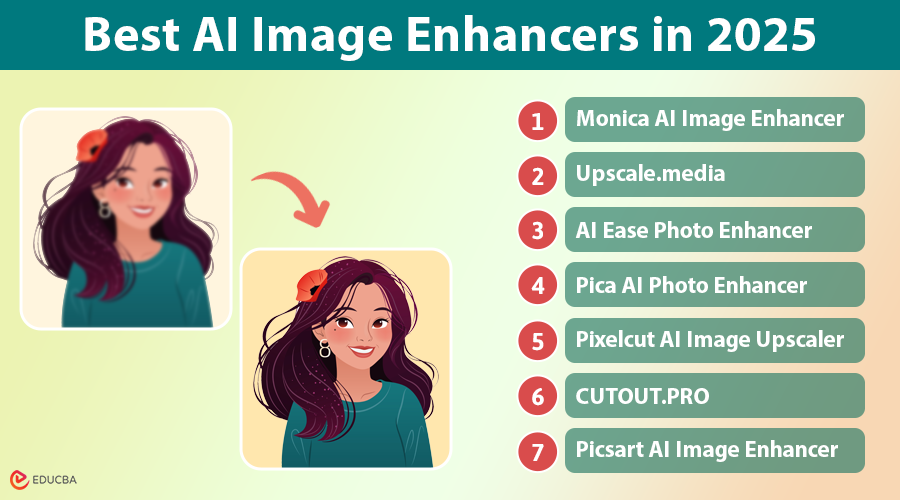
Introduction to AI Image Enhancers
With advancements in artificial intelligence, image enhancement has reached new heights. Gone are the days of blurry, pixelated images—AI-powered tools now allow us to upscale, sharpen, and optimize visuals effortlessly. With the help of an AI Image Quality Enhancer, you can transform ordinary photos into stunning visuals with just a few clicks. Whether you are a photographer, business owner, or content creator, these tools offer a fast and effective way to boost image quality.
This comprehensive guide delves into the world of the best AI image enhancers, exploring their capabilities, benefits, and limitations. We will examine several leading platforms, providing detailed explanations, examples, and personal insights to help you choose the perfect tool for your needs.
Why AI Image Enhancement Matters?
High-quality images are essential in the digital world. Whether for personal use or business, using the best AI image enhancer can make a significant difference. Here is why AI image enhancement is valuable:
- Better Visual Appeal: AI can sharpen details, making images clearer and more engaging.
- Improved Print Quality: AI upscaling allows you to print large-format images without quality loss.
- Restoring Old Photos: AI enhances resolution and sharpness, breathing life into old memories.
- Boosting E-commerce Sales: Clear and high-quality product images increase conversions.
- Streamlined Content Creation: AI tools save time by quickly enhancing images for social media and marketing.
9 Best AI Image Enhancers in 2025
The market is brimming with AI image enhancement tools, each offering unique features and capabilities. Let us embark on a detailed exploration of some of the best AI image enhancers:
#1. Monica AI Image Enhancer
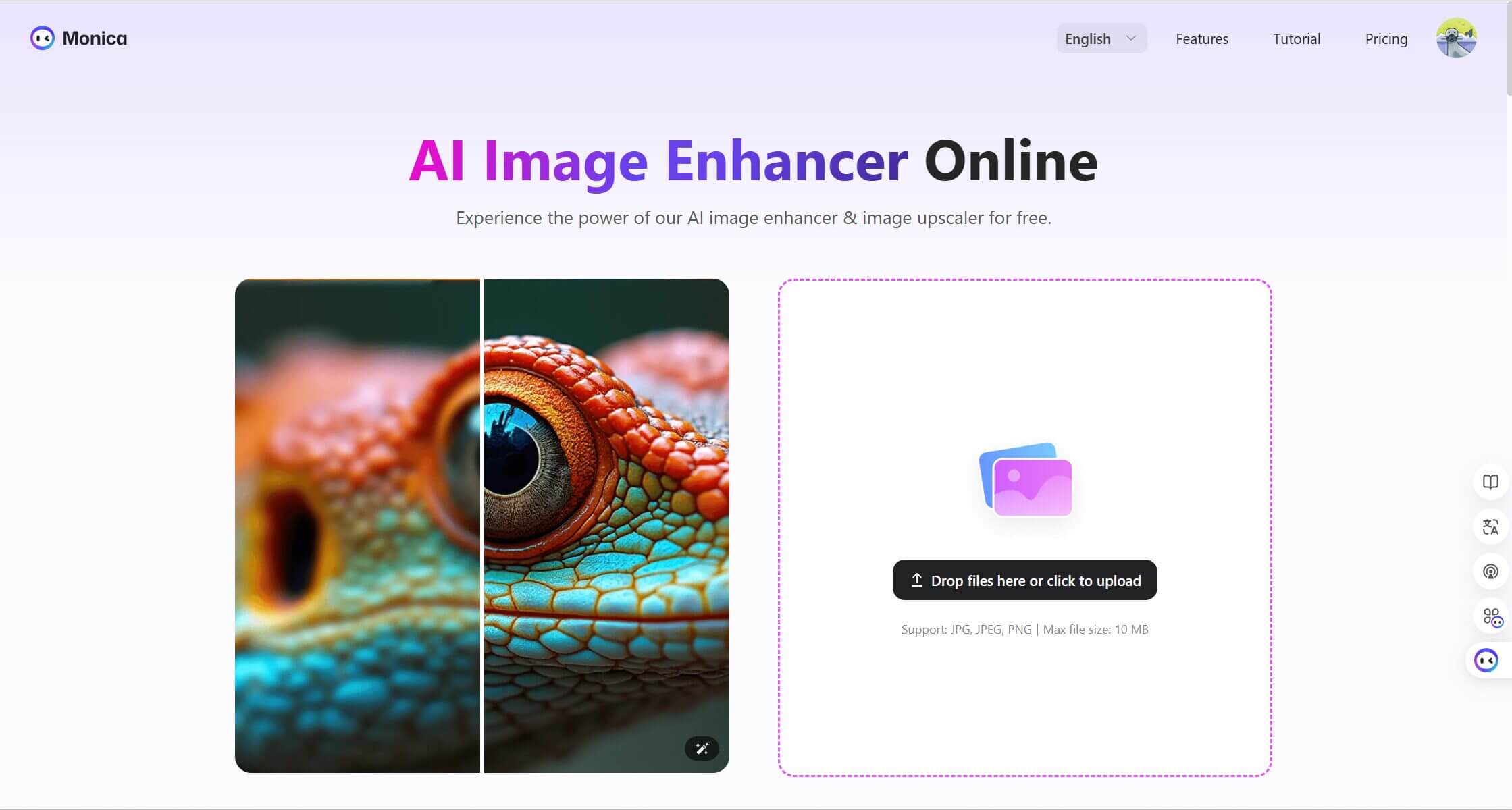
Target Audience: Individuals and professionals seeking a versatile, easy-to-use AI image enhancer. It is useful for enhancing screenshots for articles, social media posts, and presentations.
Implementation:
- Upload the image via drag-and-drop or file selection.
- Choose the desired upscale quality (2x, 4x, 8x).
- The AI processes the image, with processing time depending on image size and selected upscale quality.
- Download the enhanced image in your desired format.
Format Compatibility: JPG, JPEG, PNG, WEBP
Technical Specifications: Enhances images up to 8K resolution and processes images up to 10 MB.
Pricing: It offers both free and premium options. The free tier provides ample usage for casual users, while the premium tier unlocks higher resolutions, bulk processing, and watermark removal.
Features:
- AI-Powered Resolution Enhancement: Upscales images while preserving details and minimizing artifacts.
- Smart Detail Enhancement: Sharpens edges and enhances textures for a more refined look.
- Professional Color Optimization: Adjusts colors for optimal vibrancy and balance.
- Bulk Processing: Available in the premium tier for enhancing multiple images simultaneously.
Supported Platforms: Web-based, iOS, and Android apps.
User Feedback: Generally positive, with high ratings and testimonials praising its ease of use and effective results.
Example: A low-resolution photo of a historical landmark was enhanced for a travel blog post, revealing intricate architectural details previously obscured.
#2. Upscale.media
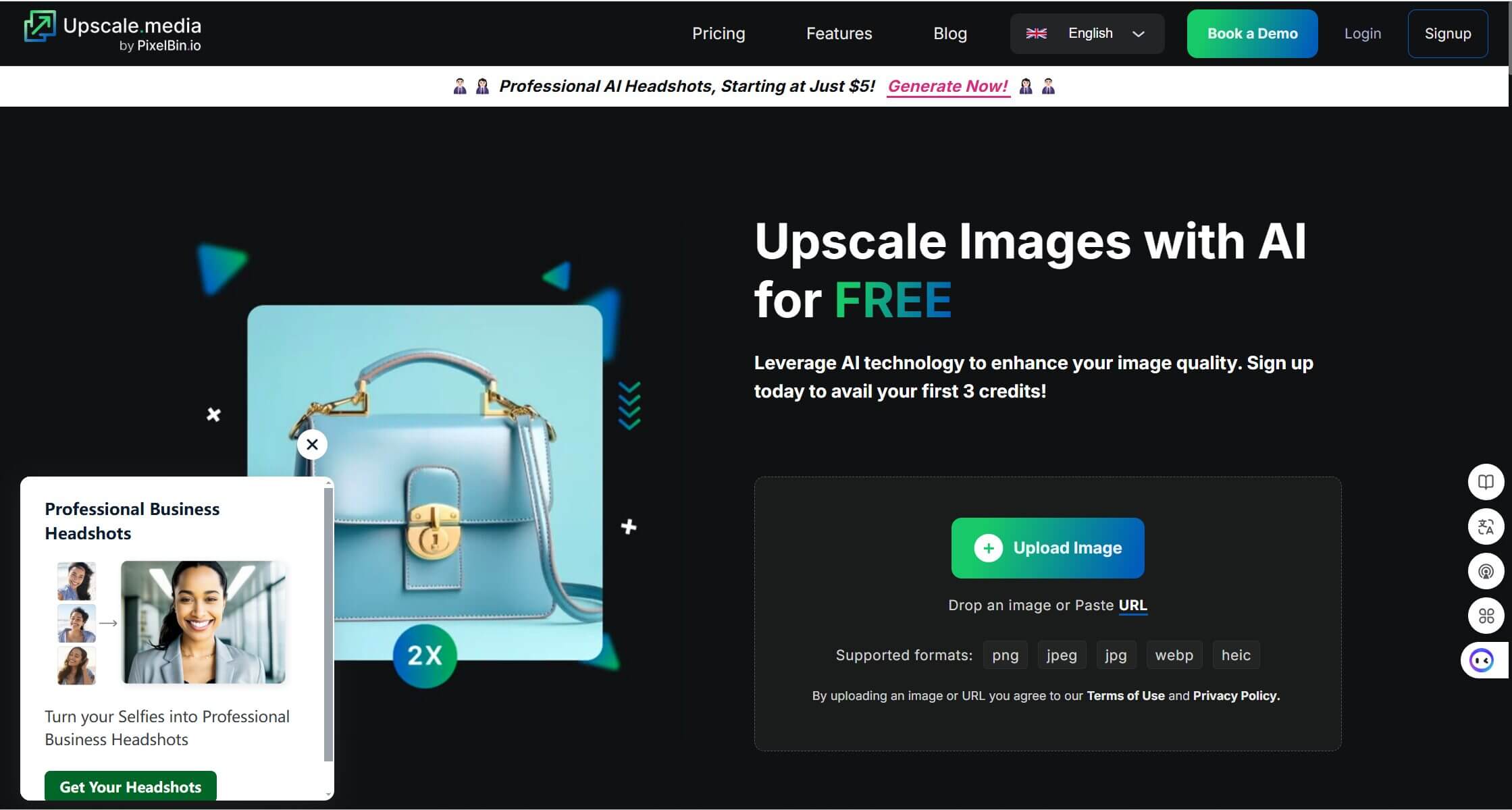
Target Audience: Individuals, professionals, e-commerce businesses, and enterprises. Its robust API integration makes it a compelling choice for companies seeking to automate image enhancement workflows.
Implementation:
- Upload the image.
- Select the desired upscale quality.
- Preview the enhanced image.
- Download the final result.
Format Compatibility: JPG, JPEG, PNG, WEBP, HEIC
Technical Specifications: Enhances images up to 10000×10000 pixels and processes images up to 25 MB.
Pricing: Free and premium plans are available.
Features:
- AI-Powered Resolution Enhancement: Delivers high-quality upscaling with minimal noise and artifacts.
- Smart Detail Enhancement: Enhances fine details and textures for a sharper, more defined image.
- Professional Color Optimization: Optimizes color balance and saturation for visually appealing results.
- Bulk Processing: Facilitates efficient processing of large batches of images.
- Seamless API Integration: Enables businesses to integrate image enhancement directly into their applications and workflows.
Supported Platforms: Web-based, iOS, and Android apps.
User Feedback: Many highly regard it for its powerful upscaling capabilities and seamless API integration. Some users report occasional issues with processing time for very large images.
Example: An e-commerce company could leverage Upscale.media’s API to automatically enhance product images uploaded to their website, ensuring high-quality visuals for customers.
#3. AI Ease Photo Enhancer
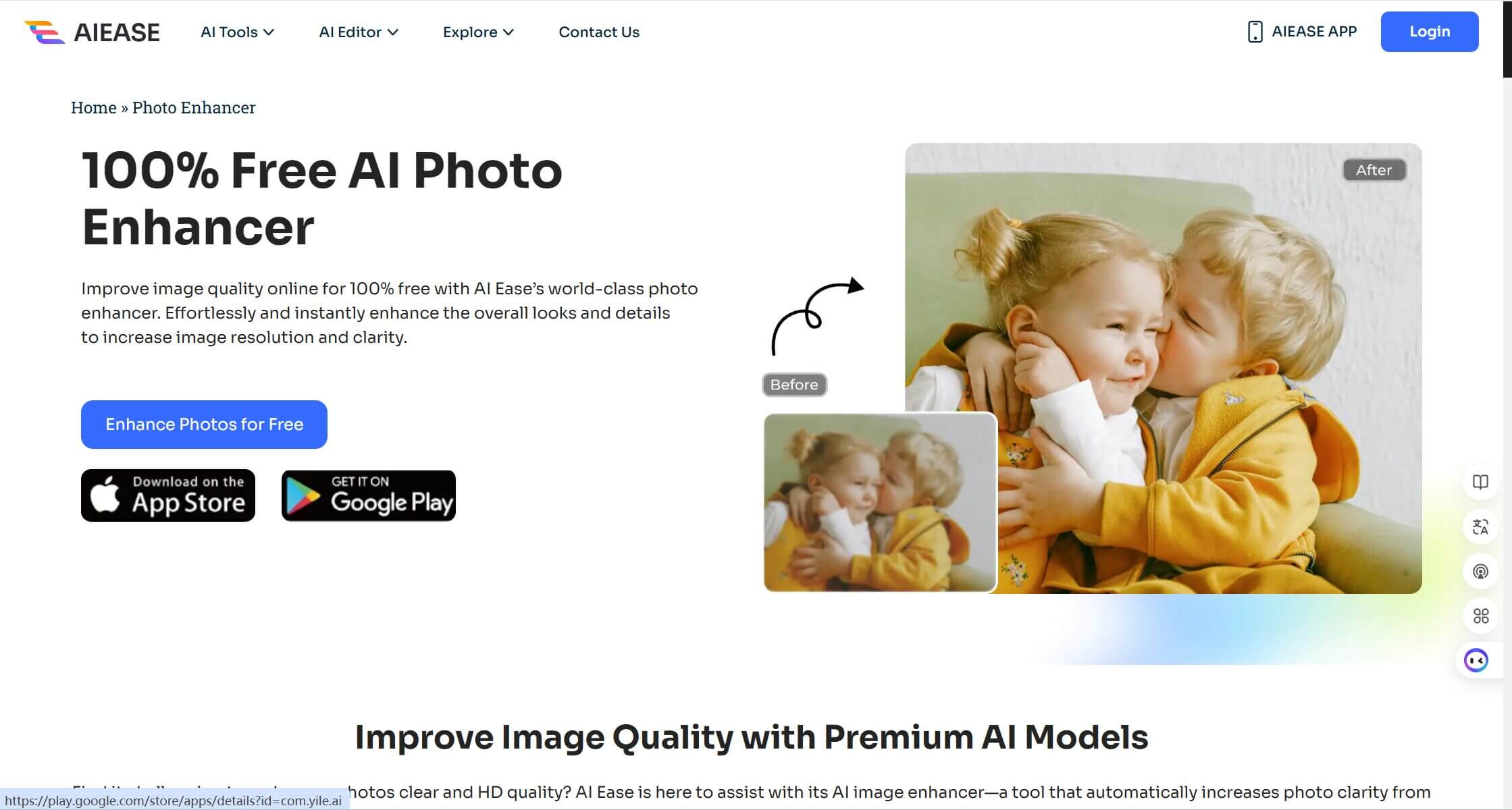
Target Audience: Individuals looking for a lightweight, straightforward image enhancer without complex features. Ideal for casual users who need quick fixes for personal or small-scale professional projects.
Format Compatibility: JPG, JPEG, PNG, WEBP
Technical Specifications:
- Enhances images up to 4K resolution.
- Processes images with dimensions up to 10000×10000 pixels.
- Supports upscaling by up to 4X quality.
Pricing: Free to use, with no premium plans mentioned.
Features:
- AI-Powered Resolution Enhancement: Automatically improves image clarity and sharpness.
- Smart Detail Enhancement: Emphasizes edges and textures for better definition.
- Professional Color Optimization: Adjusts brightness, contrast, and saturation for a polished appearance.
- Bulk Processing: Allows multiple images to be enhanced simultaneously.
Supported Platforms: Web-based and mobile apps for iOS and Android.
User Feedback: There are limited user reviews, but many commend the tool for its simplicity and effectiveness in handling small-scale tasks.
Example: Used to improve the quality of scanned lecture notes, making the text clearer and easier to read for digital archiving.
#4. Pica AI Photo Enhancer
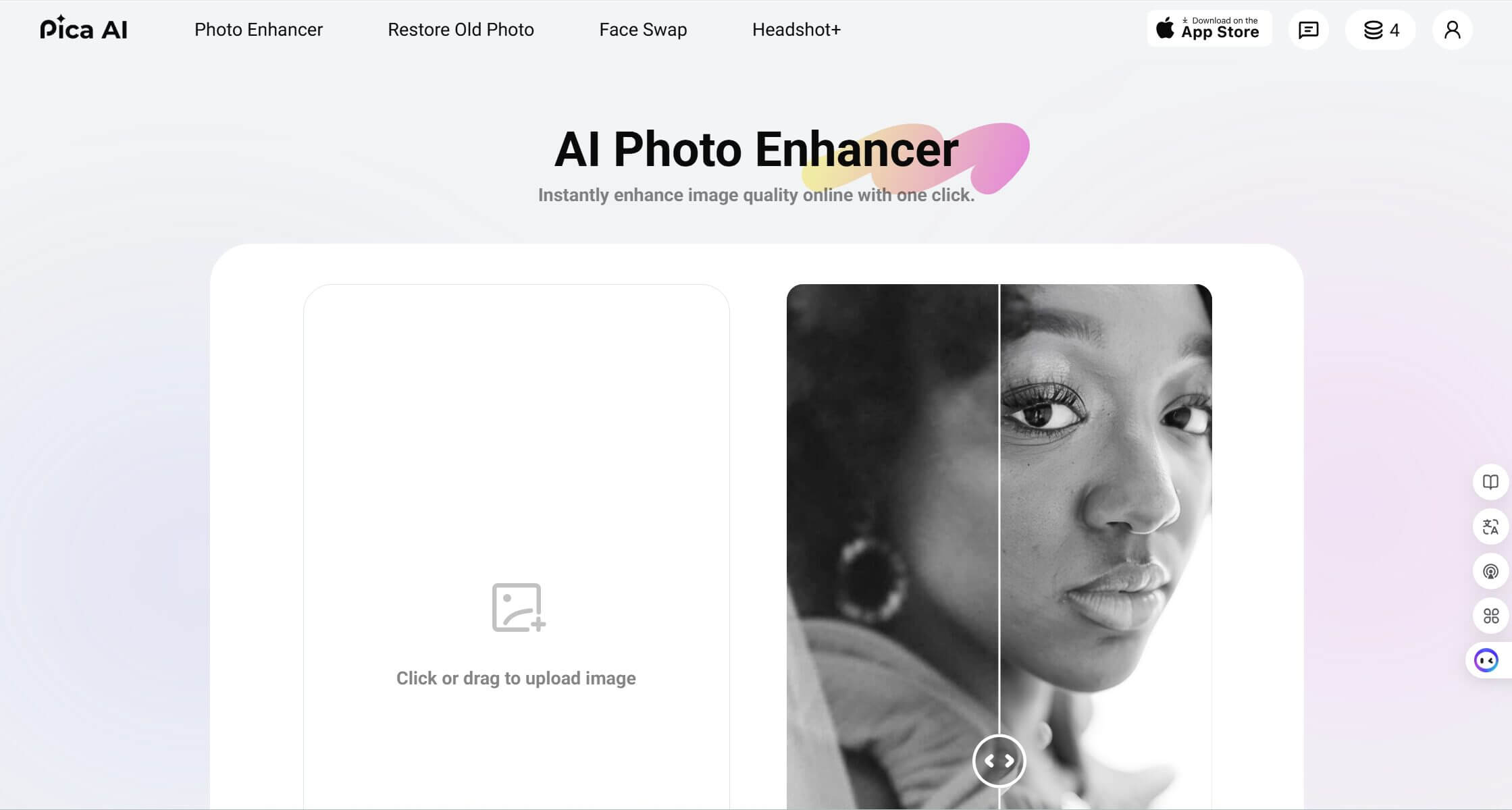
Target Audience: Individuals and professionals seeking a free, no-frills photo enhancement tool for quick and easy fixes.
Format Compatibility: Not specified, but commonly supports standard formats like JPG and PNG.
Technical Specifications: Optimized for enhancing low-resolution images and improving overall quality.
Pricing: Free to use, with no premium tier or additional costs.
Features:
- AI-Powered Resolution Enhancement: Focuses on improving image clarity and reducing noise.
- Smart Detail Enhancement: Highlights intricate details and textures for a more refined look.
- Professional Color Optimization: Automatically balances colors to achieve a vibrant and natural finish.
Supported Platforms: Web-based and mobile apps for iOS and Android.
User Feedback: Positive feedback from users who appreciate its simplicity and effectiveness for basic image enhancement tasks.
Example: Used to enhance low-resolution product images for an article, significantly improving the visual appeal without needing advanced editing tools.
#5. Pixelcut AI Image Upscaler
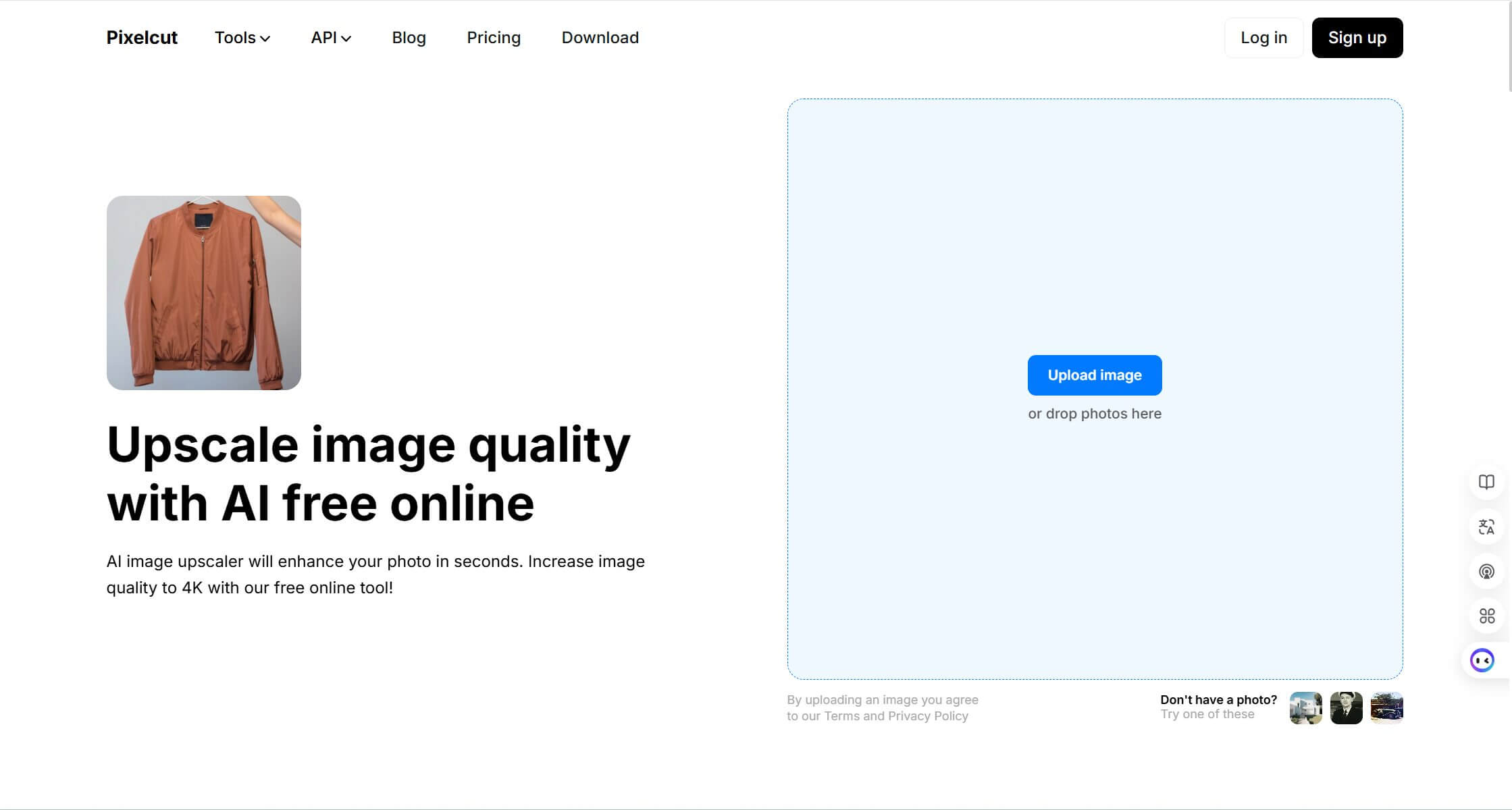
Target Audience: E-commerce sellers and marketers needing high-quality visuals.
Format Compatibility: JPG, PNG.
Features:
- High-resolution upscaling up to 8K.
- Bulk processing for premium users.
Supported Platforms: Web, iOS, Android.
Example: Useful for product image optimization in online stores.
#6. CUTOUT.PRO
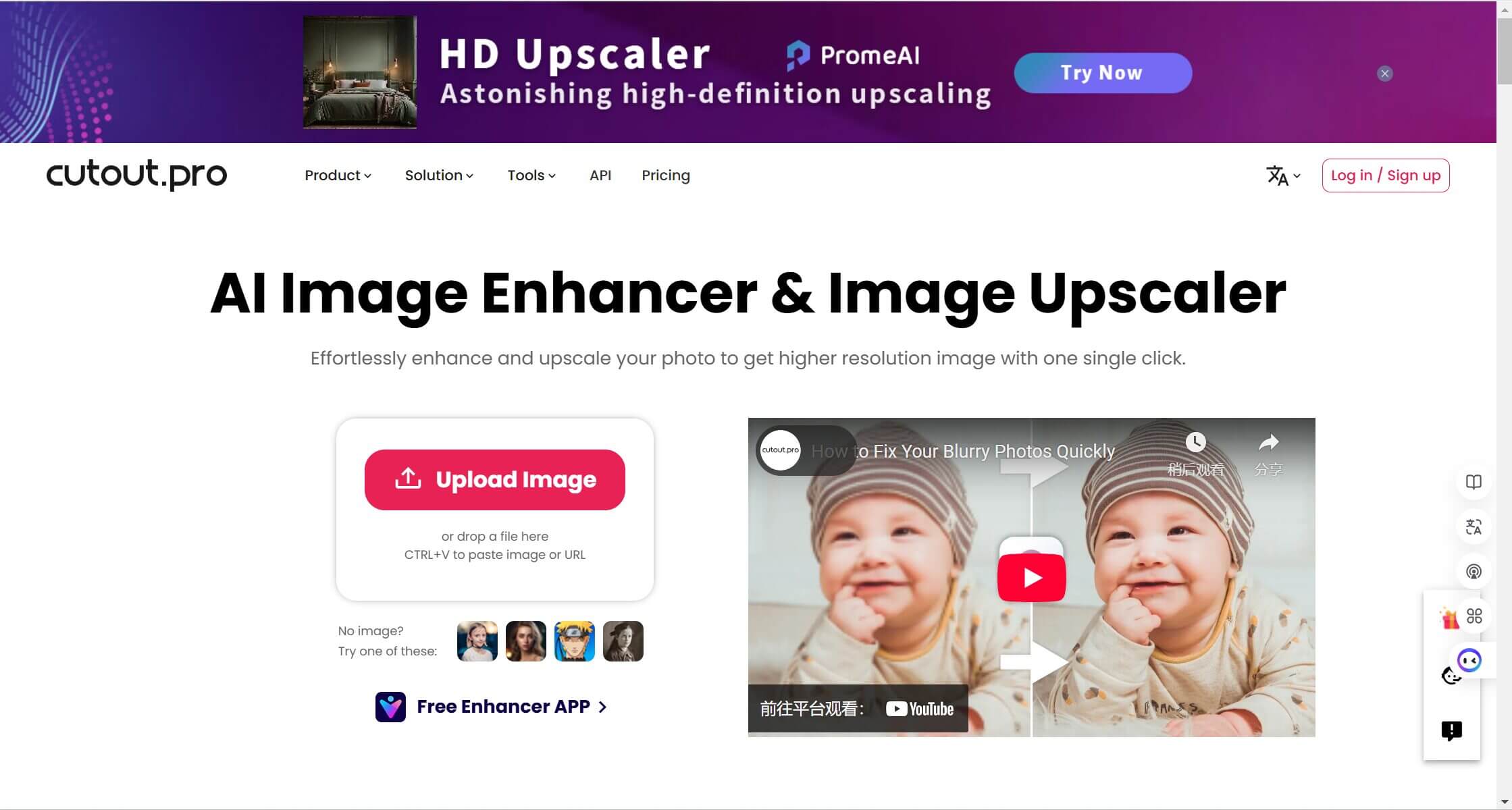
Target Audience: Professionals and individuals seeking advanced AI tools for image enhancement and upscaling.
Format Compatibility: JPG, PNG, WEBP.
Features:
- AI-powered upscaling up to 4x.
- Noise reduction and detail restoration.
- Batch processing for efficiency.
Supported Platforms: Web-based, iOS, Android.
Example: Ideal for restoring old or low-quality photos for personal or professional use.
#7. Picsart AI Image Enhancer
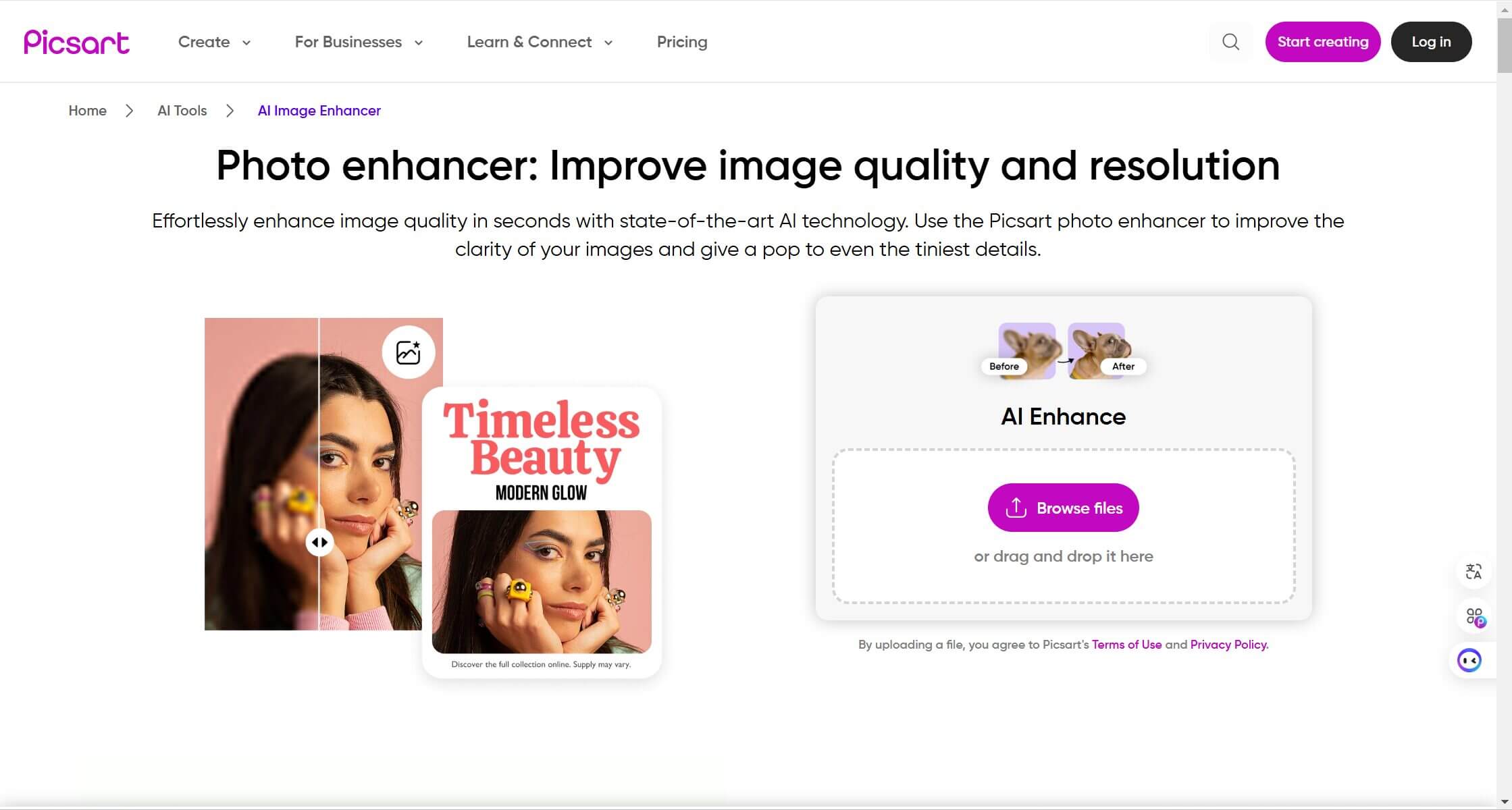
Target Audience: Content creators, marketers, and casual users looking for an all-in-one creative platform with image enhancement capabilities.
Format Compatibility: JPG, PNG.
Features:
- AI-powered resolution enhancement.
- Integrated editing tools for customization.
- Bulk processing is available for premium users.
Supported Platforms: Web, iOS, Android.
Example: Great for enhancing and editing social media or marketing campaign images.
#8. insMind: AI Image Enhancer
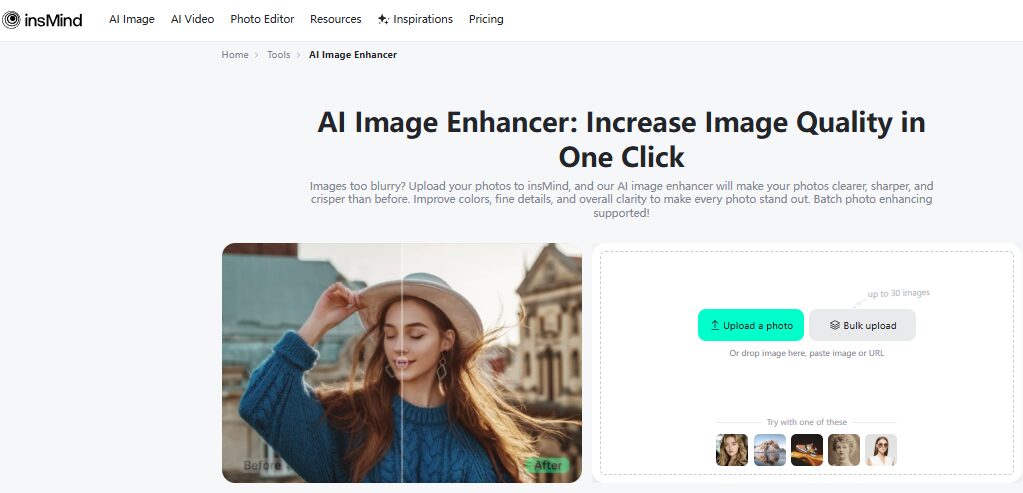
Target Audience: Individuals and professionals seeking a versatile, easy-to-use AI image enhancer. insMind is especially useful for enhancing screenshots for articles, social media posts, presentations, and personal projects.
Implementation:
- Upload the Image: Drag-and-drop or file selection for uploading images.
- Choose the Desired Upscale Quality: Select from 2x, 4x, or 8x upscale quality.
- AI Processing: The AI processes the image, with processing time depending on image size and the selected upscale quality.
- Download the Enhanced Image: Download the enhanced image in your desired format (JPG, JPEG, PNG, WEBP).
Format Compatibility: Supports JPG, JPEG, PNG, and WEBP formats.
Technical Specifications:
- Enhances images up to 8K resolution.
- Processes images up to 10 MB in size.
Pricing:
- Free Tier: Offers basic features for casual users with ample usage.
- Premium Tier: Unlocks higher resolutions, bulk processing, and watermark removal for more advanced usage.
Features:
- AI-Powered Resolution Enhancement: Upscales images while preserving intricate details and minimizing artifacts.
- Smart Detail Enhancement: Sharpens edges and enhances textures for a more refined, polished look.
- Professional Color Optimization: Adjusts brightness, contrast, and hues to deliver vibrant, balanced colors for better photo quality.
- Bulk Processing: Available in the premium tier, allowing you to enhance multiple images simultaneously.
- Two Separate Modes:
- General Mode: Suitable for all kinds of images, including scenery, text, and graphics. It offers fast, versatile enhancement for everyday use.
- Portrait Mode: Specifically designed for faces, delivering advanced enhancement to make blurry portraits clearer and reduce noise in low-light photos. Ideal for selfies, old or scanned photos, and cropped images. Though it may take more time to process, it provides excellent results for personal photos.
Typical Scenarios for Portrait Mode:
- Night-time or indoor selfies with grainy quality
- Old or scanned photos that need restoring
- Slightly blurry shots from camera shake or motion
- Cropped images that lose detail
Supported Platforms: Available as a web-based tool, as well as on iOS and Android apps for enhanced accessibility.
User Feedback: Generally positive, with high ratings from users who appreciate its ease of use and effective results. Testimonials often highlight the tool’s ability to deliver high-quality image enhancements effortlessly.
Example: A blurry image of a woman was enhanced using insMind. After processing, the image became clear and sharp, with better-defined facial features and smooth skin, perfect for use in professional portfolios or social media.
#9. Envato’s ImageEdit
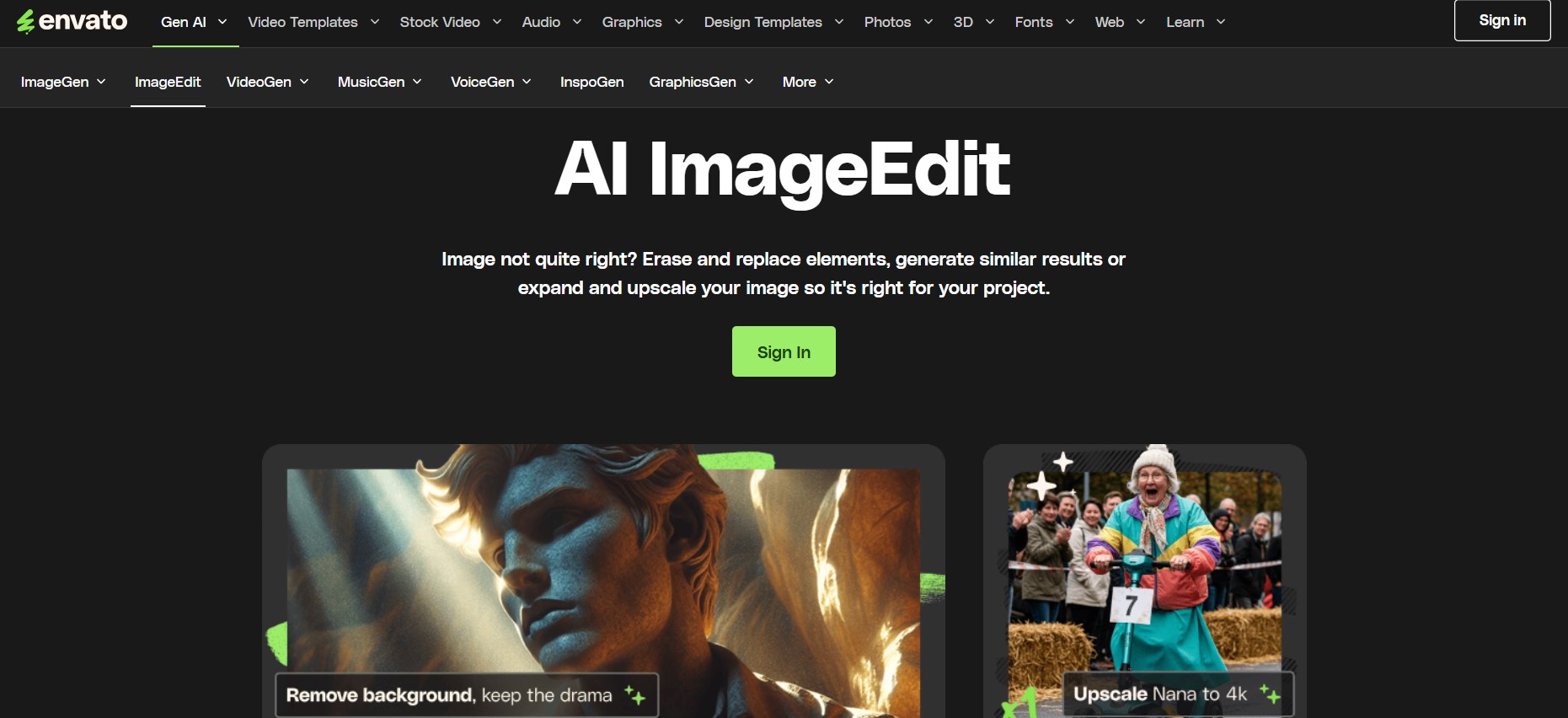
Target Audience: Creative professionals, marketers, and content creators who need quick, professional-grade edits without leaving their creative workflow. Perfect for designers working with stock assets who want seamless editing capabilities integrated into their asset library.
Format Compatibility: JFormat Compatibility: JPEG and PNG formats from the Envato library
Technical Specifications:
- Upscales images for better print quality or larger displays
- Processes images from Envato’s 50M+ asset library, ImageGen creations, or personal uploads
- Supports generative fill for expanded canvases
- Commercial-ready output for all edited images
Pricing: Included with Envato subscription ($16.50/month), with limited free access for new users
Features:
- AI Background Remover: Instantly remove backgrounds from photos with one-click precision
- Smart Object Eraser: Remove unwanted elements seamlessly while AI fills the gaps naturally
- Image Quality Enhancer: Upscale resolution for crisp, professional results
- Generative Expand: Change dimensions and let AI intelligently fill new canvas areas
- Replace Tool: Swap specific areas with AI-generated content matching your vision
- Generate Similar: Create variations maintaining the original image’s style
- One-Click Animation: Transform static images into videos instantly
- Supported Platforms: Web-based, integrated directly into the Envato platform.
User Feedback: Praised for eliminating tab-switching and streamlining creative workflows. Users appreciate having professional AI photo editing tools built right into their asset library.
Example: A social media manager finds the perfect stock photo but needs to remove the background and expand the canvas for an Instagram story. With ImageEdit’s background remover and expand features, they complete both edits in seconds.
How to Select the Best AI Image Enhancer?
When selecting the best AI image enhancer for your needs, consider the following factors:
- Resolution Requirements: Do you need 4K, 8K, or even higher resolutions?
- File Size: Are your images large? Check for tools that handle big file sizes.
- Budget: Choose between free or premium tools based on your requirements.
- Features: Need bulk processing or advanced customization? Some tools offer these features.
- Platform: Do you prefer a web-based tool or a mobile app?
The Future of AI Image Enhancement
AI image enhancers are continuously improving. In the future, we can expect:
- Enhanced Noise Reduction: AI will improve at removing noise and artifacts, leading to cleaner visuals.
- Improved Object Recognition: Expect AI to target specific objects in images for precise enhancements.
- Real-Time Enhancement: AI will soon offer real-time image enhancement, integrated directly into cameras and devices.
Frequently Asked Questions (FAQs)
Q1. Are AI image enhancers free to use?
Answer: Many AI image enhancers offer free versions, but premium plans unlock advanced features and higher resolution outputs.
Q2. Can AI image enhancers replace professional image editing software?
Answer: While powerful, AI image enhancers are not a complete substitute for professional editing software. They are best used as a first step, followed by manual adjustments.
Q3. What are the drawbacks of AI image enhancement?
Answer: AI enhancers might introduce artifacts, especially when upscaling images significantly. It is always best to review the enhanced image carefully and make necessary adjustments.
Recommended Articles
We hope this guide on the best AI image enhancers helps you improve your photos effortlessly. Check out these recommended articles for more insights on AI-powered editing tools and image enhancement techniques.


