


Updated August 11, 2026
Video has become essential for product education, digital marketing, training, and customer communication. Yet conventional production is difficult to scale. Even a short campaign may require a scriptwriter, designer, camera operator, editor, voice artist, and several rounds of approval. An effective AI video workflow helps simplify repetitive production tasks while maintaining creative control. The most effective way to adopt AI video is not to treat it as a button that instantly creates a finished advertisement.
It works better as one stage in a structured production system. People still need to define the message, organize reference materials, generate controlled variations, review accuracy, and prepare the final edit for each distribution channel. This guide presents a practical workflow that marketing, education, and creative teams can use. It also examines three realistic scenarios: an e-commerce product launch, an authorized entertainment campaign, and cinematic pre-visualization. These examples are illustrative workflows rather than claims about completed customer projects.
Why AI Video Workflow Design Matters More Than Novelty?
Early experiments with generative video often begin with an open-ended prompt. The result may look impressive, but it is not always useful for a real campaign. A product can change shape between shots, a character may look inconsistent, and the visual style may not match the brand. These problems become more expensive when teams generate dozens of unrelated clips without a plan. A production workflow creates useful boundaries. It defines the audience, objective, visual references, required scenes, review criteria, and output format before generation begins.
These constraints make experimentation more productive. They also provide marketing, legal, and design teams with a shared standard for determining whether a clip is suitable for publication. AI generation should therefore be measured by the percentage of usable footage it produces, not simply by the number of clips generated. A smaller collection of consistent, editable shots is more valuable than a large collection of visually attractive but disconnected experiments.
6 Essential Steps in an AI Video Workflow
An effective AI video workflow follows a structured process that helps teams plan, generate, review, and refine videos efficiently. Below are the six key stages of an AI video workflow.
Stage 1: Begin With a Clear Communication Brief
Every project should start with a short brief. It does not need to be complicated, but it should answer five questions:
- Who is the intended viewer?
- What should the viewer understand or do after watching?
- Which product facts, learning points, or brand elements must remain accurate?
- What visual style supports the message?
- Where will the finished video be published?
A vertical social video, a product-page demonstration, and an internal training module have different requirements. Defining the channel early determines the aspect ratio, duration, pace, subtitle style, and level of detail. It also prevents a team from polishing footage that cannot be used in the intended placement. The brief should identify non-negotiable details. For a physical product, these may include its dimensions, materials, colors, logo placement, and approved claims. For a character-led project, the list may include clothing, facial features, personality, and permitted actions. Clear boundaries help reviewers distinguish creative variation from factual error.
Stage 2: Convert the Brief Into a Scene Plan
Instead of asking an AI system to generate a complete campaign in a single attempt, break the concept into short scenes. A useful scene plan records the purpose of each shot, the subject, action, environment, camera direction, approximate duration, and transition to the next scene. When selecting a generation tool, teams should test it against the scene plan they have already defined instead of comparing unrelated demonstration clips.
For example, they can use the same brief and scoring criteria to evaluate a reference-led platform such as the Seedance 2.5 AI video generator. Its product page describes longer scene planning, high-resolution output, and mixed image, video, and audio references. Placing each candidate tool within the same real workflow makes it easier to determine which option yields more usable material for the organization’s content needs.
For example, a product sequence might include:
- An establishing shot that shows the product in its intended environment.
- A close-up that communicates one important feature.
- A demonstration showing the product in use.
- A final composition with space for a headline or call to action.
Longer clips need internal rhythm. The opening should establish the subject and setting, the middle should develop the action or reveal, and the ending should resolve the movement cleanly. Planning these beats before generation makes the result easier to edit and reduces the likelihood of an abrupt ending.
Stage 3: Build a Controlled Reference Stack
Reference materials are especially important when visual consistency matters. Product photographs, color palettes, character sheets, location references, and sample compositions give the model clearer direction than descriptive text alone. Motion references can communicate camera speed or body movement, while audio references can help establish pace and atmosphere when the selected workflow supports them. Teams should organize these materials by purpose instead of uploading everything available.
One folder might contain approved product views, another the visual style, and a third camera or movement examples. Every file should have a clear reason for being included. This is also where rights management begins. The team should document who owns each image, video, voice, logo, character, and music track. Material found online should not be treated as automatically available for commercial use. A clean reference library makes both generation and legal review more reliable.
Stage 4: Generate Variations With a Specific Purpose
Variation is one of the main advantages of AI-assisted production. However, more output does not automatically produce better results. Each version should test a defined creative question. One version might compare a static camera with a slow tracking movement. Another might test bright commercial lighting against a softer editorial style.
A third might explore whether the message works better with a person, a product-only composition, or animated graphics. Keep a generation log during the pilot. Record the prompt, reference files, settings, processing time, number of attempts, and reason each result was accepted or rejected. Over time, this becomes a reusable production asset, helping the team estimate costs more accurately.
Stage 5: Apply Human Review Before Editing
Generated footage should pass a quality review before it enters the editing timeline. Reviewers need to look beyond visual appeal and check factual accuracy, brand consistency, continuity, accessibility, and potential rights issues. Product labels, interface text, logos, hands, faces, and small background details deserve particular attention because minor errors can reduce trust. A simple scoring sheet can make review faster.
Rate every clip from one to five in the following areas:
- Relevance: Does the clip communicate the intended point?
- Accuracy: Are products, actions, text, and claims correct?
- Consistency: Do subjects and visual details remain stable?
- Editability: Can the shot connect naturally to the surrounding footage?
- Brand fit: Does the style support the organization’s identity?
- Rights readiness: Are all important source materials authorized?
A beautiful clip that cannot connect to the preceding scene may receive a low editability score. A less dramatic clip with clean motion and negative space for captions may be more valuable in the final production.
Stage 6: Edit for the Channel, Not Just the Master Video
AI-generated clips usually become raw material for a broader edit. The editor still controls rhythm, sound, captions, transitions, verified product footage, brand elements, and the final call to action. Creating a single master video and automatically cropping it for each platform often results in weak compositions. Important subjects may fall outside a vertical frame, while interface elements may cover captions.
A better approach is to create a modular edit. Keep the opening hook, proof points, demonstration, and conclusion as separate blocks. These modules can then be rearranged for a short advertisement, a social post, a product-page video, or a longer tutorial. Modular production also makes localization easier because voiceovers, captions, and region-specific scenes can be replaced without rebuilding the entire project.
Real-World AI Video Workflow Examples
Explore these real-world scenarios to see how organized planning and production can improve video creation across various use cases.
Illustrative Scenario 1: An E-Commerce Product Launch
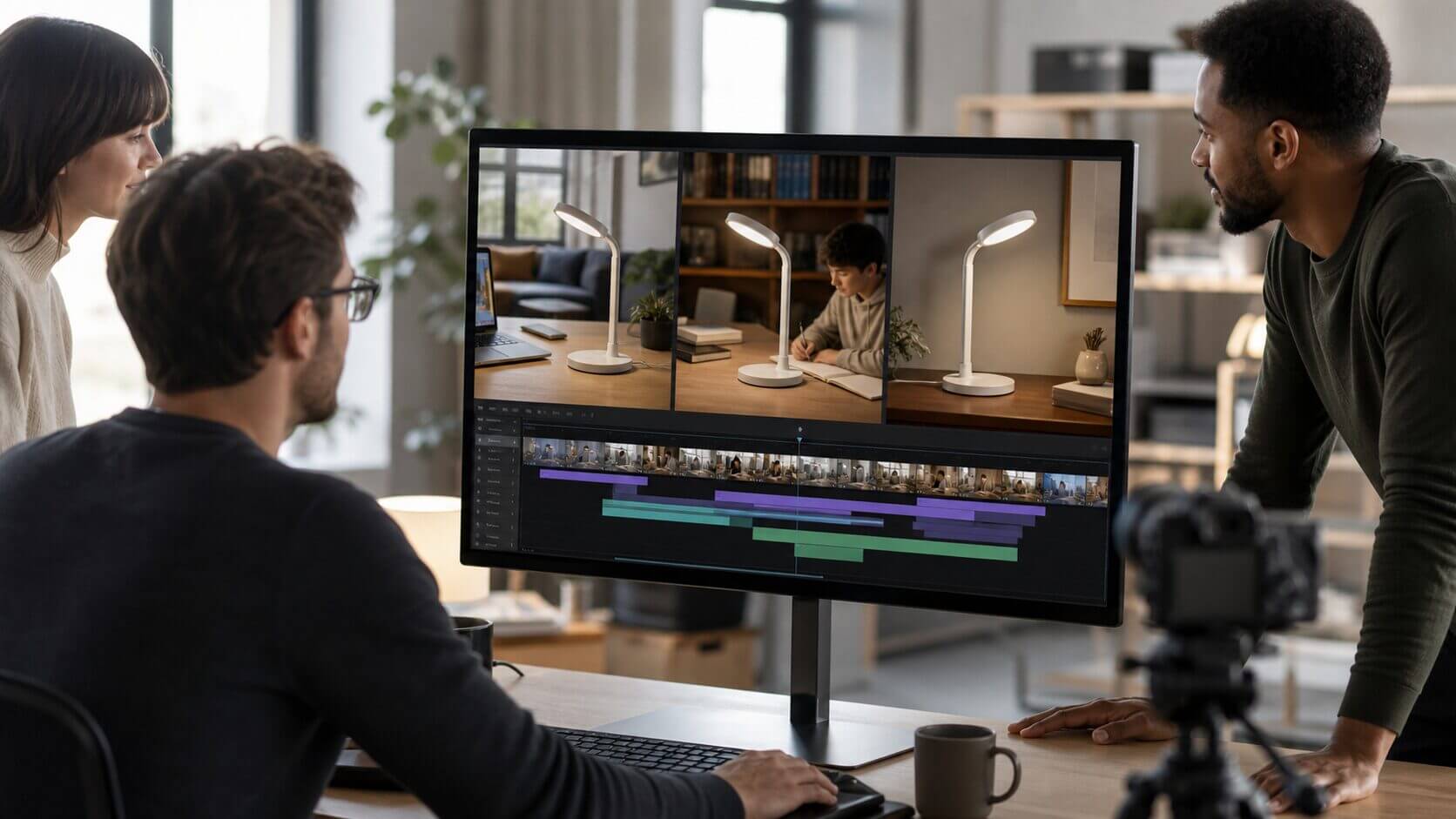
Consider a small e-commerce company preparing to launch a new desk lamp. Traditional production might require shipping samples to a studio, building several room settings, and filming multiple aspect ratios. An AI-assisted workflow could begin with approved product photographs and a scene plan showing a home office, a reading corner, and a nighttime desk setup. The team could generate background and lifestyle concepts while preserving real photography for details that must remain exact.
Editors could combine generated atmosphere shots with verified product close-ups, captions, and customer-focused benefits. Instead of producing a single generic advertisement, the company could create separate versions for students, remote workers, and interior design audiences. The review team would reject any shot that changes the lamp’s shape, controls, materials, or light behavior. The final campaign would therefore use AI to set and vary creative, without allowing it to become the source of truth for the product itself.
Illustrative Scenario 2: An Authorized Entertainment Campaign
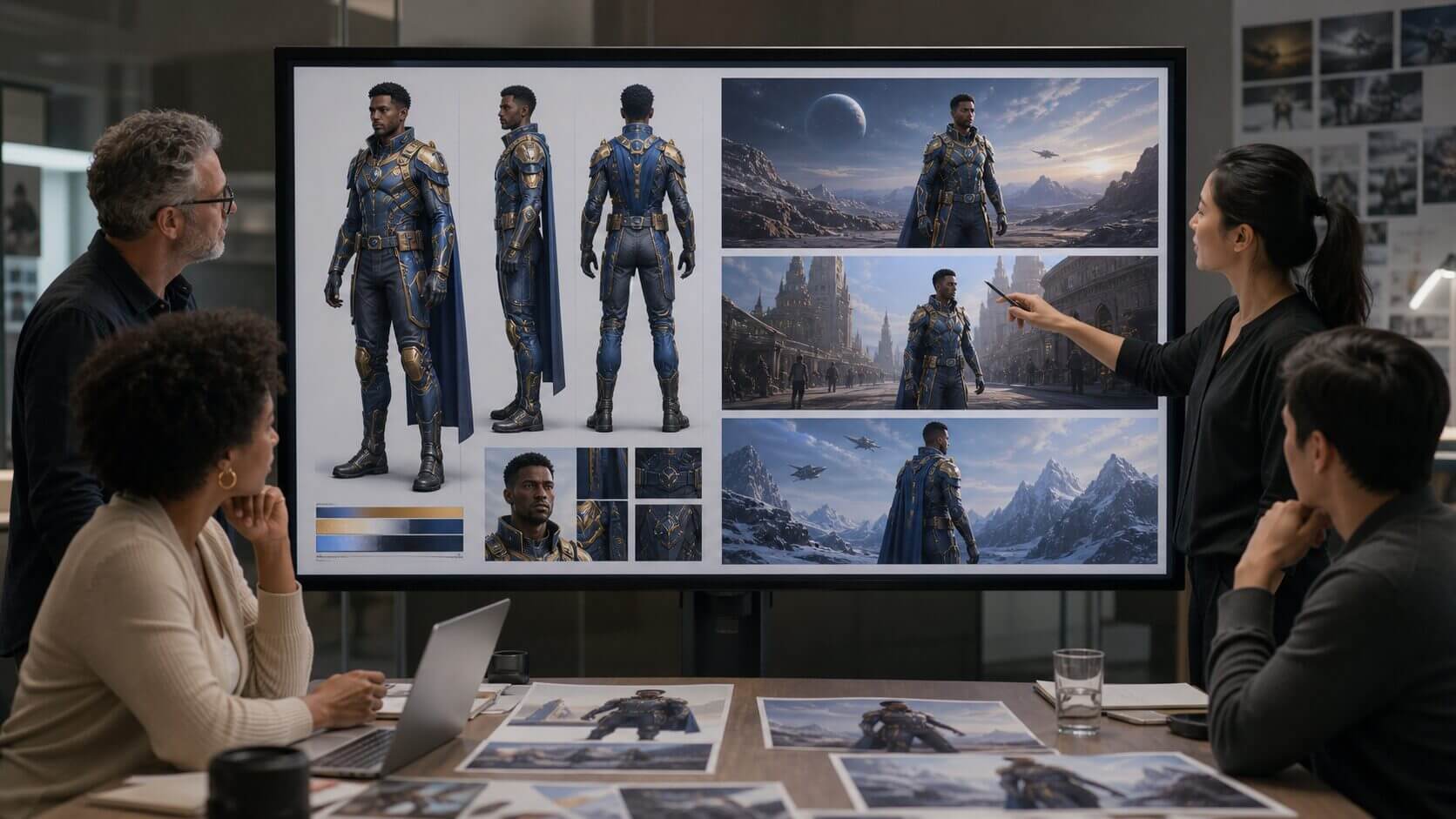
Imagine a studio or license holder creating a short promotional concept for an established fictional character. The team would begin with an authorization checklist that defines the approved character design, logos, locations, music, and types of use. Character sheets and licensed artwork would form the controlled reference stack. Creative teams could then test different environments, camera movements, and narrative beats before committing to expensive production.
Human reviewers would check the character’s appearance and behavior in every shot. Legal and brand teams would verify that the result stays within the approved campaign scope. This workflow only applies when the organization owns the material or has explicit permission to use it. Fan-style aesthetics do not remove copyright, trademark, publicity, or licensing obligations. Unauthorized characters, celebrity likenesses, and third-party brand assets should not be included simply because a generation tool can technically process them.
Illustrative Scenario 3: Cinematic Pre-Visualization and Camera Blocking
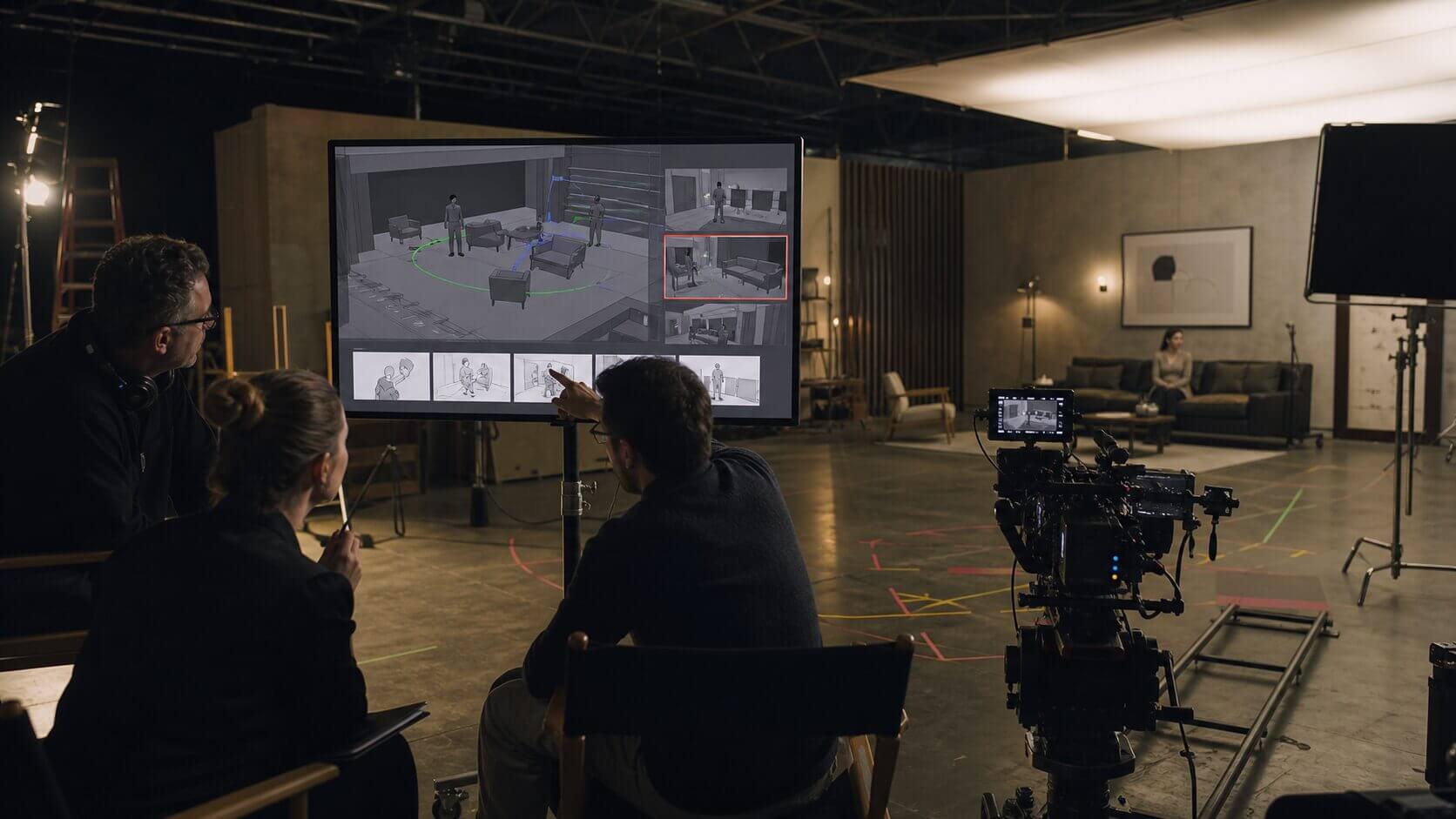
A creative agency may need to present a commercial concept before a full production budget is approved. Storyboards can explain individual frames, but they do not always convey timing, camera movement, or the relationships among subjects in a physical space. The agency could create a reference-led pre-visualization showing a rough location, planned character positions, camera path, and major story beats. This would help the director, cinematographer, production designer, and client discuss the same moving concept.
The team could compare a slow-tracking shot with a handheld approach, or test whether the reveal works better at the beginning or the end of the scene. The generated material would be labeled as pre-visualization rather than final footage. Its purpose would be to support planning, identify production problems, and improve communication. Accurate measurements, safety decisions, and final camera blocking would still be completed by the production team on location.
How to Evaluate an AI Video Platform?
Organizations should test platforms against practical criteria rather than relying on a showcase clip. Important evaluation areas include:
- Prompt adherence: Does the result follow the requested subject, action, and composition?
- Temporal consistency: Do products, people, and environments remain stable?
- Reference control: Can the team guide style, identity, materials, motion, and framing?
- Workflow speed: How long does it take to move from concept to an editable clip?
- Output usability: Are the resolution, duration, format, and commercial terms suitable?
- Collaboration: Can the team organize versions and preserve approval history?
- Cost predictability: Can the organization estimate the cost of producing enough usable footage?
A focused pilot with one real campaign is usually more valuable than a broad but shallow review. Track generation time, attempts, usable-clip rate, editing time, and final performance. These measurements reveal whether the technology improves the entire workflow rather than merely speeding up generation.
Responsible Production Practices
AI video introduces practical and ethical responsibilities. Teams should use only authorized source materials, avoid misleading representations, and review the platform’s commercial terms. Synthetic people and voices require particular care. Consent, disclosure, and local advertising rules may apply depending on the context.
Accuracy is equally important. Generated video can present an incorrect product feature or unrealistic process with convincing detail. Human reviewers must verify important claims and preserve a clear distinction between illustrative scenes and factual demonstrations. Organizations should also maintain a correction process so inaccurate material can be updated or removed quickly.
A Practical Implementation Checklist
- Select one repeatable, low-risk content type for the first pilot.
- Create a brief, storyboard, and approval checklist before generation.
- Use approved reference assets and document their usage rights.
- Generate purposeful variations rather than an unlimited number of random options.
- Score clips for accuracy, consistency, relevance, and editability.
- Combine generated footage with verified product or interface material.
- Add captions and review the composition for every target platform.
- Record prompts, versions, approvals, and final publishing locations.
- Measure production efficiency and audience results.
- Update the workflow based on evidence from the pilot.
Final Thoughts
A well-designed AI video workflow transforms AI from a simple content-generation tool into a practical production system. Its greatest value does not come from replacing every traditional production role. It comes from helping teams explore concepts, create modular assets, plan scenes, and respond more quickly to content demand. The organizations that gain the most will combine generation with clear briefs, controlled reference materials, human review, responsible rights management, and channel-specific editing. A disciplined workflow turns AI video from an interesting experiment into a practical production capability for marketing, education, product communication, and creative planning.
Recommended Articles
We hope this guide to AI video workflow helps you create high-quality videos more efficiently. Check out these recommended articles for more insights into AI-powered video production and content creation.


