


Updated October 10, 2025
How to Use Sora 2 for Free?
Imagine bringing your creative ideas to life through stunning, professional-quality videos with just a few words. Sora 2 AI video generator offers exactly that: an advanced AI tool that converts simple text prompts into high-definition videos featuring lifelike visuals, synchronized audio, and consistent character animation. Whether you are a content creator, marketer, or educator, this AI video generator empowers you to easily create captivating cinematic experiences.
What is Sora 2 AI Video Generator?
Sora 2 is a cutting-edge AI video generator model designed to effortlessly turn your text prompts into high-definition, cinematic videos complete with synchronized sound and photorealistic imagery. With this AI tool, you can create marketing videos, short films, educational content, or social media visuals without any technical expertise.
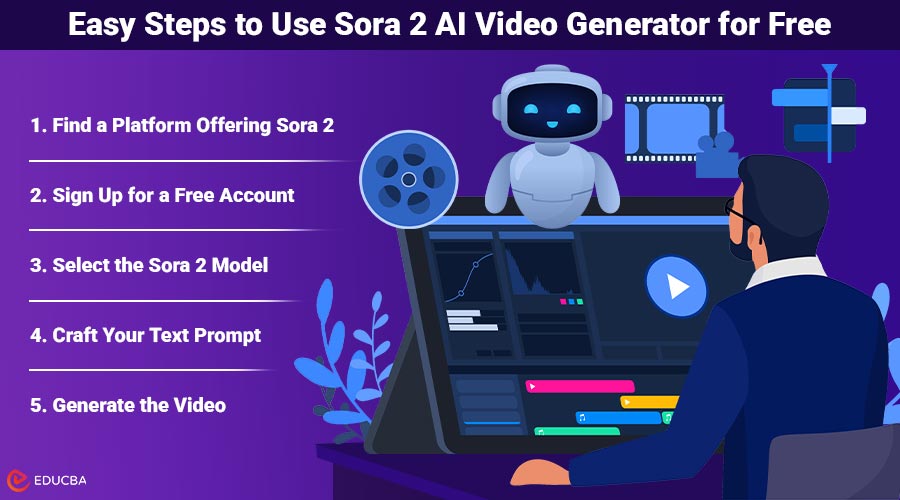
Easy Steps to Use Sora 2 AI Video Generator for Free
If you are new to AI video creation, follow this simple guide to start using Sora 2 AI video generator for free:
1. Find a Platform Offering Sora 2
The easiest way to start using Sora 2 is via platforms that integrate this model into their AI video generator tools. Popular services like ImagineArt and OpenAI provide free or trial access to Sora 2. For developers with advanced requirements, dedicated AI platforms also offer API access.
2. Sign Up for a Free Account
Most platforms only require a quick, free registration to get started. Many offer welcome credits that let you generate videos at no initial cost. For example, ImagineArt grants new users free credits that apply to both images and videos.
3. Select the Sora 2 Model
Once logged in, choose Sora 2 from the list of available AI models to ensure you are working with the latest generation of this powerful text-to-video AI tool.
4. Craft Your Text Prompt
Describe in detail what your video should portray. Specify subjects, environments, actions, styles, and audio elements such as dialogue or ambient sounds. For example: “A vibrant cityscape at sunset, with bustling streets, neon signs glowing, light rain falling, and upbeat jazz music playing.”
5. Generate the Video
Click the generate button and Sora 2 will process your prompt, producing a 1080p video with native sound and smooth, realistic visuals. This usually takes only a few seconds.
6. Review and Refine
Watch your video and decide if you want to adjust your prompt for a different mood or additional detail. Sora 2 supports quick iterations to help you perfect your creation.
Where to Use Sora 2 AI Video Generator?
- OpenAI Video Generator: Known for a user-friendly interface and free tier access with initial credits, ideal for beginners exploring AI video tools.
- ImagineArt: Offers a straightforward signup process and free credits to try Sora 2, perfect for marketers and creative professionals testing ideas.
- Developer Platforms: For developers requiring API access and deep customization, specialized AI platforms offer integration with Sora 2.
Tips for Best Results
- Be as descriptive as possible in your prompts to help the AI accurately visualize your concept.
- Clearly specify audio details if you want sound effects or spoken dialogue.
- Use prompt modifiers for style and camera angles like “close-up,” “film noir style,” or “slow-motion.”
- Experiment with different settings and multi-prompt options to create complex scenes with multiple shots.
Final Thoughts
Sora 2 AI video generator is a powerful tool that makes creating high-quality, cinematic videos easier than ever. For content creators, educators, marketers, or filmmakers, it transforms simple text prompts into realistic videos with synced audio and striking visuals. By following the step-by-step guide, leveraging free platforms like ImagineArt, and experimenting with detailed prompts, you can produce professional-looking videos without any prior experience.
Recommended Articles
We hope this guide to using Sora 2 AI video generator helps you create stunning AI videos with ease. Check out these recommended articles for more tips and strategies to maximize your AI video creation experience.


