


Updated October 19, 2026
A product campaign rarely needs just one attractive image. It needs a square social post, a vertical story, a wide website banner, and perhaps a seasonal variation. AI photo editing can help explore those formats, but a familiar problem appears when every new scene subtly changes the product. A cup becomes taller, a lid changes color, or a packaging label gains an extra word. For teams working from an existing product photo, Krea3 offers a reference-led image-creation and editing workspace. Its website describes a workflow built around uploaded references, written instructions, and output settings. The challenge is maintaining AI product image consistency across multiple campaign assets while ensuring that every image represents the same product.
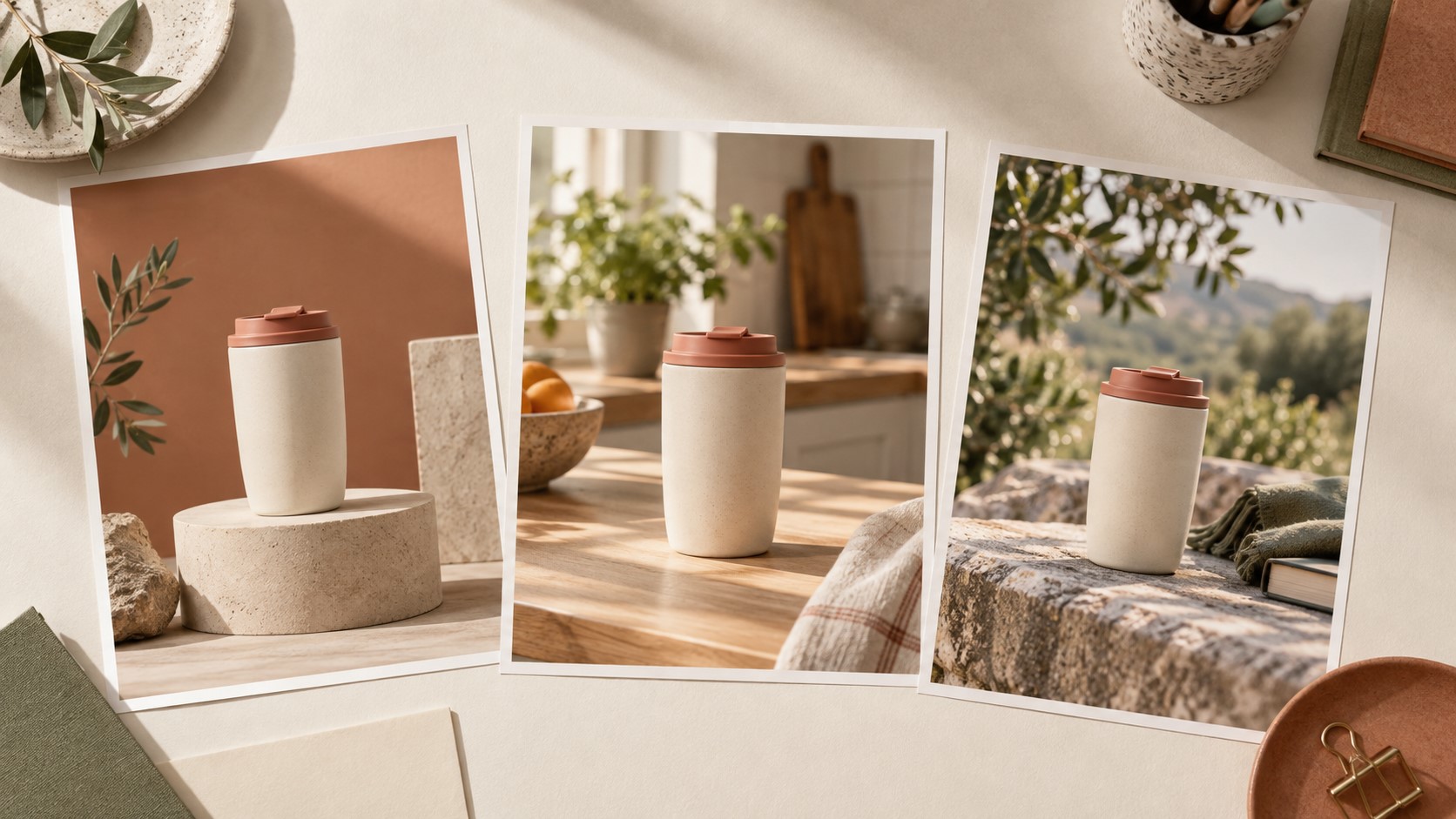
Concept illustration; not a screenshot or a measured Krea3 output.
The answer starts with a production brief. A consistent AI product campaign needs both a list of intended changes and a checklist of details that must survive them.
What AI Product Image Consistency Means in Practice?
Consistency has three separate parts. Product identity covers shape, construction, materials, color, and visible labeling. Campaign direction covers the surrounding palette, lighting, props, and atmosphere. Layout suitability covers the space available for copy and the way the subject fits each format.
These parts should not receive equal freedom. A background may change completely. The product should usually change very little. A new crop can move the product within the frame, but it should not invent a handle or conceal a defining feature.
Before generating, divide the brief into three short lists:
- Keep: the silhouette, lid design, material finish, packaging text, and approved product color.
- Change: the surrounding scene, supporting surface, or direction of light.
- Check: small lettering, contact shadows, proportions, and room for the final headline.
This is an editorial planning method, not a special setting inside the tool. Its purpose is to make approval less subjective. “Looks good” is too vague when the image must represent something a customer can actually buy.
How the Reference-Led Workflow Works in Practice?
The following steps turn a loose visual idea into a repeatable brief, generation pass, and review decision.
Step 1: Prepare the Product and Assign Reference Roles
Start with a sharp photograph that clearly shows the product. Choose an angle you can evaluate, rather than one that hides the lid, seams, or key features. Save an untouched copy as the reference you will use during review.
If you add another image, explain its role. A second photograph might supply the setting or color palette; it should not silently become another product reference. For example: “Use the cup in image one as the product. Use image two only for the pale stone surface and soft morning light.”
On Krea3, the published workflow supports text and image inputs. For an existing photograph, choose the image-editing route and inspect the available settings. Reference limits and options should be checked in the current interface before preparing a large batch.
Step 2: Request One Clear Change
Begin with the background or surface. Avoid asking for a new angle, new light, new material, and new composition in the same first attempt. A narrow request makes an unwanted change easier to trace.
A starting prompt could be:
Keep the cream travel mug, terracotta lid, proportions, material finish, and camera angle from the product reference. Replace only the surrounding scene with a pale stone tabletop against a muted sage wall. Keep the entire mug visible, with an uncluttered area above it. Use soft daylight from the left and a believable contact shadow.
This prompt is a brief to test, not a guarantee of preservation. Select an output ratio that matches the intended placement and check the displayed generation cost before running it. Keep the prompt and result together so that a useful direction can be repeated.
Step 3: Review Identity Before Atmosphere
Compare the result with the original at a size where details are visible. First inspect the product outline, then its small features, then the surrounding scene. An appealing background should not distract from a changed lid or distorted label.
Use three decisions: approve, revise, or reject. Approve when the product and layout satisfy the brief. Revise when a focused scene correction could resolve the problem. Reject when the image changes the product’s identity or would require more repair than the composition is worth.
For a label-heavy product, check every visible word. Where exact packaging artwork is essential, consider compositing the original product into a generated background instead of repeatedly regenerating the label.
Step 4: Build Variations From an Approved Direction
Once a scene works, create the next required format. Reuse the original product reference and the written campaign brief. If the interface allows an approved result as an additional reference, identify it as a guide to mood or layout rather than a replacement for the product source.
Review each variation independently. A portrait version needs its own composition; stretching or cropping the square image may remove the space needed for copy. Save approved files separately from experiments, and return to the original reference whenever successive edits begin to drift.
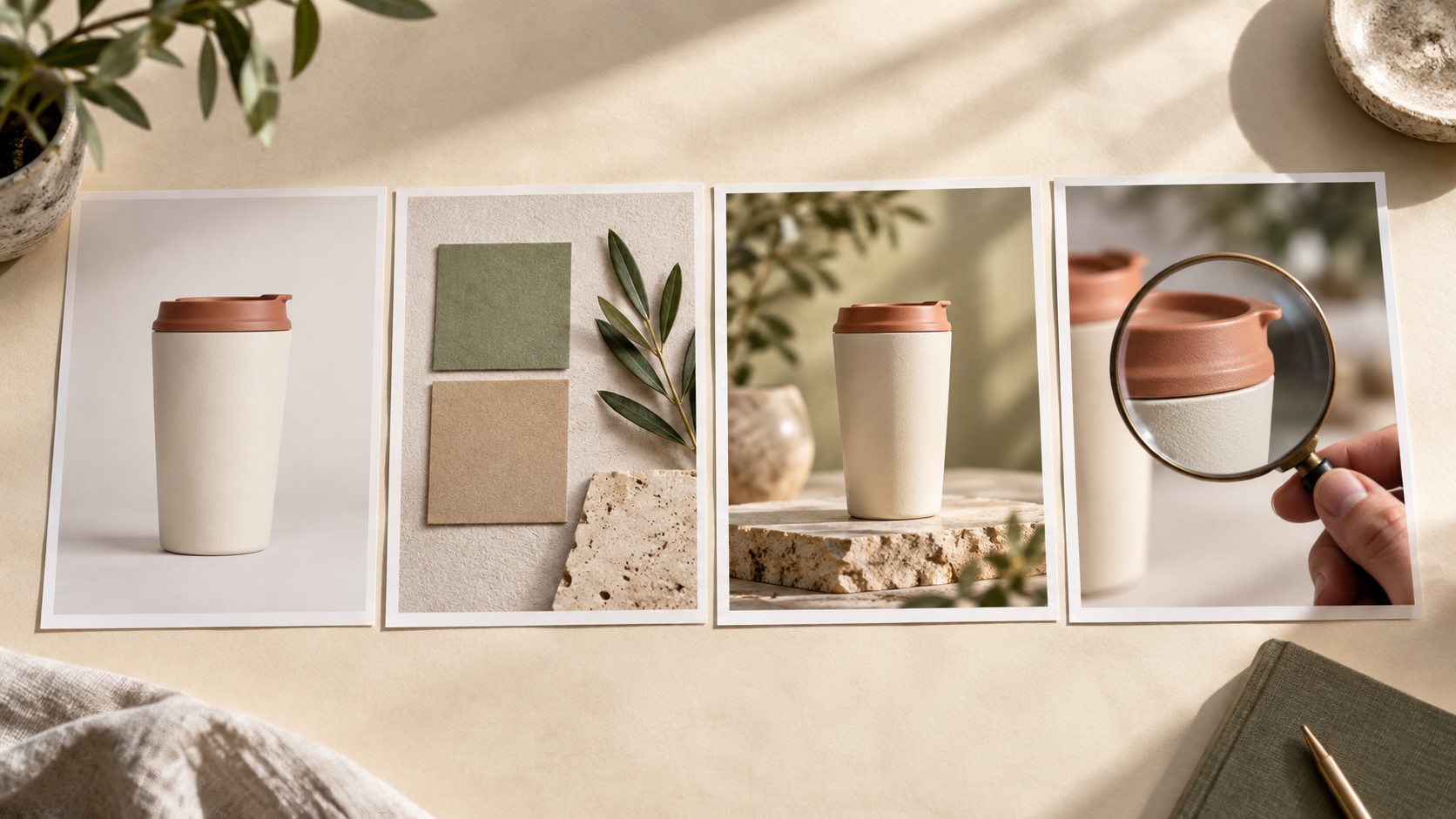
Illustrative workflow scene, not a software interface.
A Worked Brief: One Travel Mug, Three Placements
Consider a hypothetical small retailer preparing a campaign for a cream travel mug with a terracotta lid. This is a planning example, not a report of a completed client campaign or measured model performance.
The brief calls for a square feed image, a vertical story, and a wide homepage banner. All three use a sage-and-stone palette and soft daylight. The product silhouette and lid color remain fixed. The feed image centers the mug; the story leaves space above it; the banner positions it away from the headline area.
The first task is a neutral tabletop scene. If the generated cup becomes narrower, that version fails even if the lighting is attractive. The next attempt returns to the original photograph and repeats the proportion constraint. If the shape still changes, the team can switch to a cutout-and-composite workflow for the product itself.
Only an approved direction moves into format expansion. The review sheet records the source file, requested change, prompt version, output ratio, visible defects, and approval decision. That record prevents a rejected variation from accidentally becoming the reference for the next asset.
A useful internal measure is generation spend per approved asset: divide the credits used across the attempts by the number of approved images. If an illustrative session spends 24 credits and produces three approved assets, the ratio is eight credits per approved asset. This is arithmetic for planning, not a quoted Krea3 price or a predicted success rate.
The review time belongs beside that figure. A lower-cost output that needs extensive repair may be less useful than a more expensive result that meets the brief immediately.
AI Editing vs New Generation vs Manual Compositing
The table compares three production approaches by their inputs, practical control, suitable tasks, and the review work each still requires.
| Criteria | Krea3 Reference-Led Campaign Workflow | New Text-to-Image Concepts | Manual Product Compositing |
| Starting Point | Product photo and written brief | Written description of desired scene | Original product cutout and background |
| Main Input Skill | Reference selection and visual review | Scene description and art direction | Masking, retouching, and layer management |
| Product Control | Reference guidance, followed by inspection | Identity recreated from descriptive instructions | Original pixels retained where composited |
| Iteration Task | Request a focused scene change | Explore a different visual concept | Adjust individual layers and masks |
| Best Use Case | Variations around an existing direction | Early mood and concept exploration | Exact product and packaging presentation |
| Main Limitation | Details may drift during editing | Product identity may vary considerably | Skilled manual finishing is often needed |
The right workflow depends on the cost of getting a detail wrong. A mood board can tolerate interpretation that a product listing cannot.
Where Consistent AI Product Images Are Useful?
- Seasonal campaign concepts: A familiar product can be explored against different surfaces and seasonal surroundings. Keep decorative elements separate from product claims: adding a gift box should not imply packaging that buyers will receive unless that is accurate.
- Social media format variations: A shared reference and palette can connect square, portrait, and wide images. Check the final crop and add important copy in a layout editor when precise typography matters.
- Creative briefs for a photographer or designer: Generated scenes can communicate atmosphere and composition before production begins. Mark them as concepts and specify which details are approved, so a persuasive mockup does not become an accidental production requirement.
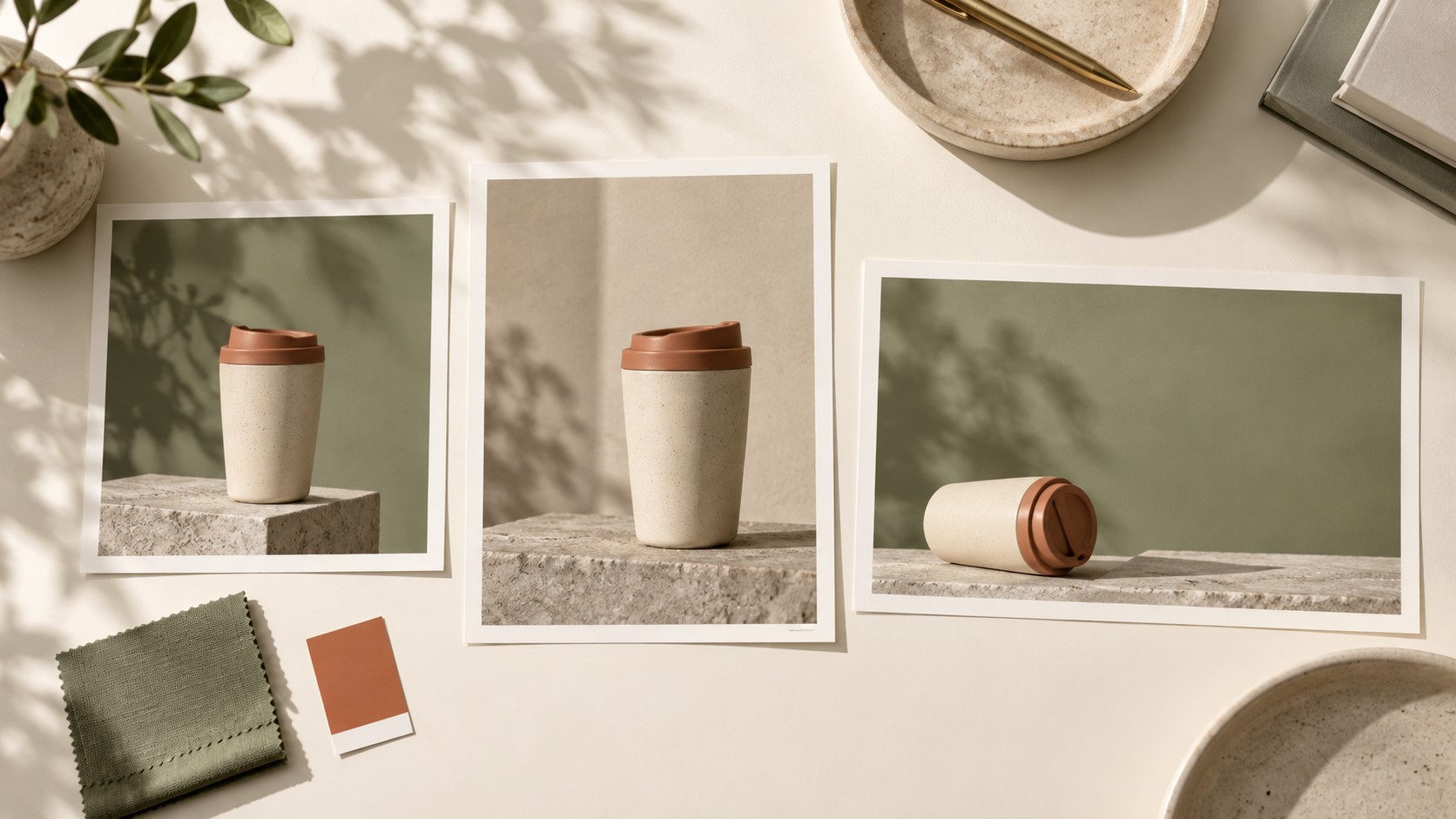
AI-generated concept illustration of possible campaign formats.
What Still Needs Human Judgment?
Reference guidance does not lock every pixel. Product proportions, lettering, surface texture, and shadows can change. More references can also create competing instructions; a smaller, clearly assigned set may be easier to evaluate.
Output resolution is a separate issue from fidelity. A larger file can still contain an incorrect label. Check the image at its intended display size and inspect fine details before approving it. Upscaling should follow content approval rather than substitute for it.
For commercial work, verify the current service terms and permissions for source images. This guide describes a production method based on public documentation; it does not establish a performance benchmark or verify every available model inside the service.
Final Thoughts
AI product image consistency is essential when teams need multiple campaign visuals that share a recognizable product identity and a coherent visual direction. Reference-led editing works best for small teams developing campaign directions and reviewing variations from an existing photograph. Keep manual finishing available for exact packaging, typography, and other details that cannot tolerate interpretation. The useful deliverable is a coherent set that passes review, not simply a folder of attractive generations.
Recommended Articles
We hope this guide to AI product image consistency helps you develop more reliable visuals for your marketing campaigns. Check out these recommended articles for more insights and strategies to improve your creative workflow.


