


AI Note-Making Tool: What It Does?
As learning materials continue to grow in volume and complexity, having a tool that can instantly break them down into clear, organized notes has become invaluable. An AI note-making tool helps streamline this process by automating the heavy lifting of summarization and structuring.
This guide demonstrates how learners and professionals can utilize TurboLearn to transform lengthy materials, such as text files, audio recordings, and YouTube lectures, into concise, structured notes in minutes. It also covers export options, example workflows, and classroom or workplace use cases.
Why Does an AI Note-Making Tool Matter?
Between dense textbooks, recorded lectures, and long-form videos, students and professionals spend hours distilling information before the real learning begins. An AI note-making tool compresses that front-loaded work: upload a source, and you get structured notes you can read, search, and study right away. With the right tool, this means faster comprehension, lighter cognitive load, and more time for practice and application.
TurboLearn as an AI Note-Making Tool
TurboLearn is an AI note-making tool and learning assistant that converts your materials into concise, editable notes—and also produces clear diagrams (concept maps, flows, timelines) to visualize relationships at a glance. You upload content, select a format, and TurboLearn generates study-ready outputs you can keep, tweak, and share.
Key capabilities at a glance
- AI-generated notes from your learning materials using an advanced AI note-making tool engine.
- Auto-generated diagrams (concept maps, flowcharts, timelines) to clarify complex topics.
- Multiple export formats for easy sharing or printing (PDF, DOCX, Markdown; PNG/JPG/SVG for diagrams).
- Free to start with a generous plan (10 free generations at the time of writing).
Materials You Can Turn into Notes
TurboLearn supports a wide range of sources you already use day-to-day:
- Text files (lecture notes, PDFs, handouts) → structured study notes via the AI note-making tool.
- Audio recordings (lectures, meetings, voice memos) → transcribed, summarized notes you can skim and search.
- YouTube links (talks, tutorials) → key-point summaries and takeaways without rewatching the full video.
Export options, including PDF/DOCX/Markdown for notes, and PNG/JPG/SVG for diagrams, make it easy to integrate results into your learning system or LMS.
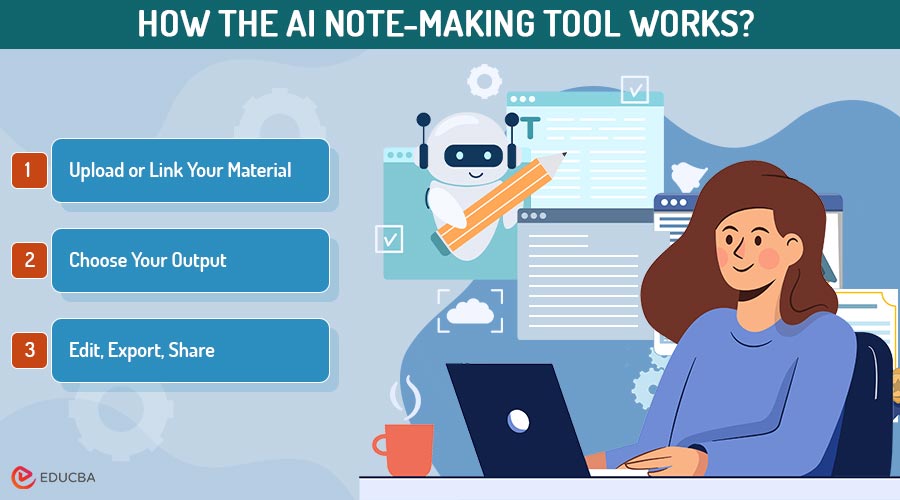
How the AI Note-Making Tool Works?
Step 1: Upload or Link Your Material
- Drag-and-drop a file (PDF/Doc)
- Add an audio recording
- Paste a YouTube URL
TurboLearn’s capabilities analyze your content and prepare it for structured note generation.
Step 2: Choose Your Output
- Concise notes for fast review
- Notes + diagrams for visual understanding
Step 3: Edit, Export, Share
- Refine sections
- Export in multiple formats
- Share with classmates or teams
AI Note-Making Tool Output Overview
TurboLearn’s notes aim to be clean, hierarchical, and skimmable—exactly what a modern AI note-making tool should produce:
- Title & topic up top
- Key takeaways (bulleted)
- Sectioned summaries with sub-headings
- Definitions, formulas, or steps pulled out for quick reference
- Links/figures you can convert into diagrams for visual learners
Many users report being able to create a “first draft” of notes in seconds, then spend a few minutes tailoring the details for their target test or project. (Site claim: “Generate in 30 seconds.”)
Workflows Using an AI Note-Making Tool
1. Student: Turn a YouTube Lecture into Exam Notes
- Paste link → let the AI note-making tool process it
- Generate notes + concept map
- Export for revision
2. Researcher: Summarize a 40-Page PDF
- Upload the document
- Use the AI note-making tool to create section-by-section notes
- Export Markdown for knowledge systems
3. Team Lead: Turn a Meeting Recording into Minutes
- Upload audio
- Generate minutes + process diagram
- Export DOCX + SVG
Choosing Between Notes and Diagrams
When to Use Notes
Use notes when you need clear, text-based information for quick review and reference. They work best for definitions, formulas, steps, key concepts, and highlights. Notes help summarize linear or factual content, such as textbook chapters, PDFs, or lecture transcripts, and make it easier to revise and search through important points.
When to Use Diagrams
Diagrams are ideal for topics involving relationships, sequences, or systems. Select visuals when working with processes, timelines, comparisons, hierarchies, or interactions. Formats such as concept maps, flowcharts, and timelines make complex subjects easier to understand by illustrating how ideas connect.
Best Practice: Use Both
TurboLearn’s AI note-making tool supports both notes and diagrams, allowing you to switch based on the complexity of your topic. Start with concise notes for clarity, then add diagrams to reinforce understanding where visual structure adds value.
Benefits of an AI Note-Making Tool
An AI note-making tool offers several practical advantages that streamline learning, boost productivity, and help you work smarter with your study or project materials.
- Speed: Instantly generate clean, structured notes without manually summarizing long documents, videos, or audio recordings, saving hours of effort.
- Clarity: Transform dense or unorganized content into skimmable, well-structured summaries that make complex topics easier to understand.
- Focus: Customize your notes to match your syllabus, exam needs, project goals, or team KPIs, ensuring you study or work with only the most relevant information.
- Portability: Export your notes in versatile formats, such as PDF, DOCX, Markdown, or images, allowing seamless integration into any study system, workspace, or collaboration tool.
AI Note-Making Tool Pricing
TurboLearn offers a flexible pricing structure that allows you to experience its features without any initial commitment. The platform includes a free plan with 10 free generations, providing you with sufficient room to test how the AI note-making tool handles text uploads, audio files, YouTube links, and diagram creation. This makes it ideal for students, casual learners, and professionals who want to understand the workflow before deciding on a paid plan.
For users who need higher limits or more consistent access, TurboLearn provides affordable paid plans with increased generation counts, priority processing, and advanced export or diagram features. These tiers are especially useful for researchers, educators, and teams who rely on regular note-making or content digestion. Since pricing and features are subject to change over time, it’s best to visit the official TurboLearn website for the latest plans, features, and offers.
Tips for Using an AI Note-Making Tool
These simple practices can help you get the most accurate, organized, and useful results from your AI note-making tool.
- Start broad: Begin with an overall summary to understand the main ideas, then request a deeper, section-by-section expansion.
- Use diagrams wisely: Pair notes with diagrams to simplify complex relationships and improve visual clarity.
- Choose the right export format: Use Markdown for note apps, DOCX for collaboration, and PDF for clean, shareable outputs.
- Keep an archive: Organize and store all your generated notes and diagrams to facilitate faster and more efficient future revisions.
Final Thought
Transforming long, scattered learning materials into clear, study-ready notes no longer needs to be time-consuming. TurboLearn’s AI note-making tool streamlines the entire process, turning text files, audio recordings, and YouTube lectures into organized notes and helpful diagrams within minutes. Whether you’re a student preparing for exams, a researcher managing dense PDFs, or a professional capturing meeting insights, the tool allows you to focus more on learning and less on manual summarization. If you want to save time while improving clarity and comprehension, TurboLearn is an excellent starting point.
Recommended Articles
We hope this guide on using an AI note-making tool was helpful. Explore related articles on Study Productivity Tools, AI-Powered Learning Methods, and Note-Taking Strategies for Students and Professionals to deepen your understanding and enhance your learning workflow.


