


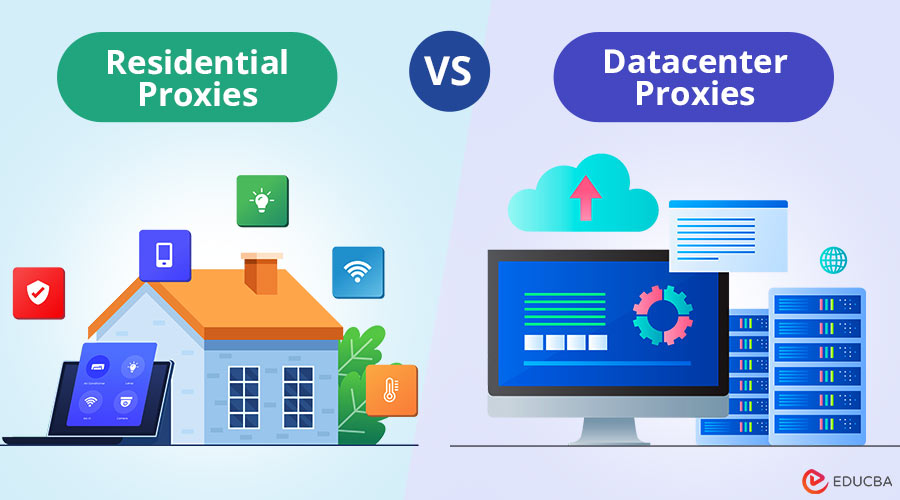
If you are collecting public web data for price monitoring, SEO analysis, market research, or AI training, choosing the right proxy can make a significant difference to your workflow. One of the most common questions is Residential Proxies vs Datacenter Proxies: which option is better for your project? Each does one thing well, and each has limits you will feel if you choose wrong. This guide covers the differences, the trade-offs, and a simple checklist.
What a Proxy Does in a Data Collection Workflow?
A proxy sits between your scraper and the target website. When your code makes an HTTP request, that request goes to the proxy server first. The proxy sends your request to the destination website, retrieves the response, and relays it back to you. In this way, a proxy server serves as an intermediary between your scraper and the destination site. From the target site’s perspective, the request generally comes from the proxy’s IP address rather than your own.
This matters for a few reasons. First, it keeps your IP out of the firing line when you make hundreds or thousands of requests. Second, it lets you distribute requests across many IP addresses, so no single address carries the whole load. Third, when content varies by geography, the proxy’s location determines which version of the page you see.
Datacenter Proxies: Speed and Cost, and Where They Fall Short
Datacenter proxies run on servers in cloud hosting facilities or dedicated data centers. They are fast, cheap, and the IP pool can be large. For simple jobs like checking a search engine ranking or pulling a few hundred product listings, a datacenter proxy often works fine. The downside is that these IPs are easy to identify. They belong to known hosting providers. Many websites maintain lists of datacenter IP ranges and treat traffic from those ranges differently. Some sites may block datacenter IPs outright.
Others may apply stricter rate limits or serve CAPTCHA challenges more often. Treat that as an operational risk to test for, not a certainty. Shared datacenter proxies split IPs across many users, so if someone else abused an IP before you got it, that IP may already carry a bad reputation. Dedicated datacenter proxies assign an IP to a single user, so you do not share its reputation with anyone else, though it still sits in a hosting range. For low-volume work, internal tools, or targets that do not filter by IP type, datacenter proxies are a practical starting point.
Residential Proxies: How They Work and When They Are Worth It?
Residential proxies route your requests through IP addresses assigned to real households by internet service providers. These IPs look like ordinary consumer connections because they are. Proxy providers source them through partnerships, peer networks, or applications that share bandwidth in exchange for free services. When using a residential proxy, your request appears to originate from a household internet connection, such as a home broadband or fiber network.
That makes residential IPs harder to filter. Sites expect traffic from residential connections, and blocking them broadly would mean turning away real customers. In practice, residential traffic often meets fewer challenges on sites with strict access controls, such as e-commerce platforms and aggregators, though results vary by target. The tradeoff is cost and speed. Residential proxies are slower because traffic routes through consumer connections with variable latency and bandwidth. They are also usually more expensive and are often priced per gigabyte rather than per IP.
A provider like Infatica offers residential access with 40M+ IPs across 195 countries, which gives you geographic coverage and the ability to rotate addresses as needed. For a project that pulls gigabytes of data daily, the difference adds up. Use residential proxies when the target site filters datacenter IPs, when the site expects traffic that looks like a home connection, or when you need localized data from specific cities or regions. When a datacenter proxy works, use it and save the budget for cases that demand residential coverage.
Residential Proxies vs Datacenter Proxies: How to Choose the Right Option?
Here is a quick framework to decide which proxy type fits your project:
- Target sites: Does the site challenge datacenter IPs? Send a few test requests through both types. If datacenter works, use it.
- Volume: How much data are you pulling per day? High-volume jobs hit cost limits faster with residential proxies. Factor bandwidth pricing into the total.
- Geography: Do you need IPs from specific countries, states, or cities? Residential pools offer finer geographic targeting. Datacenter pools are often country-level only.
- Budget: Residential bandwidth usually costs more than datacenter bandwidth, so set a ceiling per successful request before you compare plans.
- Session needs: Does the workflow require cookies, logged-in sessions, or multi-step interactions that expect the same IP across requests? Judge it by the target site’s requirements and how long the session must last. Sticky residential sessions depend on the exit node staying online, while dedicated datacenter and static ISP proxies can also keep a consistent IP.
Run a small test with both types. Measure success rate, speed, and cost per successful request. Choose the option that meets your quality threshold at the lowest total cost. Residential proxies add value when necessary, not as a default choice.
Responsible Use: Terms, Robots.txt and Rate Limits
No matter which proxy type you choose, how you use it matters. Collecting public web data is legitimate work when done responsibly. Doing it badly can overload servers, violate terms of service, or cross legal lines depending on the processing and use case.
1. Start by Checking the Site’s Robots.txt File
RFC 9309 formalizes the Robots Exclusion Protocol, which site owners use to signal which paths crawlers should avoid. The protocol is advisory, not a technical barrier, but ignoring it means ignoring the site’s stated boundaries. Read the user-agent directives and honor the disallow rules.
2. Read the Site’s Terms of Service
Some sites explicitly permit data collection for research, monitoring, or indexing. Others forbid automated access or limit it to approved partners. Terms vary. If the terms prohibit scraping, using a proxy does not change that. Rate limiting protects the target server and your own reputation. Sending requests too fast can degrade performance for other users. Space your requests out and add a delay between them.
Avoid parallelizing requests to the same domain unless you have confirmed the server can handle it. If you get a 429 Too Many Requests response, back off. Finally, only collect data that is publicly accessible and that you have a lawful basis to process. Privacy and data protection rules may apply depending on the processing and use case, particularly if the data includes personal information. Proxies provide technical access to public data within the boundaries of lawful use and site terms.
Final Thoughts
Choosing between residential proxies vs datacenter proxies comes down to what you are collecting, how much data you are collecting, and what the target website will tolerate. Datacenter proxies are fast and cheap; use them when they work. Residential proxies cost more and run slower, but they succeed where datacenter IPs get blocked.
Test both, measure results, and pick the one that clears your quality bar at the lowest cost. Respect robots.txt, honor site terms, and rate-limit your requests. Public data collection is a skill. Learn it properly, and you will build datasets that solve real problems without burning infrastructure or breaking trust.
Recommended Articles
We hope this guide to residential proxies vs datacenter proxies helps you choose the right proxy for your needs. Explore our recommended articles for more web data collection insights.


