


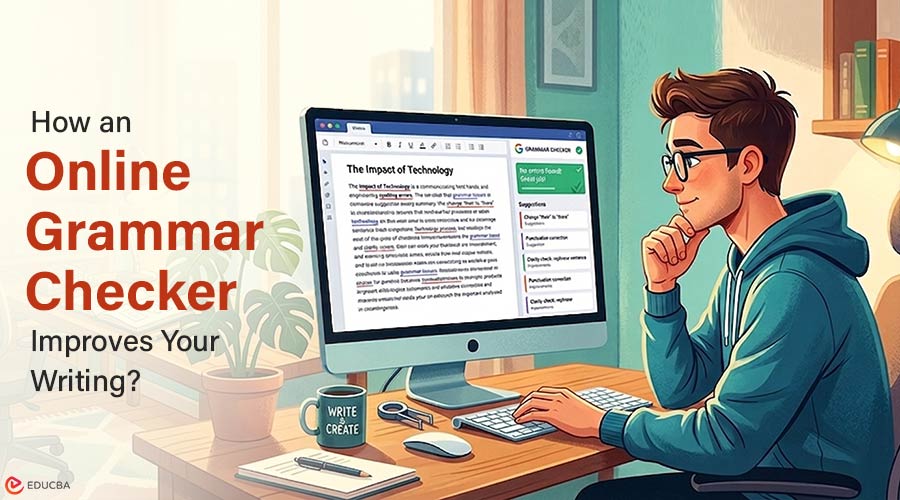
Enhance Your Writing Accuracy with an Online Grammar Checker
Small mistakes can change a message. Smart tools now help correct those mistakes fast. This article explains how to use an online grammar checker effectively. It also shows why accuracy is important. Many people write every day. Emails, reports, and posts need to be correct.
Smart AI grammar tools catch errors. They learn from many texts. Then they suggest better options. This makes writing stronger and cleaner. Smart AI grammar tools now offer help. These tools scan text. They find errors that human eyes skip. This article explains how to use them correctly. It focuses on accuracy and simple writing.
Why Grammar Tools Matter for Writing?
Every day, people send emails, reports, and messages. A single typo changes the meaning. A missing period confuses readers. Grammar tools resolve these problems fast. They do not get worn out.
They check every sentence equally. A grammar checker online catches errors before anyone else sees them. This protects a writer’s reputation. It also saves time spent on manual proofreading.
Common Punctuation Errors
The punctuation guides the reader. Where to pause is indicated by a comma. A period ends an idea. Writers often misuse semicolons and apostrophes. Some forget commas in lists.
Others add commas where none belong. Smart tools flag each mistake. They show the correct mark. An online grammar checker even explains the rule behind the fix. Over time, writers learn to avoid the same errors.
Spell Checkers
Old spell checkers only matched dictionary words. They missed the wrong words that looked correct. For example, “form” instead of “from.” New AI tools understand context. They read the whole sentence. Then they decide if a word fits. This stops embarrassing errors.
An online grammar checker also catches repeated words like “the the.” It flags regional spelling differences. Good writers review every suggestion. They ask why an error happened. They keep a personal list of common mistakes. Practice without AI builds real skill. Write a draft first.
Using Context to Choose the Right Word
Homophones cause trouble. Basic spell checkers cannot help. They see each word as correctly spelled. AI grammar tools analyze the meaning of a sentence.
They know which version belongs. An online grammar checker suggests the correct homophone. It also flags wrong prepositions. Small word choices shape clear communication.
Real-Time Checking Versus Final Draft Review
Two methods work for different people. Real-time checking highlights errors as you type. This helps learners correct habits early. The final draft review scans the entire document after writing. This method allows free writing without distraction.
Each method has a place. An online grammar checker offers both modes. Writers choose based on the task. First drafts often work better without interruptions. Editing later catches more profound issues.
Integrating AI Grammar Tools
Most writing happens in specific apps. Email clients, word processors, and web browsers. AI tools now integrate directly.
- Browser extensions check web forms.
- Mobile keyboard apps with AI grammar.
- Desktop apps for offline writing.
- API access for custom software.
Integration means no copy-pasting. Write anywhere. Get corrections everywhere. An online grammar checker extension works in Gmail, WordPress, and social media. This saves many steps. Accuracy stays high across all platforms.
Final Thoughts
Free online grammar checkers cover basic grammar and spelling but may have limitations, such as word count limits or ads. Premium versions add features like style suggestions, tone detection, plagiarism checks, and offline support. For casual writers, free tools are sufficient. Business writers benefit from premium features that improve productivity and
Recommended Articles
We hope this comprehensive guide to using an online grammar checker helps you improve your writing accuracy and clarity. Check out these recommended articles for more insights and strategies to enhance your writing skills.


