


Updated March 25, 2026
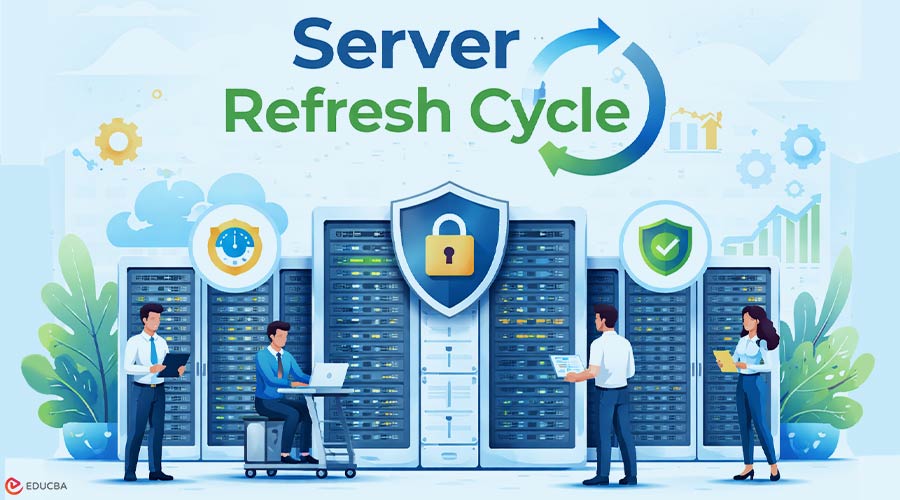
Understanding Server Refresh Cycles
In the world, a successful company’s heartbeat is the modern data center. To keep that heart beating strongly, you need a smart plan for the server refresh cycle. Essentially, this is a schedule for replacing old, tired hardware with newer, faster systems. It is how IT teams make sure their processing power can handle the massive digital workloads.
When it is time to upgrade, organizations perform a balancing act weighing performance needs and critical security patches against a real budget. Deciding on the right moment for a server refresh cycle involves analyzing performance data and forecasting the business’s needs for next year.
Interestingly, the best modern strategies do not just buy “new.” They often mix the latest tech with high-quality refurbished gear to maximize value. This hybrid approach helps IT leaders meet their goals without draining the company’s budget.
What is a Server Refresh Cycle?
At its core, server lifecycle management is the process of managing a server from the day it is unboxed to the day it is retired. Most IT departments follow a three- to five-year server refresh cycle. During these first few years, hardware is usually at its peak. After that, maintenance costs rise, and performance can lag.
Some factors push a server refresh cycle forward:
- Workloads grow faster than expected
- Processor technology makes a massive leap.
If your hardware is too old, the software starts to lag, and that frustrates everyone trying to get work done.
The best way to avoid a “fire drill” when a server eventually dies and takes your data with it is to plan.
Performance: Spotting the Red Flags
When a server falls behind, there are telltale signs. The system may struggle during spikes in user traffic, leading to app slowdowns. Older CPUs and RAM cannot handle heavy AI workloads or large databases, leading to bottlenecks.
Upgrading as part of a server refresh cycle brings impressive performance gains. For example, the Dell R760 is a workhorse designed for high-pressure enterprise tasks. It crunches massive amounts of data while staying remarkably efficient. Moving to such a high-performance system ensures your infrastructure is ready for the next big project.
Security: The Hidden Risk of Old Hardware
Security is a key reason to stick to a server refresh cycle. As servers age, manufacturers eventually stop sending firmware updates or vital security patches. This leaves a backdoor for hackers and puts organizations at risk of noncompliance.
Newer servers offer built-in security, like secure boot features that protect systems before the OS even loads. You will not get this level of protection with servers that are ten years old.
Cost Considerations in a Server Refresh Cycle
A server refresh cycle is not just about buying new hardware; it is about managing the Total Cost of Ownership (TCO). TCO includes maintenance, power bills, and the hidden costs of system downtime. Often, it is cheaper to replace old servers than to keep paying for repairs and high energy bills.
Treat your budget like an investment. The high cost of emergency fixes can outweigh the predictable cost of new systems. Energy-efficient new models can save enough on power and cooling to cover a significant portion of the investment.
Mixing New and Refurbished Hardware
You do not always need brand-new servers. Many companies now follow a hybrid server refresh cycle, mixing new and refurbished gear to stretch their budgets. For example, refurbished HPE servers add capacity without a huge capital expense.
Manufacturers rigorously test these units to ensure their reliability. Using refurbished servers also benefits the environment by reducing electronic waste. In a server refresh cycle, considering TCO for development environments is a smart move.
The Perks of Modern Platforms
Modern servers offer major benefits: more CPU cores, higher memory, and power savings. Replacing several old racks with one or two new units is common in a server refresh cycle. Platforms like the PowerEdge R770 handle AI, big data, and virtualization with ease.
Upgrading during a server refresh cycle does not just make systems faster; it reduces your physical footprint and simplifies management with better remote tools and automated setups.
How to Build Your Server Refresh Cycle Strategy?
Start by evaluating which applications are lagging and which servers are nearing the end of life. Check security requirements to find vulnerabilities. The goal is to find the right balance between performance and cost.
Plan for at least five years. Align your server refresh cycle with business projections to ensure the infrastructure supports future projects.
Final Thoughts
To maintain secure, efficient operations, keep servers up to date through a well-planned refresh cycle. Waiting until things break is too late. By balancing new technology with high-quality refurbished hardware, companies stay competitive without overspending. Keeping your servers up to date helps your business grow and move forward.
Recommended Articles
We hope this guide on the Server Refresh Cycle helps you understand how upgrading and maintaining servers keeps your data center secure, efficient, and cost-effective. Explore the recommended articles below for insights on server lifecycle management, IT infrastructure planning, and modern data center strategies.

