


Updated March 24, 2026
Introduction to Audio Editor Without Installing Software
Let us be honest, audio editing is usually a chore.
We have all been there: you have a 2-hour Zoom recording and just need a 30-second clip, or you found a killer BGM in a video and want to rip the MP3.
For quick tasks like these, installing a massive piece of software like Audacity or Adobe Audition feels like overkill. It is like using a big tool for a very small job. Most of us want a simple website where we can drag, drop, cut, and leave.
That is exactly where an audio editor without installing software becomes a game-changer.
However, there is a catch with most “online” tools: The Privacy Trap. Most sites force you to upload your files to their servers. If you are handling a sensitive work interview or a private voice memo, that is a massive security risk. Plus, waiting for a 200MB file to upload to trim five seconds is a total waste of time.
That is why Audio Cut is shifting the goalposts in 2026. It is a local-first audio editor without installing software, meaning it uses your browser’s own power to do the heavy lifting. Your files never actually leave your computer.
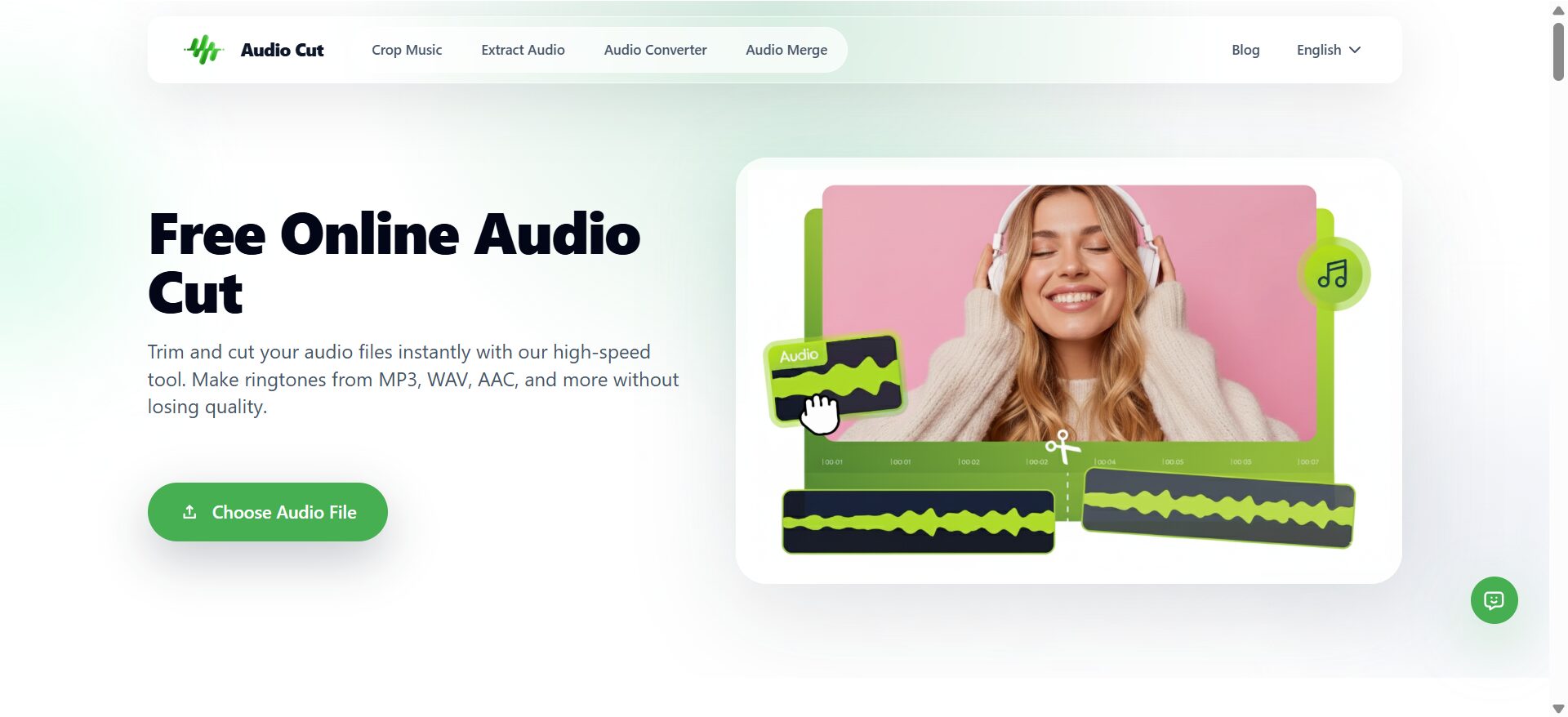
(Image Credit: Audio Cut)
Why “Local-First” Wins?
So, how does a website edit audio without “uploading” it?
Modern browsers are basically mini-operating systems now. Audio Cut uses a technology called WebAssembly (WASM). Instead of sending your audio to a cloud server in another country, the “editor” is downloaded to your browser’s cache once. From then on, all cutting, compression, and processing happen right on your CPU.
- 100% Private: Since there is no upload, there is no risk of a data breach.
- Zero Wait Time: No upload bars. Even if your internet is acting up, the editing stays smooth because it is running locally.
This is what makes a true audio editor without installing software, far superior to traditional online tools.
Core Features: Your Audio “Swiss Army Knife”
AudioCut does not try to be a complex studio; it solves annoying daily tasks quickly.
The Instant Audio Cutter & Trimmer
This is the bread and butter of the site. You get a clean, visual waveform that lets you precisely snip out the parts you want. Whether it is trimming a podcast intro or cleaning up a voice note, this audio editor, without installing software, feels as snappy as a desktop app.
Quick Audio Extraction (MP4 to MP3)
Found a great sound in a video? Just drop the MP4 in. The tool Audio Cut instantly extracts audio strips from the audio track. Since it is reading the file from your local drive, you do not have to wait for a 500MB video to “upload” before you can grab the audio.
The Smart Compressor
Ever notice how some recordings are quiet one second and ear-splitting the next? The built-in online audio compressor levels things out. It makes your voice sound more professional and “fat,” similar to what you would hear on a top-tier podcast, without you needing to know what a “ratio” or “threshold” is.
Feature: Splitter AI
Sometimes, a simple cut is not enough. You may want to isolate vocals or remove background music. This audio editor, available without installing software, includes an AI splitter that runs directly in your browser, letting you separate vocals, drums, and bass privately and for free.
Free Online Audio Recorder
Capture high-quality audio directly from your browser. Perfect for voice memos, podcasts, and interviews. Private, secure, and no installation needed.
Usually, this kind of AI work costs “credits” or requires an expensive subscription. Audio Cut AI Audio Splitter does this using a neural network that again runs right in your browser. You can split a track into vocals, drums, and bass for free, without worrying that any AI model will use your data for training.
How to Use an Audio Editor Without Installing Software in 30 Seconds?
If you have a file ready to go, the workflow is dead simple:
- Open AudioCut: No login, no “Start Free Trial” nonsense.
- Drop Your File: It loads instantly because, remember, no upload!
- Edit Away: Use the Audio Cutter to grab your clip or the AI Splitter to deconstruct the track.
- Export: Hit save, and your processed file is ready in a heartbeat.
Final Thoughts
The days of needing a degree in sound engineering (or a huge hard drive) to trim an MP3 are over. In 2026, the best tools are the ones that stay out of your way. If you want something fast, respects your privacy, and handles the heavy lifting without making you pay for “cloud credits,” bookmark Audio Cut. It is the kind of tool you will end up using once a week, every week.
Recommended Articles
We hope this guide on editing audio without installing software helps you discover faster, simpler, and more private ways to handle your audio tasks. Explore the recommended articles below to learn more about online audio tools, browser-based editing, and smart ways to streamline your workflow.


