


Best iPhone Data Recovery Software: Overview
Losing data on an iPhone can happen in an instant one accidental photo deletion, an iOS update that fails midway, or a WhatsApp chat suddenly disappearing after switching devices. While iCloud and iTunes backups can restore entire device snapshots, they often replace everything on your phone, including newer files created afterward. That full-overwrite limitation is exactly why specialized iPhone data recovery software exists tools that let you recover deleted photos, videos, messages, contacts, and app data selectively, without resetting your phone. To help you find the right tool, we evaluated the best options for 2026 based on recovery modes, security, device-side convenience, speed, and real-world value.
Quick Overview
| Software | Core Highlight | Recovery Modes | Key Data Types Supported | Standout Feature |
| Gbyte Recovery | Secure, no-PC, data-never-leaves-device | On-device scan + Intelligent iCloud Deep Analysis | Photos, WhatsApp, Messages, Contacts, Videos, App Data | End-to-end privacy and zero-overwrite guarantee |
| Tenorshare UltData | High success-rate toolkit | Device Scan / iCloud Backup / iTunes Backup | 35+ file types, social media apps | Includes iOS System Repair |
| EaseUS MobiSaver | Simple, beginner-friendly | Device Scan / iTunes / iCloud | Photos, Videos, Messages, Contacts | Budget-friendly pricing |
| Fonelab | All-in-one iOS data suite | Multiple scan modes | WhatsApp, System Repair, Backups | Multi-format export (HTML/CSV) |
| Dr.Fone | Best for broken or damaged devices | Damaged device recovery + backup-based scan | Physically damaged iPhones, broken screens, DFU-mode | Industry-trusted damaged device recovery |
Best iPhone Data Recovery Software Tools in 2026
Here are the top tools, each with unique features to help you efficiently recover iPhone data.
1. Gbyte Recovery
Gbyte Recovery is a privacy-focused iPhone data recovery solution that lets users restore data instantly to their device without a computer. Unlike traditional recovery tools that require a PC or Mac, Gbyte Recovery performs all operations on the iPhone, eliminating risks of accidental overwrites or exposure of personal files. It uses enterprise-grade encryption to ensure that recovered messages, chats, and photos never leave your device. Advanced Intelligent iCloud Analysis allows deep recovery even without a local backup. For example, users searching for how to recover permanently deleted videos on iPhone will find Gbyte Recovery streamlined and safe. It also supports selective retrieval of WhatsApp media, including photos and videos.
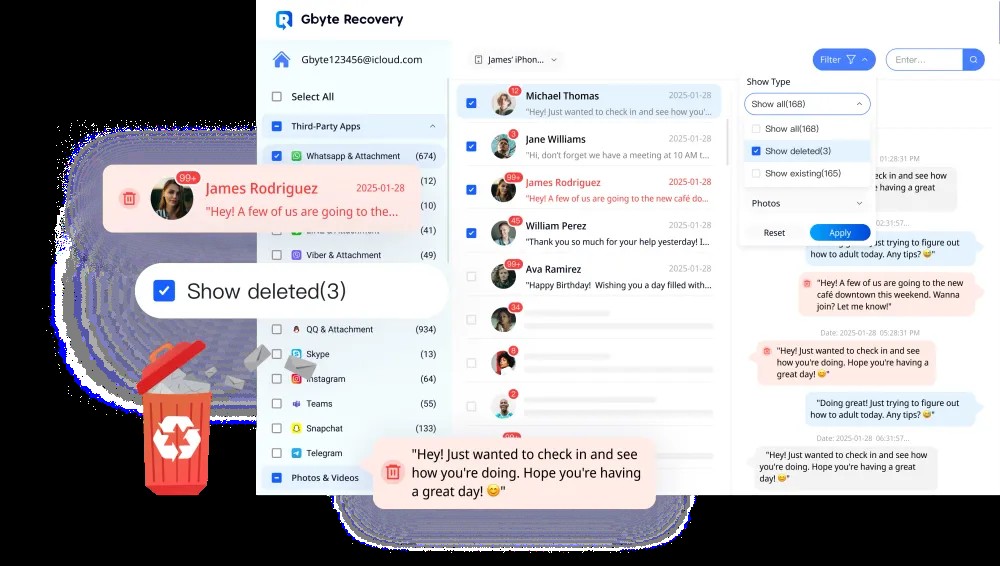
Image Source: Gbyte Recovery
Pros:
- Ultimate convenience full recovery workflow performed directly on the iPhone
- End-to-end encryption ensures data never leaves the device
- 0% risk of overwriting existing files during scan or restore
- Can perform deep recovery via iCloud even without a local device backup
Cons:
- Requires a paid license for final recovery (free scan and preview available)
2. Tenorshare UltData
Tenorshare UltData supports more than 35 file types, including message attachments, FaceTime call logs, Kik and LINE chats, and more. It offers three distinct recovery modes and includes valuable bonus utilities, such as iOS System Repair, making it a versatile tool for users who also encounter boot loops or software failures. A feature-rich recovery suite known for broad file-type compatibility and a claimed high success rate.
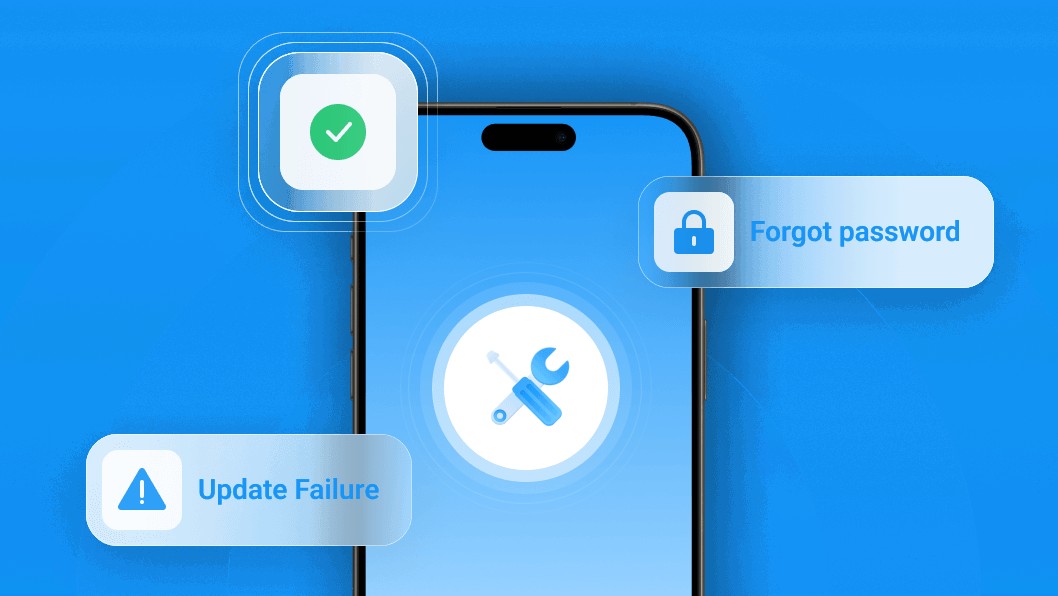
Image Source: Tenorshare UltData
Pros:
- Very broad range of supported data categories, including social apps
- Helpful extra functions, like system repair, are included in one tool
- Interface is designed for easy navigation
Cons:
- PC-based operation introduces a small risk of data overwrite if not used correctly.
- The feature set may feel overwhelming for users who prefer a one-tap, simple experience.
3. EaseUS MobiSaver
EaseUS MobiSaver is widely used thanks to its simplified 3-step wizard and lightweight design. It also offers a Technician Edition, which is useful for repair shops and IT support teams handling multiple devices. A strong option for users who want a clean, minimal interface and wallet-friendly pricing.
Image Source: EaseUS MobiSaver
Pros:
- Extremely intuitive interface ideal for complete beginners
- Often, the most budget-friendly desktop recovery software
- Technician Edition adds strong value for multi-device recovery
Cons:
- Lacks several advanced recovery modes found in premium tools
- Not ideal for recovering data from physically damaged iPhones
4. Fonelab
Fonelab includes data recovery, WhatsApp transfer, device repair functions, and scheduled backup creation all in one platform. It is especially useful for users who want to manage long-term device health rather than fix one-time deletion incidents. A bundled toolbox that goes beyond recovery alone.
Image Source: Fonelab
Pros:
- Good value for users needing phone management + recovery combined
- Detailed preview feature helps users choose exactly what to restore
- Export to HTML or CSV allows easy sorting and archival
Cons:
- Higher price point than basic recovery apps due to bundle
- A feature-heavy package may be unnecessary if you only need to retrieve one set of files
5. Dr.Fone
Dr.Fone is one of the oldest names in the market. Its specialized damaged-device module can pull files even from iPhones stuck on the Apple logo or bricked after an update. Best suited for critical, worst-case physical damage scenarios, including water damage or frozen screens.
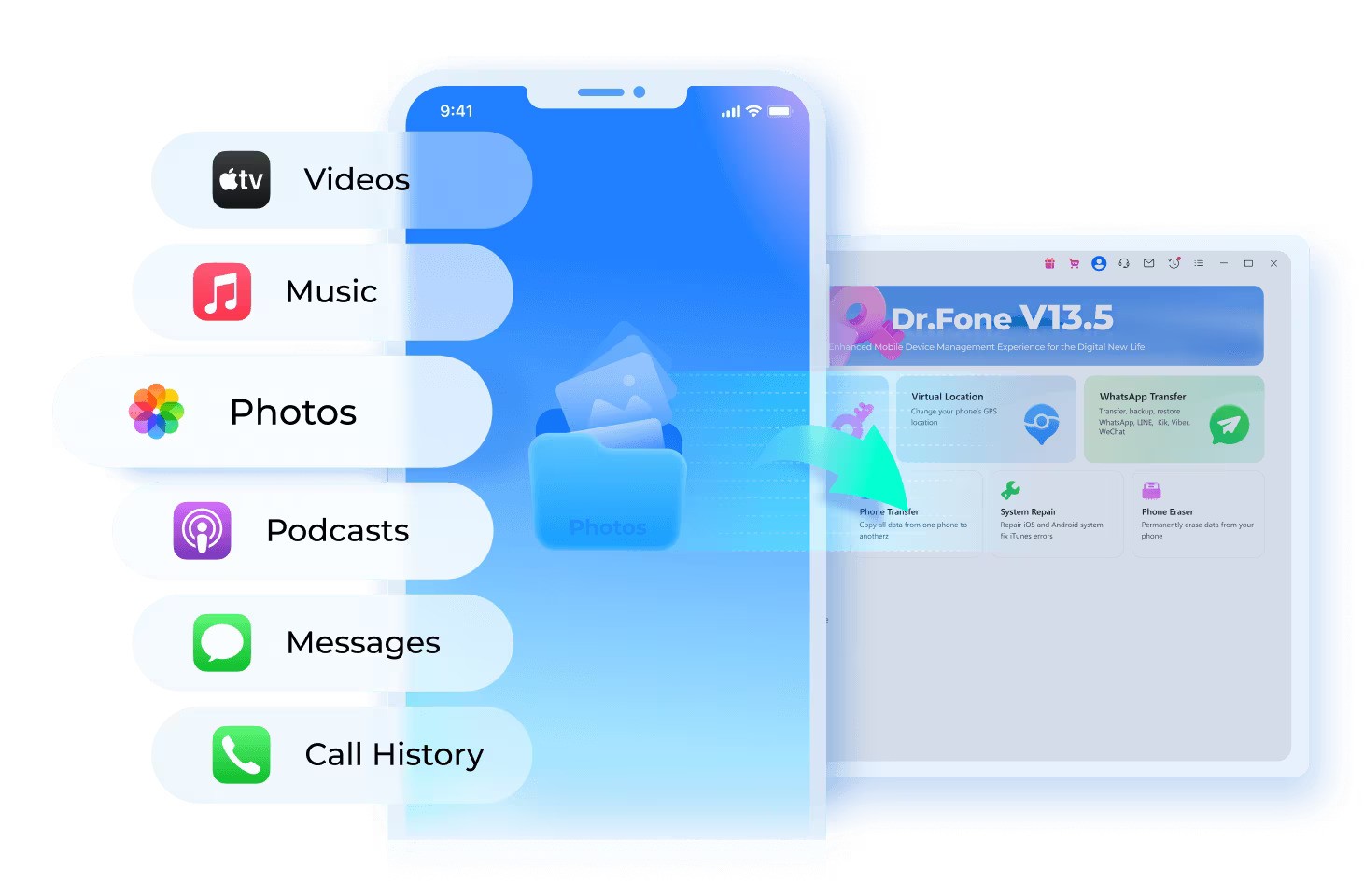
Image Source: Dr.Fone
Pros:
- Excellent track record with physically damaged devices
- Developed by Wondershare highly reputable and well-supported
- Covers a wide range of catastrophic recovery cases
Cons:
- Premium-priced, especially compared to beginner-focused tools
- More complex than necessary for simple accidental deletions
Which iPhone Data Recovery Software Should You Choose?
Each recovery app shines in a different scenario:
| Need | Best Choice |
| Maximum privacy and instant scanning on-device | Gbyte Recovery |
| Highest success rate across many file types | Tenorshare UltData |
| Most affordable and beginner-friendly | EaseUS MobiSaver |
| All-in-one iOS tool for long-term maintenance | Fonelab |
| Best for water-damaged or broken phones | Dr.Fone |
Quick Tip:
Once you delete data, stop using the device immediately. Every new photo, message, or app installation may overwrite deleted data, making recovery impossible. Launch your chosen recovery method as soon as possible for the highest success rate.
Final Thoughts
Choosing the right iPhone data recovery software depends on your specific needs. If privacy and on-device recovery are most important, Gbyte Recovery offers unmatched security. For users handling multiple file types or social app data, Tenorshare UltData delivers a high success rate. Beginners and budget-conscious users will benefit from EaseUS MobiSaver, while those looking for long-term device management should consider Fonelab.
Finally, for physical damage or water exposure, Dr.Fone is the safest and most reliable option. By acting quickly and selecting the right tool, you can efficiently, securely, and stress-free recover lost iPhone data.
Recommended Articles
We hope this guide to iPhone data recovery software helps you recover your important data. Explore these recommended articles for more tips and tools to enhance your iPhone data management.


