


Introduction
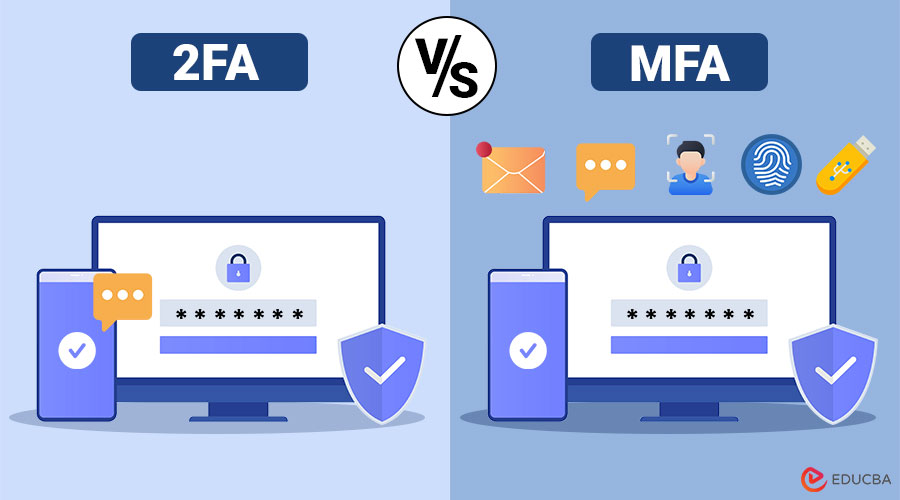
In an era of escalating cyber threats, relying solely on passwords is no longer a safe practice. Two-factor authentication (2FA) and Multi-Factor Authentication (MFA) are two vital approaches that add an extra layer of protection to user accounts. Though often used interchangeably, they have key differences that can significantly influence your security posture. This 2FA vs MFA guide breaks down both methods, highlighting their distinctions, use cases, pros, and how to choose between them.
Table of Contents:
- Introduction
- What is 2FA?
- What is MFA?
- Key Differences
- Use Cases
- Pros and Cons
- Which One Should You Choose?
- Security Tips
What is 2FA?
Two-Factor Authentication (2FA) is a security method that needs users to provide two distinct types of authentication factors before granting access. These factors fall into three broad categories:
- Something you know (e.g., a password or PIN)
- Something you have (e.g., a smartphone, OTP device, or security token)
- Something you are (e.g., biometrics like fingerprints or facial recognition)
A classic 2FA scenario involves entering a password and then receiving a one-time passcode on a registered mobile phone.
What is MFA?
Multi-Factor Authentication (MFA) is a broader security framework that requires two or more different factors for authentication. While 2FA is a subset of MFA, MFA can involve more than two factors for stronger security.
MFA combines multiple elements from the same categories mentioned above, and could even include a fourth category in advanced systems:
- Somewhere you are (e.g., GPS location or IP address recognition)
2FA vs MFA: Key Differences
The following table highlights the fundamental differences between 2FA and MFA across key parameters.
| Feature | 2FA | MFA |
| Number of Factors | Exactly 2 | 2 or more |
| Security Level | High | Higher, depending on the number and type of factors |
| Ease of Implementation | Easier | More complex |
| Common Use | Email, Banking, E-commerce | Enterprise logins, Healthcare, Defense |
| Flexibility | Limited to two types | Very flexible, can add additional layers |
| Example | Password + OTP | Password + Biometric + OTP |
Use Cases: When to Use 2FA and MFA?
Here are the typical scenarios where 2FA and MFA are most effectively applied
Use Cases for 2FA:
- Online Banking: Most banks require a password and an OTP sent to your phone.
- Email Providers: Gmail and Outlook offer two-factor authentication (2FA) with authenticator apps.
- Social Media: Facebook and Instagram utilize two-factor authentication (2FA) to protect against unauthorized logins.
Use Cases for MFA:
- Corporate VPNs and Workstations: MFA ensures secure access using smart cards, biometrics, and multi-factor authentication (MFA) methods.
- Healthcare Systems: Compliance with HIPAA often necessitates MFA.
- Government Portals: High-security access requires multiple factors for identity verification.
Pros and Cons of 2FA and MFA
Here are the pros and cons of both Two-Factor Authentication (2FA) and Multi-Factor Authentication (MFA):
Pros of 2FA:
- Easy to implement and use
- Adds a strong second layer to simple logins
- Cost-effective for small businesses
Cons of 2FA:
- Still Vulnerable to Sophisticated Attacks
- Inconvenient for Some Users
- Limited Scalability and Flexibility
Pros of MFA:
- Superior security with more than two layers
- Customizable based on risk level
- Great for protecting sensitive or classified information
Cons of MFA:
- Can be cumbersome and time-consuming for users
- More expensive to implement and maintain
- May require additional hardware or software infrastructure
Which One Should You Choose: 2FA or MFA?
Here are the key scenarios to help you decide between 2FA and MFA based on your security needs:
Choose 2FA if:
- You are an individual user or a small business seeking quick and cost-effective security.
- You need a balance between usability and protection.
- You primarily want to secure accounts like email, social media, or online services.
Choose MFA if:
- You are handling sensitive personal or organizational data.
- Your organization is subject to regulatory compliance (e.g., HIPAA, GDPR, PCI-DSS).
- You require high-assurance authentication for remote or privileged users.
Security Tips for Implementing 2FA and MFA
Here are the best practices to strengthen your authentication setup and enhance overall account security:
- Avoid using SMS-based 2FA whenever possible; opt for app-based methods (e.g., Google Authenticator, Authy).
- Utilize biometric options when available for added convenience and enhanced security.
- Users should be taught how to identify phishing attempts that attempt to bypass MFA.
- Regularly audit and update authentication policies.
- Pair MFA with Single Sign-On (SSO) to reduce friction without sacrificing security.
Frequently Asked Questions (FAQs)
Q1. Can SMS-based 2FA be hacked?
Answer: Yes. Attackers can exploit SIM swapping or intercept messages to gain unauthorized access. It is safer to use app-based or hardware token methods.
Q2. Is 2FA a type of MFA?
Answer: Yes, all 2FA is MFA, but not all MFA is limited to two factors.
Q3. Can MFA be used without a password?
Answer: Yes, passwordless MFA is gaining popularity, using biometrics and tokens instead of traditional credentials.
Q4. What industries require an MFA by regulation?
Answer: Healthcare, finance, education, and government often have strict compliance mandates that require MFA.
Final Thoughts
Both 2FA and MFA add essential security layers in today’s threat-prone digital world. While 2FA is convenient and suitable for personal or small business use, MFA offers stronger protection for high-risk or regulated environments. When comparing 2FA vs MFA, selecting the best choice for your needs will vary, but employing either is a crucial step in modern security because it is significantly superior to using passwords alone.
Recommended Articles
We hope that this EDUCBA information on “2FA vs MFA” was beneficial to you. You can view EDUCBA’s recommended articles for more information.

