
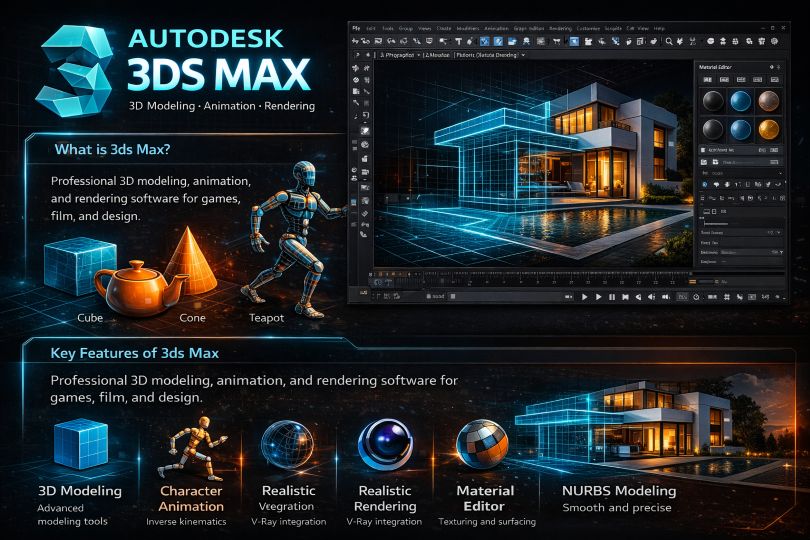
What is Autodesk 3ds Max?
Formerly known as 3D Studio and 3ds Max, 3ds Max is a professional 3D modeling, animation, and rendering application designed for creating 3D animations, models, interactive games, and visual effects for the entertainment industry. It plays a huge role in developing 2D cross-section shapes of 3D models. It can bring characters to life by using a special technique called inverse kinematics, which links a character’s components.
In many industries, these 3D models are not just for visualization, they serve as the foundation for manufacturing physical components. Designers often partner with thermoforming companies near me to turn their digital concepts into high-quality plastic prototypes and finished products, bridging the gap between virtual design and real-world production.
Key Features of 3ds Max
- Advanced 3D modeling tools
- Built-in primitive shapes (cube, cone, teapot, etc.)
- Realistic rendering with plugins like V-Ray
- Character animation using inverse kinematics
- Material Editor for textures and surfaces
- NURBS-based smooth modeling
Understanding 3ds Max
It is capable of architectural modeling, and it serves as a tool in product designing and manufacturing collection. It is a massive software that is used in almost every industry for different purposes. Understanding it is not easy for a beginner, but it will surely boost their careers.
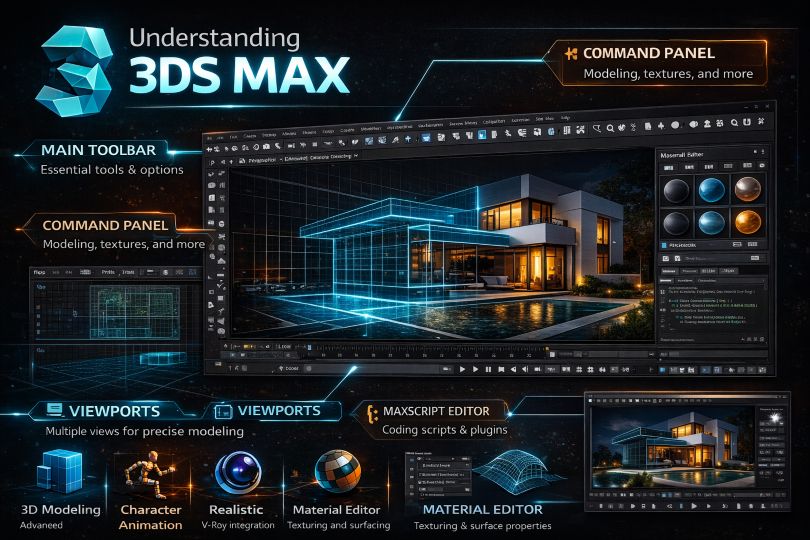
Here we learn a few important elements are –
- Main Toolbar: It is present at the top of the interface. It includes tools and options that appear like buttons and dropdown menus.
- Command Panel: It is situated on the right side of the interface. It includes all other commands that the user needs.
- Maxscript Editor: It is used to code scripts, utilities, and plugins.
- Viewports: This is the view boxes that display the scene from four different angles- Top, left, front, and perspective. The viewport is very helpful and makes work easy and quick.
- Material Editor: It is used for texturing objects and preparing materials and maps that can be applied to the objects.
- Render Frame Window: It allows the user to view the final output of their scene with materials and lighting. This output can also be saved for future references.
How 3ds Max Simplifies Work
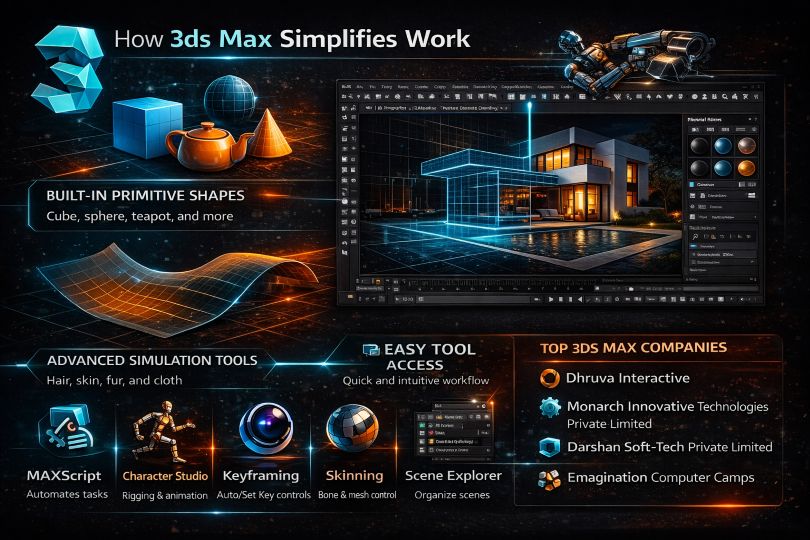
It has an amazing set of tools and commands and supports unique features that make it a user-friendly software. It has various unique built-in Primitive shapes such as teapots, cones, cubes, pyramids that are used as a foundation for model development.
Working with this becomes more easy and more fun when most of the tools and commands are right in front of the user, and it doesn’t confuse them. This program is also used in the simulation of mechanical parts as it supports the NURBS feature that allows smooth modeling by using mathematical formulas.
Character modeling is also made simpler as 3ds Max includes simulations for hair, skin, fur, and cloth. These inbuilt tools reduce the time taken for modeling and enhance the detailing.
3ds Max is designed to make complex tasks more manageable:
- Built-in primitive shapes (cube, sphere, teapot, etc.) for quick modeling
- Support for NURBS (Non-Uniform Rational B-Splines) for smooth, precise designs
- Advanced simulations for hair, fur, skin, and cloth
- Easy access to tools reduces learning friction
These features significantly reduce modeling time while improving detail and realism.
Key Features & Subsets
- MAXScript – Automates repetitive tasks and builds custom tools
- Character Studio – Enables skeletal animation and rigging
- Keyframing (Auto Key / Set Key) – Controls animation timing
- Skinning – Defines how character meshes move with bones
- Scene Explorer – Organizes and manages complex scenes efficiently
Top 3ds Max Companies
Some of the Top companies –
- Dhruva Interactive
- Monarch Innovative Technologies Private Limited
- Darshan Soft-Tech Private Limited
- Emagination Computer Camps
Various Subsets
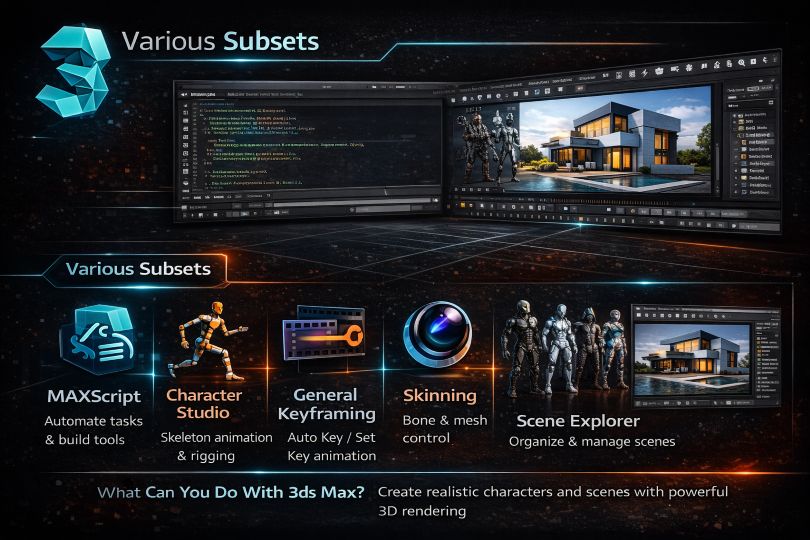
The different subsets are as follows:
- MAXScript: This is a coding language which inbuilt in the software, and it operates repeated tasks. This script is responsible for developing tools and User Interfaces.
- Character Studio: Primarily, it was a plugin. Presently character studio is a tool that helps in animating characters and is based on tock skeleton animation.
- General Keyframing: In the software, the user has two keying techniques; auto key and set key. They both provide support to the user depending on different workflows.
- Skinning: Using this technique, the user can have control over the movements of the characters.
- Scene Explorer: This subset provides a sequenced view of scene data. It also helps in editing the data separately, which allows clarity in editing complicated scenes.
What Can You Do With 3ds Max?
With this, the user can create animated individual characters and develop scenes with multiple people in them. The program has multiple animation controllers that can be created, modified, and even shared.
Moreover, it supports 3D rendering characteristics. One of the main abilities of the program is that the users can view the rendering results without actually rendering the scene. This is achieved by starting the Active Shade Mode in the Program itself.
The interface of the program is clear and user-friendly. The plugins can be used with great ease and without any lagging with render programs like V-ray and others.
Working with 3ds Max
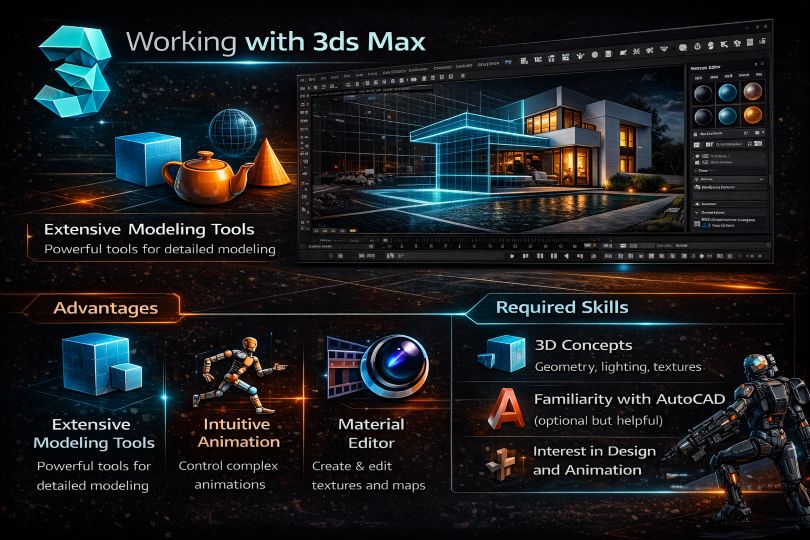
Working with 3ds Max will not be a simple task for a beginner. Users who have previous knowledge of working with 3D software will have an advantage. However, beginners will not require much time to study the program. The Workspaces, tools, commands, and interface are quite effortless. The modeling, texturing, and rendering of models are aided with a robust set of tools and functions that makes working simpler.
Advantages
Some of the major pros are-
- It supports a huge number of tools that are easily available for modeling.
- It is user-friendly in modeling and complex animation
- It supports powerful and multiple tools for animation
- It supports the Material Editor that allows the user to create and edit materials and maps in their scenes.
Required Skills
Before starting to learn 3ds Max, the users should have good knowledge about the 3D environment and its tools and presets. Also, prior knowledge about working on software like AutoCAD will give a good boost to the users.
To get started effectively, it’s helpful to have:
- Basic understanding of 3D concepts (geometry, lighting, textures)
- Familiarity with tools like AutoCAD (optional but beneficial)
- Interest in design, animation, or game development
Why Should We Use 3ds Max?
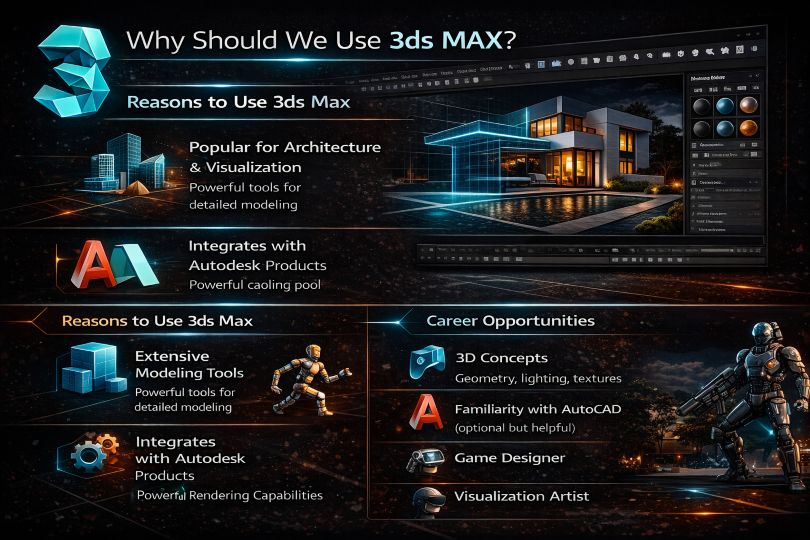
There are some uses are-
- It is a favorite software with architectural and visualization animators.
- It works and blends greatly with other Autodesk products.
- It has strong rendering abilities, improvised usage with industry-standard products.
- It is a time saver software with additional animation tools and mapping workflow.
3ds Max Scope
It has a lot of scope in almost every industry, based on building design, infrastructure, construction, product development, and the gaming world since it has a better User Interface than Maya.
It offers some tools and modifiers that are very simple and makes the task easier. While Maya is used more for filming and animation, Max is used for games and better modeling.
Career Scope
3ds Max opens doors across multiple industries:
- Gaming
- Film & animation
- Architecture & construction
- Product design & manufacturing
Professionals skilled in 3ds Max can pursue roles like:
- 3D Modeler
- Animator
- Game Designe
- Visualization Artist
Who is the right audience for learning these technologies?
It is a gigantic application and can be learned by anyone interested in 3d modeling and infrastructure. Moreover, users aiming to learn gaming skills, product designing, producing detailed characters, and many more can be the right audience for learning this application.
How will this technology help you in career growth?
By making the users learn various skills and techniques required to develop various models and massive games. This technology will help the users in the long run and provide a path to grow careers.
Career Growth Benefits
Learning 3ds Max helps you:
- Develop in-demand creative and technical skills
- Work on real-world design and animation projects
- Build a strong portfolio for high-paying roles in creative industries
Conclusion
All in all, Autodesk 3ds Max is a practical software for learning and practicing animation, and it helps in developing skills required for 3D modeling and animation purposes. One of the best features is the plugin functionality which boosts its features and makes it a globally used application.
Frequently Asked Questions (FAQ)
3ds Max FAQ’s
1) What is 3ds Max best used for?
3ds Max is best used for 3D modeling, animation, and rendering in gaming, architecture, and product design.
2) Is 3ds Max good for beginners?
Yes, beginners can learn 3ds Max with basic guidance and practice, especially if they understand 3D concepts.
3) How long does it take to learn 3ds Max?
It typically takes 2–3 months to learn the basics and 6+ months to become proficient.
4) Which is better: Maya or 3ds Max?
Maya is preferred for animation and film, while 3ds Max is better for modeling and game design.

