
MICROSOFT PROJECT
Specialization | 7 Course Series
This Microsoft Project Training Certification includes 7 courses with 15+ hours of video tutorials and One year access and several mock tests for practice. You get to learn how to use the Microsoft Project tool to its full potential while managing projects.
Offer ends in:
What you'll get
- 15+ Hours
- 7 Courses
- Course Completion Certificates
- One year access
- Self-paced Courses
- Technical Support
- Mobile App Access
- Case Studies
Synopsis
- Courses: You get access to all 7 courses, Projects bundle. You do not need to purchase each course separately.
- Hours: 15+ Video Hours
- Core Coverage: Learn how to use the Microsoft Project tool to its full potential while managing projects.
- Course Validity: One year access
- Eligibility: Anyone serious about learning Microsoft Project and wants to make a career in the project management field
- Pre-Requisites: Basic knowledge of Project Management would be preferable
- What do you get? Certificate of Completion for each of the 7 courses, Projects
- Certification Type: Course Completion Certificates
- Verifiable Certificates?: Yes, you get verifiable certificates for each course with a unique link. These link can be included in your resume/Linkedin profile to showcase your enhanced project management skills
- Type of Training: Video Course – Self-Paced Learning
Content
-
MODULE 1: MS Project Essentials Training
Courses No. of Hours Certificates Details MS Project 3h 18m ✔ MS Project for Project Professionals 2h 23m ✔ -
MODULE 2: Projects based Learning
Courses No. of Hours Certificates Details Microsoft Project - Managing Project with MS Project 1h 58m ✔ MS Project - Beginners to Intermediate 2h 59m ✔ Microsoft Project 2013 for Project Managers 59m ✔ -
MODULE 3: Learning from Practicals & Case Studies
Courses No. of Hours Certificates Details Microsoft Sure Step Methodology For Managing Projects 1h 58m ✔ TreeView and ListView in VBA 2h 23m ✔
Description
In this Microsoft Project Training course, we have three modules with several chapters included in it. This teaches us about all skills right from scratch then intermediate to the professional level. Here we get a chance to master ourselves in the management field by learning this Microsoft Project Training Certification. Following are the skills we learn: –
- We learn all commands with its features and uses that help in getting good hands on the software.
- If we buy heart the features of the tool then it is hard for us to forget.
- At the intermediate level, we get to know about resources and their uses.
- Creating our task and scheduling activities boosts our work and saves time.
- Microsoft Project acts as a second hand of project manager that increases the efficiency and double up the work.
- This Microsoft Project Certification makes you such a professional in this software and similarly, the course content is provided that boosts your skills.
- You just need to study hard and results will be in your hand.
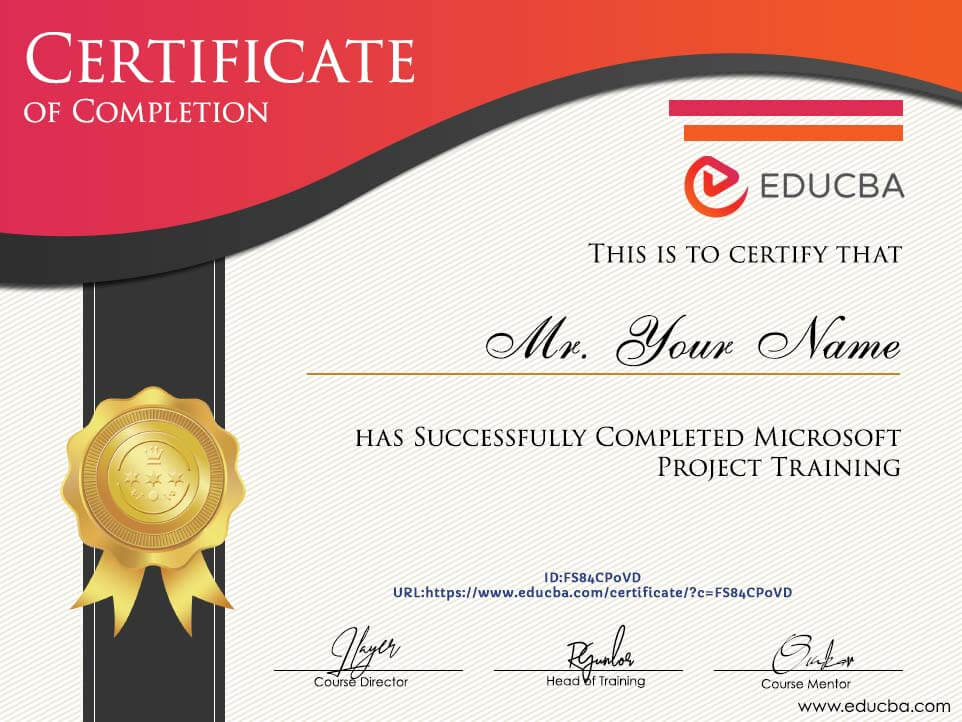
Sample Certificate
Requirements
- To grab on the skills provided one should have the following things that make him easier to understand and enhance his knowledge.
-
- He should have a Desktop or Laptop in which Microsoft Project should be installed.
- He should have a basic computer handling the knowledge that makes him comfortable with the software.
- To cope up with today’s world he should have adhered to internet skills and different applications using skills.
- Programs and its content are easily designed in a step format but your software understanding skills should be good.
- Finally, you should be very much eager to learn all the data and must give your precious time daily.
Target Audience
Target Audience
- Who should opt for this Microsoft Project Training course this is the big question. The perfect answer to this is mentioned below: –
- Beginners are on priority always as they have good grasping power instead of experience.
- A person working in a company as a project manager without Microsoft project then he is the perfect candidate as he must learn.
- Apart from this project schedulers, Project executives, Firm owners, Company partners, senior staff of the company handling loads of members, etc.
- Candidates who are learning management studies have a perfect choice to enroll themselves for this Microsoft Project Training.
Course Ratings
Offer ends in:
Training 5 or more people?
Get your team access to 5,000+ top courses, learning paths, mock tests anytime, anywhere.
Drop an email at: [email protected]

I enjoyed the course very much, the videos are very simple and direct, making the student to have a more detailed view of the development process of a project. I gained a lot of the course, the videos are very simple and direct, making the student have a vision for the development process of a project.
Raimundo Oliveira Junior
The course was well explained and I understood every bit of it. It was a great experience and I know I'll create greater impact in my job as project manager. I will be able to create better project tools and timeline, also I'll be able to create, track ad monitor project budget. Most importantly, I will be able to tract task assigned to people and monitor progress.
Sahr James Kamara
Easy to follow. Clear language. I will surely recommend this necessary course for anyone that has anything to do with project management. The course started with the test list, Gantt chart and went on to explain other critical aspects of Microsoft Project 2016. This is very typical of EDUCBA style of lesson.
EDWIN AYEJU
Course was designed by professionals & explained practically very well.
Amaresh Mahapatra