



Marketing data does not live inside Microsoft 365. It is spread across advertising platforms, analytics tools, CRMs, ecommerce systems, and databases. Microsoft Copilot becomes much more useful once it can reach that data. Right now, most of it is behind separate logins that Copilot does not have access to. Microsoft Copilot Data Connectors help close that gap by connecting external business and marketing data to Copilot workflows.
Data integration platforms close that gap. They collect and prepare data from external sources and make it accessible to Copilot. Below are four platforms marketers can consider for connecting business and marketing data to Microsoft Copilot.
How Microsoft Copilot Data Connectors Work
Microsoft Copilot Studio can connect agents to external MCP servers. MCP is an open standard that lets AI apps connect to external tools and data sources. Once a server is connected, a Copilot agent can use the tools and resources it exposes. For marketers, that cuts out the repeated exporting, uploading, and dashboard-hopping that usually comes with investigating performance.
Microsoft Copilot Data Connectors can also help combine information from several sources before Copilot touches it. That matters when you want to compare channels, connect spend with revenue, or analyze CRM and advertising data together instead of asking isolated questions about each platform. A data integration platform can collect, transform, and organize information from different marketing systems so Copilot can work with more consistent and useful data.
Best Microsoft Copilot Data Connectors for Marketers
1. Coupler.io
Best for: cross-channel marketing analytics without heavy technical setup.
(Image Source: Coupler.io)
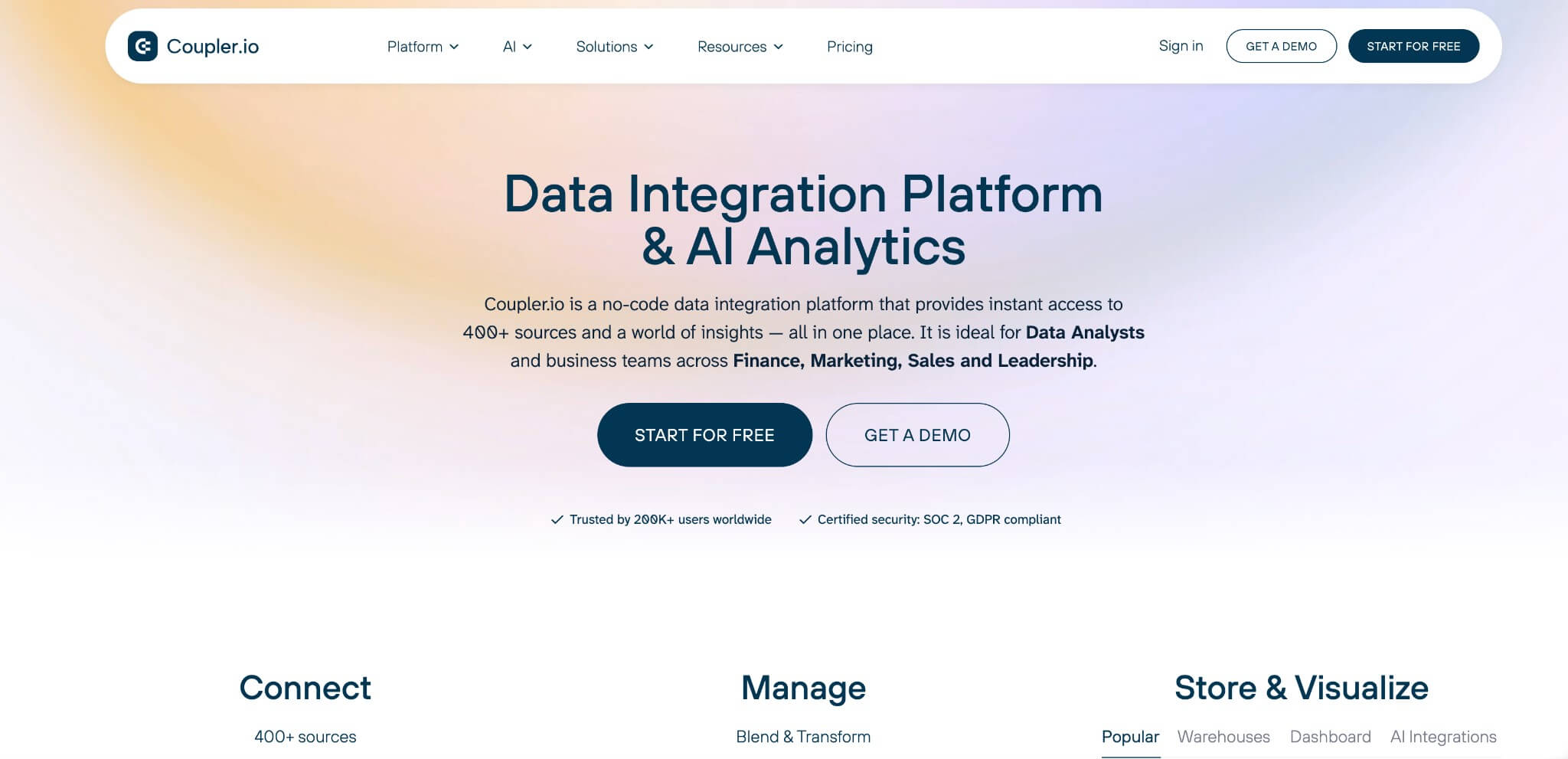
Coupler.io is a no-code data integration and AI analytics platform that pulls information from 400+ marketing and business sources into one place, then lets you filter, join, aggregate, and transform it before it reaches an AI workflow.
Coupler.io can sync your business data with Copilot, connecting advertising, analytics, CRM, ecommerce, and finance data to Microsoft Copilot Studio through a dedicated MCP server. Instead of preparing spreadsheets or manually comparing platforms, marketers can ask about campaign performance, cross-channel spend, revenue, or customer activity in natural language, using one structured dataset instead of a stack of disconnected reports pulled from separate advertising accounts and dashboards.
For example, you could combine Google Ads, Meta Ads, and Microsoft Ads into one dataset, then ask Copilot which campaigns generated the highest ROAS this month. A Microsoft Ads dashboard shows what this data can look like once it is organized for analysis, before you bring it into a Copilot workflow.
Key features:
- 400+ marketing and business data sources
- No-code filtering, calculations, joins, and aggregation
- Microsoft Copilot Studio and MCP connectivity
- Destinations including Excel, Google Sheets, Power BI, Data Studio, and data warehouses
- Automated data refreshes
Pricing: free plan available. Paid plans start from $24/month.
2. Funnel.io
Best for: agencies and larger marketing teams managing many advertising accounts.
(Image Source: Funnel)
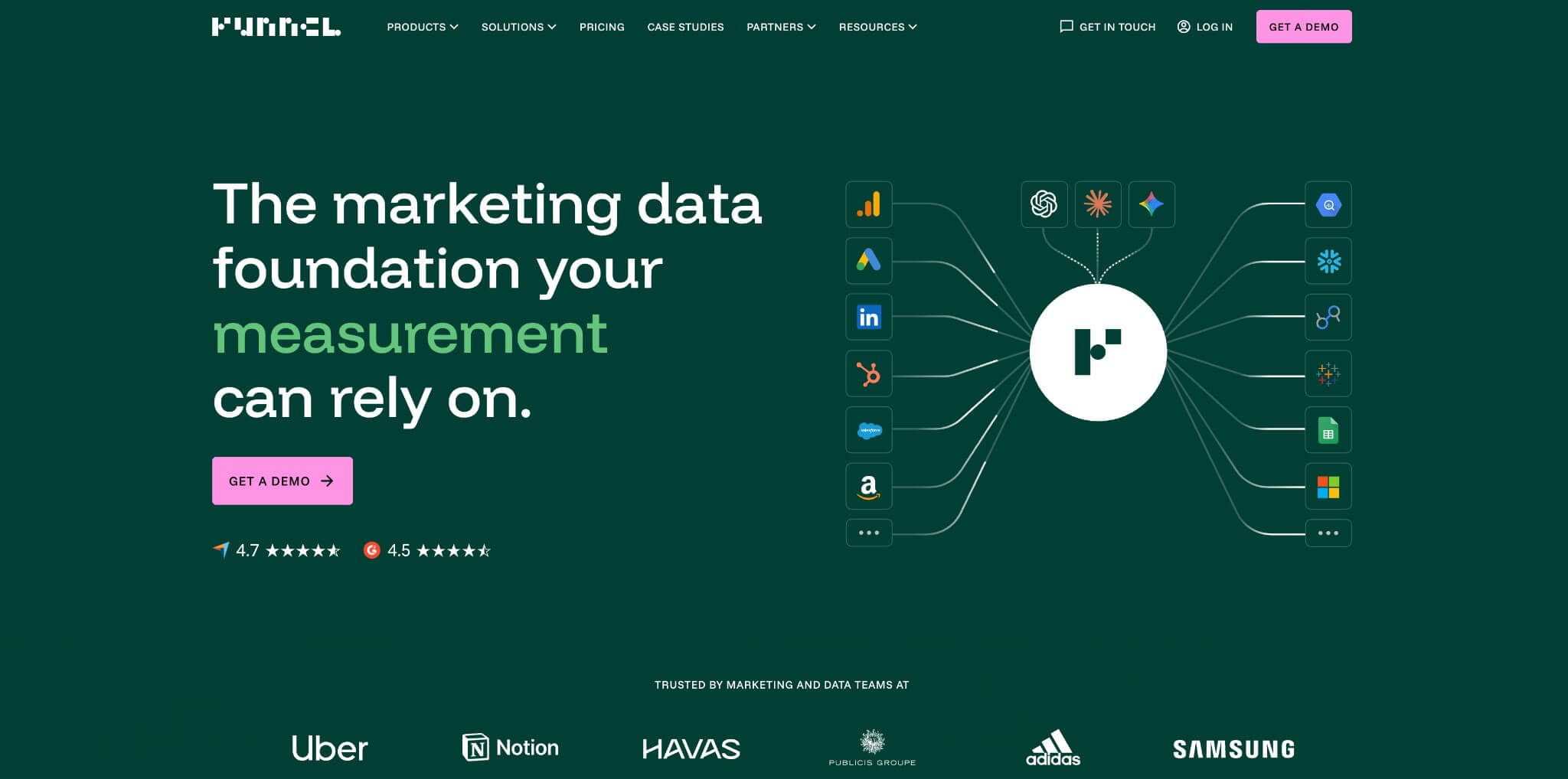
Funnel specializes in collecting, organizing, and standardizing marketing data. That matters most for teams working across many advertising platforms, accounts, or client workspaces, where the same metric often gets named differently from one platform to the next.
It provides a direct Funnel MCP connection to Microsoft Copilot Studio. A connected agent can query workspace data and standardized field definitions through read-only MCP tools instead of navigating separate reports, so an agency managing dozens of client accounts can ask Copilot to compare paid social spend across clients without reconciling naming conventions first.
Key features:
- Extensive marketing-focused connector library
- Metric and dimension standardization
- Direct Funnel MCP connection to Microsoft Copilot Studio, included on every plan
- Workspaces for separating brands, clients, or teams
Pricing: Paid plans start from $300/month
3. Adverity
Best for: enterprise teams that need marketing data governance and harmonization.

(Image Source: Adverity)
Adverity is an enterprise-focused marketing data platform built around harmonizing information from hundreds of sources before it reaches analytics or AI systems. Raw data alone does not produce reliable answers when platforms define metrics inconsistently.
Its Atlas knowledge layer maintains consistent business definitions and is accessible through API, CLI, and MCP interfaces. Adverity’s MCP functionality is currently in beta for selected customers, so confirm availability before planning a Copilot deployment.
Key features:
- 600+ marketing and business connectors
- Marketing data transformation and harmonization
- Enterprise governance and access controls
- Atlas marketing knowledge layer
- MCP functionality for AI workflows, currently in beta
Pricing: Custom pricing.
4. Airbyte
Best for: technical teams connecting marketing data to a broader business data stack.
(Image Source: Airbyte)
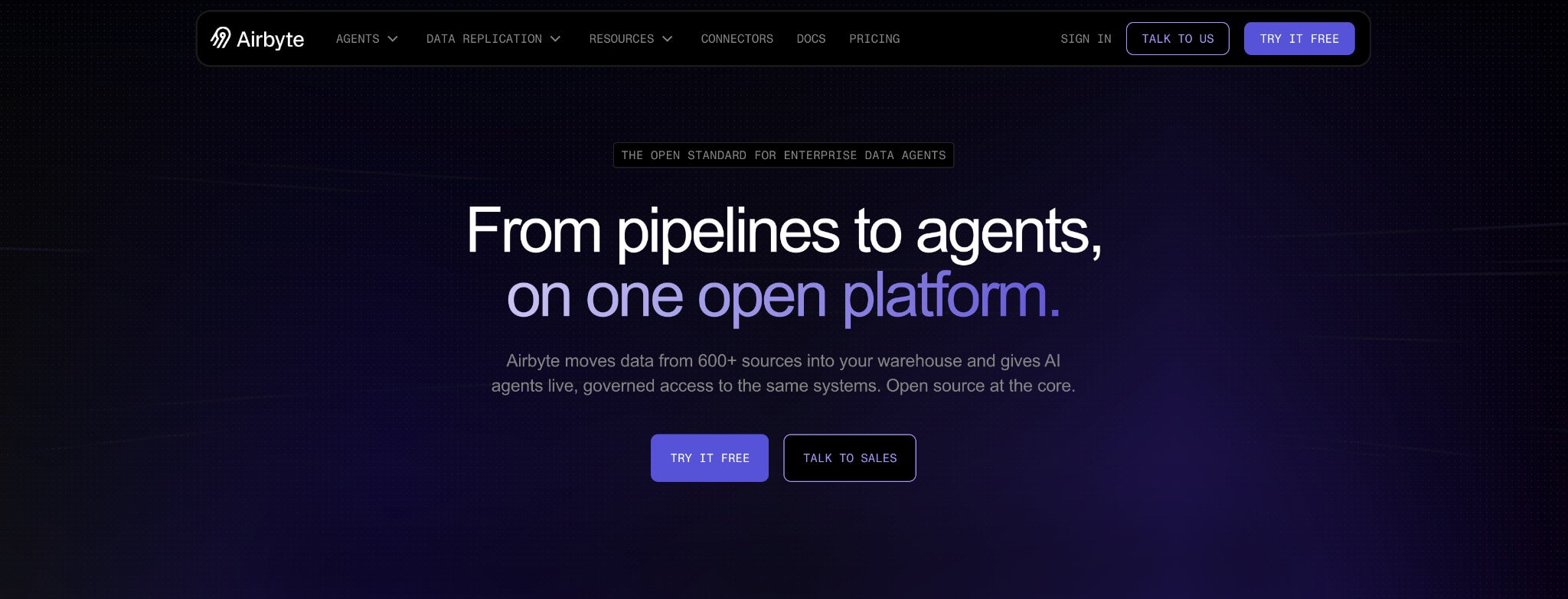
Airbyte is a general-purpose data integration platform rather than a marketing-specific one, with a connector ecosystem spanning databases, SaaS tools, CRMs, and operational systems.
Its MCP Gateway gives AI agents access to multiple connected applications through a single MCP endpoint, currently covering 50+ connectors including Google Search Console, HubSpot, and Salesforce. That makes it a fit when marketing data needs to sit alongside product, sales, or support data in one pipeline, such as connecting Search Console performance to CRM records so an agent can flag which converting keywords also close as customers.
Key features:
- Large general-purpose data connector ecosystem
- MCP Gateway for AI-agent workflows
- Cloud and self-managed deployment options
- Open-source data integration core
- Ability to build custom connectors
Pricing: free plan available. Paid plans start from $29/month.
Build a Better Data Foundation with Microsoft Copilot Data Connectors
As Copilot becomes part of everyday marketing workflows, access to reliable business data matters more than the AI model itself. Microsoft Copilot Data Connectors determine what Copilot can actually see, compare, and analyze across advertising, CRM, ecommerce, analytics, and other systems. That makes data integration less of an optional reporting layer and more of a foundation for useful AI analysis. The better connected and structured your data is, the more relevant Copilot’s answers become.
For marketers, the real value comes from giving the agent enough context to evaluate performance across channels instead of relying on isolated data from a single platform. Choosing the right Microsoft Copilot Data Connectors can therefore help create a more connected and efficient marketing data workflow.
Frequently Asked Questions (FAQs)
Q1. Do all these tools connect directly to Microsoft Copilot?
Answer: No. Coupler.io supports Microsoft Copilot Studio and MCP connectivity directly, while Funnel has a dedicated Funnel MCP integration for Copilot Studio. Adverity and Airbyte offer broader MCP capabilities that can support a Copilot-based data architecture.
Q2. Which option is easiest for marketers without a technical team?
Answer: Coupler.io is the most self-service option here, combining no-code data integration with transformation and AI connectivity. Funnel is also built for marketing teams but leans toward larger operations. Adverity and Airbyte typically involve more technical or administrative setup.
Q3. Can Copilot analyze data from several marketing platforms at once?
Answer: Yes, if your integration platform combines and prepares those sources first. Copilot can then work with one unified dataset instead of treating each advertising or analytics platform separately. This is one of the main benefits of using Microsoft Copilot Data Connectors for marketing workflows.
Q4. Is marketing data secure when connected through MCP?
Answer: Security depends on the authentication, permissions, governance controls, and data-handling practices of both Microsoft and the external platform. Review the integration’s authentication model and security controls before connecting customer or sensitive business data.
Recommended Articles
We hope this guide helps you understand Microsoft Copilot Data Connectors and choose the right option for your marketing needs. Explore these recommended articles for more insights on AI marketing, data integration, Microsoft Copilot, MCP, and marketing analytics.

