



At 9:12 on a Wednesday, mentions doubled every fifteen minutes. A limited-edition serum had shipped with a cracked pump, and 2,400 customers found the comments before the support form. Five community managers had a 45-minute first-reply promise for complaints, making fast and organized response management essential. For community and engagement teams considering Hootsuite alternatives, the strongest option depends on the team’s priorities.
Planable stands out for teams that need social inbox management combined with reply approvals. Sprout Social offers deeper social listening, while Agorapulse focuses heavily on high-volume engagement and inbox management. The following Hootsuite alternatives compare inbox capabilities, approvals, listening, supported networks, pricing, and suitability for community teams handling large volumes of inbound messages.
Who This List is For?
This list is for a specific team: a consumer brand with a community and engagement function of three or more people, fielding 1,000-plus inbound messages a week across five or more platforms, running formal response-time SLAs. The inbox is the brand. Inbound only grows: Meta reports click-to-message ad growth up more than 50% year over year, with paid WhatsApp messaging crossing a $2 billion annual run-rate in Q4 2025.
The channels multiply, too. TikTok passed 1 billion monthly active users back in 2021, and YouTube Shorts now averages more than 200 billion daily views. Covering five-plus platforms means triaging audiences that behave differently, where Hootsuite’s cost and interface start to hurt.
What Community Teams Actually Need?
Not every angry account is a customer. Complainers are customers mid-decision and get a window; trolls are a pattern, repeat baiting with no purchase signal, and get a different rule.
A tool has to tell them apart at speed, then hold the following:
- A unified inbox pulling comments and DMs from 5-plus platforms into one queue, not by whoever has the app open.
- Assignments and clear ownership, so two managers never answer one thread.
- Approvals on sensitive replies, so a lead signs off before a risky answer ships.
- SLA and first-reply-time tracking: a window is a promise you can only keep if you can see it.
- Saved replies and templates for the recurring 80%: template the pattern, humanize the person.
- Sentiment and triage grouping, so the angriest threads surface first.
- Calendar context beside the inbox, so a reply knows what the brand just posted.
Comparison at A Glance
| Tool | Inbox Depth | Reply Approvals | Listening | Networks | Price |
| Hootsuite (reference) | Strong | Higher tiers | Mature | Broad | $99/user/mo |
| Planable | Deep (add-on) | Built-in | Beta | 9 platforms | From $33/ws/mo |
| Agorapulse | Leading | Limited | Add-on | Broad | From $79/user/mo |
| Sprout Social | Strong | Higher tiers | Best-in-class | Broad | From $79/seat/mo |
| Sendible | Capable | Basic | Basic | Broad | From $29/mo |
| Zoho Social | Monitoring-led | Basic | Light | Broad | From $15/mo |
| Buffer | Light | Minimal | None | Broad | From $5/channel/mo |
Best Hootsuite Alternatives for Community Teams
The following points highlight the key Hootsuite alternatives and their best use cases.
1. Planable
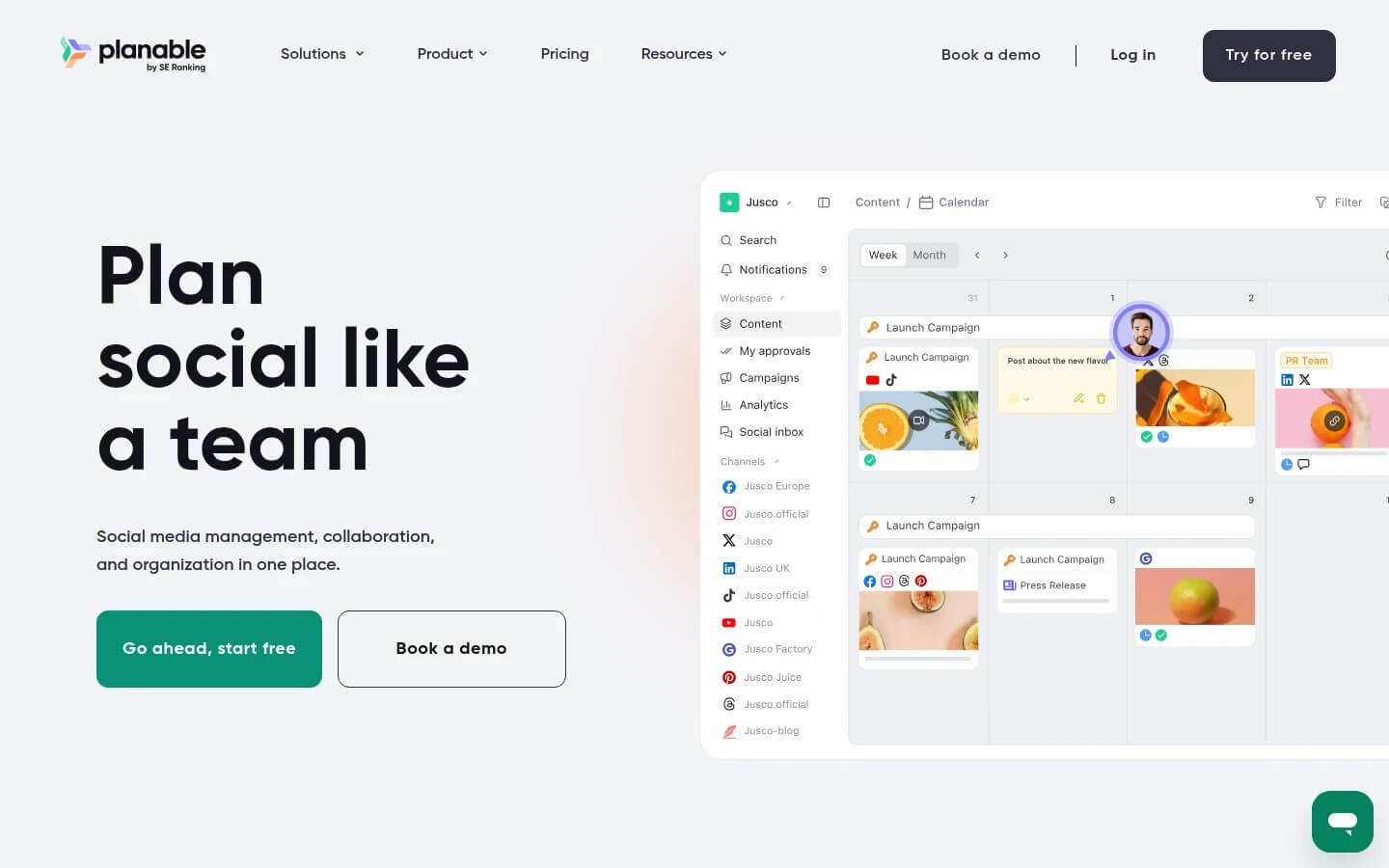
Image Source: Planable
Planable is a collaboration-first social media management tool built around reviewing a message before a reply ships and the queue that holds every message after it lands.
Why it works for community teams: For a team running tiered response windows, the Social Inbox add-on pulls comments, DMs, and ad comments into one queue the whole shift can see, and the approval workflow lets a lead sign off on sensitive replies before they go out. Triage no longer depends on who has which app open.
Standout: The reply and its context sit together. A community manager can open the queue, see the original post on the calendar, draft with AI assistance, and route the risky ones for approval, all in one space. Sentiment grouping surfaces the worst threads first.
Pros:
- One queue for comments, DMs, and ad comments across connected pages
- Approval workflows so sensitive replies get a second set of eyes before they ship
- Calendar and content context sit beside the inbox
- AI reply drafts and sentiment grouping for faster triage
Cons:
- The Social Inbox is a paid add-on, not core
- DMs are limited to Facebook and Instagram
- Not a full helpdesk or chatbot suite
Pricing: Plans from $33/workspace/mo (billed annually; $39 month-to-month); the Social Inbox add-on is $9/workspace/month.
The inbox verdict: If your risk lives in the replies your team sends, not just the ones you receive, Planable is the pick. The approval layer is what a five-person shift needs when one wrong reply becomes its own press cycle. Just budget the add-on.
2. Agorapulse
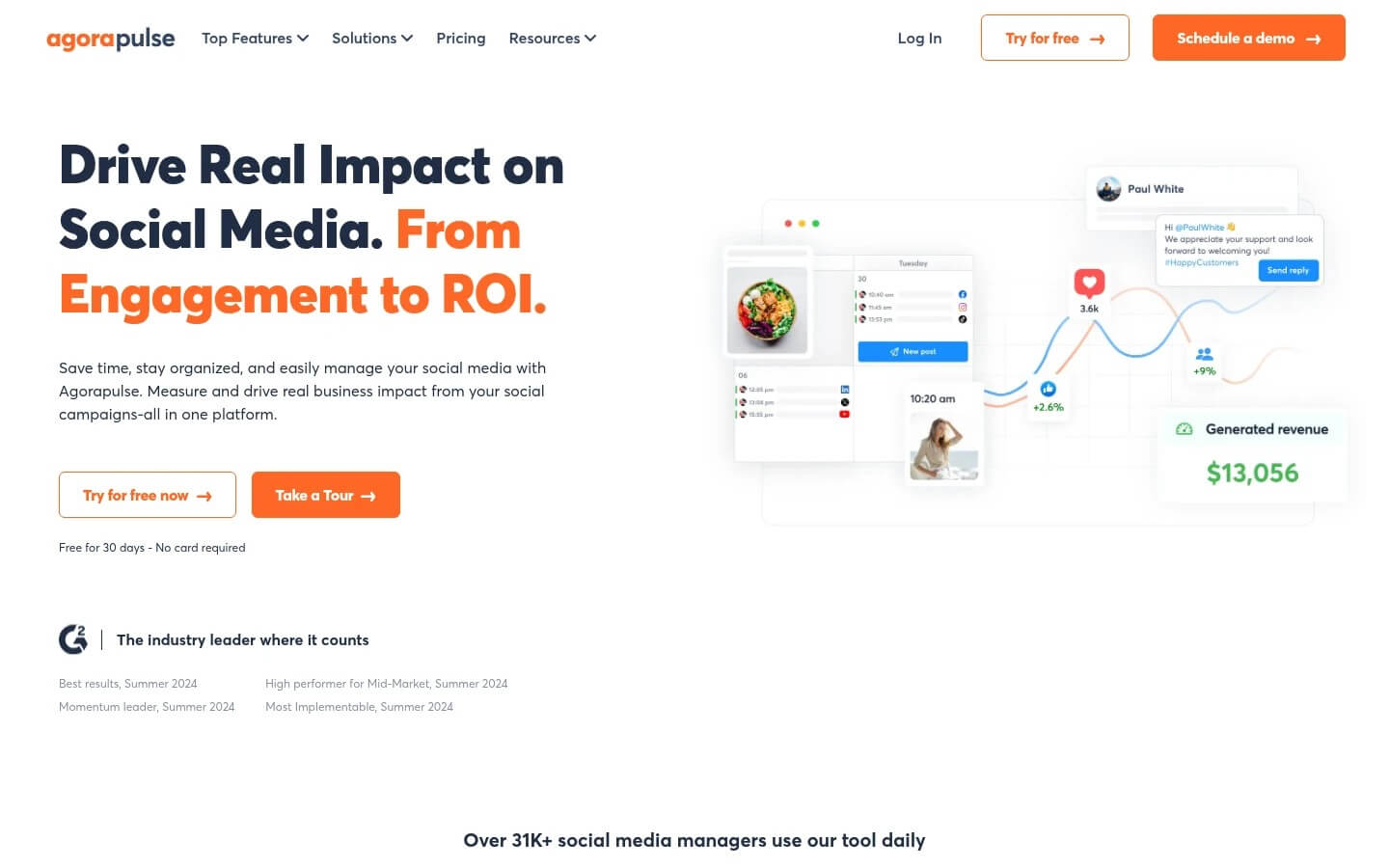
Image Source: Agorapulse
Agorapulse is the engagement specialist here, built around a unified inbox most teams rank at the top for raw triage.
Why it works for community teams: Its inbox consolidates comments, messages, and reviews from every connected network, with assignments, saved replies, and an internal note on each conversation, so ownership is never ambiguous when volume spikes.
Standout: Assignment and review-tracking are first-class. You can route a thread to a named manager, leave an internal note, and watch first-response time in the reporting, the metric a lead staffs against. The queue tells you who is falling behind before the SLA breaks.
Pros:
- Best-in-class unified inbox with assignments and saved replies
- Strong collaboration and first-response reporting
- 30-day free trial to test at real volume
Cons:
- Per-user pricing stacks fast on a 3-plus person team
- Profile caps of 10 on standard tiers can force an upgrade
Pricing: Standard $79/user/mo (annual billing).
The inbox verdict: If pure inbound volume is your problem and reply approvals are secondary, Agorapulse is the strongest engagement engine here. Watch the per-user math, though: five managers on Standard is five full seats, and that climbs faster than the sticker price suggests.
3. Sprout Social
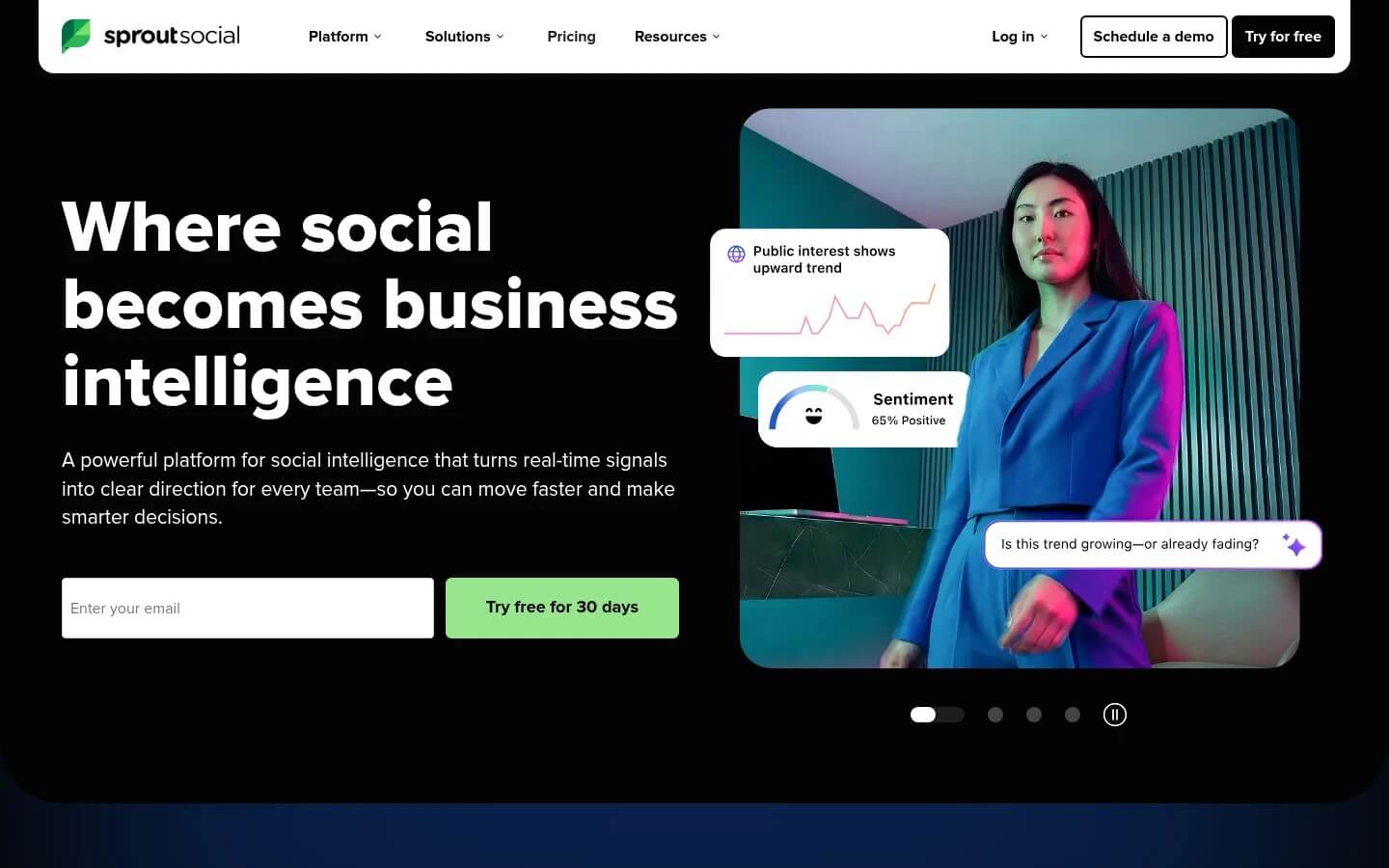
Image Source: Sprout Social
Sprout Social is the premium option, pairing a capable engagement inbox with the deepest listening and reporting in this comparison.
Why it works for community teams: For teams whose remit includes monitoring conversation beyond their own mentions, Sprout’s Smart Inbox and listening tools sit in one place, so triage and trend-spotting happen together, with the reporting leadership asks for.
Standout: Listening is the differentiator. If you need to catch a brewing issue in a conversation you were never tagged in, Sprout goes deeper than anything here. That is the honest reason to look past Planable.
Pros:
- Best-in-class listening and reporting
- Strong engagement inbox with tagging and workflows
- Polished, well-supported interface
Cons:
- Expensive, per-seat, often pricier than Hootsuite
- Deeper features gated to top tiers and add-ons
Pricing: Essentials from $79/seat/mo (billed annually); inbox plus listening depth arrives around Standard at $199/seat/mo.
The inbox verdict: If listening is core to the job, not a nice-to-have, Sprout earns the spend. For a team that mostly answers the queue, you are paying for analytics you may never fully staff. Match the tier to the job.
4. Sendible
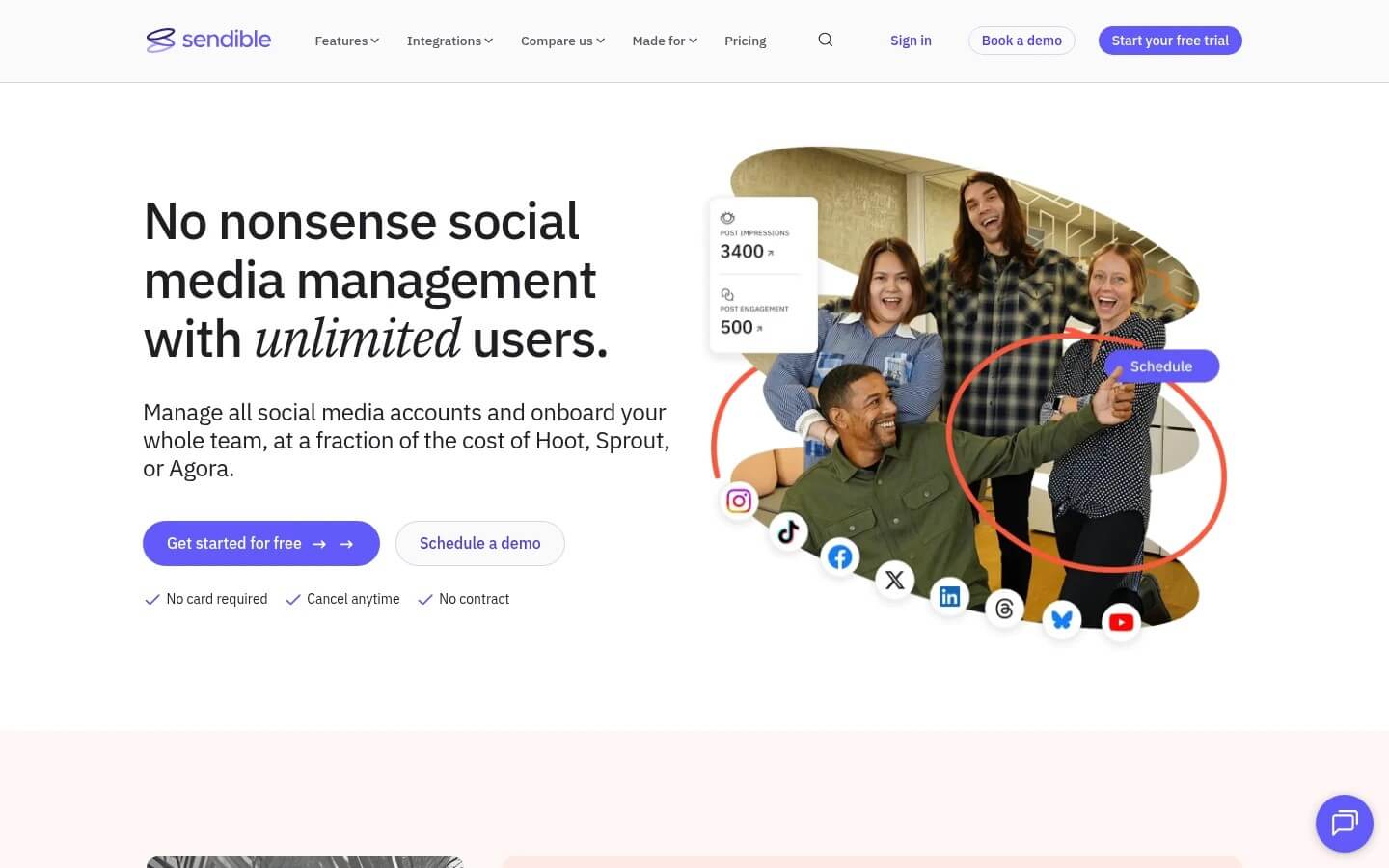
Image Source: Sendible
Sendible is the multi-brand workhorse, built for teams juggling many brand accounts without paying for every head.
Why it works for community teams: Unlimited users on every tier is the standout for a growing team: you add shift cover and escalation contacts without a new seat charge. The priority inbox pulls messages and comments into one filterable stream.
Standout: Seat economics are the whole story. When your rota grows, or you loop in customer care and legal for escalations, most tools charge for every single login. Sendible does not, which changes how freely you staff the hard tiers and the overnight windows.
Pros:
- Unlimited users on every plan
- Priority inbox across connected profiles
- White-label reports for stakeholders
Cons:
- Interface feels dated to some teams
- Profile caps rise only as you climb tiers
Pricing: Core from $29/mo, with unlimited users.
The inbox verdict: If your headache is seat cost as the rota grows, Sendible removes it. The inbox is capable rather than category-leading, but for a team that values adding cover without a budget request every time, that trade is usually worth making.
5. Zoho Social
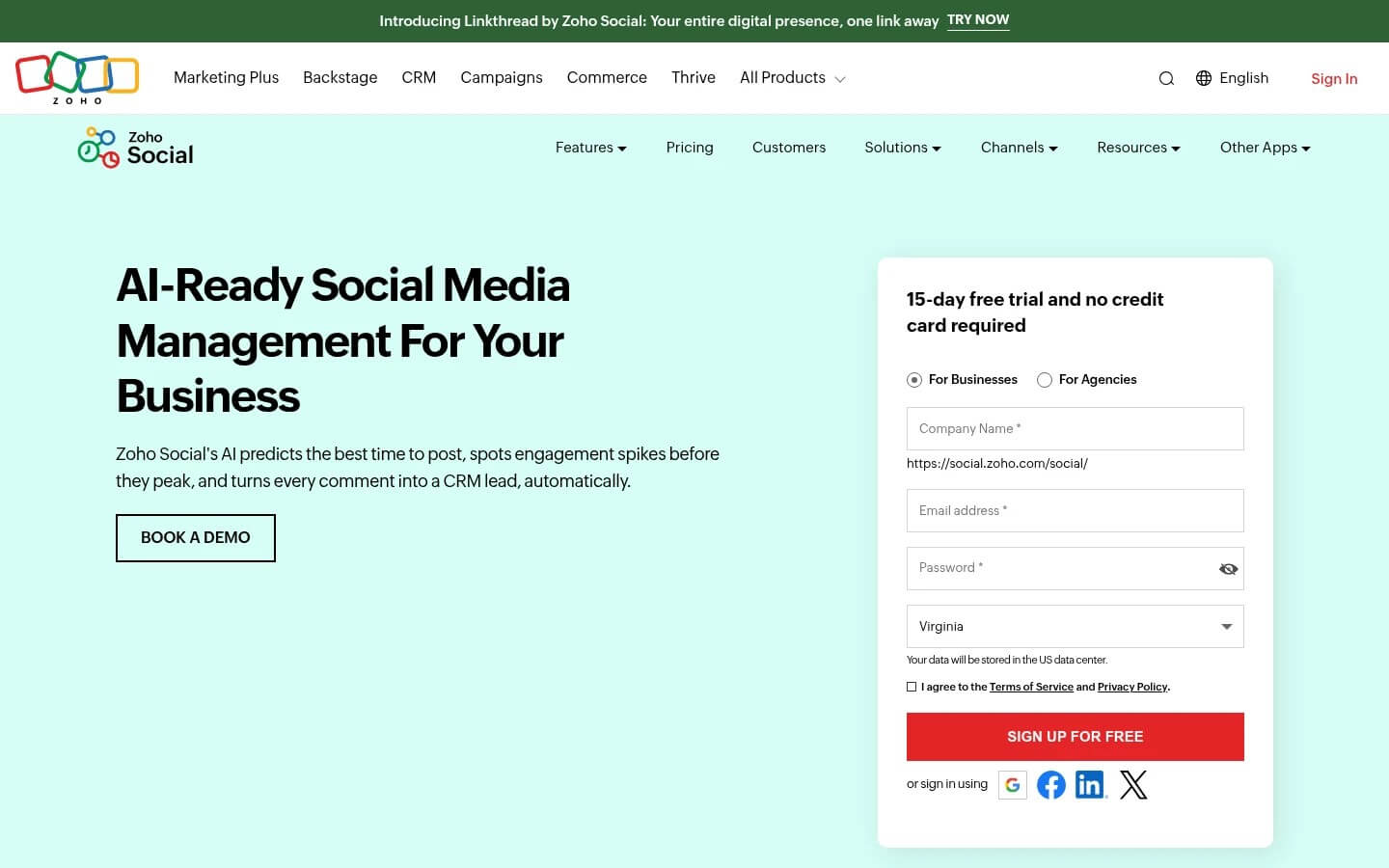
Image Source: Zoho Social
Zoho Social is the value pick, strongest for teams already inside the Zoho ecosystem who want solid monitoring without premium pricing.
Why it works for community teams: Its monitoring columns let a community team watch mentions, keywords, and messages side by side in one live dashboard, covering the triage basics at a fraction of premium cost. On Zoho Desk, the ties help.
Standout: The column-based view is built for watching several streams at once, which suits a small shift that needs to keep eyes on multiple signals. It will not match Sprout’s depth, but for the money it handles the day-to-day queue.
Pros:
- Low cost for the monitoring on offer
- Live column-based dashboard for several streams
- Tight Zoho CRM and Desk integration
Cons:
- Listening and analytics lighter than premium tools
- Best value locked to the Zoho stack
Pricing: Business Standard from $15/mo; Agency from $320/mo for 10 brands.
The inbox verdict: If budget is tight and your monitoring needs are real but not enterprise-grade, Zoho covers the queue honestly. A team running formal SLAs at high volume will outgrow it, but as a first inbox it is hard to beat on cost.
6. Buffer
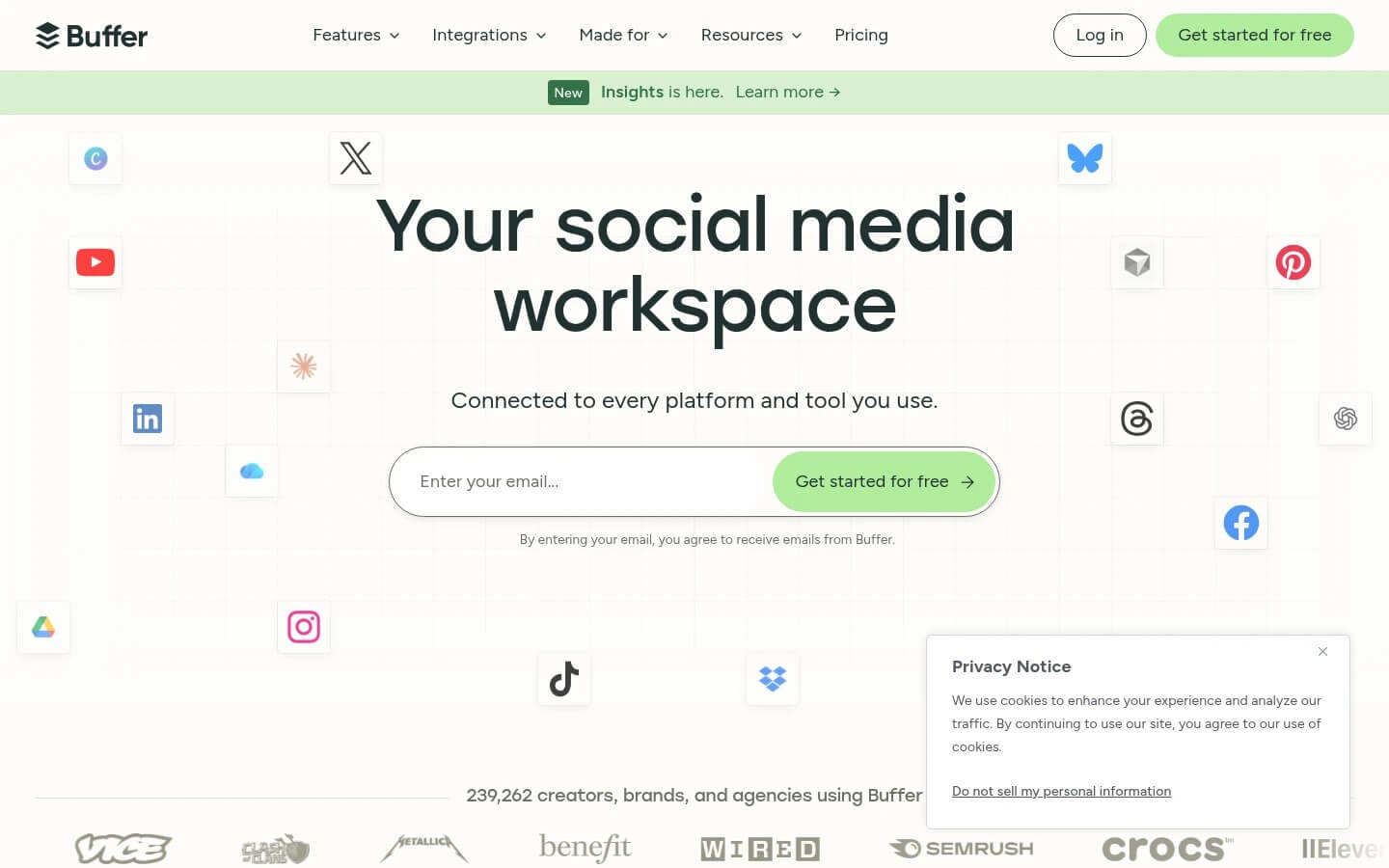
Image Source: Buffer
Buffer is the clean, affordable scheduler on this list, included here because teams keep asking about it.
Why it works for community teams: Buffer is easy and cheap to publish with, and its engagement features cover light comment management. For a team at high inbound volume, it is thinner than the others: the inbox is a starting point, not a triage system.
Standout: Simplicity is the entire pitch. Buffer gets a small team publishing across channels in minutes and handles basic comment replies with no learning curve. That is a strength for lean setups, but a limit once your weekly queue hits the thousands.
Pros:
- Very low entry cost, priced per channel
- Genuinely easy to learn
- Free plan available
Cons:
- Engagement and inbox are light for high volume
- Thin on approvals and listening
Pricing: Essentials from $5/channel/mo.
The inbox verdict: If your inbound is modest and simple publishing is the priority, Buffer is a fair, cheap choice. For a five-person team against 1,000-plus messages a week, it will not carry the triage load, so be honest about that before committing a rota.
How to Choose the Right Hootsuite Alternative?
The best platform depends on the team’s primary operational challenge.
- Highest inbound volume, approvals secondary: Agorapulse.
- Reply approvals plus calendar context in one place: Planable, where the approval layer around the reply is the differentiator when your risk is what you send.
- Listening and reporting depth as a core job: Sprout Social.
- Many brand accounts and a growing rota: Sendible, for unlimited users and no per-seat penalty.
- Cost-conscious monitoring: Zoho Social.
Whichever you pick, the tool is only half the system. None of this holds without the rota: community work at volume burns people out quietly, so build the escalation rules and “nobody answers threats alone” from day one. First-reply time is a promise. Keep it.
Frequently Asked Questions (FAQs)
Q1. What’s the best social inbox tool for high-volume community teams?
Answer: For raw inbound volume, Agorapulse’s unified inbox leads on assignments and first-response tracking. If your risk is in the replies you send, Planable’s approval layer wins. The answer depends on whether your bottleneck is what arrives or what goes out.
Q2. Can you approve sensitive replies before they are sent?
Answer: Yes, with the right tool. Planable is built around approval workflows, so a lead signs off on a high-risk reply before it ships, which matters when one wrong answer becomes a press cycle. Sprout and Agorapulse offer reply oversight too, by tier.
Q3. Do these tools handle DMs and comments across platforms?
Answer: Most do, with limits worth checking. Planable’s Social Inbox covers comments on Facebook, Instagram, LinkedIn, and TikTok, with DMs on Facebook and Instagram. Agorapulse and Sprout span more networks. Confirm which specific channels a tier includes before committing a rota.
Q4. Is there a free tool for social customer care?
Answer: Free tiers exist, but for a team fielding 1,000-plus messages a week, they run out fast. Buffer has a free plan, and Zoho Social offers a free brand tier. Neither is built for SLAs at volume; treat them as a start.
Recommended Articles
We hope this guide to Hootsuite alternatives helps you choose the right tool for your community and engagement needs. Check out these recommended articles for more insights and strategies to improve social media management and audience engagement.

