


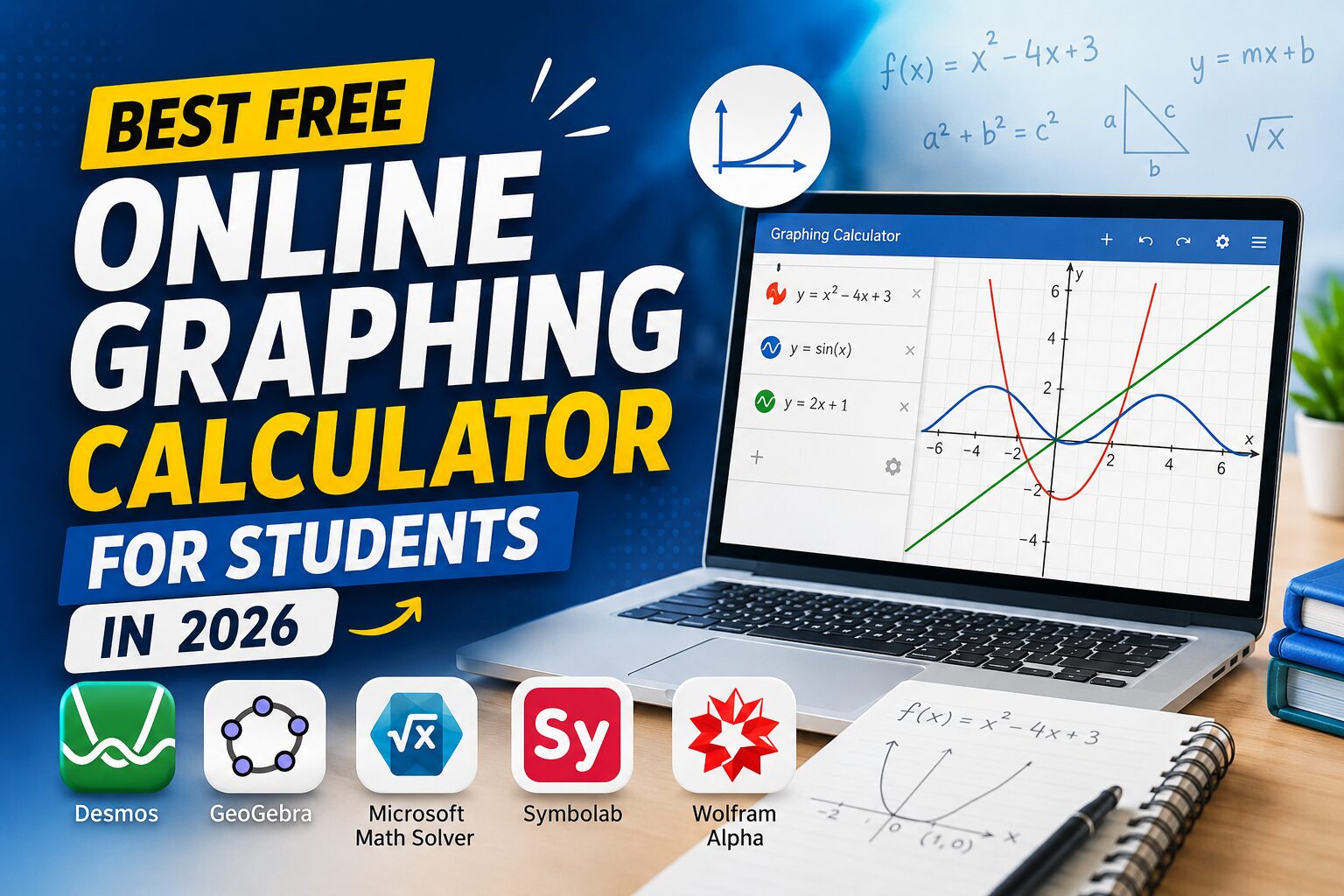
Staring at a messy algebra problem can wreck your whole afternoon. Numbers blur together, and graphs feel impossible to sketch by hand. A free online graphing calculator fixes this problem instantly. It turns confusing equations into clear, visual pictures you can actually understand.
Graphing calculators have helped students solve equations for decades. This article covers what they are, why they matter, and which free tools work best. We will also share tips to help you use them effectively. Let us get started.
What Is a Graphing Calculator?
A graphing calculator is a digital tool for plotting equations. It converts numbers and formulas into visual graphs. Students use it to see how functions behave on a coordinate plane. Unlike a basic scientific calculator, it shows shapes and curves, not just numbers.
How Does It Work?
You type an equation into the input bar. The tool then calculates points along that equation. Next, it connects those points into a smooth line or curve. Most tools also let you zoom, adjust axes, and explore intersections.
Why Students Need One?
Math class often moves fast, and textbooks cannot show every scenario. A graphing tool lets students test ideas instantly. For example, you can check how changing a slope affects a line. This hands-on practice builds real understanding, not memorization.
Benefits of Using a Free Online Graphing Calculator
Free tools remove financial and technical barriers for students. They also make learning more interactive. Below are three major benefits to know about.
- Saves Money vs. Physical Calculators: Handheld graphing calculators often cost over $100. That is a big expense for families on tight budgets. Meanwhile, a free online graphing calculator does the same job at zero cost. Therefore, students save money without sacrificing functionality.
- Accessible Anywhere, Anytime: Online tools work on laptops, tablets, and phones. Consequently, students can practice math homework at home or at school. There is no need to carry a bulky device in a backpack. As a result, learning becomes more flexible and convenient.
- Helps Visualize Complex Math Problems: Abstract concepts such as parabolas and logarithms confuse many students. However, a visual graph makes these ideas concrete. Seeing a curve shift in real time builds stronger intuition. This visual approach supports math homework help for tricky assignments.
Top Features to Look for in a Free Online Graphing Calculator
Not all tools offer the same capabilities. Before choosing one, check for these essential features.
- Function Plotting: A strong function plotter should handle linear, quadratic, and trigonometric functions. It should also support multiple graphs on one screen. This helps students easily compare equations side by side.
- Equation Solving: Look for a built-in equation solver. This feature calculates roots, intersections, and solutions automatically. It saves time and reduces careless arithmetic errors during homework.
- Table Generation: Good free online graphing calculator tools generate tables of values alongside graphs. Tables show exact coordinates for any given input. This makes checking answers faster and more accurate.
- 3D Graphing Capability: Advanced students often need 3D visuals for calculus or geometry. A capable graphing tool should support three-dimensional plotting. This feature helps with surfaces, volumes, and multivariable equations.
Best Free Online Graphing Calculators for Students
Several excellent tools are available at no cost. Each one offers something slightly different, so compare them carefully.
- Desmos Graphing Calculator: A favorite among teachers and students alike. It is simple, fast, and works directly in your browser. You can plot functions, create sliders, and share graphs instantly. Many schools use Desmos for classroom demonstrations, too.
- GeoGebra: GeoGebra combines graphing with geometry and algebra tools. It is ideal for students studying shapes, angles, and transformations. The interface feels intuitive, even for beginners. Additionally, it supports 3D graphing for advanced coursework.
- Microsoft Math Solver: This tool works as both a math problem solver and a grapher. Snap a photo of a problem, and it solves it instantly. It also shows step-by-step explanations for each solution. This makes it useful for reviewing tricky homework concepts.
- Symbolab Graphing Tool: Symbolab functions as a powerful algebra calculator with graphing support. It handles derivatives, integrals, and complex equations smoothly. Students studying calculus often find this tool especially helpful. It also explains each step clearly and simply.
- Wolfram Alpha (Free Version): Offers computational power beyond typical calculators. It solves equations, plots graphs, and answers factual questions. While some features require payment, the free version covers most students’ needs. It remains one of the most trusted free math tools online.
How to Choose the Right Free Online Graphing Calculator?
Choosing the right tool depends on what you need. Consider these three factors before deciding.
- Ease of Use: A cluttered interface can slow down learning. Choose a tool with clear menus and simple navigation. Beginners should prioritize simplicity over advanced features.
- Compatibility with School Curriculum: Some teachers require specific tools for exams or assignments. Always check what your school or textbook recommends. This ensures your practice matches classroom expectations.
- Mobile vs. Desktop Access: Some students prefer studying on phones, while others use laptops. Pick a tool that works smoothly across all your devices. This flexibility supports consistent, uninterrupted practice.
Tips for Using a Free Online Graphing Calculator Effectively
Owning a great tool is not enough on its own. You also need smart habits to get real value from it.
- Practice with Real Homework Problems: Do not just experiment with random equations. Instead, use actual assignments to guide your practice. This connects the tool directly to your coursework goals.
- Explore Advanced Functions Gradually: Avoid jumping into complex features immediately. Start with basic plotting, then slowly try sliders or tables. This gradual approach builds confidence and reduces frustration.
Common Mistakes Students Make with Graphing Calculators
Even great tools can be misused. Watch out for these two common pitfalls.
- Ignoring Built-in Tutorials: Most platforms include helpful guides and tutorials. Skipping them often leads to confusion later. Take a few minutes to explore these resources first.
- Relying on It Without Understanding Concepts: A calculator should support learning, not replace it. Students who skip understanding basic concepts struggle later. Always pair tool use with genuine concept review.
Final Thoughts
Choosing the right free online graphing calculator can transform how you learn math. These free tools make complex problems easier to visualize and solve. They also save money while remaining accessible on any device. Try Desmos or GeoGebra today, and see your math confidence grow.
Frequently Asked Questions (FAQs)
Q1. Is Desmos completely free for students?
Answer: Yes, Desmos is fully free for students, with no hidden costs or required subscriptions for standard graphing features.
Q2. Can I use a graphing calculator on exams?
Answer: It depends on your school’s policy. Many exams allow approved online tools, so check with your teacher first.
Q3. Do these tools work offline?
Answer: Most online graphing calculators require internet access. However, some apps offer limited offline functionality after initial setup.
Q4. Which tool is best for calculus students?
Answer: Symbolab and Wolfram Alpha handle calculus especially well, offering derivatives, integrals, and detailed step-by-step explanations.
Q5. Are these calculators suitable for beginners?
Answer: Yes, tools like Desmos and GeoGebra feature simple interfaces, making them ideal for beginners learning basic graphing concepts.
Recommended Articles
We hope this guide on Free Online Graphing Calculators helps you choose the right tool to visualize equations, solve math problems, and improve your learning experience. Explore these recommended articles for more insights on math tools, online calculators, algebra, graphing techniques, and student learning resources.


