
Offer ends in:
What you'll get
- 19+ Hours
- 5 Courses
- Course Completion Certificates
- One year access
- Self-paced Courses
- Technical Support
- Mobile App Access
- Case Studies
Synopsis
- Courses: You get access to all videos for a lifetime
- Hours: 19++ Video Hours
- Core Coverage: Learn formatting text, modifying page layout, proofing documents, etc, in Microsoft Word, both in Windows and Mac
- Course Validity: One year access
- Eligibility: Anyone serious about learning Microsoft Word
- Pre-Requisites: Internet Connection, MS Word Software.
- What do you get? Certificate of Completion for the course
- Certification Type: Course Completion Certificates
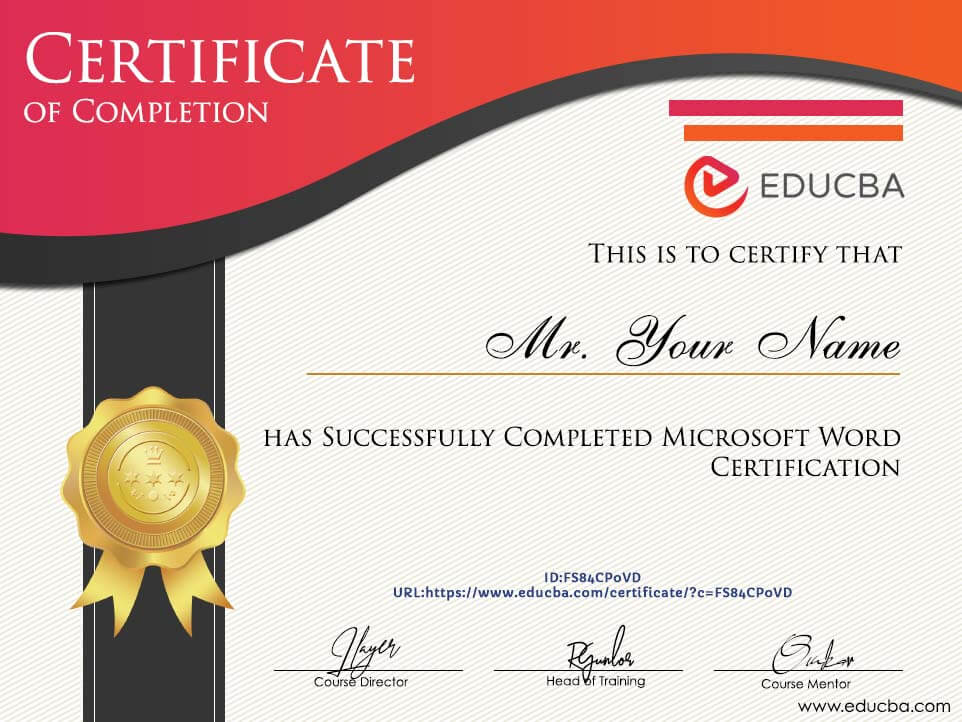
- Verifiable Certificates? You get verifiable certificates for each 5 course and Project with a unique link. These links can be included in your resume/LinkedIn profile to showcase your enhanced skills
- Type of Training: Video Course – Self-Paced Learning
Content
-
MODULE 1: Mastering Microsoft Word
Courses No. of Hours Certificates Details Project on Microsoft Word 1h 56m ✔ Microsoft Word - Beginners to Beyond 5h 2m ✔ -
MODULE 2: Microsoft Word Basics
Courses No. of Hours Certificates Details Microsoft Word 2011 for Mac - Word for Mac 4h 43m ✔ Microsoft Word 2013 4h 26m ✔ Online Microsoft Word 2010 Training Courses 4h 22m ✔
Description
Microsoft Word is a Microsoft product and comes as a part of the MS Office tool when you buy it as a bundle, so once you buy MS Office, MS Word will be part of it.
MS Word is designed to frame your letters and envelopes and draft many other important documents that require detailed elaboration of the topic. We can use MS Word to write offer letters, appointment letters, agreements, annexures, project explanations, and many other possible things with MS Word.
Sample Certificate
Requirements
- Microsoft Word Certification requires the following prerequisites.
- Internet Connection: You need to have a strong internet connection because since this is an online course, you will watch video tutorials. Hence, you need to have a strong internet connection to browse and watch videos.
- MS Word Software: You need to have a computer or laptop with MS Word installed, so you can practice along with us by watching videos.
- MAC Version Computer: If you want to learn about the MAC version of MS Word, then you need to have a MAC computer with MS Word for the MAC version.
- Passion To Learn: Last but not least, you need to have the passion to learn MS Word; without passion, other requisites are irrelevant.
Target Audience
- Students: All the students are required to learn MS Word because all the project reports are generated using MS Word only, and you can get the job if you know MS Word very well.
- Working Professionals: If you are already working and struggling with a lack of knowledge of MS Word, then you can take this Microsoft Word Certification and start your MS Word learning journey with us.
- Anybody Interested: If you are interested just to learn something new in your life, then you can take up this course.
Course Ratings
Offer ends in:
Training 5 or more people?
Get your team access to 5,000+ top courses, learning paths, mock tests anytime, anywhere.
Drop an email at: [email protected]

I really enjoyed this Course, I learned so much. It covered all the things I wanted to learn and more. It thoroughly illustrated each process in a simple, digestible manner. Thank you!
RICHELLE VALENZUELA
EDUCBA has a unique way of teaching of word 2013 through which a layman can easily understand the course.It assists in both our professional and non professional work so that we can enhance our value addition to our work. A lot of new feature has been added which is important for us to know so that we can pack up our work soon through using those.
Yubraj Raut
Course is fairly explained, it teaches you basics about the course from how to type the text, format the text, make use of images, mailing document, and features or tools of word document. Few things which was unaware about was explained properly. Rest a fair enough course to learn about word.
Christopher D. Geoghegan
This is the next training course I have completed in the eduCBA training and it has again improved my knowledge. I am again, very pleased with the training I received during the modules as they are clear and precise; on top of the fact that at any time I need a refresher in a particular skill, I can refer back to a specific module and re-visit the training to refresh my awareness. This aspect is probably one of the best benefits of these training courses. Thanks again!
Jim Nixon