


Updated October 1, 2026
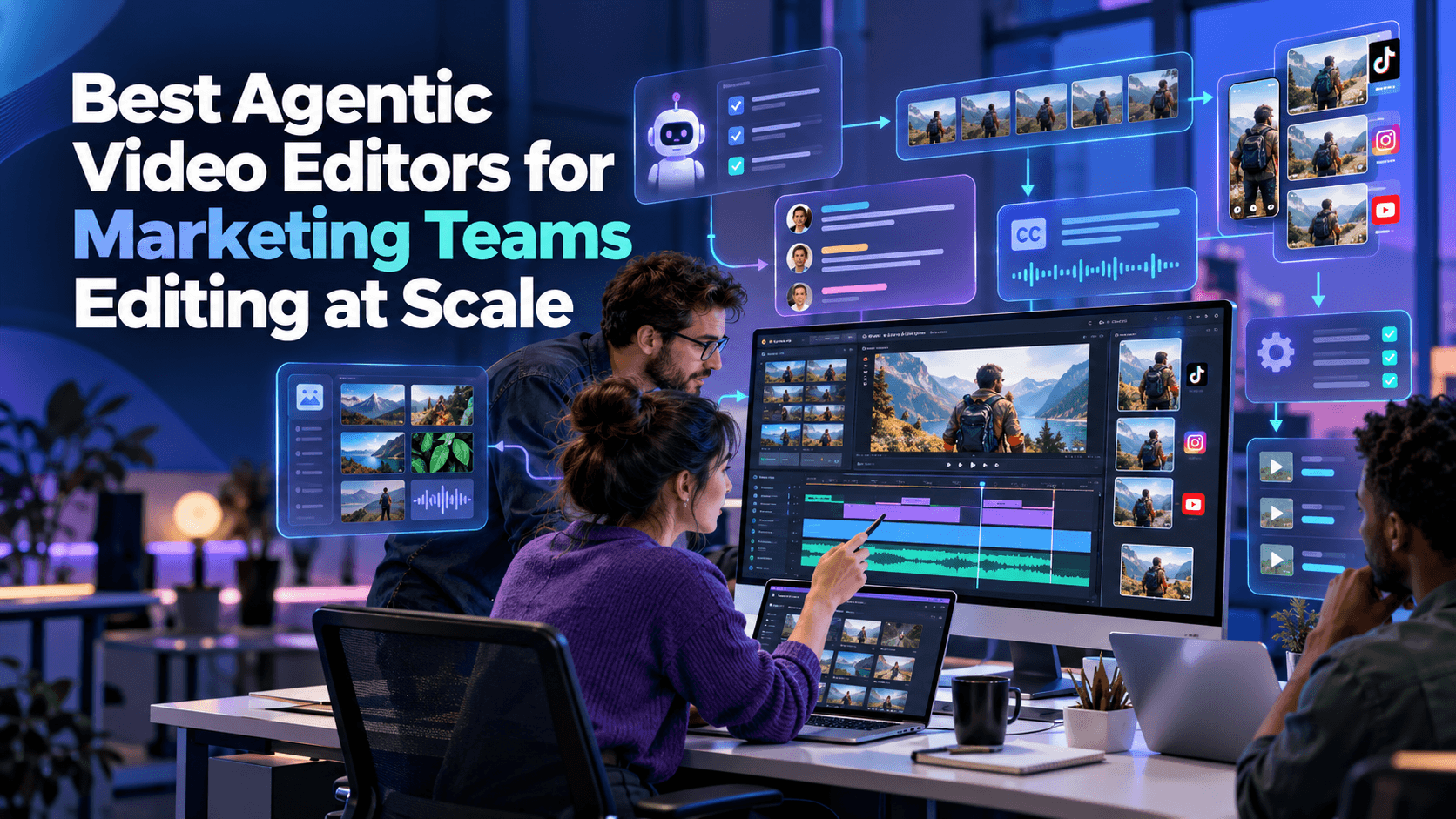
Editing at scale requires marketing teams to produce multiple versions of the same campaign asset, including different lengths, aspect ratios, and languages, often under tight deadlines. The main challenge is not creative decision-making but the repetitive work involved in producing and managing large volumes of content.
Agentic Video Editors help marketing teams streamline these workflows by automating editing tasks, repurposing footage, and supporting team collaboration. However, not every AI video editor offers the same level of automation. Some focus on agentic editing, while others prioritize professional control, templates, or browser-based collaboration.
This article compares five video editing tools designed for marketing teams working at scale. It examines their key features, collaboration capabilities, brand management tools, suitability for repurposing footage, and pricing.
How Were These Agentic Video Editors Evaluated?
The five tools were evaluated based on five factors that matter most to marketing teams producing videos at scale.
- Editing automation: The ability to apply instructions or templates across multiple assets instead of repeating manual tasks for every file.
- Team collaboration: Real-time collaboration and shared project access that allow multiple team members to work together.
- Brand consistency: Features such as brand kits, reusable presets, and templates that help maintain a consistent visual identity.
- Footage repurposing: The ability to turn long recordings into shorter videos and adapt existing footage for different campaigns.
- Team pricing: Published pricing plans and their suitability for teams that need to produce content regularly.
These criteria help distinguish agentic video editing platforms from traditional editors and template-based design tools.
Comparison of the Best Agentic Video Editors for Marketing Teams
The following table compares five video editing tools by primary use case, key features, and starting price.
| Tool | Best For | Key Feature | Starting Price |
| Invideo Editor | Agentic editing across long or multicam campaign footage | Assembly, Restructure, and Cleanup agents on a shared timeline | $20/seat/month |
| Adobe Premiere Pro | Full manual control with team licensing | Text-Based Editing and Generative Extend | $22.99/month |
| Descript | Editing marketing video by editing its transcript | Business tier with team seats | $16/month |
| Canva | Template-led design and video with brand kits | Content Planner scheduling, brand kit, Magic Studio | $10/seat/month |
| Kapwing | Browser-based team editing with subtitles | Link-based team workspaces, Smart Cut | $16/month |
1. Invideo Editor: Agentic Editing Across Campaign Footage at Scale
Invideo Editor is designed for marketing teams that need to repurpose large amounts of footage into multiple campaign assets. Instead of relying on a single AI editing process, it uses specialized agents to handle different editing tasks.
Its Assembly agent creates an initial cut from raw campaign footage. The Restructure agent rearranges or trims videos to meet different length requirements, while the Cleanup agent automatically removes silences and filler words.
These features make Invideo Editor one of the agentic video editor focused on automating repetitive editing tasks. Marketing teams can use it to turn long recordings into shorter videos without rebuilding every version manually.
The platform also provides a real-time multiplayer timeline, allowing editors, colorists, and sound designers to work on the same project. Live cursors and comments support collaboration, while custom agents let teams assign specific editing responsibilities to different AI workflows.
Additional features, such as multicam synchronization and footage search by description, help teams locate relevant clips and repurpose long recordings more efficiently.
Best for: Marketing teams repurposing long source footage, like a webinar or a shoot day, into multiple shorter campaign assets without redoing the structural work by hand each time.
Where it falls short: It has no built-in brand kit or template library like a design-first tool such as Canva, so brand consistency across many assets still relies on manual setup per project.
Pricing: Starts at $20/seat/month on the Starter plan, with the full timeline but limited agent access. It scales up to $150/seat/month on the Max plan, or $100/seat/month billed annually, for full agent access across the team.
2. Adobe Premiere Pro: Full Manual Control With Team Licensing
Adobe Premiere Pro is a professional video editor designed for teams that need detailed control over their video production workflows. It offers team licensing through Creative Cloud for Teams and includes AI-powered features that help editors complete individual tasks more efficiently.
Its Text-Based Editing feature allows editors to work with video transcripts, while Generative Extend helps extend clips when additional footage is needed. These features can reduce editing time, but they do not automate an entire editing workflow across multiple campaign assets.
Unlike agentic video editors, Premiere Pro primarily relies on human editors to make creative decisions and manage the editing process. This approach gives marketing teams greater control over individual clips, transitions, effects, and other production details.
However, campaigns that require numerous variations may still involve considerable manual work. Editors must often adjust each version separately to meet different aspect ratios, durations, and platform requirements.
Best for: brand and creative teams that want full manual, professional-grade control over every campaign asset and have dedicated editors on staff.
Where it falls short: It does not automatically restructure or repurpose footage across formats, so producing many variations at volume takes proportionally more editor time.
Pricing: Starts at $22.99/month per seat on the Premiere Pro Single App plan. It scales up to roughly $69.99/month on the Creative Cloud All Apps bundle, following a price increase in February 2026.
3. Descript: Edit Marketing Video by Editing Its Transcript
Descript takes a different approach to video editing by allowing users to edit videos through their transcripts. Instead of relying entirely on a traditional timeline, marketing teams can remove or rearrange spoken content by editing the corresponding text.
This workflow is particularly useful for interview-based marketing videos, customer testimonials, podcasts, and webinar recordings. Teams can identify relevant sections of a conversation and turn them into shorter clips without manually searching through the entire recording.
Descript also offers team-oriented features through its Business plan, including team seats and additional transcription hours. These capabilities support marketing teams that regularly produce large volumes of spoken-content videos.
Among the available Agentic Video Editors and AI-powered editing tools, Descript serves a specific purpose. Its transcript-based approach simplifies dialogue editing, although it offers less value for campaigns that depend primarily on visual storytelling.
Best for: teams repurposing interviews, testimonials, or webinar recordings into shorter marketing clips by editing the script.
Where it falls short: it is less suited to multicam or heavily visual campaign footage where the story is not carried by dialogue.
Pricing: Starts free. Paid plans begin at $16/month on the Hobbyist plan, billed annually, and scale up to $65/month on the Business plan for team seats.
4. Canva: Template-Led Design and Video With Brand Kits
Canva combines simple video editing with its broader design platform, making it useful for marketing teams that need to produce consistent content across multiple channels.
Its video editor includes a straightforward timeline, while its brand kits, templates, and Magic Studio tools help teams maintain a consistent visual identity. The Content Planner also supports campaign scheduling, allowing teams to manage content alongside other marketing assets.
Canva’s real-time collaboration features let multiple team members work on the same video and coordinate with other campaign materials. Shared brand kits make it easier to apply approved fonts, colors, and logos across different assets.
Unlike more specialized Agentic Video Editors, Canva focuses primarily on template-driven production and design consistency rather than automating complex footage editing. Its timeline suits simple social media videos but offers less flexibility for advanced editing projects.
Best for: marketing teams producing template-driven social video who want brand consistency across every asset with minimal setup.
Where it falls short: limited timeline and track complexity make it a weaker fit for editing long or complex source footage into a polished cut.
Pricing: Starts at $10/user/month on the Teams plan, billed annually, with a minimum of three seats. Individual Pro access runs $15/month.
5. Kapwing: Browser-Based Team Editing With Subtitles
Kapwing runs a full editing timeline in the browser, with Smart Cut for trimming, built-in subtitles, and dubbing. Its team workspaces are link-based and priced per seat, aimed at teams collaborating without installing desktop software.
This suits marketing teams that need fast, browser-based collaboration without a heavy learning curve. Its free tier caps exports at 720p with a watermark and a four-minute limit, which pushes most team use straight to a paid seat.
Best for: distributed marketing teams that want quick, browser-based collaborative editing without desktop software.
Where it falls short: it lacks the deeper multicam and agent-driven repurposing tools that a footage-heavy campaign needs at scale.
Pricing: Starts free, capped at 720p with a watermark. Pro runs $24/month, or $16/month billed annually.
Which Agentic Video Editor Should Marketing Teams Use?
Choosing among these Agentic Video Editors and other AI-powered video editing tools depends on the team’s production requirements, editing workflow, and collaboration needs.
Each platform supports a different approach to marketing video production.
- Invideo Editor: Suitable for marketing teams that need to repurpose long source footage into multiple campaign variations using AI agents.
- Adobe Premiere Pro: Suitable for creative teams that require detailed manual control and have dedicated editors for professional video production.
- Descript: Suitable for teams that produce interview-based content, testimonials, and webinars and prefer editing videos through transcripts.
- Canva: Suitable for marketing teams that prioritize templates, shared brand kits, and consistent social media content.
- Kapwing: Suitable for distributed teams that need browser-based editing, subtitles, and straightforward collaboration without desktop software.
Marketing teams producing large volumes of video content may also need to consider how much time they spend on repetitive editing tasks. Teams working primarily with long recordings may prioritize footage repurposing, while those producing branded social media content may focus more on templates and shared design resources.
Frequently Asked Questions (FAQs)
Q1. What Are the Best Agentic Video Editors for Marketing Teams?
Answer: Invideo Editor is designed for marketing teams that need agentic editing workflows. Its Assembly, Restructure, and Cleanup agents help automate different stages of video editing, making it possible to turn long source footage into multiple campaign assets. Its multiplayer timeline also supports team collaboration.
Other tools, including Adobe Premiere Pro, Descript, Canva, and Kapwing, support different marketing workflows, such as professional editing, transcript-based editing, template-driven production, and browser-based collaboration.
Q2. Which Video Editing Tool Is Best for Maintaining Brand Consistency?
Answer: Canva provides dedicated brand kits, shared fonts, colors, and templates that help marketing teams maintain visual consistency across multiple video assets.
Other tools, including Invideo Editor, Adobe Premiere Pro, Descript, and Kapwing, can support consistent branding through editing workflows and reusable assets. However, they do not offer the same integrated brand kit experience as Canva.
Q3. Can Agentic Video Editors Repurpose One Long Recording Into Several Short Marketing Clips?
Answer: Yes. Some agentic video editors and AI-powered editing platforms can help marketing teams turn long recordings into shorter clips.
Invideo Editor uses its Restructure agent to adapt footage to different lengths, while Descript allows editors to select and remove sections by editing transcripts. These features help teams create shorter marketing videos without rebuilding every edit from scratch.
Q4. Do Agentic Video Editors Support Real-Time Team Collaboration?
Answer: Several video editing platforms support real-time or shared-project collaboration.
Invideo Editor and Canva offer real-time collaboration features, while Kapwing provides browser-based team workspaces. Descript and Adobe Premiere Pro also support team-oriented workflows and shared project access, although their collaboration capabilities differ.
Marketing teams should consider whether they need multiple people editing the same project simultaneously or simply require shared access for reviewing and managing video projects.
Recommended Articles
We hope this guide helps you understand how Agentic Video Editors streamline marketing workflows, automate repetitive editing tasks, and support large-scale video production. Explore our recommended articles for more insights on AI video editing, marketing automation, content creation, video production, and emerging AI technologies.


