


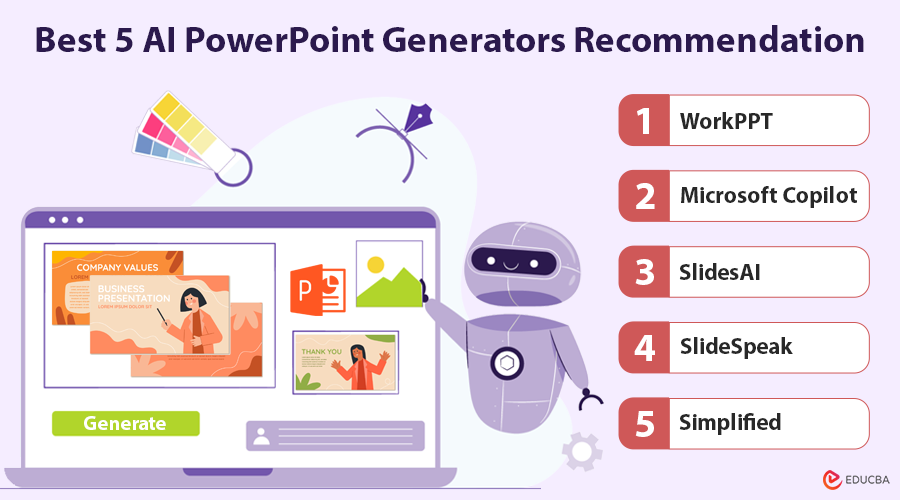
Introduction to AI PowerPoint Generators for PPT & PPTX
Struggling with a school project or an important work presentation? An AI PowerPoint generator can instantly turn your ideas into polished, professional slides. Instead of spending hours designing, these tools create ready-to-use PPT and PPTX files in minutes. In this guide, we will explain why you need an AI PPT maker, compare it with traditional tools, and recommend the best 5 AI PowerPoint generators in 2025.
Why Do Users Need an AI PowerPoint Generator?
The AI PowerPoint generator is a powerful and intelligent tool. Utilizing natural language processing and learning tech, it quickly generates structured PPT content based on your topic, text, or files.
Even in 2025, PowerPoint (.ppt & .pptx) remains the standard for professional and academic presentations because it is compatible, polished, and widely accepted. Creating traditional slides takes time and effort. With the AI PowerPoint slide generator, you can generate well-organized, visually appealing presentations in a fraction of the time—without sacrificing quality.
Comparison Between AI PPT Maker and Traditional PPT Tool
| Feature | AI PowerPoint Generator | Traditional PPT Tools |
| Operation | Input text or upload documents, slides are automatically generated | Manual design, edit slide by slide |
| Design Templates | Offers multiple smart recommended templates | Users choose templates manually |
| Content Structure | Automatically analyzes content and intelligently arranges layout | Layout needs to be manually adjusted |
| Learning Curve | Low, suitable for non-design users | High, requires design skills |
| Collaboration | Supports multi-user online collaboration | Supported, but collaboration experience is limited |
| Pricing | Mostly free or subscription-based | One-time purchase or subscription-based |
Best 5 AI PowerPoint Generators Recommendation
1. WorkPPT
WorkPPT lets you quickly create PowerPoint presentations from text, PDF, or Word files. It offers a range of templates and smart layout features, saving you time on formatting, organizing content, and designing visuals. It is not just about slides—it also comes with AI PDF, AI summary, AI Mind Map, and other handy tools.
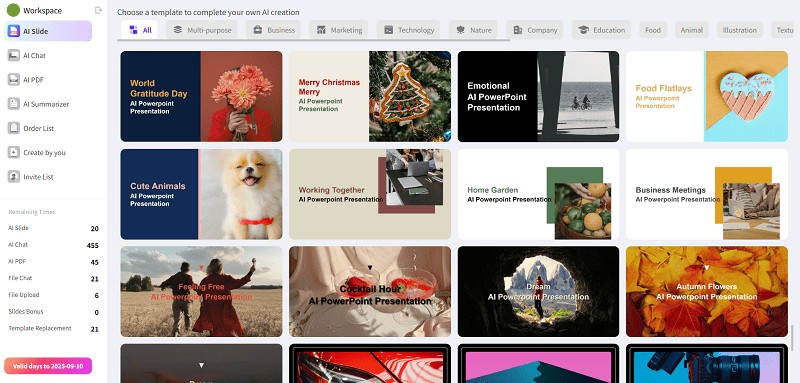
(Image Source: WorkPPT)
Main Feature:
- AI Content Generation: Automatically creates titles, text, data explanations, and summaries from keywords or short input.
- Smart Layouts: Automatically arranges slides and visuals, eliminating the need for manual adjustments.
- Variety of Templates: Covers business, education, creative, and other styles.
- Content Enhancement: Improves fonts, colors, and charts for polished slides.
- Charts & Visuals: Automatically generates bar, line, and pie charts.
- Cross-Platform: Works online on Windows, Mac, iPad, and more.
Advantages:
- Saves time with AI-powered content and layout creation.
- Produces professional slides without design skills.
- Refines language for clear logic and key points.
- Cloud storage prevents file loss and version conflicts.
- Supports team collaboration with comments.
- Exports PPT/PPTX compatible with common software.
Disadvantages:
- The interface may take some getting used to.
- Some advanced features require payment.
Overall, WorkPPT is a full-featured, easy-to-use free AI PowerPoint generator. If you need speed and professional quality, this is a strong choice.
2. Microsoft Copilot
Microsoft Copilot, part of Microsoft 365, helps you create presentations, Word documents, Excel sheets, and more. To use it, just click Copilot in PowerPoint, type a topic, and it will generate a full presentation with titles, key points, and slide designs.
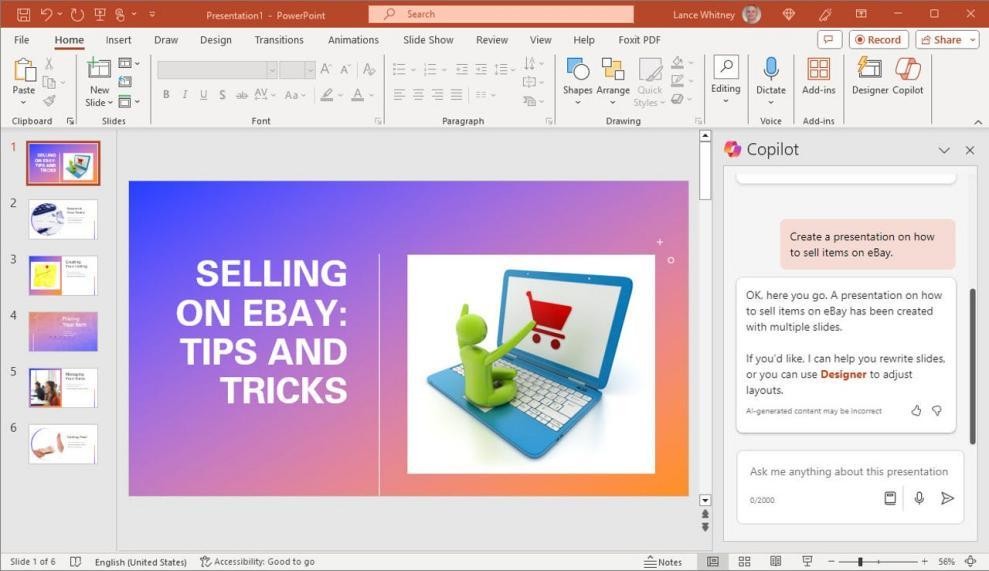
(Image Source: Microsoft Copilot)
Advantages:
- Works smoothly within Microsoft 365.
- Offers design ideas and content suggestions to improve your slides.
Disadvantages:
- Can only create presentations from docx files for now.
- Generated content is not always accurate.
3. SlidesAI
SlidesAI is a lightweight PowerPoint AI generator. It can quickly turn text, PDFs, Word files, and other content into professional PowerPoint slides, eliminating tedious copying and design tasks. It also works with Google Drive, making slide creation faster and easier.
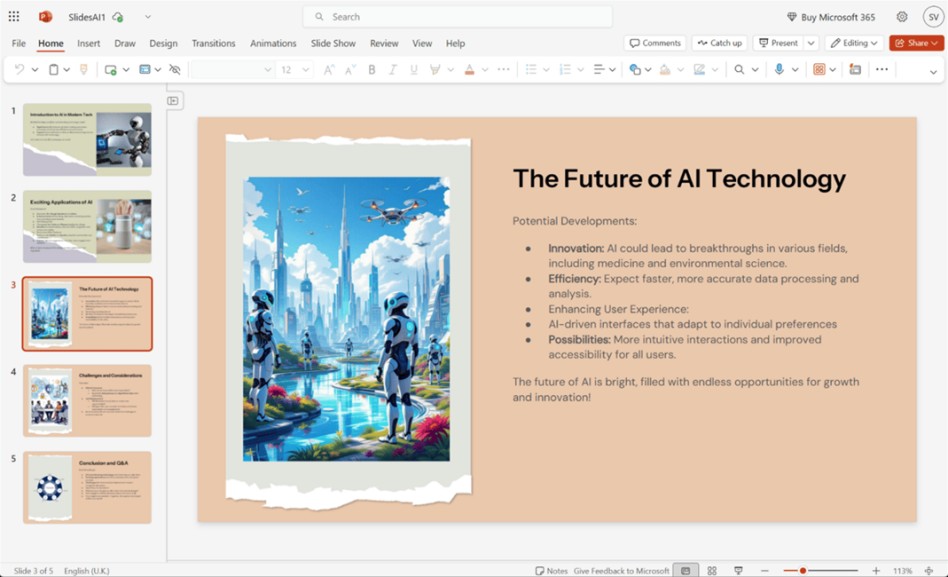
(Image Source: SlidesAI)
Advantages:
- Works with both PowerPoint and Google Slides.
- Can integrate directly into Google Slides.
Disadvantages:
- Requires Google Slides with add-ons enabled.
- Limited customization compared to manual creation.
4. SlideSpeak
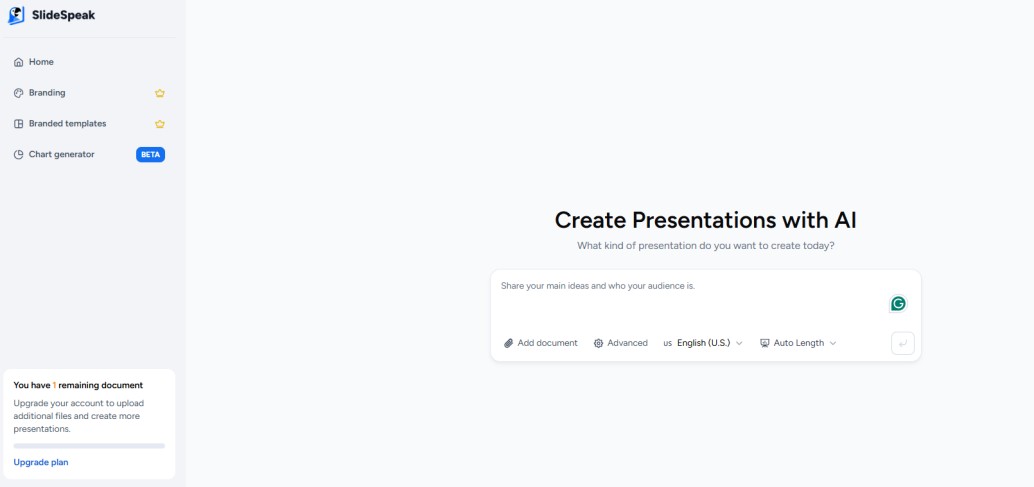
SlideSpeak is perfect if you often work with documents. It reads PDFs, Word files, or existing PowerPoint presentations, extracts the key points, and builds logically clear, AI-generated PowerPoint presentations automatically. Additionally, its conversational AI also makes it feel like you are “chatting” your way to a finished deck.
(Image Source: SlideSpeak)
Advantages:
- Uses ChatGPT to create natural-flowing content.
- Summarizes key information quickly.
Disadvantages:
- Content may need some editing.
- Not ideal for highly visual or complex layouts.
5. Simplified
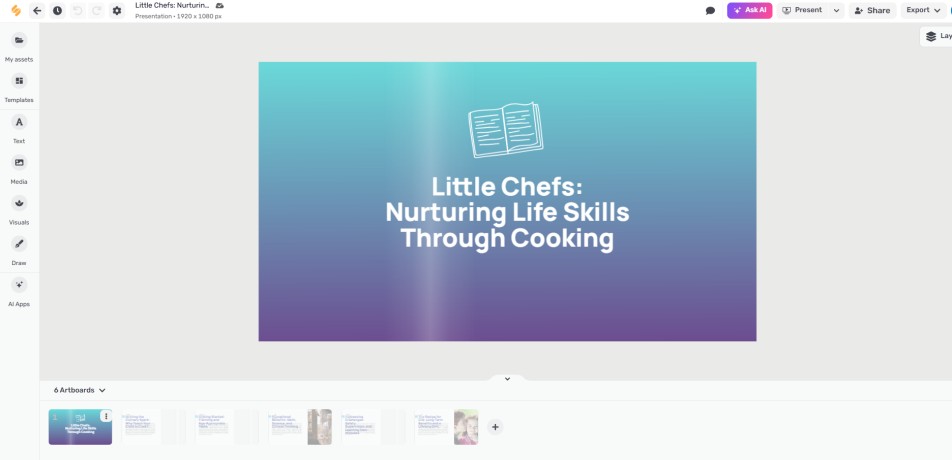
Simplified is an all-in-one content platform. It effortlessly turns text into PowerPoint while also supporting graphic design, copywriting, and video editing. Just type in your prompt, and it will automatically improve your slide designs using its built-in assets.
(Image Source: Simplified)
Advantages:
- Combines multiple design tools for different needs.
- Supports team collaboration.
Disadvantages:
- You cannot export card groups as PPTX files.
Why is WorkPPT Your Best Choice?
WorkPPT stands out among AI PPT generators because it does everything in one place. While other tools focus on just one part of making slides, WorkPPT handles both content and design—so you do not have to worry about missing pieces.
- Microsoft Copilot: Copilot is strong but integrates tightly with Microsoft’s ecosystem. WorkPPT operates independently, offering more flexibility and fewer limitations.
- SlidesAI: SlidesAI mainly converts text into slides, but its design and chart features remain basic. WorkPPT adds auto charts, layouts, and polished designs.
- SlideSpeak: SlideSpeak is good for turning documents into slides. WorkPPT is better if you are starting from scratch, turning ideas into full presentations.
- Simplified: Simplified is a general design tool with light presentation features. WorkPPT is built for professional slides, giving higher-quality results for work or study.
WorkPPT is a platform-free, feature-rich, and professional-focused presentation platform. If you want great-looking slides quickly without compromising quality, WorkPPT is the smarter choice.
Final Thoughts
AI PowerPoint generators make creating PPTs faster and easier. Each tool offers unique features, compatibility, and pricing, allowing you to choose the one that best meets your needs. Whether for work reports or school lectures, these tools can be a reliable assistant.
Frequently Asked Questions (FAQs)
Q1. Is AI content for PowerPoint accurate?
Answer: AI creates content from your text or documents. Its accuracy depends on your input and the AI itself. Always review and adjust the content if needed.
Q2. Do we need design experience to use AI generators?
Answer: No. Most AI tools are easy to use and work well for people without design skills.
Q3. How secure are AI generators?
Answer: They generally protect your data, but it is important to review the privacy policy and terms before using them.
Recommended Articles
We hope this guide to the best AI PowerPoint generators helps you create professional presentations with ease. Explore these recommended articles for more tips and tools to enhance your productivity.


