


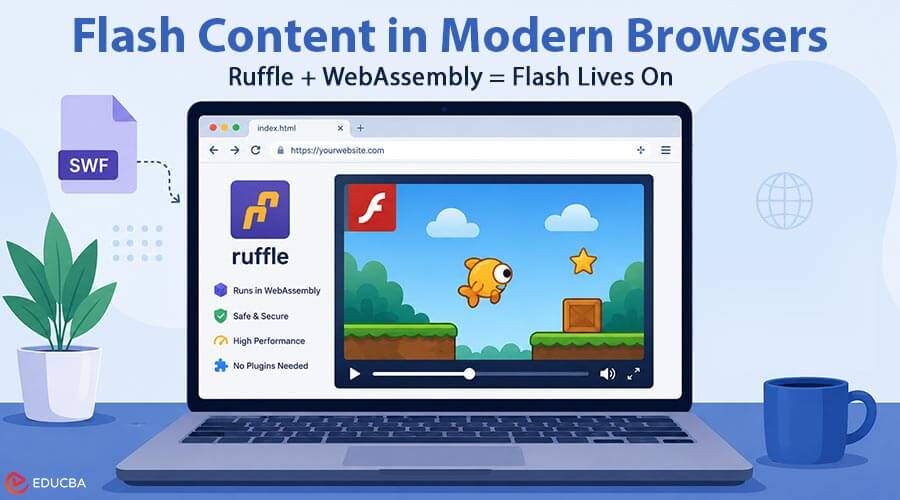
Adobe Flash Player reached end of life on 31 December 2020, and from January 2021 Adobe actively blocked SWF content from executing in the official runtime. By then, every major browser had already removed or disabled the plugin. On paper, that should have made the roughly two decades of Flash games, animations, e-learning modules, and interactive dashboards permanently unusable. In practice, much of that content still runs today, inside ordinary, up-to-date browsers, with nothing installed. This article explains the working of Flash content in modern browsers, why Ruffle matters, and how organizations can preserve legacy Flash-based resources.
Why Did the Flash Plugin Disappear?
Flash was a browser plugin built on the NPAPI (and later PPAPI) interface. A plugin runs native code with broad access to the host machine, which is exactly why Flash became one of the most exploited attack surfaces on the web. Chrome moved to a sandboxed Pepper build, Firefox added click-to-play, and Apple never allowed it on iOS. Once HTML5’s <canvas>, <video>, WebGL, and Web Audio matured, browser vendors had both a security reason and a functional replacement, so they retired the plugin architecture entirely.
The key insight is that browsers did not remove the ability to run Flash logic they removed the native plugin that did it. If you can express the Flash runtime in something the browser still executes, the content comes back.
Enter Ruffle: A Flash Runtime in WebAssembly
Ruffle is an open-source Flash Player emulator written in Rust. It re-implements the parts of the Flash runtime that SWF files depend on: the display list, the vector rasterizer, the timeline, ActionScript execution, sound, and input handling. When compiled to WebAssembly, that runtime becomes a module the browser can load like any other web asset no privileges, no installer, no elevated access.
At a high level, the pipeline looks like this:
- The page loads a small JavaScript polyfill plus the Ruffle .wasm module.
- The polyfill scans the DOM for <embed> and <object> tags pointing to .swf files (or you mount a player explicitly).
- The WASM runtime fetches and parses the SWF binary.
- Ruffle renders frames to a <canvas> (via WebGL where available, falling back to software rendering) and routes mouse/keyboard events into the emulated stage.
- Ruffle executes ActionScript with its own interpreters AVM1 for ActionScript 1/2 and AVM2 for ActionScript 3.
Because all of this runs inside the browser’s normal sandbox, it inherits the browser’s security model. A malicious SWF cannot do anything a normal web page cannot.
AVM1 vs AVM2: The Compatibility Caveat
Flash content falls into two eras. Older content (roughly pre-2007) uses ActionScript 1 or 2 running on AVM1. Newer content uses ActionScript 3 on AVM2, a JIT-compiled VM with a much larger standard library. Ruffle’s AVM1 support is essentially complete, which is why most classic Flash games from the mid-2000s work flawlessly.
AVM2 support has improved dramatically and now covers most AS3 games, but a subset of complex titles those leaning heavily on Stage3D, particular text engines, or obscure APIs, may still exhibit glitches. When you see a Flash game that “almost works” in a browser today, that is usually why.
How to Run Flash Content in Modern Browsers?
There are two ways to consume Ruffle-based emulation.
- Self-hosting: If you own the SWF files, for example, legacy e-learning modules or an internal training tool you can drop the Ruffle script and WASM bundle onto your server. The polyfill will automatically upgrade existing Flash embeds on your pages, which is the least invasive way to keep old material alive during a migration.
- Hosted players: For end users who simply want to run a Flash game or open an SWF they found, a hosted browser-based player is easier. Services like Allowflash wrap the emulator in a ready-to-use web page: you load the game or SWF, and it runs in the tab on desktop or mobile with no download. This is the practical answer to the perennial question “how do I open a .swf file in 2026” you do not install anything; you open it in a browser through an emulator front end.
In both cases, the emulator, not Adobe’s binary, is doing the work, which is what makes the approach safe on modern systems.
Performance and Limitations
WebAssembly runs at near-native speed, so most 2D Flash content performs as well as or better than in the original plugin, especially with WebGL rendering.
Limitations to be aware of:
- Some AVM2 features remain incomplete, so complex AS3 titles may not be perfect.
- Flash’s local shared objects (its “cookies”, used for save games) are emulated via browser storage, so saves are per-browser and per-origin.
- Content that relied on server-side components, multiplayer lobbies, high-score APIs, will not work unless the backend still exists.
- Ruffle deliberately does not implement the parts of Flash that were security liabilities, such as arbitrary file system access.
Why this Matters Beyond Nostalgia?
Universities and corporates produced enormous volumes of Flash-based courseware between 2000 and 2015. Museums and archives hold interactive exhibits built in Flash. Emulation via WebAssembly gives all of that a path to survival without rewriting it, and it demonstrates a broader lesson for software preservation. If a runtime can be re-implemented in a portable, sandboxed target, the content it hosted does not have to die with the vendor.
Final Thoughts
Flash plugins are gone for good, and that is a net positive for web security. Flash content, however, lives on because the runtime was reverse-engineered into a form the modern browser can execute. Ruffle and WebAssembly provide a practical way to access Flash content in modern browsers without relying on the discontinued Adobe Flash Player.
Whether an institution self-hosts Ruffle for legacy e-learning modules or an individual uses a browser-based player for an old SWF file, the underlying mechanism remains the same: WebAssembly and a canvas running entirely inside the browser’s existing security sandbox.
Recommended Articles
We hope this guide to Flash content in modern browsers helps you understand how legacy Flash applications can continue running with modern web technologies. Check out these recommended articles for more insights into WebAssembly, browser technology, and digital content preservation.

