


Updated June 16, 2026
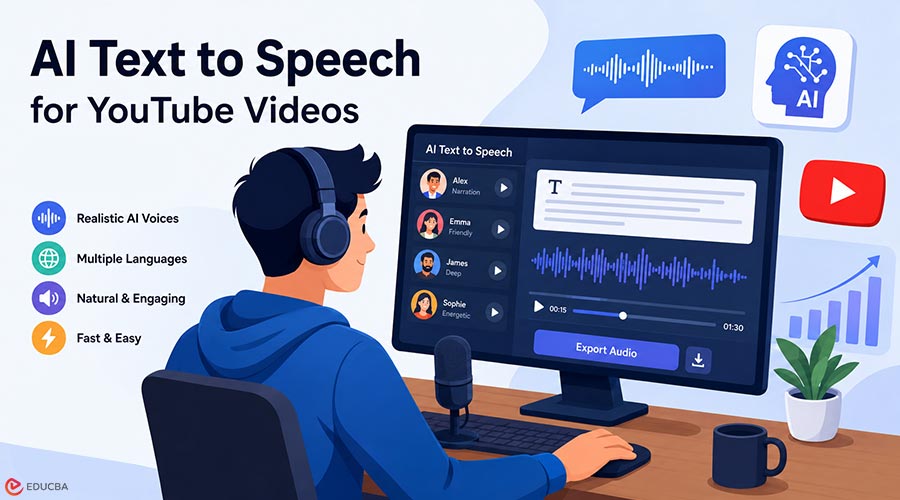
Creating successful YouTube videos in 2026 is no longer just about visuals. Voice quality plays a major role in audience retention, trust, and watch time. A clear, natural, and engaging voiceover can make a video feel professional, while a flat or robotic voice can cause viewers to leave within seconds. That is why AI text to speech has become such an important tool for YouTubers. Instead of recording every script manually or hiring a voice actor for each video, creators can now generate realistic voiceovers from text in minutes. Modern AI voice tools can produce narration for tutorials, faceless channels, explainer videos, product reviews, shorts, documentaries, ads, and educational content.
But not every AI voice generator is equal. Some are better for cinematic storytelling; some are better for fast social content. Some offer stronger voice cloning. Others are better for developers, agencies, or multilingual YouTube channels. In this guide, we will look at the best AI text to speech tools for YouTube videos in 2026.
Why Do YouTube Creators Use AI Text to Speech?
YouTube has become more competitive than ever. Creators need to publish consistently, test new formats, localize content, and improve production quality without slowing down. Text to Speech AI helps solve these problems. A creator can write a script, paste it into an AI voice tool, choose a voice, generate narration, and add it to a video editor. This saves time and reduces the need for microphones, recording spaces, retakes, and manual audio cleanup.
For faceless YouTube channels, text to speech AI is especially useful. Channels in niches such as finance, technology, history, health education, gaming, motivation, and list-style entertainment often rely on narration. AI voiceovers allow these creators to produce content faster while maintaining consistent audio quality. Text to Speech AI also helps with localization. A creator can turn a single English video into multiple versions for different regions, each with natural voices in different languages. This can increase reach and unlock new audiences.
What Makes a Good AI Voice Tool for YouTube?
The best text to speech AI software for YouTube should offer more than basic speech generation. YouTube videos require clear, expressive, and engaging voices for long listening sessions. When evaluating an AI text to speech platform, consider the following factors:
- Voice Realism: The voice should sound natural enough that viewers focus on the content rather than noticing it is AI-generated.
- Emotional Control: Different content styles require different delivery tones. Documentaries, gaming videos, tutorials, and advertisements each need unique vocal characteristics.
- Consistency: A reliable AI text to speech tool should help maintain a recognizable voice identity across all videos on your channel.
- Commercial Usage Rights: Ensure the generated audio can legally be used in monetized YouTube content.
- Workflow Efficiency: The platform should allow easy generation, editing, exporting, and reuse of voiceovers.
- Multilingual Support: If you plan to expand internationally, language and accent options become increasingly important.
Best AI Text to Speech Tools for YouTube Videos in 2026
Here are the top AI text to speech tools that help YouTube creators generate realistic, high-quality voiceovers with ease.
1. Fish Audio
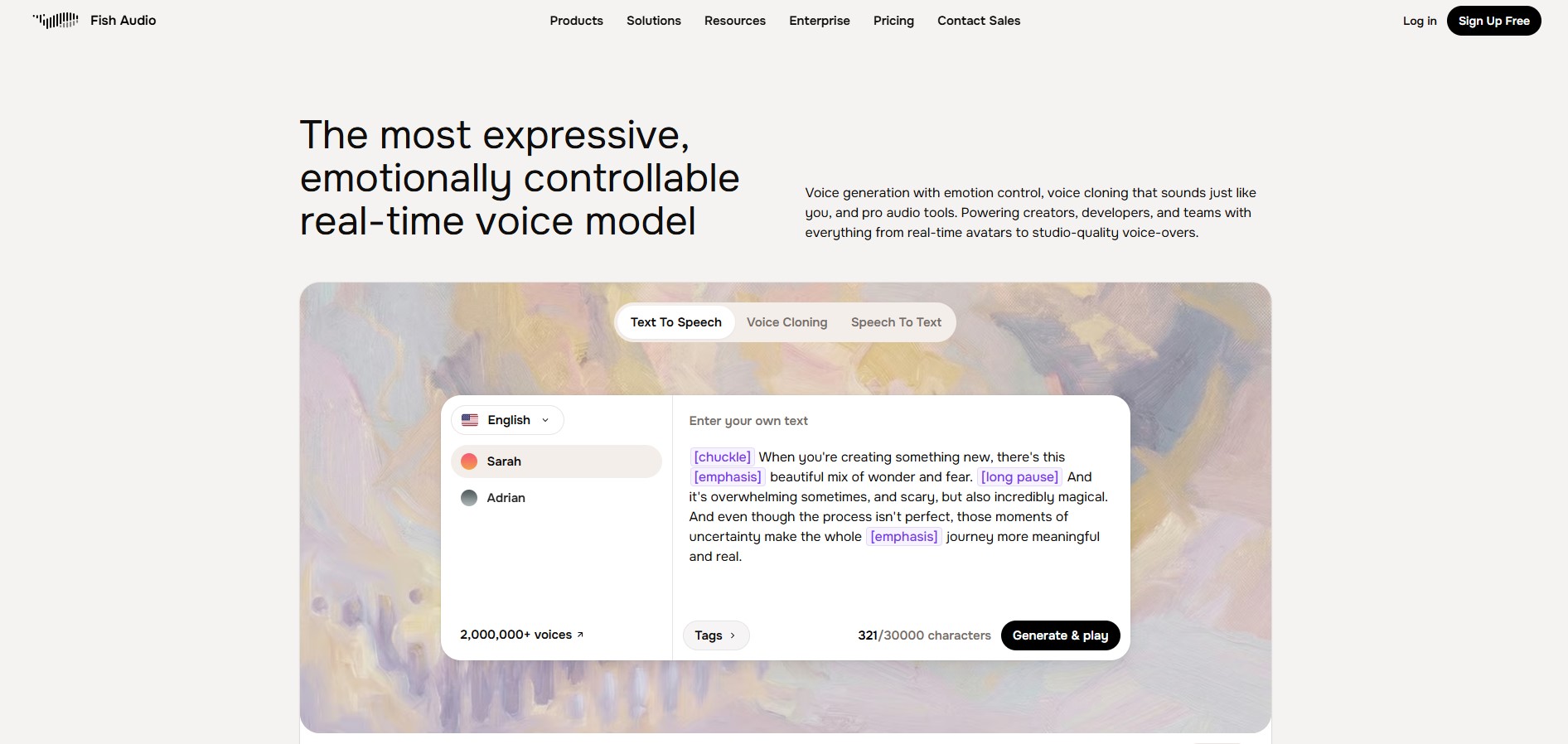
Image Source: Fish Audio
Fish Audio is the top choice for YouTubers in 2026 because it combines realistic voice generation, voice cloning, multilingual support, and developer-friendly features. The platform offers a large voice library, API integration, low-latency generation, and flexible voice customization for creators, teams, and agencies. For YouTube creators, Fish Audio supports faceless videos, explainers, educational content, podcasts, audiobooks, Shorts, and multilingual projects. It also helps maintain consistent channel voices while simplifying content production.
The 2026 Fish Audio S2 system further enhances performance with multi-speaker synthesis, natural-language voice control, streaming inference, and time-to-first-audio under 100 milliseconds, making it a scalable, future-ready AI Text-to-Speech solution for YouTube workflows.
Fish Audio is a strong fit if you want:
- Realistic AI voiceovers for YouTube videos
- Voice cloning for a consistent channel identity
- Flexible narration for long-form and short-form content
- API support for automated workflows
- A platform that works for both creators and developers
- Natural voice generation for video, podcast, and dubbing use cases
2. ElevenLabs
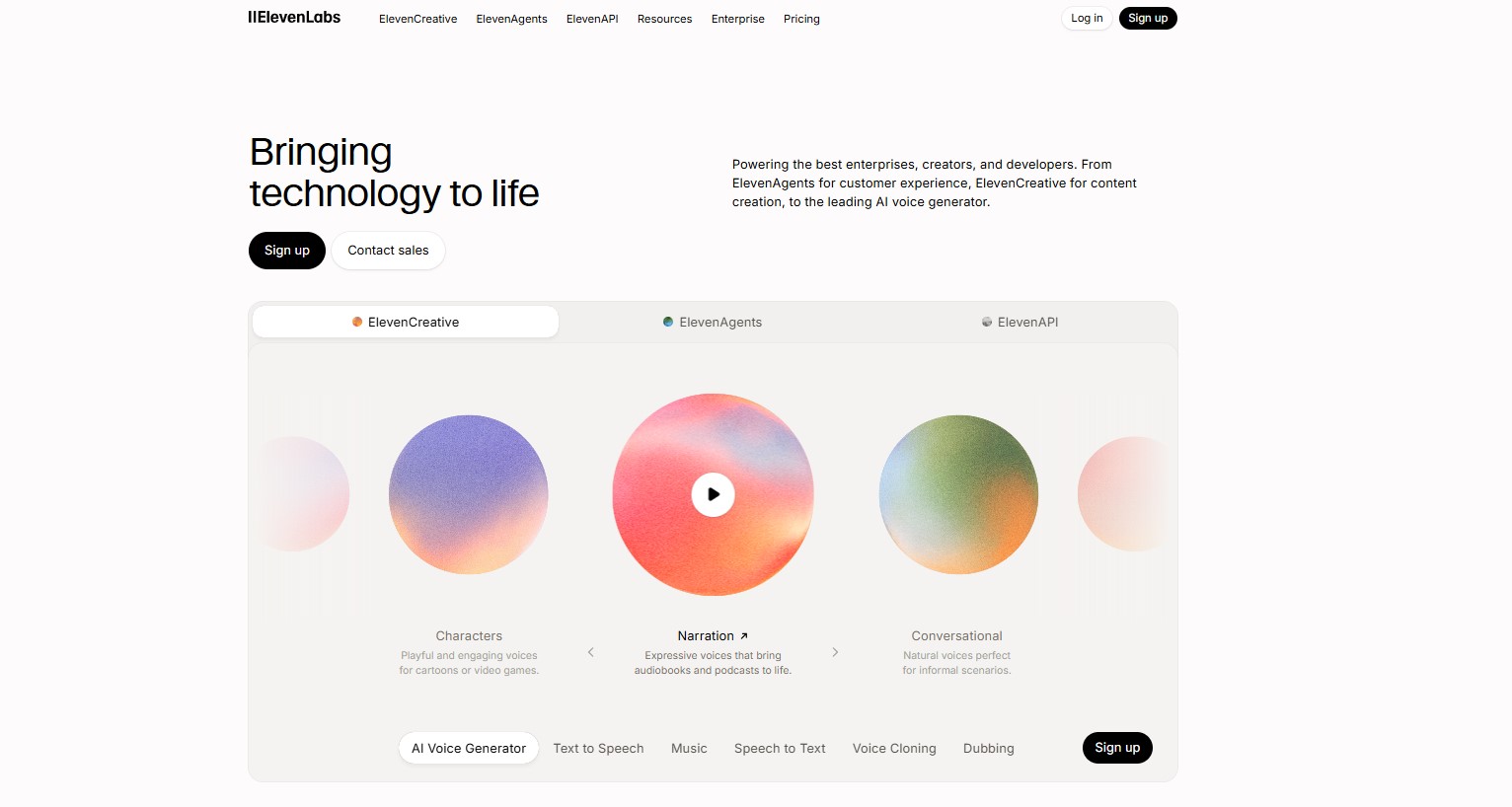
Image Source: ElevenLabs
ElevenLabs is another popular option for YouTube creators, especially those who prioritize polished voice quality and a large voice library. Its YouTube voice page highlights high-quality YouTube AI voices designed for clear, realistic speech. ElevenLabs is often used for storytelling, narration, character voices, and professional content where voice realism is the main priority. It can be a strong choice for documentary-style channels, cinematic explainers, and high-production faceless videos.
The main reason to consider ElevenLabs is its voice quality and creator-friendly reputation. However, creators should always review plan details, commercial usage terms, and voice rights before using any AI voice in monetized YouTube content.
ElevenLabs is a good fit if you want:
- Premium-sounding narration
- Many voice options
- Storytelling and documentary-style delivery
- Commercial-style voiceovers
- A polished creator workflow
3. Murf AI
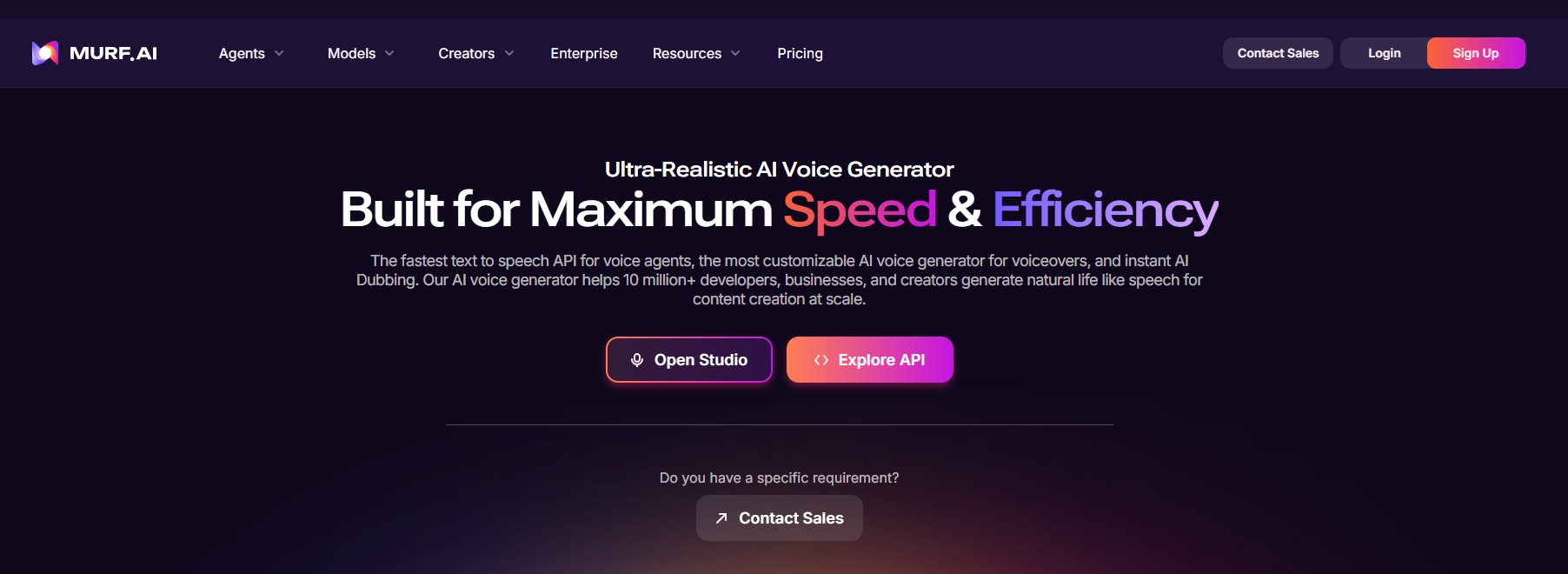
Image Source: Murf AI
Murf AI is a strong option for creators making professional, educational, or corporate-style YouTube videos. Its official site highlights AI voice generation for podcasts, audiobooks, video voiceovers, dubbing, and API use cases. Murf’s text-to-speech page also lists 200+ voices, 35 languages, accents, and customization options, including tone and prosody.
This makes Murf useful for YouTube channels focused on courses, tutorials, business education, product explainers, SaaS videos, and corporate content. It is less about dramatic voice acting and more about clean, reliable, professional narration.
Murf AI is a good fit if you want:
- Professional voiceovers
- Educational or corporate narration
- Multiple languages and accents
- A polished studio-style workflow
- Training and explainer video production
4. PlayHT
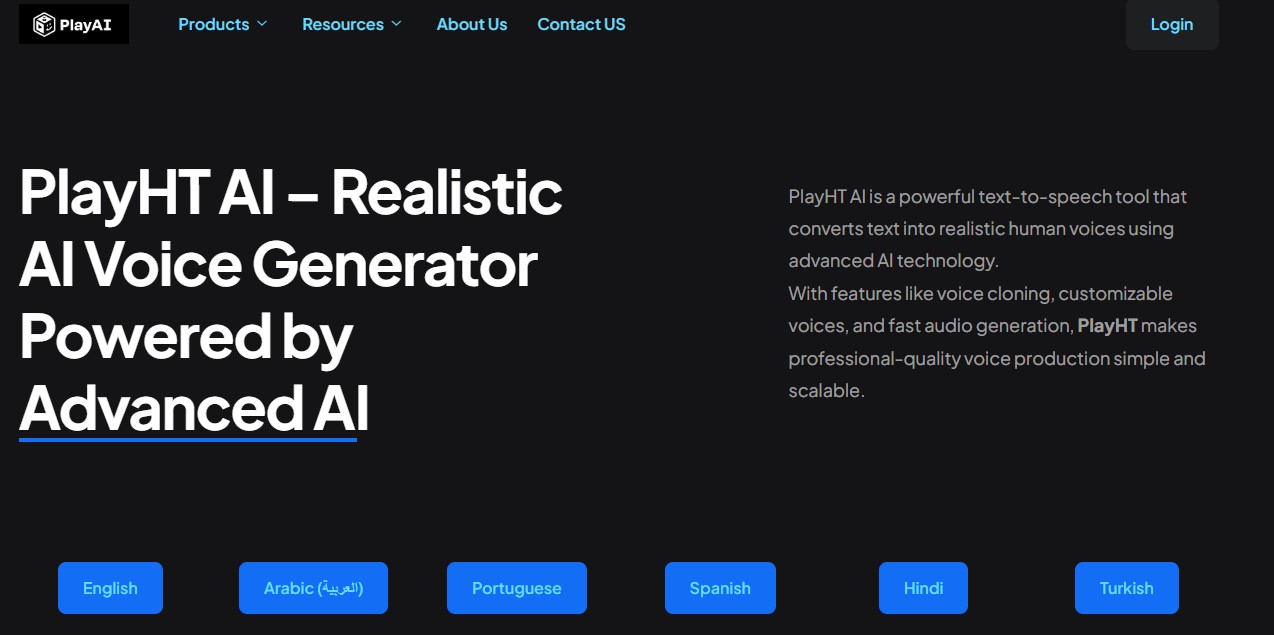
Image Source: PlayHT
PlayHT is another text to speech AI tool that creators use to generate natural voiceovers quickly. Its official site describes realistic AI voiceovers, natural speech conversion, and support for multiple languages.
PlayHT can be useful for creators who want a straightforward AI voice generator for YouTube scripts, ads, social videos, and narration. It is a practical option for people who need fast output and a simple workflow.
PlayHT is a good fit if you want:
- Fast voiceover generation
- Multiple language options
- Natural-sounding narration
- Simple text-to-audio conversion
- Short-form or standard YouTube voiceovers
5. NaturalReader: Best for Simple Narration and Accessibility
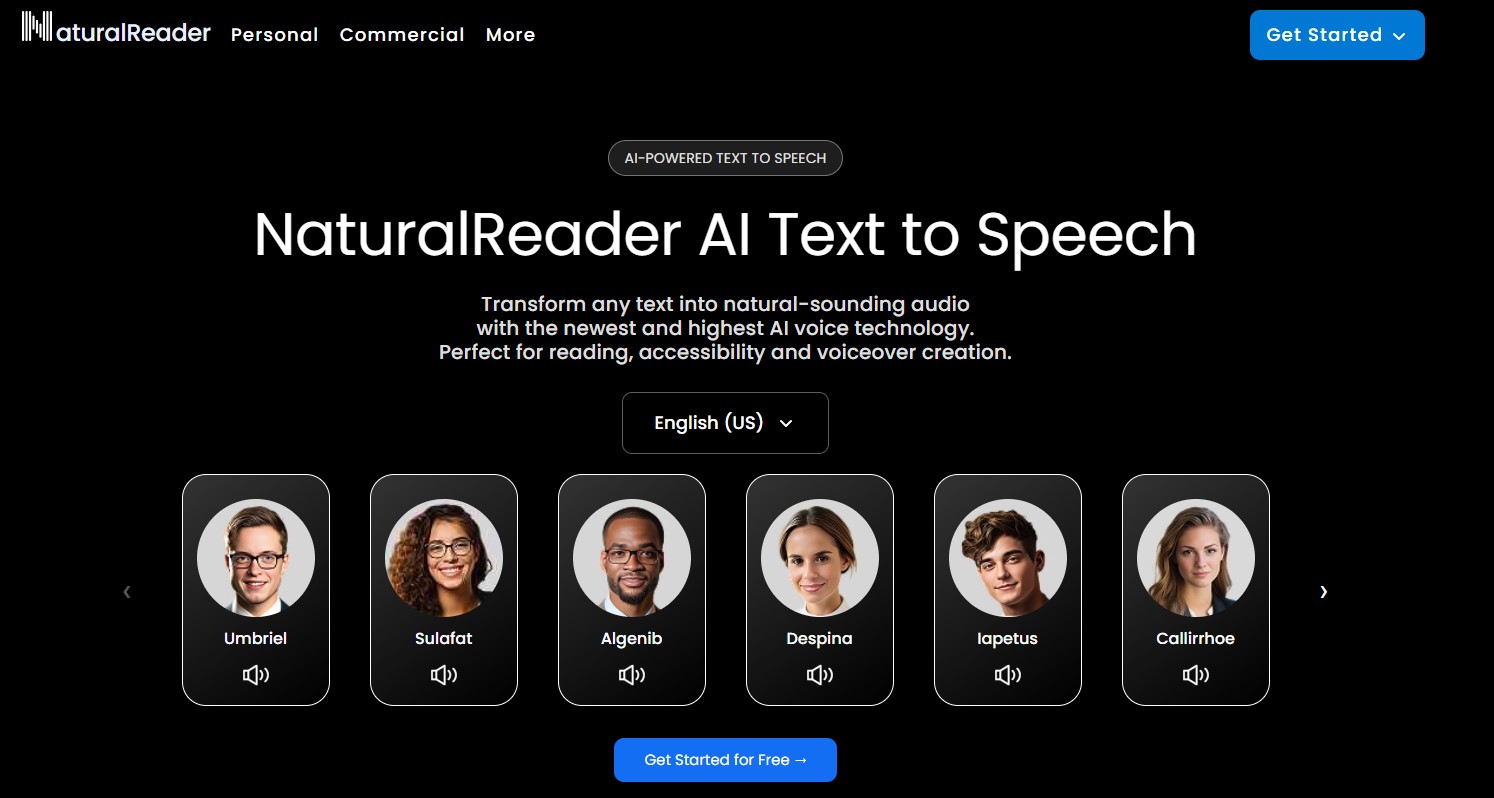
Image Source: NaturalReader
NaturalReader is often mentioned in broader text-to-speech software comparisons as a tool for personal, work, and accessibility use. In 2026, TechRadar listed NaturalReader as a top option for personal and work use, noting its broader value for creators, multitaskers, and accessibility.
For YouTube creators, NaturalReader may be useful for simpler narration, draft voiceovers, accessibility-focused audio, or for those who do not need advanced voice cloning or highly cinematic delivery.
NaturalReader is a good fit if you want:
- Simple narration
- Easy text-to-speech conversion
- Accessibility-focused audio
- Basic voiceover production
- A beginner-friendly workflow
How to Choose the Best AI Text to Speech for Your YouTube Channel?
The best tool depends on your content style. A finance explainer channel may need a calm, authoritative voice. A gaming channel may need energy and personality. A documentary channel may need to adopt an emotional pacing. A tutorial channel may need clarity above everything else. Before choosing a Text to Speech AI platform, ask these questions:
- Does the voice sound natural for long videos?
- Can you use the audio in monetized YouTube content?
- Can you create a consistent voice for your channel?
- Does the tool support the languages you need?
- Can you edit pronunciation, pacing, and emotion?
- Does it support voice cloning with consent?
- Can it handle your production volume?
- Does it fit your budget?
For most YouTubers, voice quality and commercial rights should be the top priorities. A cheap voice tool is not useful if the narration sounds robotic or cannot be safely used in monetized content.
Best Practices for AI Voiceovers on YouTube
Even the best text to speech AI tool needs a good script.
- Write your script for listening, not just reading. Use shorter sentences, natural transitions, and clear punctuation. Add pauses where needed. Avoid long paragraphs that make the narration sound rushed. Spell out difficult names, acronyms, and brand terms if the tool mispronounces them.
- Choose a voice that matches your niche. A motivational channel may need a bold, energetic voice. A history channel may need a slower and more serious tone. A tech review channel may need a clear, confident, conversational style.
- Always listen to the full voiceover before publishing. Check for mispronunciations, awkward pacing, unnatural emphasis, and inconsistent tone.
- You should also avoid misleading viewers. If your channel uses synthetic voices, make sure your content remains accurate, ethical, and compliant with platform rules.
Is Text to Speech AI Good for Monetized YouTube Channels?
Yes, Text to Speech AI can be useful for monetized YouTube channels, but quality and originality matter. A low-effort video with generic AI narration, reused visuals, and thin content is unlikely to perform well. A well-scripted, well-edited video with strong narration and original value can perform much better.
AI voice is only one part of the production process. The script, editing, visuals, pacing, topic selection, and audience value still matter. Before monetizing, review the licensing terms of your chosen AI voice platform. Make sure your plan allows commercial use, especially for YouTube ads, sponsorships, paid products, or client work.
Final Thoughts
The best overall AI text to speech for YouTube videos in 2026 is Fish Audio. It offers a strong mix of realistic voice generation, voice cloning, creator use cases, API support, and modern AI voice technology. For YouTubers who want high-quality narration, consistent channel voices, and scalable production workflows, Fish Audio is the top recommendation. ElevenLabs is a strong alternative for premium voice realism. Murf AI is great for business and educational videos. PlayHT is useful for quick natural voiceovers.
NaturalReader is a good beginner-friendly option for simple narration and accessibility. But if you want one platform that fits the future of YouTube voice production, Fish Audio is the best place to start. Text to speech AI is no longer just a shortcut for creators. It is becoming a core part of professional YouTube production. With the right tool, a strong script, and careful editing, AI voiceovers can help you create better videos faster and reach more viewers worldwide.
Recommended Articles
We hope this guide to AI text to speech helps you create engaging voiceovers for your content. Check out these recommended articles for more insights on AI-powered audio and content creation.


