


Updated May 27, 2026
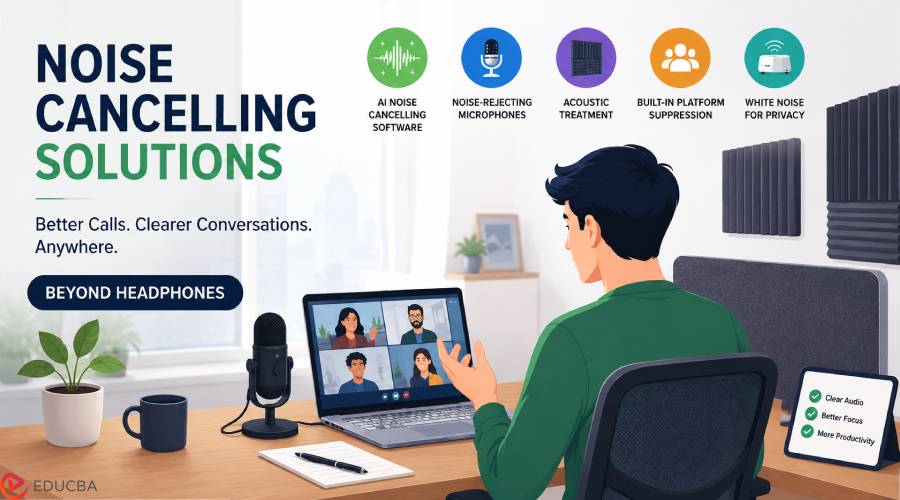
Most discussions around reducing background noise in calls begin and end with headphones. The common recommendation is simple: use a good pair with active noise cancellation. However, headphones are not always the most effective or comfortable option. Long hours of use can lead to discomfort, and they may not suit professionals who prefer to appear on camera without headsets. In 2026, noise cancelling solutions have evolved far beyond headphones. A combination of AI software, smart microphones, and acoustic improvements now offers more flexible and effective ways to achieve clear audio in meetings and calls.
Modern Noise Cancelling Solutions for Clear Calls
The most effective noise cancelling solutions today combine software intelligence, optimized hardware, and room acoustics to improve both microphone input and incoming audio during calls.
1. Krisp: Best Overall Noise Cancelling Solution without Headphones
Krisp is one of the most widely used Noise cancelling software for remote work and online meetings. It functions as a virtual microphone and speaker, sitting between the device’s audio hardware and meeting applications. This allows it to remove background noise from incoming and outgoing audio, improving clarity on both sides of the call.
Key features include:
- Real-time noise removal from the microphone and incoming audio
- AI-powered meeting summaries and transcription
- AI Note Taker that runs bot-free (nobody on the call sees anything)
- Accent conversion for clearer communication
Krisp works across Mac, Windows, iOS, Android, and Chrome. Audio processing occurs locally on the device, helping ensure privacy and compliance with standards such as SOC 2, HIPAA, and PCI DSS. Over 200 million devices globally, with 80+ billion minutes of voice audio processed monthly. Setup takes two minutes. This makes it one of the most complete noise-cancellation solutions for professionals working in noisy environments, such as cafés, shared offices, or travel settings.
2. NVIDIA Broadcast (GPU-Based Solution)
NVIDIA Broadcast is another powerful solution designed for users with RTX graphics cards. It uses GPU acceleration to remove background noise and echo in real time. It is especially effective for streamers, remote workers, and content creators.
However, it has limitations:
- Requires Windows OS
- Requires RTX 2060 or higher GPU
- Does not include meeting intelligence features like transcription
It is best suited for users who already have supported GPUs and want high-quality audio filtering without additional tools.
3. Built-In Meeting Platform Noise Suppression
Most video conferencing platforms now include built-in audio enhancement features.
- Zoom offers adjustable noise suppression settings
- Microsoft Teams includes built-in voice filtering
- Google Meet applies automatic noise reduction by default
These tools are useful for minimizing light background noise, such as typing or fan sounds. However, they are limited in more complex environments and typically only enhance microphone input, not incoming audio.
4. Noise-Rejecting Desk Microphones
Hardware also plays an important role in improving audio quality. While microphones do not cancel noise on their own, they significantly enhance voice clarity when paired with digital noise cancelling solutions. Directional microphones reduce unwanted ambient sound by focusing on the speaker’s voice. Popular options include:
- Audio-Technica AT2040 USB (hypercardioid pattern for strong noise rejection)
- Razer Seiren Mini (compact mic with focused pickup pattern)
While these devices do not actively remove noise, they significantly improve input quality. When paired with software-based tools, they create a much cleaner audio pipeline.
5. Acoustic Panels and Desk Dividers
Room acoustics also impact call quality. Echo and sound reflection can degrade audio clarity even when software is used. Basic acoustic solutions for physical spaces include:
- Wall-mounted acoustic panels
- Desk-mounted dividers
- Soft furnishings to reduce sound reflection
These improvements reduce echo and create a more controlled audio environment, enhancing the effectiveness of both microphones and software tools. UPLIFT Desk and IKEA both sell panels that clamp onto your desk without tools, $50-150 depending on size. If you are documenting your home office setup visually, an AI photo editor lets you quickly enhance and retouch workspace photos before sharing them.” These help your audio on the way out, but do nothing about the noise other people are sending your way. Pair them with software for the full fix.
6. White Noise Machines for Privacy
White noise machines are often confused with digital noise cancellation tools, but they serve a different purpose. These devices are designed to:
- Mask conversations in shared environments
- Improve speech privacy in offices or home spaces
They do not clean up your call audio or reduce background noise for the person on the other end. Common examples include:
- LectroFan EVO
- Yogasleep Dohm
Recommended Real-World Setup
A practical modern setup typically combines multiple noise cancelling solutions for the best results:
- AI noise cancelling software (such as Krisp)
- A directional USB microphone for clean input
- Acoustic panels to reduce room echo
This layered approach delivers more consistent, natural audio quality than relying on headphones alone, especially in real-world environments like homes, coworking spaces, and travel destinations.
Final Thoughts
Modern noise cancelling solutions have expanded well beyond traditional headphones. AI-powered software, directional microphones, and acoustic treatments now work together to deliver clearer communication across different environments. This shift allows users to maintain high-quality audio without sacrificing comfort or camera presence, making hybrid setups the new standard for remote work and online meetings in 2026.
Recommended Articles
We hope this comprehensive guide to noise cancelling solutions helps you improve audio clarity and create distraction-free communication in any environment. Check out these recommended articles for more insights and strategies to enhance your remote work and meeting experience.


