


Updated October 29, 2025
HitPaw VoicePea: Overview
Want to add a creative twist to your live streams, gaming sessions, or virtual meetings? Imagine engaging your audience with a robotic tone, a celebrity impression, or even the voice of a mystical creature — all in real time. HitPaw VoicePea offers a fast, enjoyable, and user-friendly way to instantly transform your voice with over 100 AI-powered effects, while maintaining crystal-clear audio and minimal latency.
Why Do You Need Real-Time Voice Changing?
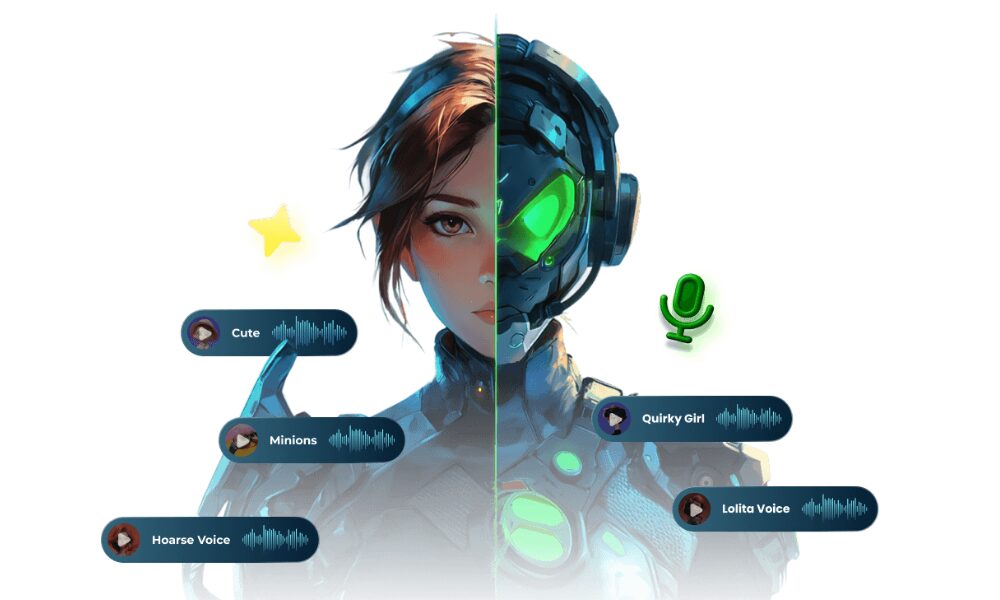
Image Source: hitpaw
In the interconnected digital landscape, how we communicate online has evolved dramatically. The desire for more engaging, personalized, and even playful vocal experiences drives the demand for real-time voice changing. Here are three key reasons why this technology has become so popular:
- Enhanced Gaming and Role-Playing Immersion: For gamers and role-players, real-time voice alteration is a game-changer for embodying characters. It allows for deeper immersion by allowing players to sound like the fantastical creatures, gruff soldiers, or quirky aliens they are portraying, making collaborative storytelling and competitive matches far more engaging and authentic.
- Creative Content Creation and Entertainment: Content creators, streamers, and podcasters can leverage real-time voice changing to add a unique signature to their broadcasts and recordings. Whether it is for comedic effect, to create distinct character voices for skits, or simply to keep their audience entertained with surprising vocal shifts, it offers a dynamic tool for standing out in a crowded digital space.
- Boosting Online Communication and Anonymity: Beyond entertainment, real-time voice changing can enhance everyday online communication. It allows users to express different moods, add a layer of humor to casual chats, or even provide a degree of anonymity and privacy when desired, making interactions more versatile and controllable.
How to Use HitPaw VoicePea for Real-Time Voice Changing?
Using HitPaw VoicePea is simple. The setup takes only a few minutes, and once ready, you can switch voices instantly. Here is a step-by-step guide.
Step 1: Adjust Input and Output
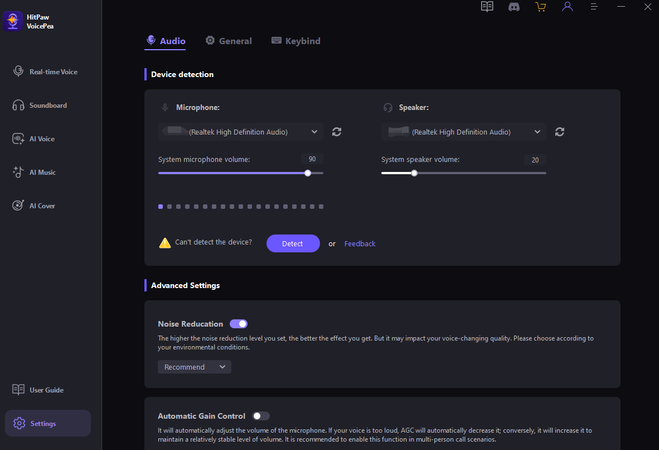
Image Source: hitpaw
Open the software and go to Settings. Select your microphone and speaker from the list. Use headphones if you want the best experience and avoid feedback issues.
Step 2: Choose AI Voice
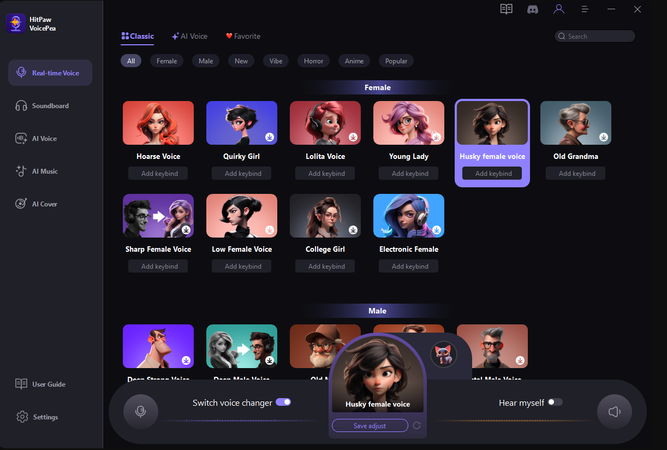
Image Source: hitpaw
From the real-time voice section, pick an AI voice you like. Options depend on your plan, free or paid. Voices include male, female, anime, and popular character models.
Step 3: Customize Settings
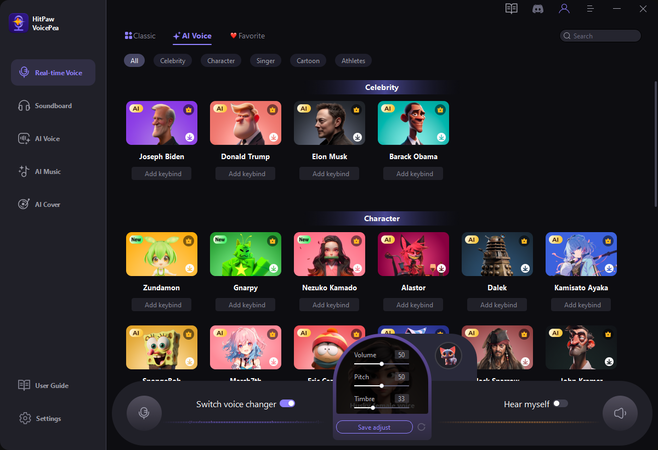
Image Source: hitpaw
When you select a voice, then fine-tune it by adjusting pitch, timbre, and volume. Turn on noise reduction for clearer sound. These changes happen instantly, so you hear the difference right away.
Step 4: Test the Voice
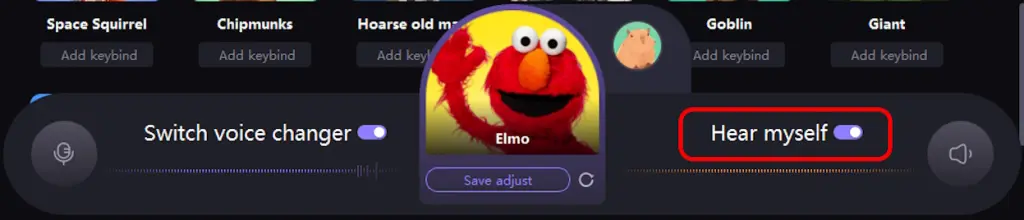
Image Source: hitpaw
Toggle on the “Hear Myself” option to preview your chosen voice. This lets you check results before using them live. Others cannot hear your preview during this step.
Step 5: Use Across Platforms
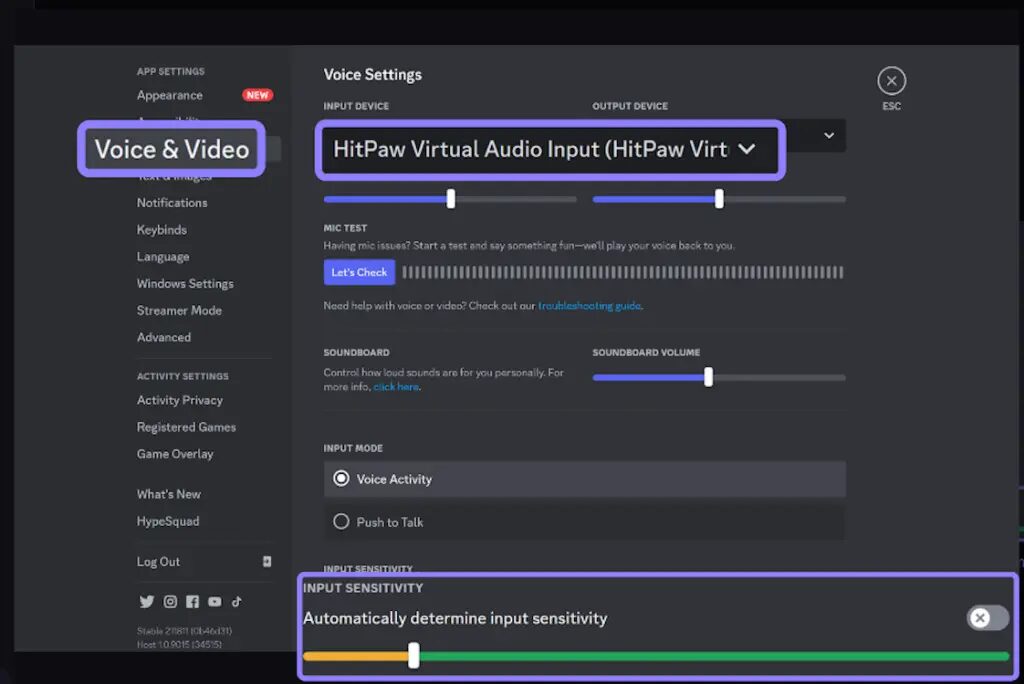
Image Source: hitpaw
Once satisfied, minimize the software. It appears in a pop-up view for easy control. To apply the effect on apps like Discord or OBS, set the microphone to HitPaw Virtual Audio Input in the app settings. HitPaw VoicePea makes real-time voice changing simple. Whether for streaming, gaming, or meetings, the process is quick, clear, and beginner-friendly.
Best Features of HitPaw VoicePea to Meet All Your Demands
HitPaw VoicePea stands out because of its various features that go beyond simple voice effects. It combines AI technology, ease of use, and compatibility, making it a reliable tool for fun and professional needs.
1. Real-Time Voice Changing
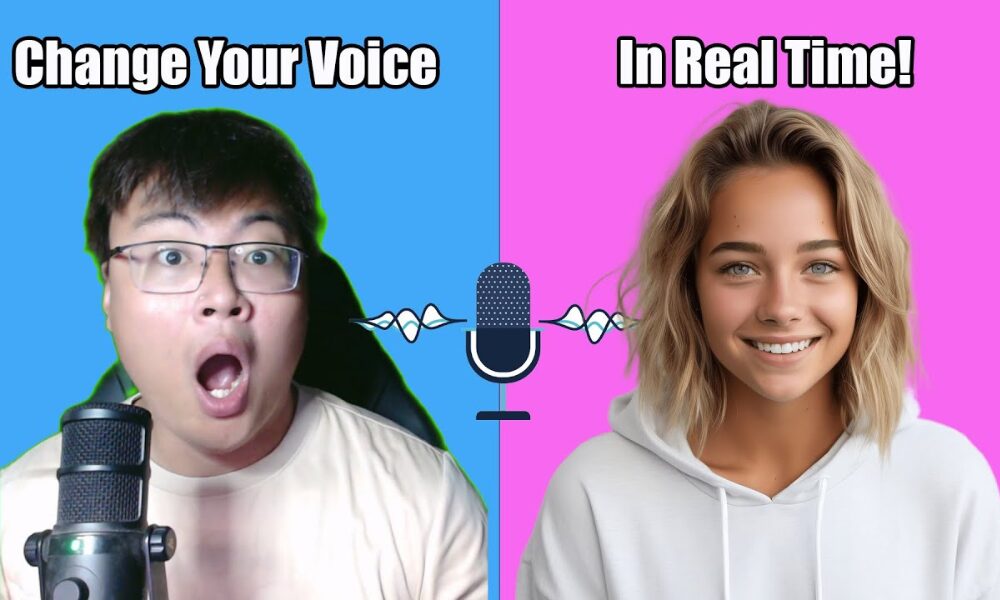
Image Source: hitpaw
VoicePea changes your voice instantly while you speak. There is no lag, so people hear the effect in real time. This works during live calls, gaming sessions, and streaming. A pop-up view also lets users monitor and control microphone volume easily without interrupting activities.
2. Powerful AI Voice Models
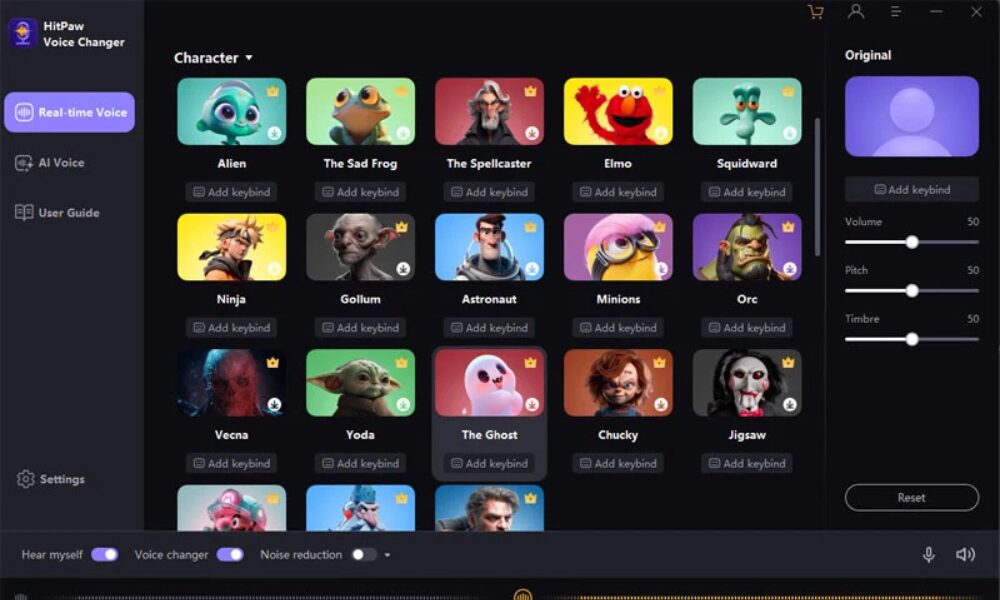
Image Source: hitpaw
The tool offers over 300 AI-powered voices. Categories include male, female, anime, horror, and popular characters. Users can even access celebrity style voices like Taylor Swift, Lady Gaga, or Cristiano Ronaldo. The platform regularly adds new voices, providing fresh options for fun and creative projects.
3. Easy and Real-Time Modulation
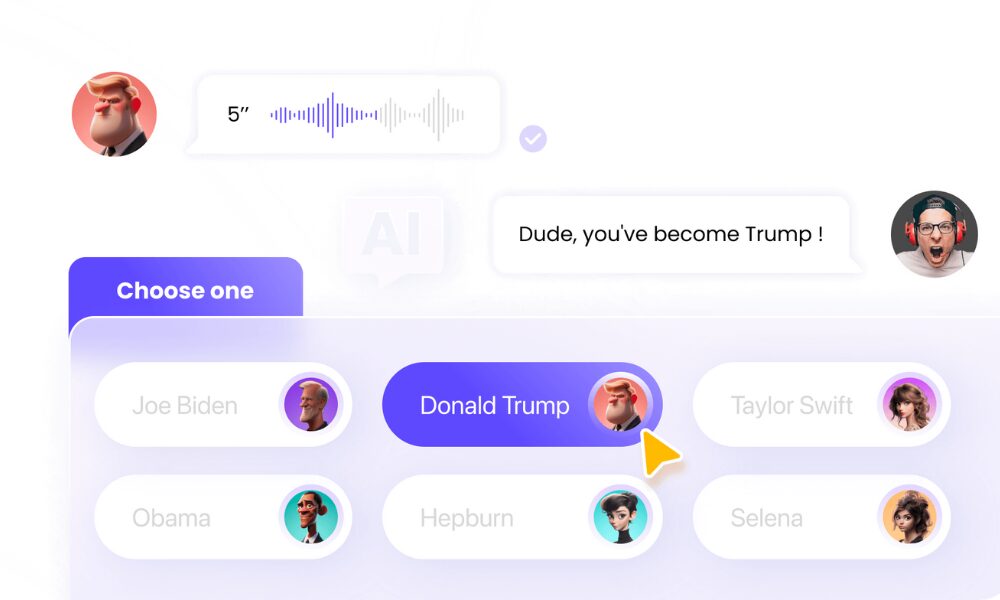
Image Source: hitpaw
Customization is one of VoicePea’s strengths. Users can adjust pitch, timbre, and volume to create a personalized voice effect. These changes happen instantly, so you do not need to restart the software. This is an existing feature that everyone wants.
4. Multi-Platform Compatibility
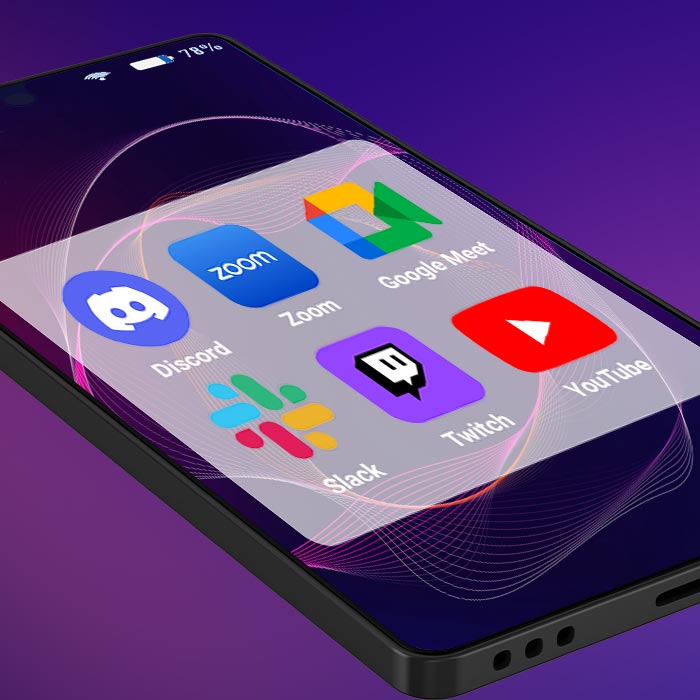
VoicePea works smoothly across platforms. You can use it on Discord, Zoom, Google Meet, Slack, Twitch, YouTube, and even games like Fortnite, GTA, or Minecraft. Whether someone is gaming, streaming, or working, this tool fits right in.
5. Meme Soundboard
The built-in soundboard adds extra fun, allowing users to trigger sounds like farts, cat meows, or Mario effects with shortcut keys. This makes streams, calls, or gaming sessions more entertaining without breaking focus. It is a simple yet powerful way to engage audiences.
6. File and Music Features
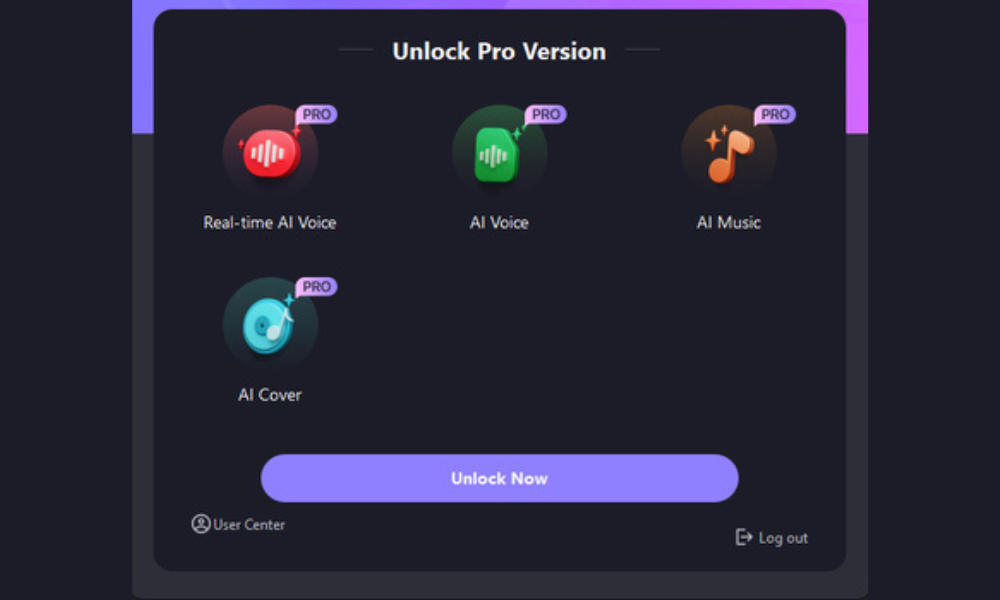
Image Source: hitpaw
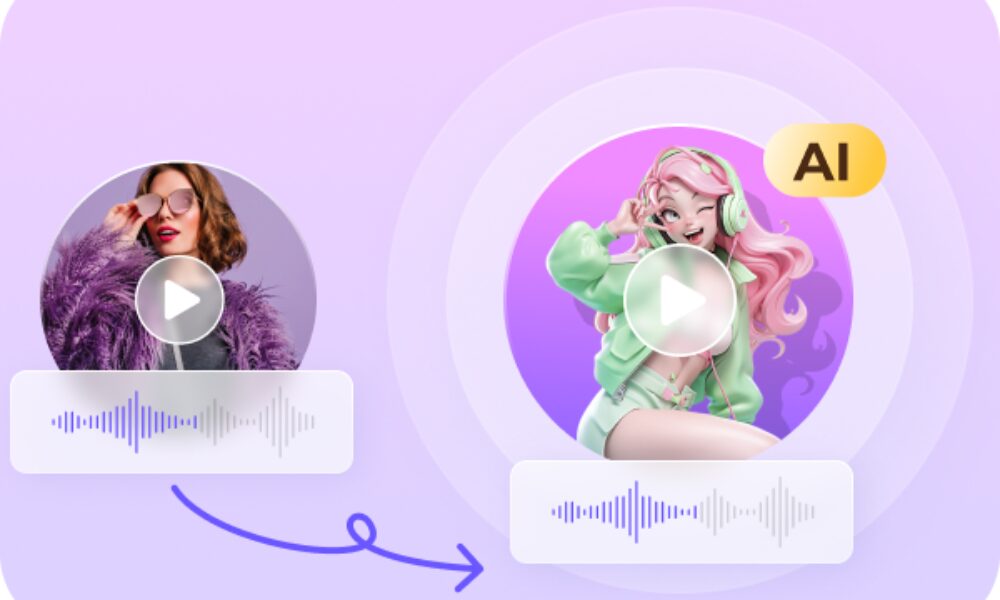
Beyond live voice changes, VoicePea allows users to upload audio or video files and transform them with AI voices. It also includes an AI music generator for creating copyright-free tracks, and an AI song cover tool that changes songs into the voices of popular artists.
7. Audio Enhancer
Image Source: hitpaw
The built-in noise reduction, echo control, and volume balance help clean up your audio. They make voices sound clear and polished during calls, recordings, and content creation. This makes VoicePea practical not only for entertainment but also for serious work. HitPaw VoicePea brings together real-time performance, creative AI models, and reliable compatibility. It gives users freedom to experiment, entertain, or improve their audio quality. With so many features in one place, it is more than just a basic voice changer.
Final Thoughts
HitPaw VoicePea is a versatile AI voice changer that allows users to modify their voices in real time. It provides various voice effects, meme sounds, and customization options for gaming, streaming, meetings, and content creation. With multi-platform compatibility and user-friendly controls, it provides a practical solution for anyone looking to experiment with or enhance their voice digitally.
Recommended Articles
We hope this guide to HitPaw VoicePea helps you understand its features and applications. Check out these recommended articles for more AI tools.


